






SleekPixel for Pinterest pins
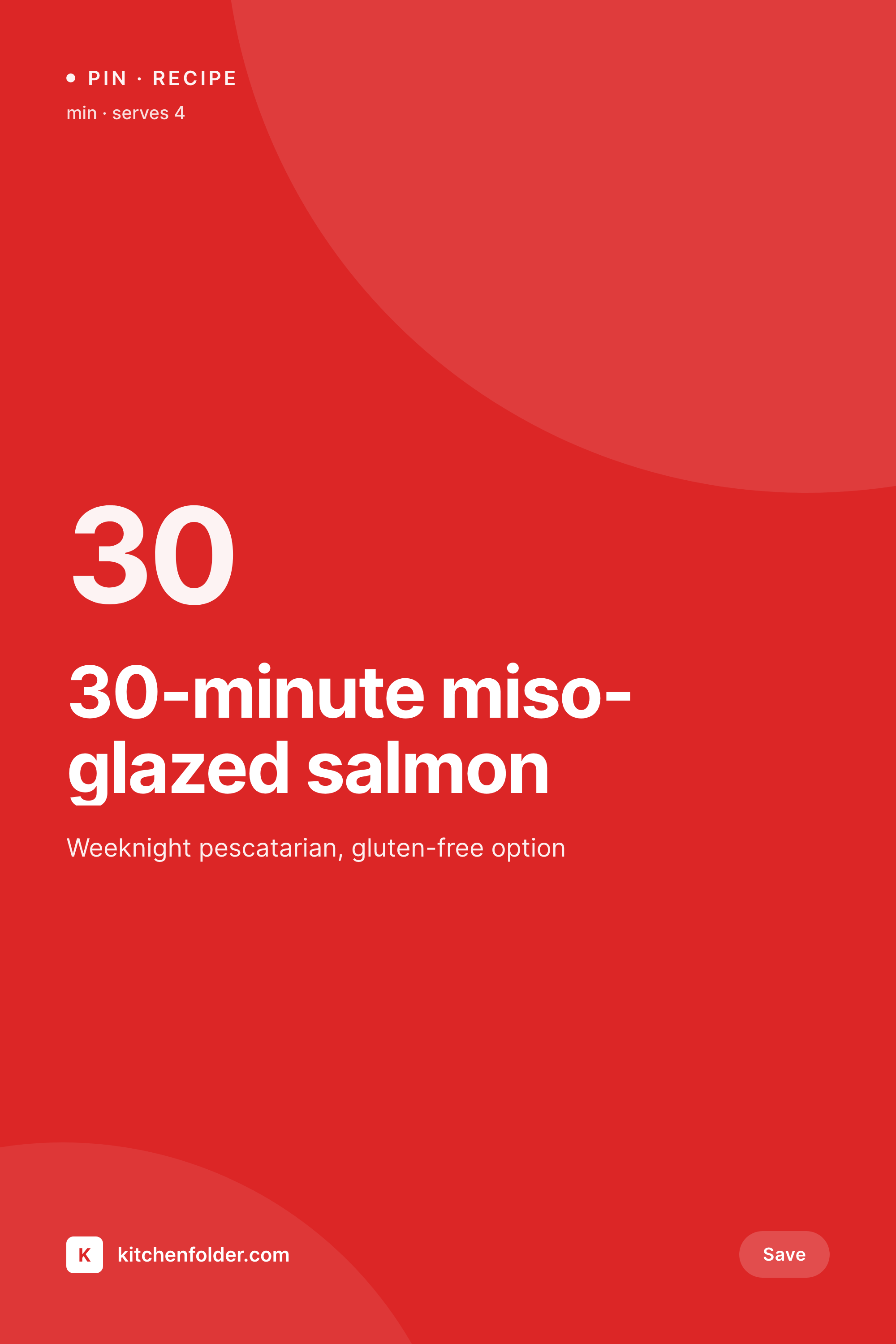
Templated 1000x1500 vertical pins, generated per post on save. The same recipe block becomes a Pinterest pin without any extra work.
♾️ Lifetime License available
Pinterest still rewards vertical pins, not Canva fatigue
Pinterest is one of the few platforms where a single pin can drive traffic for years. The format expectations are strict: vertical 2:3 around 1000x1500, a clear title overlay, a recognisable brand mark, and ideally a recipe time or category cue. Food, home, craft, parenting, and DIY blogs live or die on whether they can produce a steady stream of pins that follow this format. The standard practice is a Canva file per recipe, exported manually, named correctly, and uploaded to the right pin board. The cost of doing this for every post is high enough that most sites pin the top recipes and ignore the long tail.
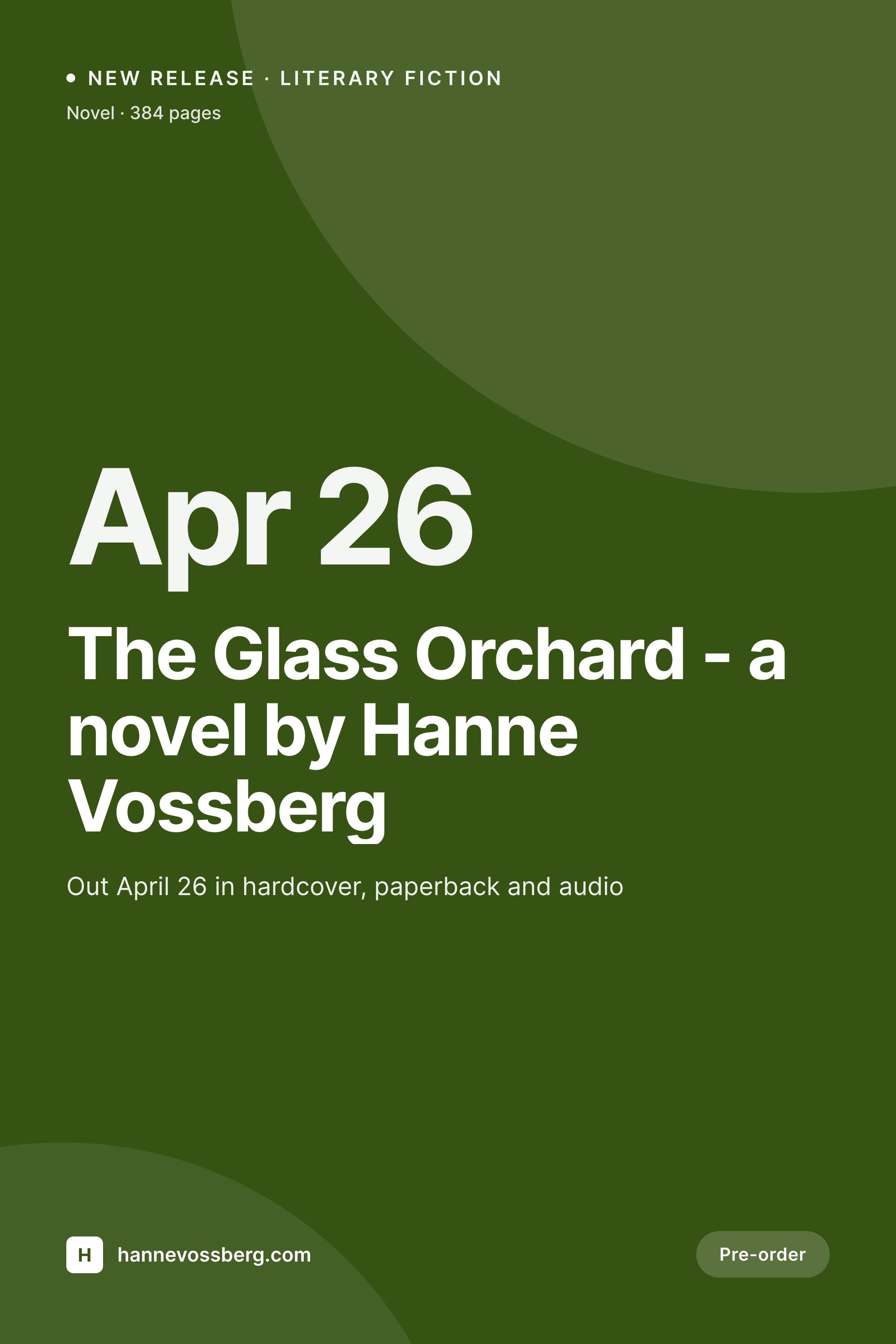
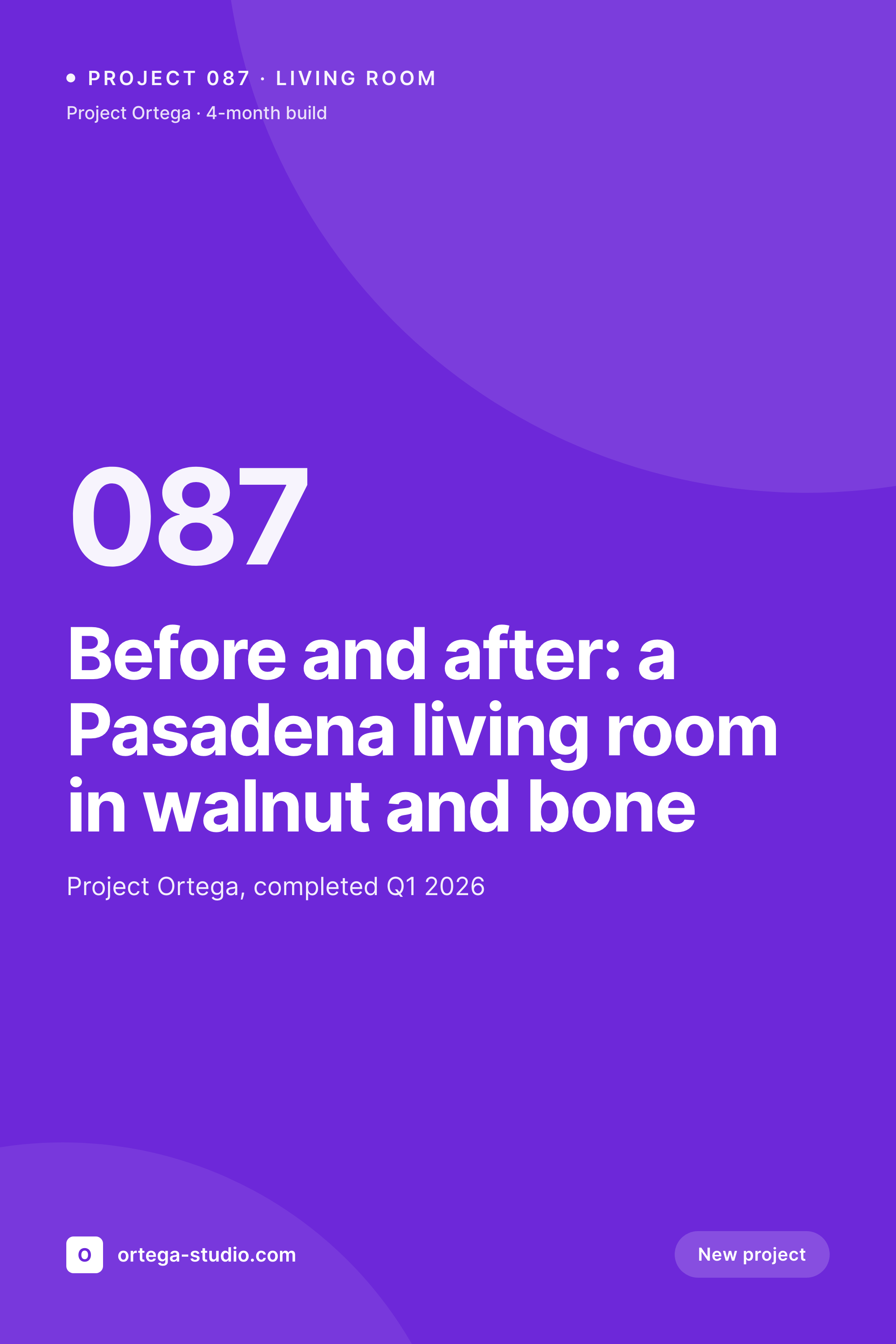
SleekPixel renders the pin from a WordPress post on save. A recipe post with prep time, total time, and a hero image becomes a 1000x1500 PNG with those fields baked in. The template uses your real brand fonts and colors. The pin downloads from the editor sidebar, ready to upload to Pinterest manually or via Tailwind. The same template family covers blog posts, gift guides, and how-tos with their own variants.
Branding shifts can re-render the existing fleet of pins so older recipes land on Pinterest with the current template. The work that used to be a Canva-and-Drive operation is replaced by a save action and a download click.
Workflow
From recipe post to Pinterest-ready pin
Design the pin
Bind recipe fields
Save the post
Download and upload
Output
What gets generated per recipe
A 1000x1500 vertical pin with the recipe title, prep time, and brand mark, sized for the Pinterest pin format.
Comparison
Manual Canva pins versus SleekPixel
Manual / Canva
- Canva file per recipe, exported one at a time and named manually
- Long-tail recipes never get pinned because the Canva work is too much
- Recipe details like prep time fall out of sync between post and pin
- Brand refresh requires reopening every Canva file in the catalog
- Pin formats drift across editors so the boards look uneven
SleekPixel
- 1000x1500 vertical pin rendered per post on save
- Recipe time, servings, and category baked into the pin from post fields
- Sidebar download per post, ready for Pinterest or Tailwind upload
- Brand refresh re-renders the entire archive in one batch
- Real PNGs stored in WordPress uploads with the rest of the media
Features
What SleekPixel gives you for Pinterest pins
Vertical 2:3
Native 1000x1500 vertical pin size, the format Pinterest's algorithm currently rewards. No cropping, no manual resize.
Recipe-aware
Prep time, servings, and dietary tags pull straight from the recipe post fields and render into the pin layout.
Sidebar download
Each pin is one click away from the Gutenberg sidebar. Upload via Pinterest directly or via Tailwind for scheduling.
Use cases
Where Pinterest pins drive multi-year traffic
Recipe blogs
Each recipe renders a pin with title, time, and dietary tags. The long-tail recipes finally get pinned because the cost is zero.
Round-up posts
Round-up posts get a hero pin with the topic, ready to drive traffic to the listicle from the relevant boards.
Product features
Home and craft stores pin product features with the product name, price, and category surfaced in the pin.
The bigger picture
Why Pinterest pins still matter for content sites
Pinterest is one of the only platforms where a piece of content can earn distribution for three or four years from a single upload. Recipe sites, home decor blogs, parenting blogs, and craft tutorials build their long-tail traffic on Pinterest because a saved pin keeps surfacing in searches and home feeds long after publication. The constraint on these sites is rarely good content.
It is design throughput. A site with 400 recipes cannot reasonably make 400 Canva pins, so most pins skip most posts, and the long tail of content never reaches Pinterest. SleekPixel rebases that economics by making the pin a side effect of saving the post.
Each recipe ships with a pin, the pin is a real PNG in uploads, and the editor downloads and uploads to Pinterest. Branding refreshes propagate to the entire archive by re-rendering. The cost of pinning the long tail drops to almost nothing, which is exactly the case where Pinterest's multi-year payoff makes pinning worth it.
Questions
Common questions about SleekPixel for Pinterest pins
No. Pinning is done by the editor or via a scheduling tool like Tailwind. SleekPixel renders the PNG and provides a download button in the Gutenberg sidebar. The PNG is uploaded to Pinterest manually or via Tailwind.
1000x1500, the vertical 2:3 format Pinterest currently recommends. The template can be adjusted to 1000x2100 long pins or other ratios if your strategy uses different formats.
Yes. Both plugins expose recipe fields as post meta or custom fields. SleekPixel binds those fields into the pin template, so prep time, total time, and servings render automatically.
Yes. Categories, custom taxonomies, and any field flagged as gluten-free, vegan, or pescatarian render into the pin if mapped in the template.
The post's featured image renders into the pin as a hero region. The template overlays the title and metadata on top of the image.
Run batch regenerate from the SleekPixel admin. Every existing post is re-rendered with the current pin template. The new PNGs replace the old ones in uploads.
Yes. Pin templates can be scoped to categories or post types. Recipe posts can use one template and round-up posts another, with different layouts and field bindings.
In the WordPress uploads directory as real PNGs. They are in your media library, included in normal backups, and downloadable from the post sidebar at any time.
Pricing
More than 1000+
happy customers
Explore our flexible licensing options tailored to your needs. Upgrade your license anytime to access more features, or opt for a lifetime license for ongoing value, including lifetime updates and lifetime support. Our hassle-free upgrade process ensures that our platform can grow with you, starting from whichever plan you choose.
Lifetime ♾️
Most popular
EUR
once
- Unlimited websites
- Lifetime updates
- Lifetime support
...or get the Bundle Deal
and save €250 🎁
💎 Want everything forever? The All Access Pass is going away on 01.08.2026.
The Bundle (unlimited sites)
Pay once, own it forever
Elevate your WordPress site with our exclusive plugin bundle that includes all of our premium plugins in one package. Enjoy lifetime updates and lifetime support. Save significantly compared to buying plugins individually.
What’s included
-
SleekAI
-
SleekByte
-
SleekMotion
-
SleekPixel
-
SleekRank
-
SleekView
€749
Continue to checkoutBrowse more
- Facebook Marketplace images
- X ad images
- Kick channel banners
- Spotify playlist cover
- Bluesky profile banner
- Behance project covers
- Twitch stream overlay images
- Douyin cover
- GitHub README banners
- LINE official account banners
- Weibo post images
- Ghost feature images
- Discord server icon
- Depop listing images
- Instagram collab post images