






SleekPixel for recipe blogs
Recipe title, prep time, dietary tags, hero photo - all live as fields on the post. SleekPixel turns each recipe into a pin-ready image automatically.
♾️ Lifetime License available
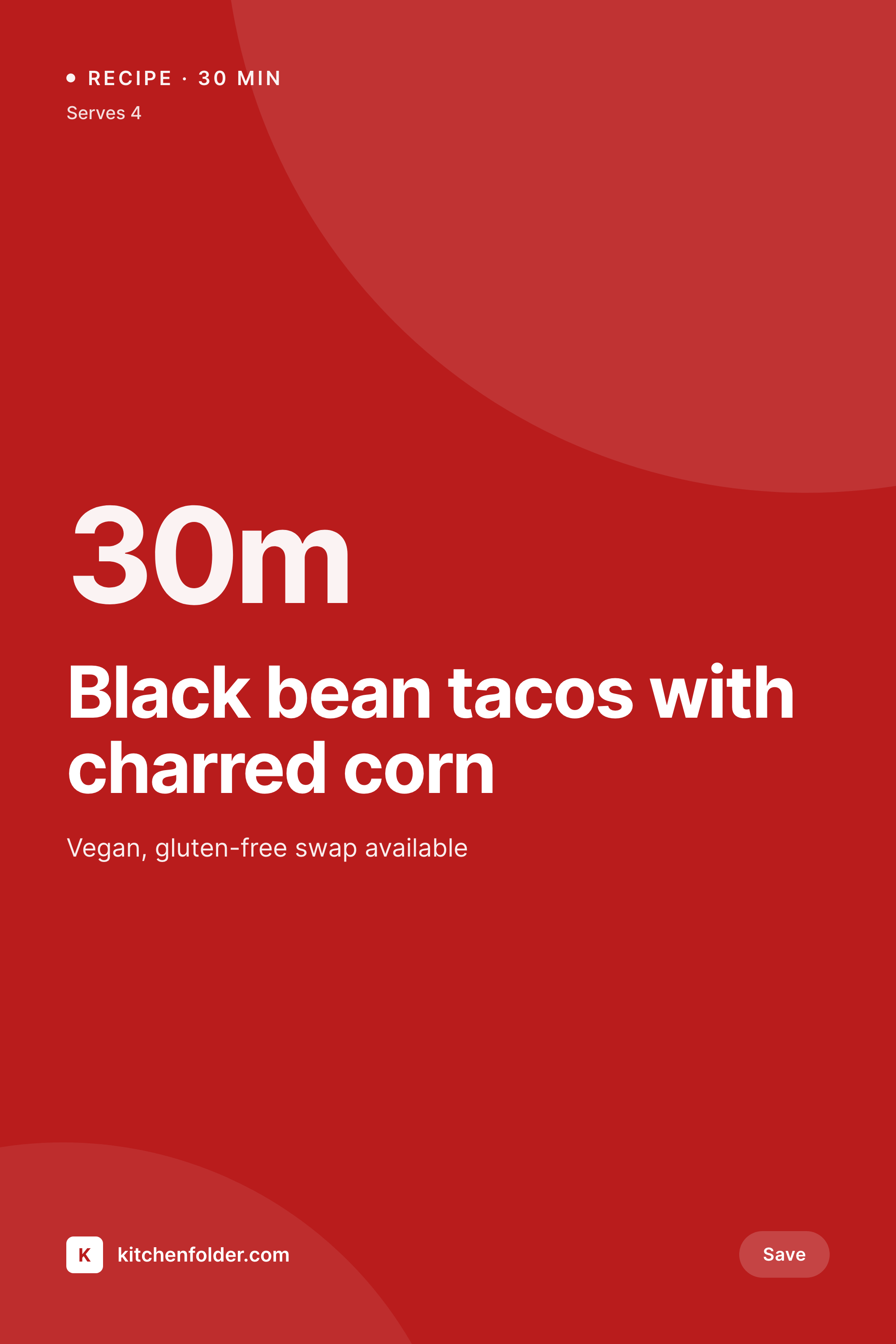
Pinterest is half the recipe blog's traffic
Pinterest accounts for an outsized share of recipe blog discovery, and a recipe without a tall, text-rich pin is functionally invisible on the platform. The visual format Pinterest rewards is specific - vertical 2:3 ratio, recipe title at the top, hero photo dominant, prep time and dietary tags called out clearly. Recipe bloggers who understand this design two or three pins per recipe and rotate them through Tailwind. Recipe bloggers who don't lose the traffic to ones who do, even when the food itself is identical.
The data already lives on the post. WP Recipe Maker, Tasty Recipes, and Cooked all store the recipe title, prep time, cook time, total time, servings, dietary flags, and ingredient list as structured data. The pin needs that exact data. Hand-typing it into a Canva template means re-doing the data entry every time, and any recipe edit (a serving size correction, a swap in dietary tags) leaves the pin out of sync with the post.
The fix is to generate the pin from the recipe post itself. Define one or two pin templates, map the recipe fields, and every published recipe saves with a 1000x1500 pin ready to upload to Pinterest. Edits to the recipe regenerate the pin. The Tailwind queue stays full without a designer copying data between systems.
Workflow
From new recipe to ready-to-pin image
Map recipe fields
Design pin templates
Publish recipes as usual
Schedule on Pinterest
Output
What gets generated per recipe
A 1000x1500 vertical Pinterest pin showing the recipe title, prep time, dietary tags, and hero photo pulled from the recipe post.

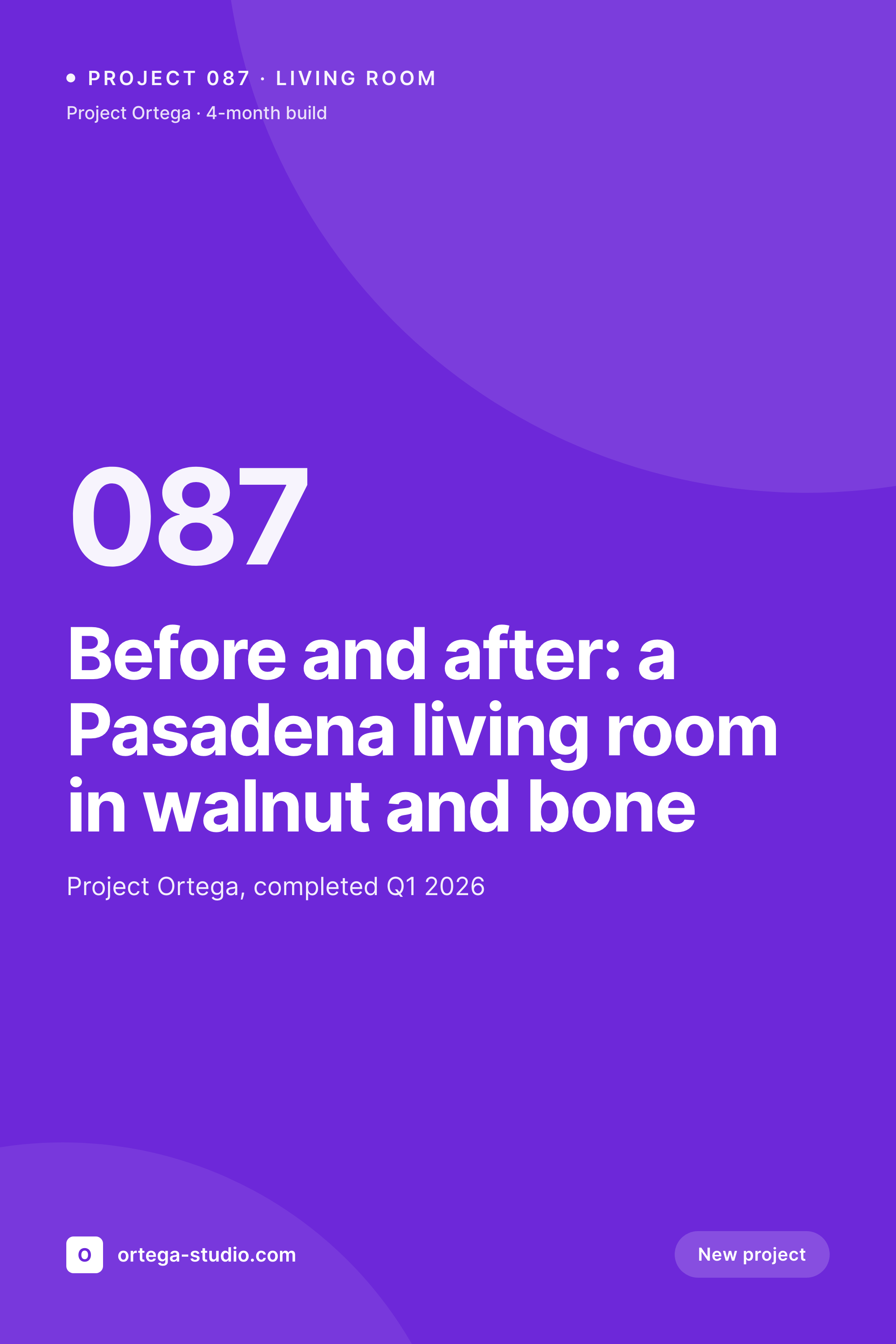
Comparison
Canva pins per recipe vs auto-rendered library
Manual / Canva / Tailwind
- Two or three Canva pins per recipe means hours of repetitive design
- Recipe edits (servings, prep time) leave Canva pins out of sync
- Pin font drift between recipes published months apart
- Old recipes stop performing because the pin hasn't been refreshed
- Tailwind queue dries up when the designer is on vacation
SleekPixel
- Every recipe saves with a 1000x1500 Pinterest-ready pin
- Title, prep time, servings, dietary tags pulled from recipe fields
- Multiple pin variants per recipe for A/B testing on Pinterest
- Bulk regenerate the recipe archive after a rebrand in one job
- Works with WP Recipe Maker, Tasty Recipes, and custom recipe schemas
Features
What SleekPixel gives you for recipe blogs
Pin per recipe
Every recipe saves with a 1000x1500 vertical pin. Title, prep time, and dietary tags pull from the recipe schema.
Multiple pin variants
Generate two or three pin layouts per recipe in one save. Test which variant converts best on Pinterest without designing each one.
Edit-aware
Update a recipe's serving size or dietary tag and the pin regenerates. The pinned image and the live recipe stay in sync.
Use cases
Where recipe pins drive traffic
Pinterest scheduling
Every recipe has a fresh pin ready to upload to Tailwind or pin manually. The schedule fills without per-recipe design work.
Seasonal refresh
Update old summer recipes with seasonal pin templates - the same recipe, a new pin, no hand-rebuild for hundreds of archived posts.
Rich pin metadata
Pinterest reads the recipe schema for rich pins. SleekPixel renders the visual; the schema plugin handles the metadata. Both stay aligned.
The bigger picture
Why Pinterest math forces recipe blogs to scale design
Recipe blogs live and die by Pinterest. A typical food blog gets the majority of its discovery from Pinterest search, with Google a distant second. The platform's algorithm rewards fresh pins on existing content - blogs that publish three new pin variants for an old recipe see traffic spikes; blogs that pin the same image once and never refresh it watch the recipe go cold.
The math that makes this work requires either a full-time pin designer or a system that generates pins automatically. Most recipe bloggers are one-person operations. They develop the recipe, photograph it, write the post, and hit publish.
The pin design is the part that gets squeezed - either it's outsourced to a virtual assistant who can't keep up with the publishing cadence, or it's done in Canva at the end of a long day with whatever brand consistency the blogger can muster. The Tailwind queue dries up. The traffic plateaus.
Treating the pin as a derived asset of the recipe post itself solves both problems. The blogger types the recipe data once. The pin renders automatically.
Multiple variants generate in one save, ready for testing. The Tailwind queue stays full without proportional design effort, and old recipes get refreshed pins on every brand evolution.
Questions
Common questions about SleekPixel for recipe blogs
Yes. Both plugins store recipe data as structured fields - title, prep time, cook time, servings, ingredients, dietary tags. SleekPixel reads those fields and renders them onto the pin template. Cooked, Recipe Card Blocks, and custom recipe CPTs all work the same way.
Yes. Configure two or three pin templates and every recipe saves with all of them. The Gutenberg sidebar shows download buttons for each variant. Use them for A/B testing on Pinterest - which layout drives more saves and clicks.
Rich pins use the recipe schema markup on the page itself, which is handled by the recipe plugin (WP Recipe Maker, Tasty Recipes). SleekPixel doesn't write recipe schema - it generates the visual pin image. Both work together: the visual is on-brand, the rich pin metadata is correct.
Yes. Templates can be conditional on category or custom field, so a Thanksgiving recipe can render with a holiday-themed pin variant in addition to the standard one. The recipe stays the same; the pin's seasonal styling changes.
Yes. Edit the template once and run a bulk regenerate. Every recipe in the archive gets a new pin matching the updated brand. The PNG files in uploads are replaced; pins added to Tailwind in the future use the fresh art.
No. SleekPixel renders the pin and saves it to WordPress uploads with og:image meta tags. Posting to Pinterest is manual or scheduled through Tailwind. SleekPixel does not push to Pinterest's API or any social platform.
Templates can fall back to a brand pattern, a category illustration, or a placeholder. Recipes published without a photo still get a pin - just without the imagery. When the photo is added later, the next save updates the pin with the photo in place.
No. Generation runs on save in the admin. Visitors reading recipes never trigger image rendering. The pin and OG image are static PNGs in uploads, served the same way any other media file is served.
Pricing
More than 1000+
happy customers
Explore our flexible licensing options tailored to your needs. Upgrade your license anytime to access more features, or opt for a lifetime license for ongoing value, including lifetime updates and lifetime support. Our hassle-free upgrade process ensures that our platform can grow with you, starting from whichever plan you choose.
Lifetime ♾️
Most popular
EUR
once
- Unlimited websites
- Lifetime updates
- Lifetime support
...or get the Bundle Deal
and save €250 🎁
💎 Want everything forever? The All Access Pass is going away on 01.08.2026.
The Bundle (unlimited sites)
Pay once, own it forever
Elevate your WordPress site with our exclusive plugin bundle that includes all of our premium plugins in one package. Enjoy lifetime updates and lifetime support. Save significantly compared to buying plugins individually.
What’s included
-
SleekAI
-
SleekByte
-
SleekMotion
-
SleekPixel
-
SleekRank
-
SleekView
€749
Continue to checkoutBrowse more
- Facebook event covers
- Kick channel banners
- Gumroad product covers
- Buy Me a Coffee banners
- Patreon post thumbnails
- WeChat Moments images
- YouTube Shorts cover
- LinkedIn banner images
- Threads profile banners
- Pinterest pins
- Odnoklassniki banners
- Depop listing images
- Etsy shop banners
- Telegram channel banner
- GitHub social preview images