






SleekPixel for food trucks
SleekPixel reads each stop's location, time window, and feature dish, then renders a square Instagram card on save. The post becomes the source - no separate design step before you can share where the truck is parked.
♾️ Lifetime License available
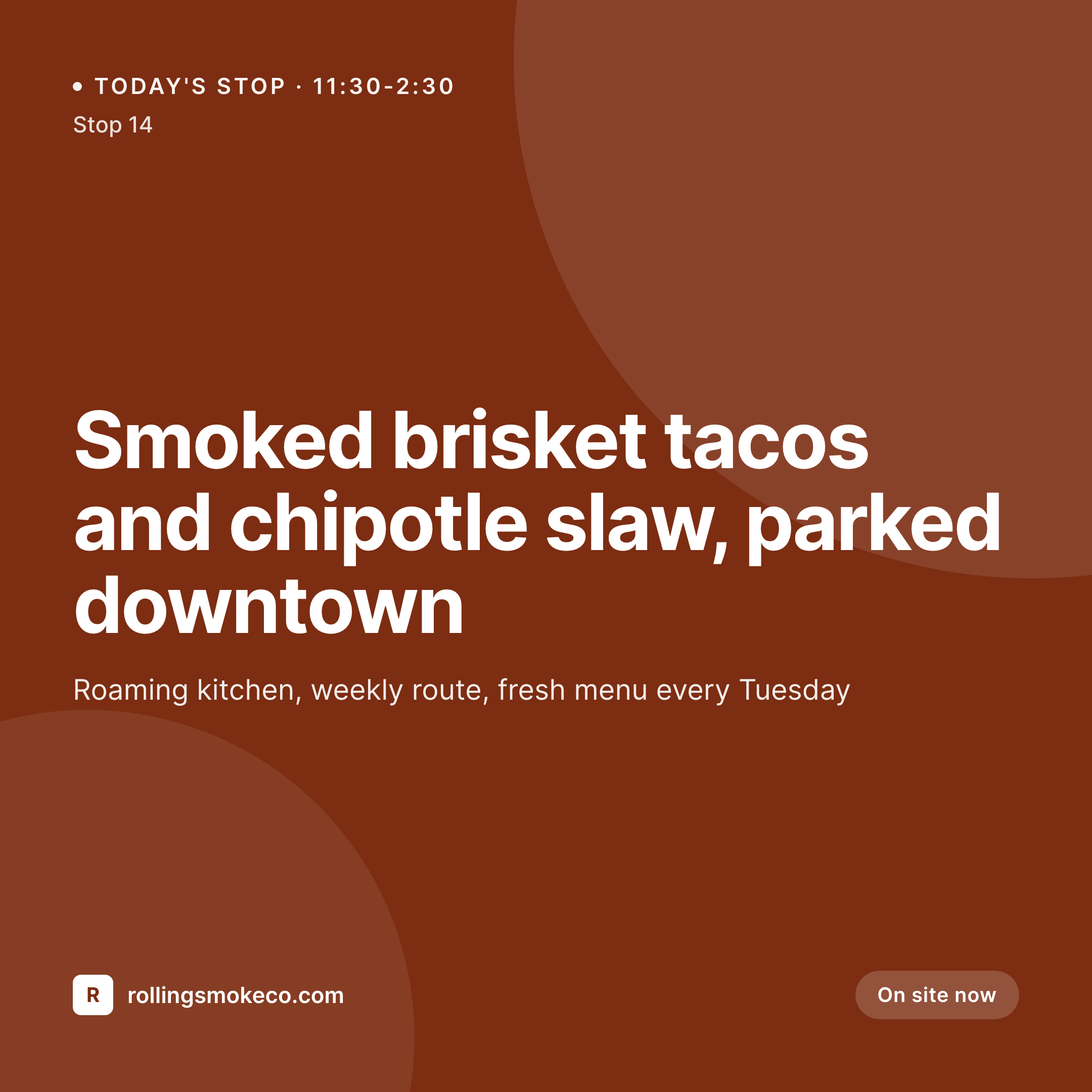
Stop redrawing the same Instagram card every time the truck moves
A food truck's Instagram is its location service, its menu, and its loyalty program in one feed. Followers check it before they leave the office. The problem is that every stop, every weather change, every sold-out item demands a fresh graphic - and squeezing that into a Canva tab between prep and service is how truck operators end up posting plain text or, worse, nothing at all.
SleekPixel turns that loop into a save action. You design one square card layout in the WordPress admin with fields for {stop_location}, {hours_today}, {feature_dish}, and {price}. Every time you publish or update a stop post, SleekPixel renders that template with the post's actual data and writes it as the og:image. You hand the URL to your social scheduler - or use a feed plugin to push it to Instagram - and the right card goes out automatically.
Edit the template once at the start of the season, and every stop card the truck publishes inherits the new look. Add a new field for allergen icons, every post picks it up. The truck stays mobile; the brand stays consistent.
Workflow
From scheduled stop to social-ready in one save
Design the template
Connect to the stops post type
Save the stop
Push to Instagram
Output
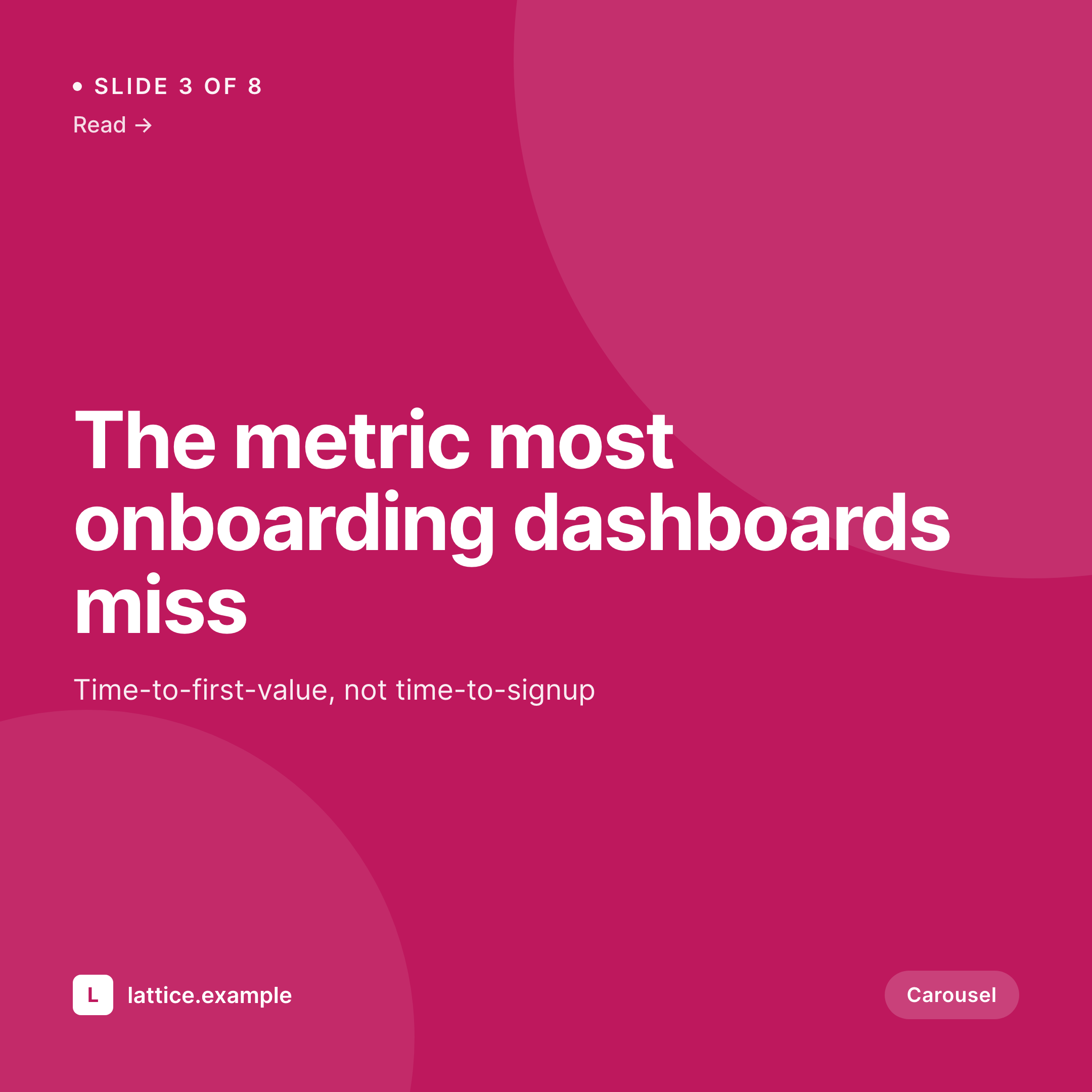
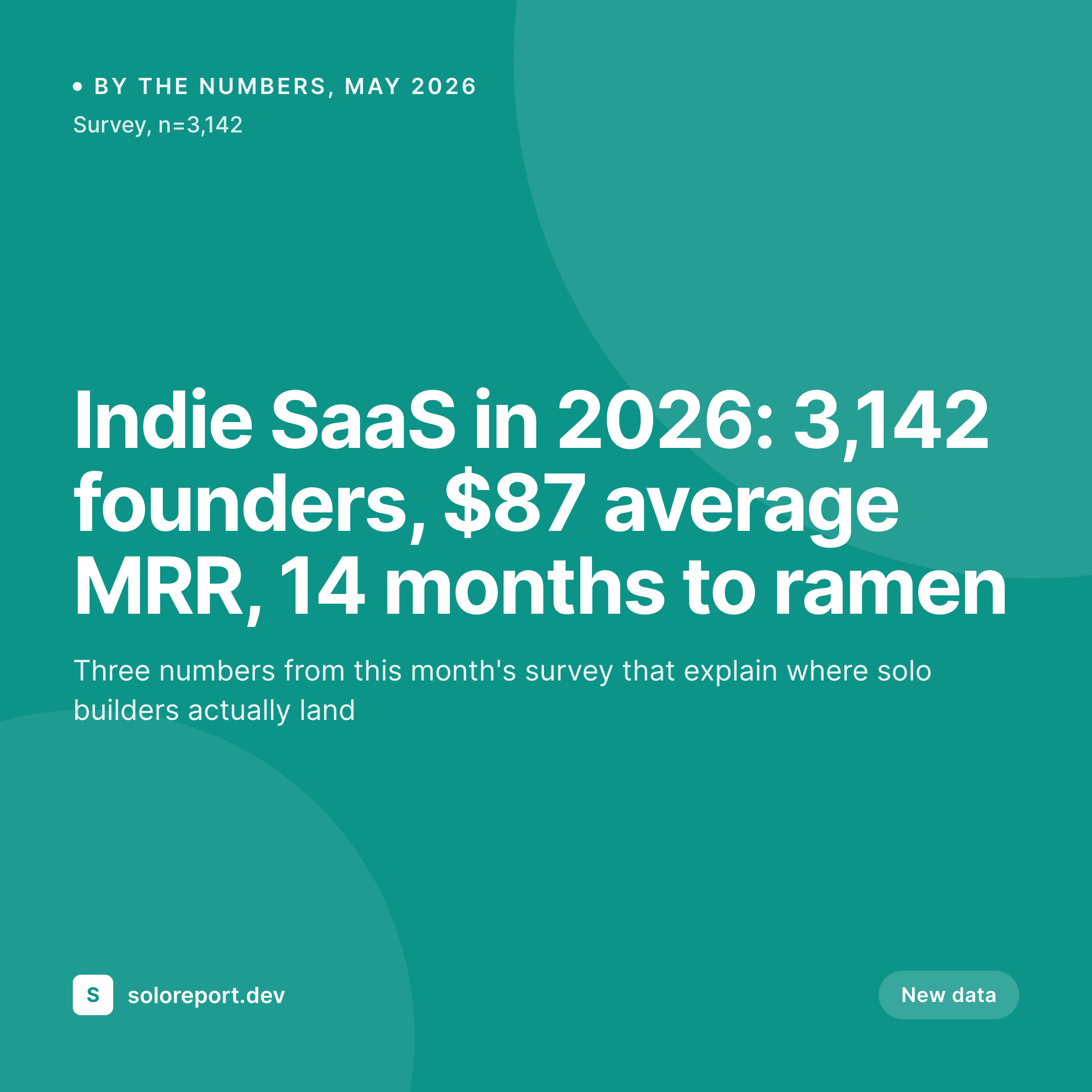
Sample Instagram card from a stop post
This square was rendered from a stop's location, time window, and feature dish. Same template, every stop on the route.
Comparison
Hand-made stop graphics vs SleekPixel
Designed in Canva per stop
- Operator squeezes Canva edits into the gap between prep and service
- Different fonts and colors slip in when shifts change hands
- Last-minute location changes never make it to a graphic in time
- Sold-out specials stay live on Instagram long after the truck moves
- No bulk update - rebrand means redrawing every recurring stop
SleekPixel
- Auto-generated Instagram square per stop on save
- Per-stop variables: location, hours, feature dish, price, weather note
- One template = one consistent visual identity across the whole route
- Edit the template once and every upcoming stop's card refreshes
- Falls back gracefully if the feature dish or hours are missing
Features
What SleekPixel gives you for food trucks
Template-driven
Design the stop card layout once with text, shapes, and dynamic fields. Every published stop inherits it automatically on the next save.
OG + Instagram-ready
SleekPixel writes a square 1080 × 1080 image and the og:image meta tag - hand the URL to Buffer, Later, or any scheduler that posts to Instagram.
Regenerate on demand
Updated the template mid-season? Bulk-regenerate every stop's image from the admin so old cards don't look stale next to new ones.
Use cases
Where this fits best
Single-truck operators
Daily location posts get a clean card without pulling the operator away from the window during a rush.
Multi-truck fleets
Each truck's card shows its name and unique route while sharing the parent brand's typography and color system.
Event and festival regulars
Bulk-generate cards for an entire festival weekend in one publish session - the schedule itself drives the imagery.
The bigger picture
Why a consistent stop card matters
Food trucks live and die by location discovery. A regular customer scrolls Instagram on lunch break, sees the day's stop card, and decides whether the walk is worth it. If that card looks like a different brand every time, recognition slips - the customer keeps scrolling.
If it looks the same as last week's but with the wrong location, they show up at the old spot. The operators who build a real following are the ones whose cards are instantly recognizable and always current. Doing that by hand requires a design step every shift, which never survives a busy week.
A template that adapts to the post's data - location, hours, today's dish - removes the design step entirely. The truck's brand becomes a function of its schedule, and the schedule is something the operator was going to update anyway. SleekPixel turns a chore into a side effect of doing the daily admin.
Questions
Common questions about SleekPixel for food trucks
Yes. SleekPixel applies to any post type, including custom ones from calendar and event plugins like The Events Calendar. Map the plugin's date and location fields to your template variables and every event gets a card.
The template renders without it. You can set defaults per field (e.g., 'Full menu today') or design the layout so missing fields collapse gracefully. Nothing breaks if a stop is published with partial data.
Yes. The admin has a one-click bulk regeneration that re-renders all stop cards using the template. Useful at the start of a new season or after a brand refresh.
No. Each card is rendered once at save time and stored as a static PNG. Visitors load a regular image URL - no rendering happens at view time.
Instagram doesn't read og:image directly, but any feed-to-Instagram plugin or scheduler (Buffer, Later, Publer) can read the image URL SleekPixel writes and push it to a scheduled post.
Yes. SleekPixel supports per-category, per-tag, and per-CPT templates. If each truck has its own taxonomy term, each can have its own template.
The featured image stays in its theme role - hero on the stop page, archive thumbnail. The Instagram card is a separate piece of metadata SleekPixel manages. They don't conflict.
Stores. Each generated image is a real PNG saved to the uploads folder. This keeps page loads fast and means images survive even if the plugin is later disabled.
Pricing
More than 1000+
happy customers
Explore our flexible licensing options tailored to your needs. Upgrade your license anytime to access more features, or opt for a lifetime license for ongoing value, including lifetime updates and lifetime support. Our hassle-free upgrade process ensures that our platform can grow with you, starting from whichever plan you choose.
Lifetime ♾️
Most popular
EUR
once
- Unlimited websites
- Lifetime updates
- Lifetime support
...or get the Bundle Deal
and save €250 🎁
💎 Want everything forever? The All Access Pass is going away on 01.08.2026.
The Bundle (unlimited sites)
Pay once, own it forever
Elevate your WordPress site with our exclusive plugin bundle that includes all of our premium plugins in one package. Enjoy lifetime updates and lifetime support. Save significantly compared to buying plugins individually.
What’s included
-
SleekAI
-
SleekByte
-
SleekMotion
-
SleekPixel
-
SleekRank
-
SleekView
€749
Continue to checkoutBrowse more
- LinkedIn carousel slides
- LinkedIn event banners
- LinkedIn company banners
- Facebook ad images
- Etsy listing images
- Bluesky profile banner
- Xiaohongshu cover images
- Klaviyo email headers
- SoundCloud track art
- Pinterest video pin covers
- Notion page covers
- Instagram grid tiles
- Discord event cover
- Instagram feed posts
- Pinterest board covers