






SleekPixel for before-after comparison images
SleekPixel reads each project post's title, duration, location, and before/after photos and renders a square Instagram card on save. The case study itself becomes the source - no separate compositing step.
♾️ Lifetime License available
Stop hand-compositing every before-after split for social
Before-after content is one of the highest-performing formats on Instagram for any project-based business: renovation, fitness, design, restoration. The bottleneck is always the same. The photos are taken, the project ships, and then someone has to crop both images to matching aspect ratios, compose them side by side, add the brand bar, and post. That last hour is where most of the social moment dies.
SleekPixel automates the composite. You design one layout in the WordPress admin with fields like {project_title}, {duration}, {location}, {before_image}, and {after_image}. Save a project case study and SleekPixel renders the template - splitting and aligning the two photos, adding the brand strip, dropping in the project metadata - and writes the result as the og:image. The social card is ready before the post even goes live.
Edit the template once and every project's before-after card refreshes. Adjust the divider style, every case study inherits it. The project narrative stays in the post body; the card is just a tight visual summary of it.
Workflow
From final photo to social-ready in one save
Design the template
Connect to the projects post type
Save the project
Share anywhere
Output
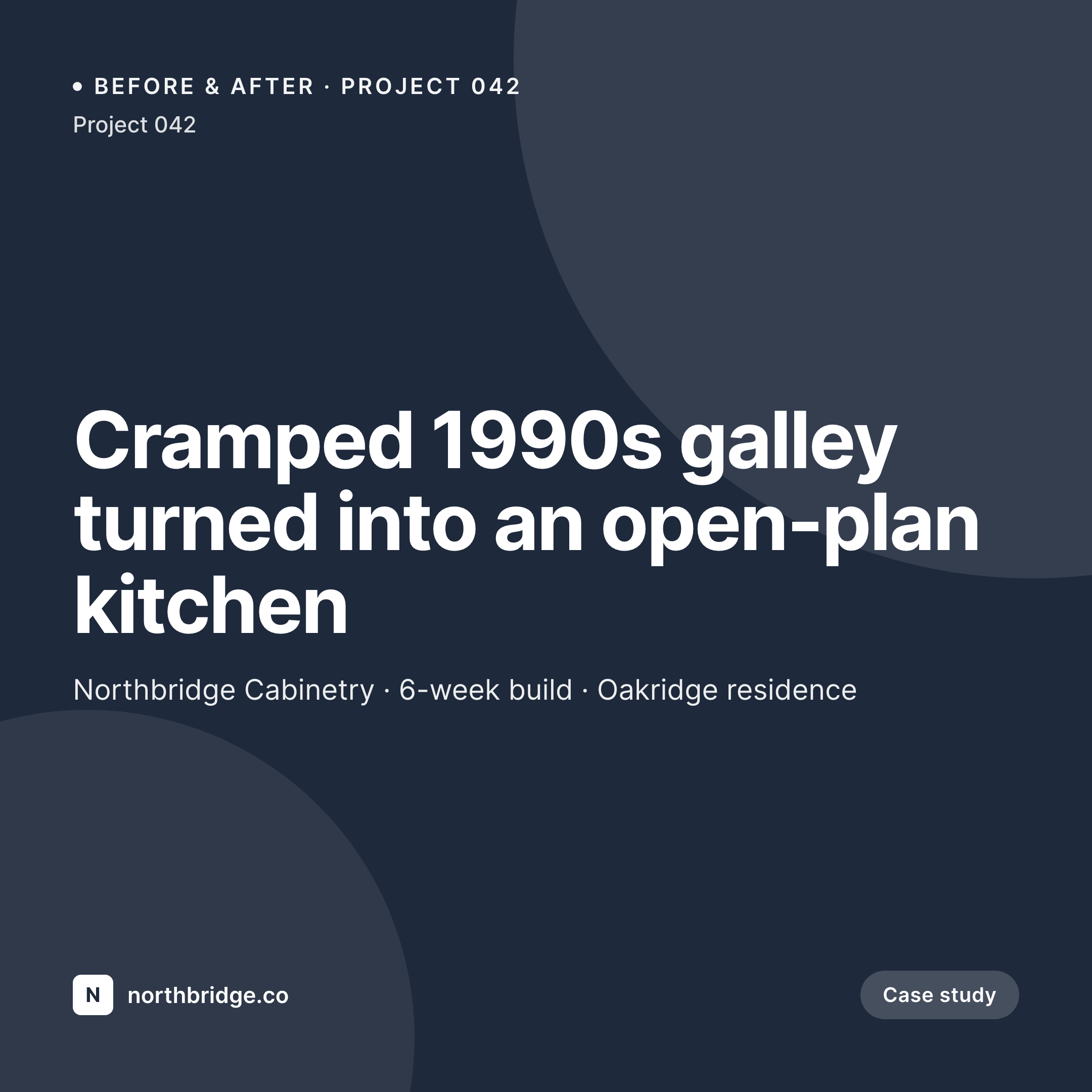
Sample before-after card from a project post
This card was rendered from a project's two photos and metadata. Same template, every case study.

Comparison
Hand-made before-after splits vs SleekPixel
Composited in Photoshop per project
- Each project waits for someone to crop and align two photos manually
- Aspect ratios drift - some splits are 50/50, some 60/40 by mistake
- Brand bar typography slips over time as files get reopened and re-edited
- Projects ship to the website days before the social composite is ready
- No bulk update - rebrand means redoing every past case study split
SleekPixel
- Auto-generated split card per project on save
- Per-project variables: title, duration, location, before/after photos
- One template = one consistent visual identity across every case study
- Edit the template once and every before-after card refreshes
- Falls back gracefully to a single image if only one photo is set
Features
What SleekPixel gives you for before-after comparison images
Template-driven
Design the split layout once with the divider, brand strip, text, and dynamic image fields. Every project inherits it on save.
OG + Instagram-ready
SleekPixel writes a square 1080 × 1080 image and the og:image meta tag - share to LinkedIn, Twitter, or push to Instagram via a scheduler.
Regenerate on demand
Updated the template? Bulk-regenerate every project's split image from the admin so the entire portfolio stays consistent.
Use cases
Where this fits best
Renovation and trades
Kitchens, bathrooms, full home builds - every completed project gets a polished before-after card the day the photos are uploaded.
Fitness and transformation coaching
Client transformations render to the same brand template, with progress dates and scope baked into the field data.
Design and restoration shops
Furniture refinishes, art restorations, and graphic redesigns flow from the case-study CPT into a tight brand grid on Instagram.
The bigger picture
Why a consistent before-after card matters
Before-after content compounds in a way few other formats do. One strong split that gets shared brings new followers who expect more of the same; the next post sets that expectation again. The catch is consistency.
If splits ship in different aspect ratios, with different divider styles and different brand bars, each post resets the visual contract and the feed reads as messy. The companies whose project work goes viral on Instagram are usually not the ones with the most jobs - they're the ones whose splits look like they came off the same press. Building that consistency by hand requires a designer's eye on every project, which is impractical past a small portfolio.
A template that ingests the two photos and the project metadata builds the consistency in by default. SleekPixel turns the case study itself into the social asset, with no manual compositing step.
Questions
Common questions about SleekPixel for before-after comparison images
Yes. SleekPixel applies to any post type, including custom ones from portfolio plugins. Map the plugin's image and metadata fields to your template variables and every project gets a split card.
The template renders with whichever images are present. You can design a fallback layout that shows just the after photo until the before photo is added, or vice versa - then re-save to refresh the card.
Yes. The admin has a one-click bulk regeneration that re-renders all project splits using the template. Useful after brand updates or layout tweaks.
No. The image is rendered once at save time and stored as a static PNG/JPG. Visitors load a regular image URL - no rendering happens at view time.
Instagram doesn't read og:image directly, but a feed-to-Instagram plugin or scheduler (Buffer, Later, Publer) can read the image URL SleekPixel writes and queue the post.
Yes. SleekPixel supports per-category, per-tag, and per-CPT templates. Kitchen renos can use a wide split; bathrooms can use a vertical one - routing rules pick the right template automatically.
The template handles cropping with focal-point options. Set a focal point per image (or rely on smart-crop defaults) and SleekPixel aligns the two photos cleanly within the split.
Stores. Each generated split is a real PNG/JPG saved to the uploads folder. This keeps page loads fast and means images survive even if the plugin is later disabled.
Pricing
More than 1000+
happy customers
Explore our flexible licensing options tailored to your needs. Upgrade your license anytime to access more features, or opt for a lifetime license for ongoing value, including lifetime updates and lifetime support. Our hassle-free upgrade process ensures that our platform can grow with you, starting from whichever plan you choose.
Lifetime ♾️
Most popular
EUR
once
- Unlimited websites
- Lifetime updates
- Lifetime support
...or get the Bundle Deal
and save €250 🎁
💎 Want everything forever? The All Access Pass is going away on 01.08.2026.
The Bundle (unlimited sites)
Pay once, own it forever
Elevate your WordPress site with our exclusive plugin bundle that includes all of our premium plugins in one package. Enjoy lifetime updates and lifetime support. Save significantly compared to buying plugins individually.
What’s included
-
SleekAI
-
SleekByte
-
SleekMotion
-
SleekPixel
-
SleekRank
-
SleekView
€749
Continue to checkoutBrowse more
- Tumblr header
- SoundCloud track art
- Twitch alert
- Spotify playlist cover
- Twitter/X header
- Instagram feed posts
- Odnoklassniki banners
- Substack podcast cover
- YouTube Music cover art
- Spotify Canvas
- Behance project covers
- TikTok cover images
- Substack post headers
- LinkedIn event banners
- YouTube Shorts cover