






SleekPixel for X thread card
Headline, post count, accent, and handle live on the unrolled post. SleekPixel renders the X-card-sized cover on save so the archive URL travels as well as the original thread did.
♾️ Lifetime License available
Why X threads need a real archive cover
Writers who treat X as a primary distribution channel maintain an archive of unrolled threads on their site. That archive is where months-old threads keep earning visits, where newsletters link back to long-form takes, and where podcasts and articles pull a quote and link out. The archive URL is the canonical reference. The link preview on that URL is what decides whether someone unfamiliar with the writer follows through.
Default archive setups serve a single OG image (the site logo) for every unrolled thread. Every shared URL looks the same in Slack, LinkedIn, and email clients. The thread that did 80k impressions on X arrives in someone's DMs looking like a corporate landing page. That visual flattening costs measurable clicks, especially on threads the writer wants to circulate beyond the X audience.
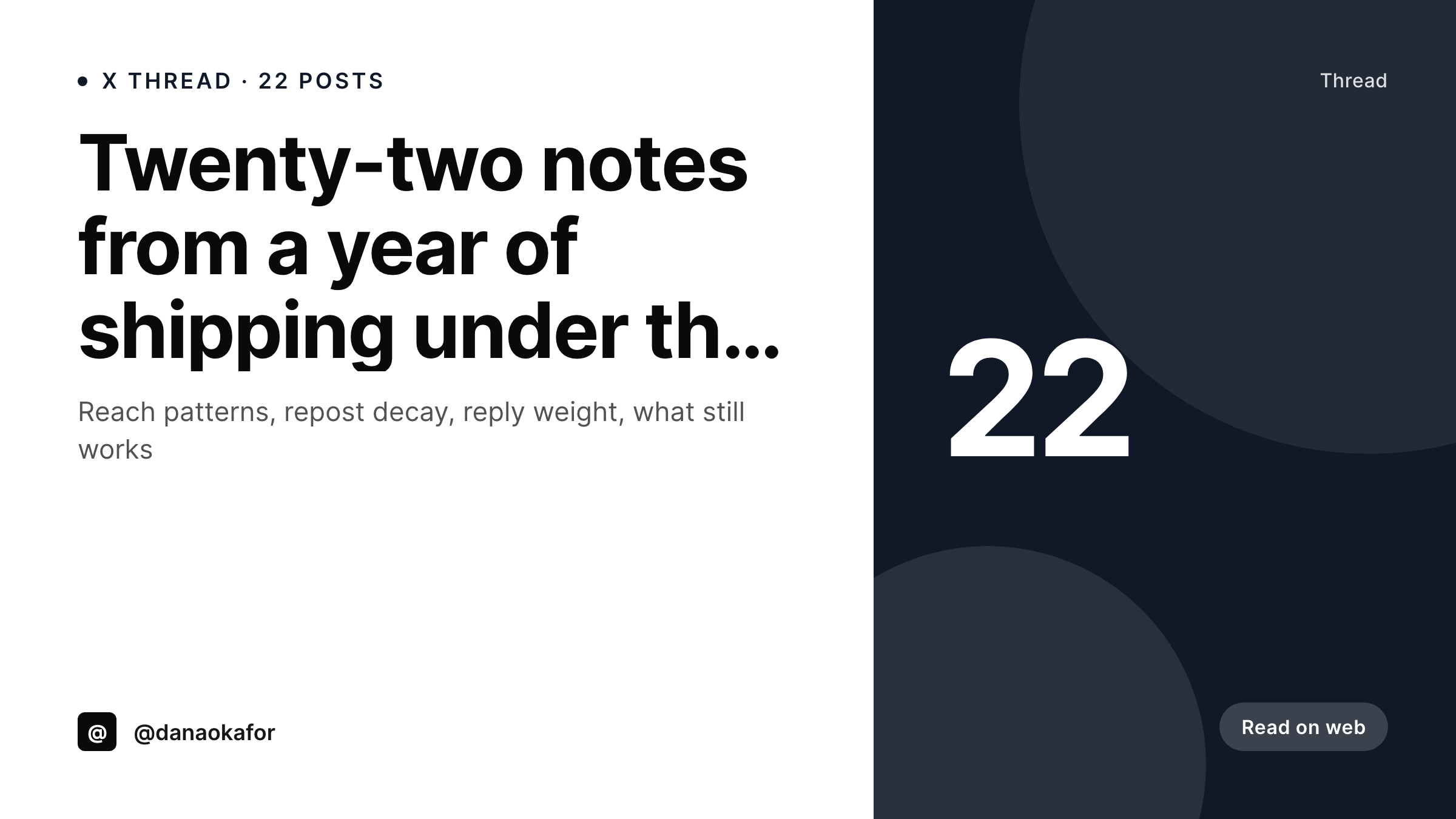
SleekPixel turns each unrolled post into its own cover. The headline, the post count, the author handle, and the brand accent compose into a 1200x675 image on save. The og:image meta tag picks it up, the archive URL inherits the new preview, and the thread keeps its identity wherever it travels.
Workflow
From unrolled thread to archive cover
Encode the X cover layout
Unroll the thread
Share the archive URL
Refresh after corrections
Output
What an X thread cover looks like
A 1200x675 cover with the thread headline, post count, handle, and a black accent that matches the X visual language, rendered from the unrolled post.
Comparison
Generic archive OG vs rendered cover
Default site OG
- Every unrolled thread shares the same generic site OG image
- Long headlines get clipped in the default card layout
- The archive does not benefit from each thread's identity
- Cross-channel shares (Slack, LinkedIn) look weaker than the original X post
- Backfilling old archives manually is unrealistic
SleekPixel
- Cover renders on save from headline, post count, and handle
- Auto-fit type so short and long headlines both fill the frame
- Post count mark anchored regardless of headline length
- Bulk regenerate covers years of archived threads in one pass
- og:image and twitter:image written per post
Features
What SleekPixel gives you for X thread card
X-native palette
Default template uses a dark accent that mirrors X's current visual language, while still allowing per-thread accent overrides for topic tagging.
Count-aware mark
Post count renders as a corner mark. A 6-post thread looks tight, a 32-post thread looks like a deep dive. The cover signals scope before the click.
Universal preview
The og:image flows everywhere: Slack, LinkedIn, WhatsApp, email clients, RSS readers. The cover ships with the link, not just on X.
Use cases
X thread archives this template handles
Indie X writers
Solo writers running typeshare or hypefury-style archives use the same template across every thread. The archive feels like a publication, not a dump.
Team accounts
Brand accounts where multiple writers post under one handle keep visual consistency. Author tag and accent come from post meta, not Canva.
Newsletter callbacks
Newsletters that link back to X threads as recommended reading inherit the rendered cover in their link previews, not a corporate logo.
The bigger picture
Why X archives compound when the cover is real
An X thread lives on the platform for a few days of strong distribution, then settles into long-tail traffic through search, newsletters, and recommendation. The archive URL is what carries the thread into those next channels. Every reference back to the archive (a podcast guest dropping the link, a newsletter linking out, a Reddit comment pointing readers in) goes through the link preview.
A generic site-logo preview turns every reference into an identical, uninteresting tile. A rendered cover preserves the thread's visual identity into every channel. The cost of producing that cover should not gate it.
The post already holds the data the cover needs, the template encodes the layout, and the renderer closes the loop. Archives become assets, not backups.
Questions
Common questions about SleekPixel for X thread card
Audiences and tone differ enough that writers want a separate template. X-native covers tend toward darker palettes, sharper type, and a different mark style. Both pages share the underlying rendering pipeline.
Yes. SleekPixel writes the twitter:image and og:image meta tags. Validate the URL in the Twitter Card Validator to confirm and clear the cache for already-shared URLs.
Yes, if you store the first post as a field. The auto-fit rule scales the type so a 240-character first post still fits cleanly.
The mark slot accepts any two-digit count and gracefully shifts for three-digit ones. Threads above 99 posts are rare, but the layout does not break.
Yes. Bind the accent to a topic taxonomy on the post. Threads on growth, product, or hiring each get a distinct palette without forking the template.
The format is the same size (1200x675), but the template is tuned for unrolled threads (headline anchored, count mark, handle). The Twitter card format generally targets article links and lets you use a different layout.
Yes. The avatar slot maps to a media library image, ACF field, or remote URL. Useful for team accounts where multiple writers post under one handle.
Yes. Every save regenerates the PNG at the same /uploads URL. The og:image and the Gutenberg download both serve the updated cover.
Pricing
More than 1000+
happy customers
Explore our flexible licensing options tailored to your needs. Upgrade your license anytime to access more features, or opt for a lifetime license for ongoing value, including lifetime updates and lifetime support. Our hassle-free upgrade process ensures that our platform can grow with you, starting from whichever plan you choose.
Lifetime ♾️
Most popular
EUR
once
- Unlimited websites
- Lifetime updates
- Lifetime support
...or get the Bundle Deal
and save €250 🎁
💎 Want everything forever? The All Access Pass is going away on 01.08.2026.
The Bundle (unlimited sites)
Pay once, own it forever
Elevate your WordPress site with our exclusive plugin bundle that includes all of our premium plugins in one package. Enjoy lifetime updates and lifetime support. Save significantly compared to buying plugins individually.
What’s included
-
SleekAI
-
SleekByte
-
SleekMotion
-
SleekPixel
-
SleekRank
-
SleekView
€749
Continue to checkoutBrowse more
- WeChat Moments images
- LinkedIn post images
- Twitch profile banner
- Vimeo channel banners
- Patreon post thumbnails
- Rumble thumbnails
- Instagram collab post images
- Telegram channel images
- WhatsApp status images
- Pinterest shop banners
- Warpcast frame images
- Spotify playlist cover
- SoundCloud banner
- Instagram stories
- YouTube Shorts covers