






SleekPixel for news article
Newsrooms publish too fast for hand-built share images. SleekPixel renders an OG image per article on save, with headline, byline and section from the post itself, and writes the og:image meta tag automatically.
♾️ Lifetime License available
Newsrooms cannot design every share card
A digital newsroom of any size publishes anywhere from five to a hundred articles a day. The political reporter files at 11pm, the breaking-news desk publishes a developing story at 3am, the morning desk pushes ten more before 9. Asking a designer to build a custom share card for each one is a non-starter. Asking the reporters to do it themselves means most articles ship with the featured image cropped wrong or no og:image at all, which kills link cards on Threads, Twitter, Slack, and every other place readers actually share.
The newsrooms that handle this well have a templated share card that gets rendered automatically. Headline, byline, section, date, masthead - all pulled from the article record at publish time. The designer designs the template once, the reporters publish, the share image just exists. No designer in the loop, no reporter remembering an extra step, no broken link cards on social.
SleekPixel does this entirely inside WordPress. The template is built in the plugin's editor and bound to native post fields, ACF fields, or Meta Box fields - whatever your CMS already stores. On save, the PNG is rendered to the uploads folder and the og:image and twitter:image meta tags are set. The reporter only has to publish.
Workflow
From filing to social-ready in one step
Design template
Reporter publishes
Article shared
Headline updated
Output
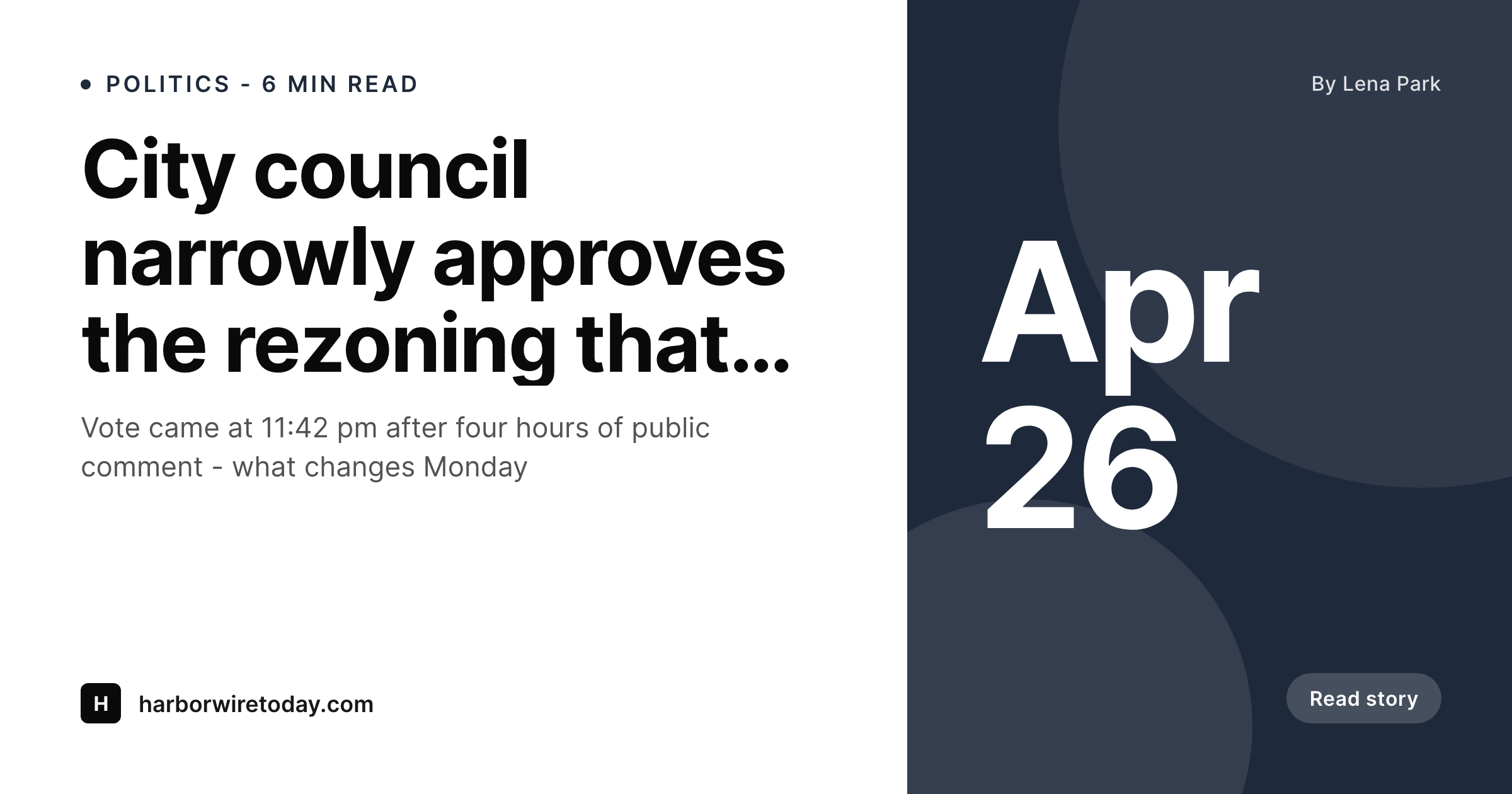
What a generated news OG image looks like
A 1200x630 PNG with the headline, byline, section and masthead, written into the article's og:image meta tag at publish time.
Comparison
Manual newsroom share cards vs SleekPixel
Designer per article
- Designer cannot keep up with breaking-news publishing pace
- Featured image gets cropped weirdly and the headline disappears
- Late-night articles ship with no og:image at all
- Different sections show up with inconsistent share-card branding
- Updating a developing-story headline does not update the share card
SleekPixel
- Render fires on save, breaking news included
- Headline, byline, section and date from the article itself
- og:image and twitter:image meta tags written into article head
- Per-section template variants (politics, sports, opinion)
- Headline edits regenerate the card immediately
Features
What SleekPixel gives you for news article
Per-section templates
Politics, sports, business, opinion - each section can have its own template with the right color block and section label, all rendering on save with no manual switching.
Developing stories
Breaking-news headlines change. SleekPixel re-renders the OG image on every save, so the share card always matches the live headline at the moment a reader hits the URL.
Standards-compliant tags
Writes og:image, og:image:width, og:image:height, twitter:image and twitter:card meta tags. Compatible with Yoast, Rank Math and standard newsroom SEO setups.
Use cases
Newsroom situations this fixes
Daily news desks
Five to a hundred articles a day. Reporters and editors cannot stop to design share cards. SleekPixel renders one per article without slowing publish times.
Developing stories
An article that gets updated three times during a breaking event. Each save regenerates the OG image with the latest headline so social previews stay accurate.
Multi-byline newsrooms
Reporter A files the politics piece, reporter B files the sports column. Each share card shows the correct byline and section automatically from the post fields.
The bigger picture
Why automated share cards matter for news
News lives or dies on social distribution. A reader sees a link card on Threads or in a Slack channel and decides in two seconds whether to click. If the card has the masthead, the headline, and the section - all readable at thumbnail size - the link wins the click.
If the card is a featured image cropped wrong, or worse, blank because no og:image was set, the link loses to whatever else is in the feed. Newsrooms that publish at any volume cannot fix this with manual design. The breaking-news desk does not have a designer at 3am.
The politics reporter who files at 11pm cannot wait for the design queue to get to her. The only model that survives the publishing pace is templated rendering on save, and that is exactly the gap SleekPixel fills inside WordPress. The design system gets locked into the template once.
Every article from every reporter at every hour of the day comes out looking like the newsroom's brand, with the live headline. Older archives can be backfilled in a queued bulk regeneration so even six-month-old articles share with the same card style as today's. The masthead becomes recognizable.
The brand earns trust before the article is even read.
Questions
Common questions about SleekPixel for news article
Yes. SleekPixel writes og:image and twitter:image, and lets your SEO plugin handle og:title, og:description, canonical and the rest. Conflicts with Yoast and Rank Math have been the most common scenario tested - both work fine alongside SleekPixel.
Yes. Templates can be assigned per category, per post type, or per custom taxonomy. The politics section can render with a red-block treatment while sports renders in green, all from the same plugin without any per-article switching.
SleekPixel includes a bulk regenerate command that runs through existing posts and generates share cards for them. It runs in a queued background process so it does not block editorial work. A six-month archive can be backfilled overnight.
Render times are typically under a second per article on a normal host. For a newsroom publishing 100 articles a day, the per-save overhead is negligible. Queued background rendering is available for very large bulk operations.
Yes. SleekPixel reads native author, ACF fields, Meta Box fields, and custom post meta. Newsrooms that store bylines as a custom field instead of the WordPress author can point the template at that field directly.
If wire articles are stored with a different byline field or a special category, set up a separate template for that taxonomy. The wire-service template can credit AP/Reuters in the byline slot while the staff template uses the reporter name.
Yes. SleekPixel respects a per-post toggle in the Gutenberg sidebar that disables rendering. For articles that need a custom share image (a major investigation with a designer-built card, for example), you can override with an upload.
Yes. The OG image renders the same way regardless of whether the article body is paywalled. The share card itself is a public asset in uploads, which is what social platforms need to fetch via the og:image meta tag.
Pricing
More than 1000+
happy customers
Explore our flexible licensing options tailored to your needs. Upgrade your license anytime to access more features, or opt for a lifetime license for ongoing value, including lifetime updates and lifetime support. Our hassle-free upgrade process ensures that our platform can grow with you, starting from whichever plan you choose.
Lifetime ♾️
Most popular
EUR
once
- Unlimited websites
- Lifetime updates
- Lifetime support
...or get the Bundle Deal
and save €250 🎁
💎 Want everything forever? The All Access Pass is going away on 01.08.2026.
The Bundle (unlimited sites)
Pay once, own it forever
Elevate your WordPress site with our exclusive plugin bundle that includes all of our premium plugins in one package. Enjoy lifetime updates and lifetime support. Save significantly compared to buying plugins individually.
What’s included
-
SleekAI
-
SleekByte
-
SleekMotion
-
SleekPixel
-
SleekRank
-
SleekView
€749
Continue to checkoutBrowse more
- TikTok cover images
- Medium article headers
- Kindle book cover
- Fanvue page banner
- Substack post headers
- Shopify collection banners
- Telegram channel images
- LinkedIn newsletter headers
- Substack podcast cover
- Pinterest board covers
- YouTube Music cover art
- Mailchimp email banner
- Bandcamp release cover
- Douyin thumbnails
- Apple Podcasts covers