






SleekPixel for free resource card
Ungated content competes with gated lead magnets in feeds. SleekPixel renders an OG card that puts the 'free, no signup' signal front and center, alongside the title and a clear cue about the resource format, so readers know they can click through without trading an email.
♾️ Lifetime License available
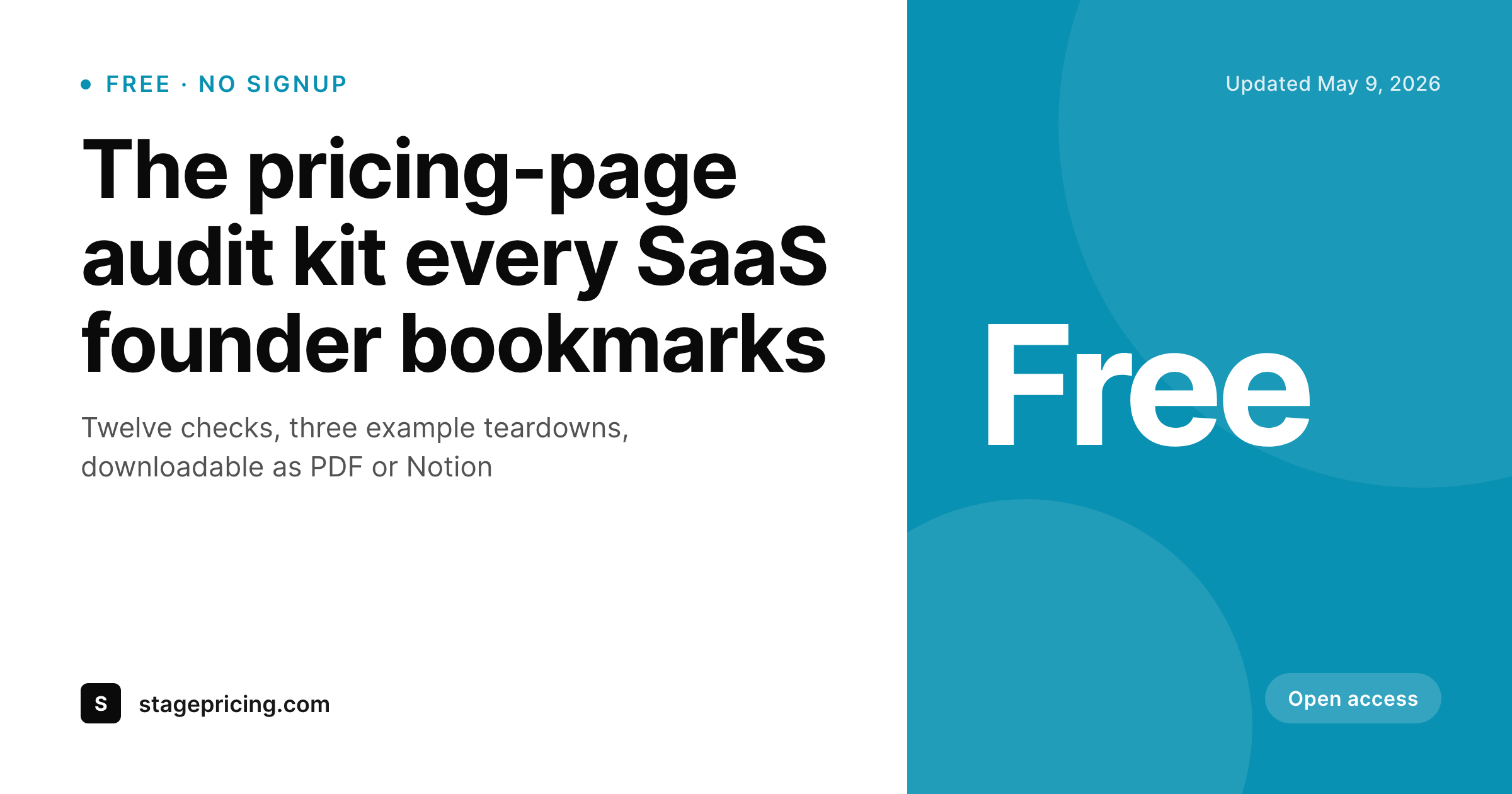
Free is a positioning choice that belongs on the share card
Ungated resources are a deliberate decision. The team chooses to publish a checklist, a calculator, or a guide without a form because the conversion plan downstream is different from lead capture. That decision earns goodwill and shares, but only if readers know it is free before they click. A generic share card with just a title competes with every gated lead magnet in the feed, and the reader assumes there is a form.
SleekPixel makes 'free, no signup' a structural part of the share card. The template has a dedicated badge area for the free indicator. The post's resource type pulls into a format cue: PDF, Notion template, calculator, kit. The title anchors the layout. On save, the OG image renders, og:image and twitter:image update, and every share previews the resource accurately. Readers who would otherwise scroll past 'just another download' see the free signal and click.
The team gets the credit for choosing to publish freely. The share preview converts because it tells the truth about the offer up front. The post is the source. The template carries the brand. The free badge is not an afterthought.
Workflow
Free resources, properly previewed
Design the free-resource template
Tag the resource
Publish
Iterate
Output
Sample free resource share card
A 1200x630 OG card with the title, a 'Free, no signup' badge, and a resource-type cue rendered from fields on the post.
Comparison
Generic OG card vs SleekPixel
Default OG card
- Share card doesn't communicate the resource is free
- Readers assume a form blocks the resource and scroll past
- Resource format (PDF, Notion, calculator) is invisible on the preview
- Updates to the resource never refresh the share card
- No back-catalog rendering when the brand updates
SleekPixel
- Dedicated 'free, no signup' badge in the template
- Resource type cue rendered from a post field
- Title anchors the layout regardless of length
- Saves trigger a re-render that matches the live page
- Bulk refresh entire free-resources library when the brand changes
Features
What SleekPixel gives you for free resource card
Free signal up front
A dedicated badge area in the template displays the 'free, no signup' indicator. The signal sits in a fixed location so readers learn to look for it across the publication.
Resource type cue
Format pulls from a custom field. PDF, Notion template, calculator, kit, whatever applies. The cue helps readers know what they will get on the other side of the click.
Updates that propagate
When the resource is revised or repackaged, the post saves and the card re-renders. og:image stays the same URL, so social platforms pick up the new image on next share.
Use cases
Where free resource cards earn their keep
Public-resource sites
Communities and indie publishers that lead with free, ungated assets need every share to communicate the open access policy without ambiguity.
Tooling and template libraries
Sites that publish Notion templates, Airtable bases, or calculators free-of-charge get cards that show the format and the 'no signup' badge cleanly.
Educational nonprofits
Education nonprofits and libraries publishing free curriculum get share previews that clearly communicate open access across LinkedIn and Twitter.
The bigger picture
Why the free signal belongs on the preview
Free resources compete in a feed with gated lead magnets, paid courses, and ad-bought downloads. The share card is the only chance the publisher has to differentiate before the click. A generic OG card that omits the 'free, no signup' signal forces the reader to make assumptions, and the most common assumption is 'this will ask for my email.' Readers who have been trained on gated downloads scroll past more than they click.
Putting the free signal directly into the share card flips that assumption before the reader makes it. SleekPixel makes that signal a structural element of the template rather than something a designer has to remember to include. The free badge has a fixed location.
The resource type has a fixed cue. The title anchors the layout. Every share looks the same, communicates the same offer, and earns the same trust.
Free becomes a credible positioning choice instead of a promise the reader has to discover after the click.
Questions
Common questions about SleekPixel for free resource card
Use two templates: one with the free badge for ungated posts, one without for gated landing pages. A post field or category decides which template renders. SleekPixel picks the right one on save.
Yes. 'Free,' 'No signup,' 'Open access,' 'Pay what you want,' or any variant fits in the badge. The template defines the wording, and the badge can vary per category if needed.
Any short label works: PDF, Notion, Airtable, Figma, Calculator, Video, Audio, Spreadsheet. The cue is a text field, so the team types whatever applies.
Yes. A second field on the post drives a small detail line. '32 pages,' '4 MB PDF,' '12 min read,' or similar. The detail sits near the title or near the badge depending on the template.
Yes. Update the template, run bulk regenerate on the free-resource category, and every card refreshes to the new brand. The og:image URL stays the same so social platforms pick up the new image on next share.
The image itself does not click through, social platforms do not allow clickable regions in OG images. But the link preview on LinkedIn, Twitter, and Slack remains a clickable card pointing at the landing page.
Yes. SleekPixel writes og:image, twitter:image, og:image:width, and og:image:height. Yoast or Rank Math handle og:title, og:description, and the rest.
Yes. The badge is conditional on a post field. If the field is empty or set to 'paid,' the badge hides. One template covers both modes.
Pricing
More than 1000+
happy customers
Explore our flexible licensing options tailored to your needs. Upgrade your license anytime to access more features, or opt for a lifetime license for ongoing value, including lifetime updates and lifetime support. Our hassle-free upgrade process ensures that our platform can grow with you, starting from whichever plan you choose.
Lifetime ♾️
Most popular
EUR
once
- Unlimited websites
- Lifetime updates
- Lifetime support
...or get the Bundle Deal
and save €250 🎁
💎 Want everything forever? The All Access Pass is going away on 01.08.2026.
The Bundle (unlimited sites)
Pay once, own it forever
Elevate your WordPress site with our exclusive plugin bundle that includes all of our premium plugins in one package. Enjoy lifetime updates and lifetime support. Save significantly compared to buying plugins individually.
What’s included
-
SleekAI
-
SleekByte
-
SleekMotion
-
SleekPixel
-
SleekRank
-
SleekView
€749
Continue to checkoutBrowse more
- WP Fastest Cache
- ThriveCart
- Lemon Squeezy products
- Buy Me a Coffee pages
- Query Monitor
- Paddle products
- Modern Events Calendar events
- Complianz GDPR
- YITH WooCommerce Compare
- Stripe Payments
- Smartsheet sheets
- Microsoft PowerPoint decks
- Klarna Payments for WooCommerce
- All In One WP Security
- Restrict Content Pro
- Twitch overlay
- Ko-fi shop images
- Behance project covers
- Open Graph images
- Dailymotion thumbnails
- YouTube Shorts covers
- Beacons.ai banner
- Passes page banner
- YouTube Music cover art
- Telegram bot avatar
- Instagram feed posts
- Rednote (Xiaohongshu) post
- Twitch offline banners
- Audible audiobook cover
- LinkedIn banner images