






SleekPixel for Behance project covers
Templated 1400x778 project covers generated from a portfolio post type. The Behance grid stays on brand without rebuilding the cover image in Photoshop every time a new project ships.
♾️ Lifetime License available
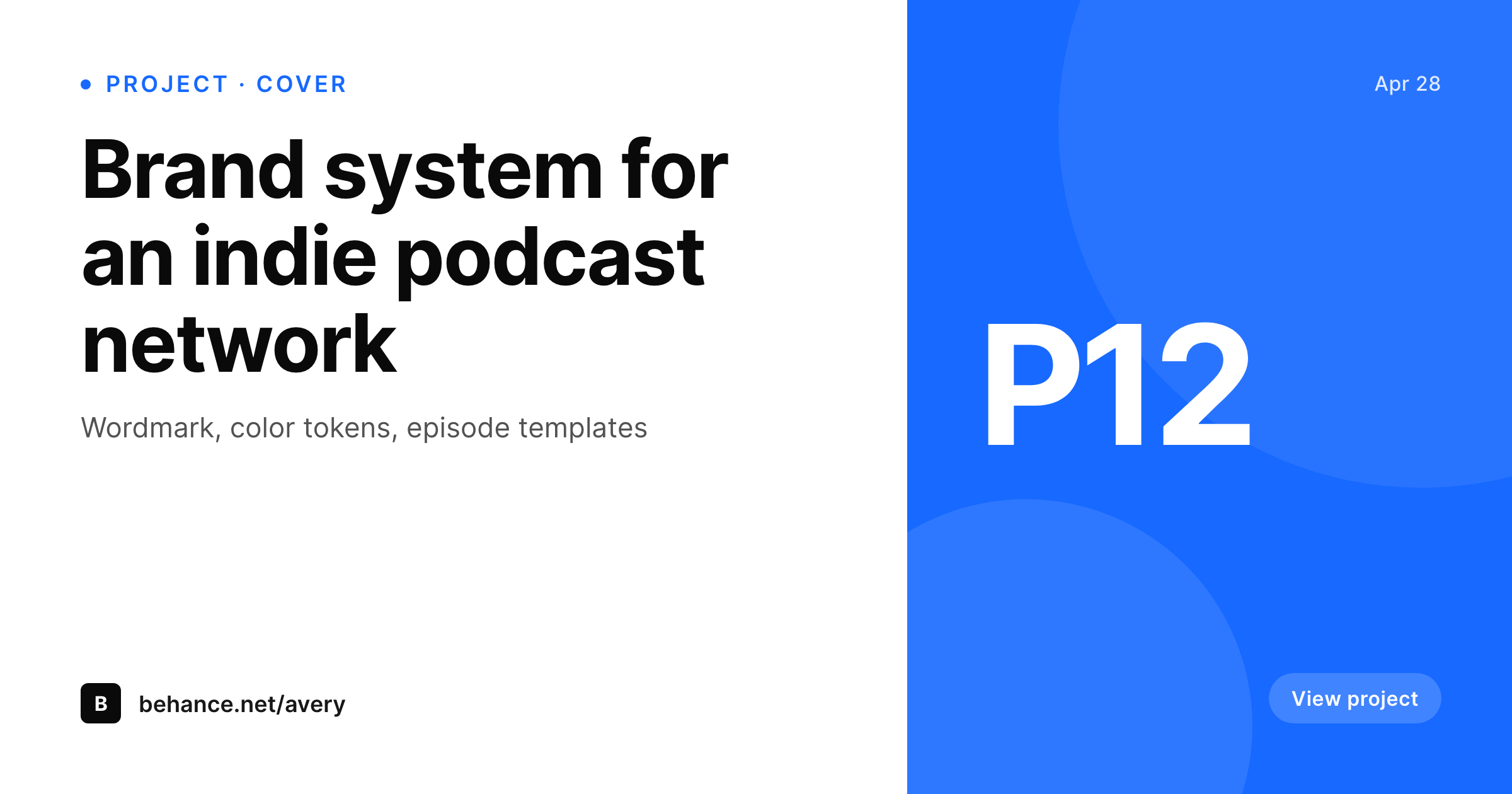
Behance projects open with the cover
Behance's project grid leads with the cover image. The cover is the first thing a recruiter, art director, or fellow designer sees when scanning a portfolio, and it sets the visual frame for everything inside the project. The recommended cover size is 1400x778 (roughly 16:9), and projects that perform have covers that read as part of a coherent portfolio system: same brand mark, same typography, same crop logic across a year of work.
SleekPixel renders the cover from a portfolio post on save. If the designer's WordPress site already organizes work as a portfolio post type, the post fields carry the project title, the project category, the year, and the brand mark. The template binds those fields and renders the 1400x778 PNG to the uploads directory. The designer downloads from the editor sidebar and uploads to Behance as the project cover, with the rest of the project content handled inside Behance's normal project editor.
Branding refreshes propagate by batch regenerate. The Behance portfolio reads as a coherent body of work because the cover frame is enforced by the renderer, not by manual discipline across dozens of Photoshop files.
Workflow
From portfolio post to Behance project cover
Design the cover template
Set up the portfolio post type
Save the post
Upload to Behance
Output
What gets generated per project
A 1400x778 PNG with the project title, category, year, and brand mark, sized for the Behance project cover.
Comparison
Manual Behance covers versus SleekPixel
Photoshop per project
- Photoshop per-project design drifts as the designer iterates over years
- Cover frames lose coherence across a long Behance portfolio
- Brand refreshes leave the Behance grid with stale covers across the archive
- Title rewrites force a fresh export from Photoshop every time
- Designers spend cover time that could go into the project case study
SleekPixel
- 1400x778 PNG rendered from a portfolio post on save
- Project title, category, and year bound to real post fields
- Real brand fonts and colors, locked to a single template
- Re-renders on field changes
- Sidebar download per project, ready for the Behance upload dialog
Features
What SleekPixel gives you for Behance project covers
Behance-shaped
Templates default to 1400x778 with safe areas for the title and brand mark. The cover fits the Behance grid without cropping.
Portfolio-coherent
Every cover comes out of the same template, so the Behance grid reads as a coherent body of work instead of unrelated projects.
Brand-locked
Real brand fonts and colors, not Photoshop session approximations. The cover matches the rest of the portfolio without manual reconciliation.
Use cases
Where Behance covers earn the open
Active portfolios
Designers shipping Behance projects regularly maintain visual coherence across the portfolio without redesigning the cover every time.
Studio portfolios
Multi-designer studios keep project covers consistent across team members because the renderer enforces the visual system.
Brand refresh
Studio rebrand re-renders every project cover in the archive at once, so the Behance portfolio updates without per-project manual work.
The bigger picture
Why Behance covers carry the portfolio first impression
Behance is one of the few platforms where a designer's portfolio gets evaluated as a body of work, not as individual posts. The grid view, where every project shows as a cover with title and category, is the surface that decides whether a hiring manager opens any project at all. A grid that reads as a coherent system signals that the designer has a point of view that survives across years of work.
A grid of off-brand Photoshop exports signals the opposite. Most designers lose this battle on capacity, because designing project covers is exactly the kind of work that gets cut when client deadlines pile up. SleekPixel makes the cover frame a property of the portfolio post type.
The project title, the year, the category come from the post. The cover renders from a template that holds the brand. Branding refreshes propagate by re-rendering.
The Behance grid stays coherent because the renderer enforces it, and the designer spends portfolio-maintenance time on the case study content instead of on the cover frame.
Questions
Common questions about SleekPixel for Behance project covers
No. Behance's API is restrictive for third-party uploads. SleekPixel renders the cover and provides a download button. The designer uploads via Behance's project editor.
1400x778 (roughly 16:9) is the recommended cover size. SleekPixel defaults to that. The dimension is configurable if Behance updates its recommendation.
Yes. If the project hero image is uploaded as a featured image or custom field on the portfolio post, the template can use it as a background. The cover does not require artwork in the template, since title and brand mark often carry the design on their own.
Yes. Templates are per post type or category. Branding projects, illustration projects, and product design projects can each use a dedicated template.
Yes. The SleekPixel admin batch regenerate rebuilds covers for every matching post. The PNGs land in uploads ready for re-upload to Behance.
No. SleekPixel hands the rendered URL to Yoast or Rank Math when they are active for the OG image, and the Behance cover is a separate file. There is no conflict.
In the WordPress uploads directory, served from your own domain. It is a real PNG, in your media library, and included in normal backups.
No. The render runs once on save and the result is a static file. There is no per-render API cost or rate limit.
Pricing
More than 1000+
happy customers
Explore our flexible licensing options tailored to your needs. Upgrade your license anytime to access more features, or opt for a lifetime license for ongoing value, including lifetime updates and lifetime support. Our hassle-free upgrade process ensures that our platform can grow with you, starting from whichever plan you choose.
Lifetime ♾️
Most popular
EUR
once
- Unlimited websites
- Lifetime updates
- Lifetime support
...or get the Bundle Deal
and save €250 🎁
💎 Want everything forever? The All Access Pass is going away on 01.08.2026.
The Bundle (unlimited sites)
Pay once, own it forever
Elevate your WordPress site with our exclusive plugin bundle that includes all of our premium plugins in one package. Enjoy lifetime updates and lifetime support. Save significantly compared to buying plugins individually.
What’s included
-
SleekAI
-
SleekByte
-
SleekMotion
-
SleekPixel
-
SleekRank
-
SleekView
€749
Continue to checkoutBrowse more
- Substack post headers
- Spotify playlist cover
- Threads story-style images
- YouTube end cards
- Kindle book cover
- Discord server banners
- LinkedIn banner images
- YouTube Shorts covers
- X social cards
- Pinterest video pin covers
- Threads social images
- Bluesky link cards
- Mastodon link previews
- Mastodon profile header
- Mastodon post images