






SleekPixel for Bitbucket projects
Atlassian-aligned engineering teams keep code in Bitbucket and run a public engineering blog on WordPress. SleekPixel reads Bitbucket project metadata and renders share cards for the WordPress engineering posts so launches and retros share with branded previews.
♾️ Lifetime License available
Bitbucket teams own the share preview, not just the repository
Engineering teams inside the Atlassian ecosystem usually pair Bitbucket with Jira, Confluence, and a corporate WordPress site for external communication. The engineering blog, hiring pages, and product engineering pages all live on WordPress, with the underlying repository on Bitbucket. When the team writes a launch post or a postmortem, the share URL is the WordPress page, not the Bitbucket URL.
Bitbucket itself renders a basic OG card for its repository pages, but most engineering teams never share those URLs publicly. The WordPress engineering post is where the pitch, the context, and the customer-facing detail sits. If that post shares with a default theme banner, every launch tweet and every LinkedIn post about a project ship loses some of its impact at the preview stage.
SleekPixel pulls Bitbucket project metadata via the API and renders the WordPress card from those fields. Project name, current PR count, primary language, and main-branch status all become real card content. The team brand sits at the bottom. Engineering posts share with cards that feel as polished as the work they describe, which lifts both engagement and recruiting performance across the year.
Workflow
From Bitbucket project to WordPress share card
Connect the Bitbucket API
Build the project template
Save or sync
Share the launch
Output
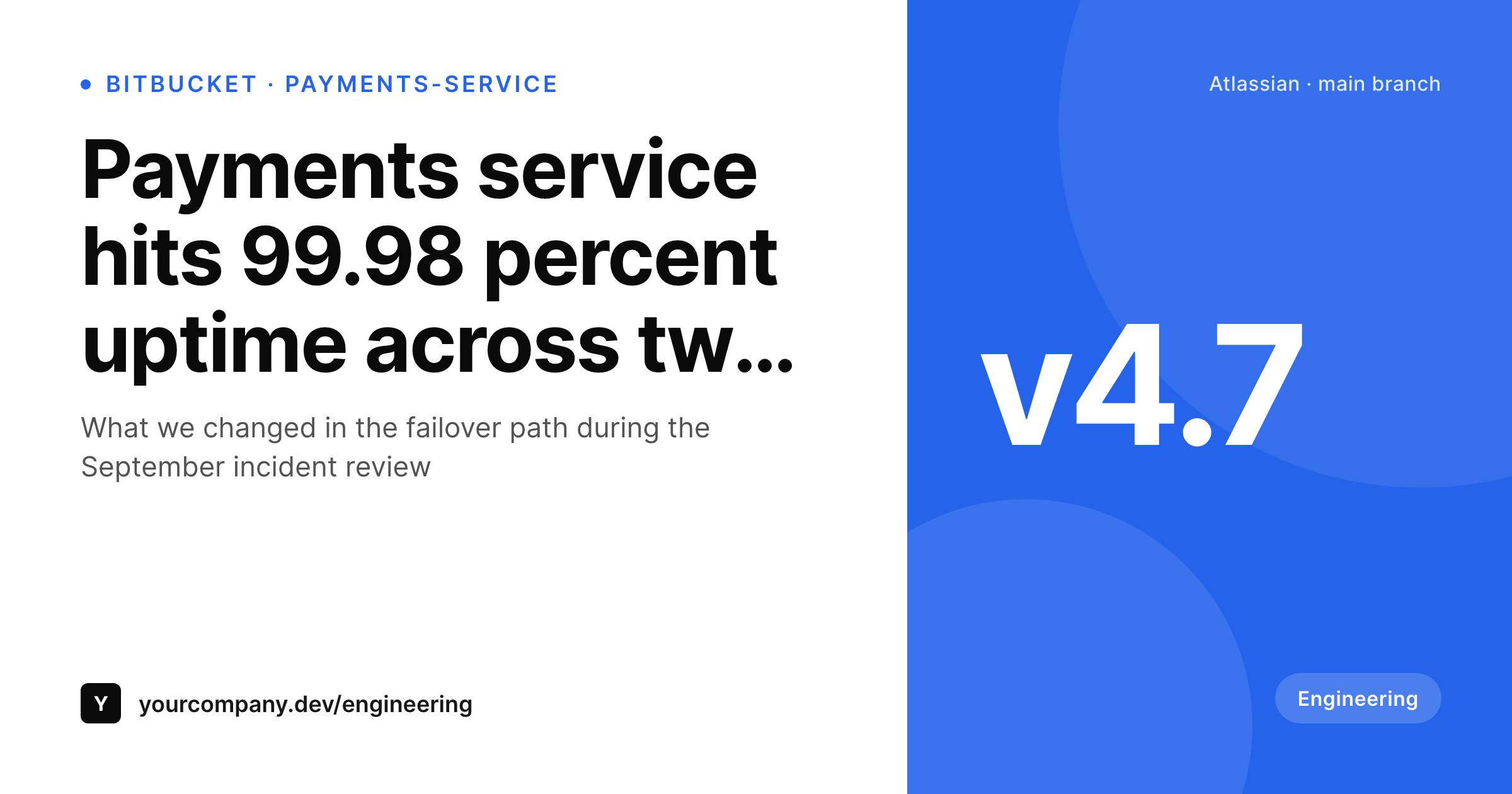
Sample Bitbucket project OG card
A 1200x630 OG image: project name, PR count, version tag, language, and team brand, rendered from Bitbucket API data into the WordPress engineering post on save.
Comparison
Default theme OG vs Bitbucket-aware rendering
Default theme OG image
- Engineering blog posts share with the corporate homepage banner
- PR counts and version tags never appear on the share preview
- Postmortem posts open with a generic theme image on the day they matter
- Manual Canva exports stop happening after the first quarter
- Brand updates require redoing every past engineering card by hand
SleekPixel
- Pulls Bitbucket project metadata via the API on a schedule or webhook
- Project name, PR count, version, and language render automatically
- Engineering blog, launch posts, and postmortems share the same family
- Bulk re-render the back catalog after a brand refresh
- Cloud and Server Bitbucket both supported, only WordPress changes
Features
What SleekPixel gives you for Bitbucket projects
Project name headlines
The Bitbucket project name and short description become the WordPress card headline. The same identity engineers know in Bitbucket lands on every public share.
PR and branch meta
Current open PR count and main-branch status render as small meta lines. Posts about ongoing work share with real activity signals, not placeholder text.
Version-tag marks
Latest release version renders as a corner mark. Launch posts automatically carry the right version, and old release posts keep their historical tag.
Use cases
What Bitbucket teams generate with SleekPixel
Release launches
Each major release gets its own engineering blog post and card. Launch tweets and LinkedIn posts share with the version, the description, and the team brand.
Postmortems
Public postmortem posts after major incidents share with a real card showing the affected service and the resolution date. Trust signals carry across the share.
Engineering hiring posts
Hiring posts linking the WordPress role page share with the team brand and the project context. Senior engineering candidates see the actual stack on the preview.
The bigger picture
Why Atlassian-stack teams need WordPress-side share previews
Engineering teams inside the Atlassian ecosystem typically work in a closed surface: Bitbucket for code, Jira for issues, Confluence for docs. The public-facing surface lives on WordPress, and it is where customers, candidates, and partners read about what the engineering team actually ships. The share previews on those WordPress posts determine how that work is perceived externally.
A clean per-release card on a LinkedIn share looks like a real engineering announcement and earns the kind of attention that lifts hiring, partner conversations, and customer trust. A blank theme banner does none of that. The second effect compounds over time.
Engineering postmortems and architecture deep-dives have long shelf life on search and social. Posts published two years ago still get linked when teams elsewhere hit the same problem. If those old posts share with mismatched or default cards, the whole back catalog feels patchy.
SleekPixel binds the rendering to the post type, so the engineering blog ages consistently. Bulk re-renders flow brand updates through every past post in minutes. The Atlassian-stack team gets a public engineering surface that looks as considered as the work in the repository.
Questions
Common questions about SleekPixel for Bitbucket projects
Yes. The API surface differs slightly between Cloud and Server, but the sync job handles both. Most teams on Cloud use the standard REST API; teams on Server use the Bitbucket Data Center API with similar endpoints.
A Bitbucket app password or OAuth token plus a sync job, scheduled via WP Cron or an external scheduler. The sync writes project metadata into custom fields. SleekPixel reads those fields when the post saves.
Yes. A parallel Jira sync writes open ticket counts into the same post fields. The card can render a combined view: Bitbucket PR count plus Jira tickets, useful for project status posts.
Private projects work the same way. The sync token needs read access, and the WordPress post exposes only the fields you choose. Internal services can have polished public marketing pages without exposing the underlying code.
SleekPixel manages OG meta and rendered PNGs on the engineering post types where you turn it on. Yoast or RankMath handle the rest of the site. The two work together; SleekPixel overrides only where you want a custom card.
Yes. A taxonomy on the engineering post picks the template variant. Platform team posts render with one accent, payments team with another. The rendering picks the right variant automatically at save time.
Yes if you sync the status into a custom field. Most teams render only green or in-progress states on public cards; failed pipeline status usually stays internal. The template chooses based on whatever value is in the field.
The WordPress posts and rendered cards stay where they are. Swap the sync job to pull from GitHub instead, keep the field names the same, and the templates render unchanged. URL-stable shares mean the back catalog survives the platform change.
Pricing
More than 1000+
happy customers
Explore our flexible licensing options tailored to your needs. Upgrade your license anytime to access more features, or opt for a lifetime license for ongoing value, including lifetime updates and lifetime support. Our hassle-free upgrade process ensures that our platform can grow with you, starting from whichever plan you choose.
Lifetime ♾️
Most popular
EUR
once
- Unlimited websites
- Lifetime updates
- Lifetime support
...or get the Bundle Deal
and save €250 🎁
💎 Want everything forever? The All Access Pass is going away on 01.08.2026.
The Bundle (unlimited sites)
Pay once, own it forever
Elevate your WordPress site with our exclusive plugin bundle that includes all of our premium plugins in one package. Enjoy lifetime updates and lifetime support. Save significantly compared to buying plugins individually.
What’s included
-
SleekAI
-
SleekByte
-
SleekMotion
-
SleekPixel
-
SleekRank
-
SleekView
€749
Continue to checkoutBrowse more
- Open Graph images
- KDP paperback cover
- Discord event cover
- WeChat Moments images
- TikTok profile banners
- Facebook post images
- Lens Protocol posts
- Pinterest video pin covers
- Instagram grid tiles
- Etsy cover photos
- Facebook group banners
- Dailymotion thumbnails
- Bluesky feed banner
- LinkedIn ad images
- Nostr note images