






SleekPixel for do vs don't cards
Coaches, copywriters, and operators running a tips series need a card where the do and the don't are color-coded and aligned. SleekPixel renders that card per post in WordPress on save.
♾️ Lifetime License available
Do-vs-don't only works when the coding never moves
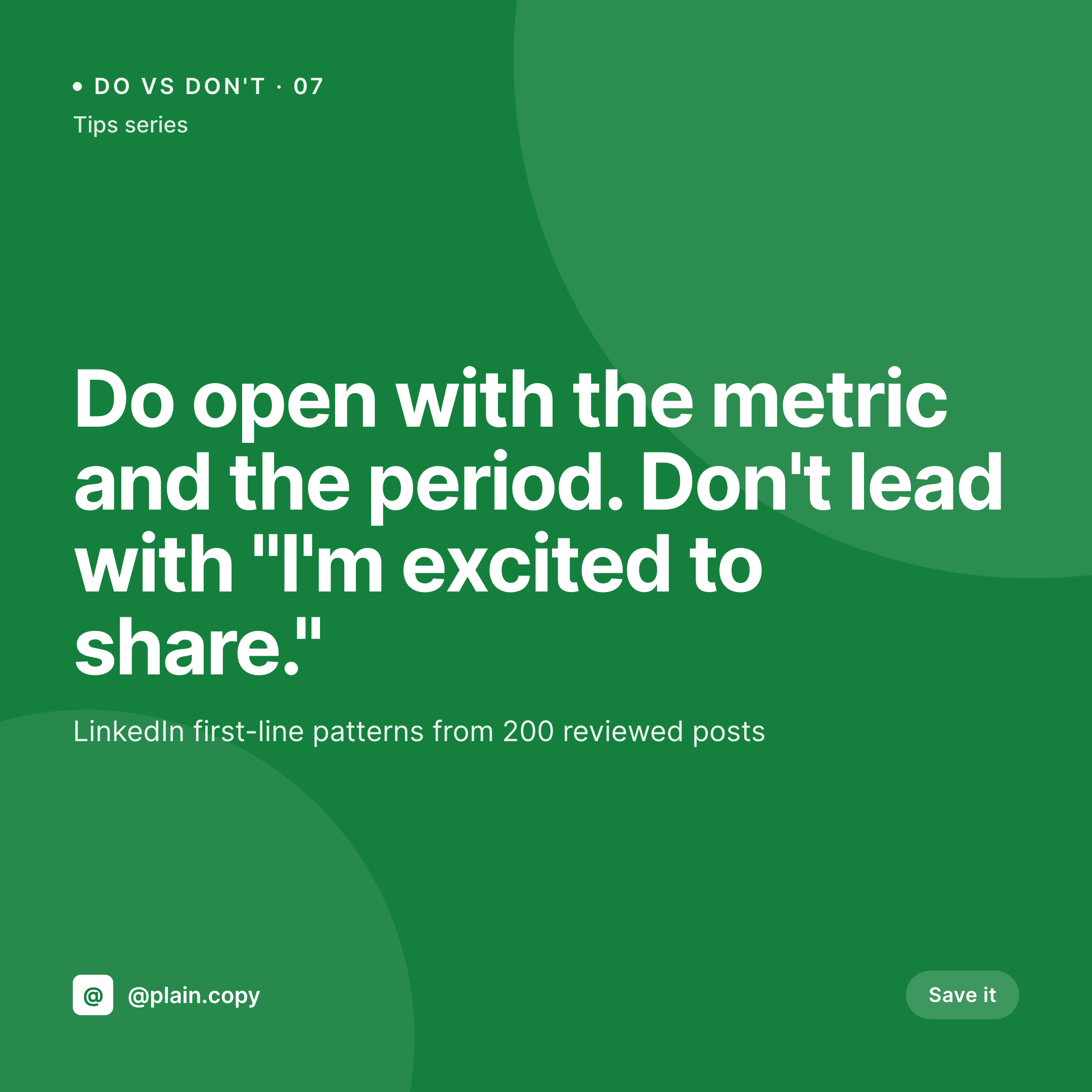
Do-vs-don't is the most-shared instructional format on LinkedIn and Instagram for a reason. The format teaches a rule in one card by contrasting the wrong way and the right way side by side. It works because the eye reads the green-and-red coding before the words load. The do is anchored in green, the don't in red, the split is vertical or horizontal, and the brand mark sits in a fixed corner. The format becomes recognizable, and the audience starts saving the cards.
The trouble is consistency. Three contributors building cards in Figma over six months produce a series where the do is on top in some cards, on the left in others, and where the red is occasionally lighter or darker depending on whose file is open. The format reads as a series for the first ten entries and starts feeling random by the twentieth. Engagement drops, save rates drop, and the team chalks it up to algorithm.
SleekPixel encodes the format into the template. The post has two fields, do and don't. The template places them in fixed positions with locked colors. The renderer fires on save. Editors write the rule, the card ships in the brand's specific shade of green and red, with the series-number badge and brand mark exactly where they always are.
Workflow
From two text fields to a published do-vs-don't card
Design the do-vs-don't template
Add a tips post
Renderer ships the card
Run the series
Output
What a generated do-vs-don't card looks like
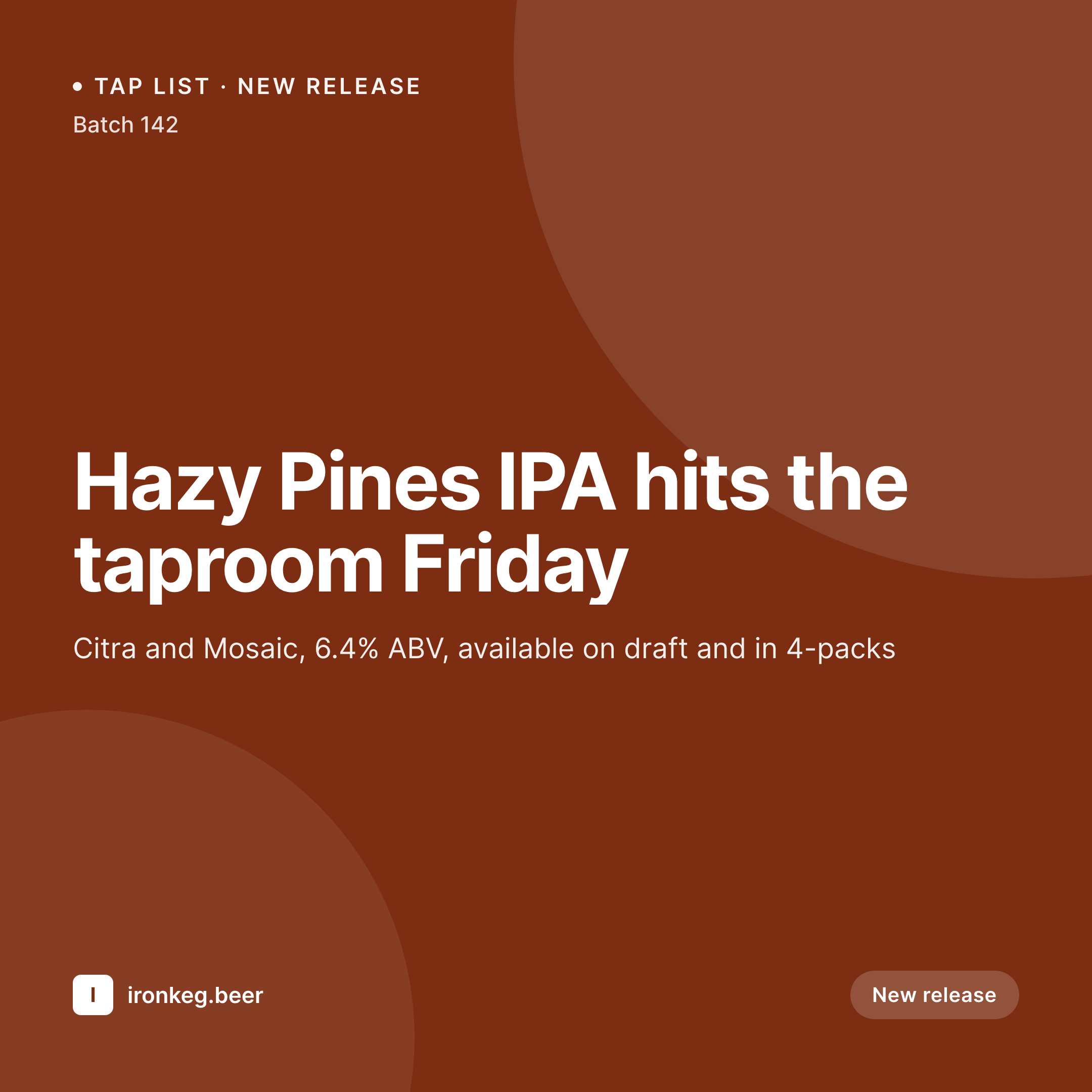
A 1080x1080 square split top-don't (red) and bottom-do (green), with the rule headline up top and a series badge in the corner.

Comparison
Default do vs don't image vs SleekPixel
Default do vs don't image
- Do and don't switch positions between contributors
- Green and red shades drift between cards
- Series-number badge ends up in different corners
- Long don't lines get cropped on some cards
- No regeneration path when a tip is rewritten
SleekPixel
- Render fires on save for every do-vs-don't post
- Do field always renders in green, don't field always in red
- Positions stay locked across the entire series
- Auto-fit type handles short tips and long ones consistently
- Series-number badge always lands in the same corner
Features
What SleekPixel gives you for do vs don't cards
Do panel locked in green
The do field always renders inside the brand's specific shade of green. Contributors cannot accidentally reverse the coding by editing a Figma layer.
Don't panel locked in red
The don't field always renders in the brand's red. Same shade, same position, every card across the series.
Series badge always anchored
The series-number badge sits in a fixed corner with a fixed size. Readers recognize the format at a glance without reading the headline.
Use cases
Tips series this format fits
Writing and copy coaches
Hooks, openings, transitions, calls-to-action. One do-vs-don't per pattern, fifty in a year, all recognizable as one publication.
Management coaches
One-on-one questions, feedback patterns, hiring rules. The format gives a manager a rule and an example in five seconds.
Design and engineering
Naming, file structure, accessibility, code review patterns. Each card teaches one rule with a wrong-way and a right-way example.
The bigger picture
Why do-vs-don't is a renderer-shaped format
The strongest instructional formats on social platforms share one trait: the rule reads before the words do. Do-vs-don't is in that category. The green-and-red split is a visual contract that the audience learns over a few weeks of exposure.
Once they recognize the contract, the engagement compounds. Cards in the series get higher save rates, the brand becomes associated with a teaching style, and new readers come in through the format itself rather than through the headline. The contract is fragile, though.
The first time the green ends up on top instead of the bottom, or the red shade goes a notch lighter, the audience's recognition takes a hit. SleekPixel removes the fragility by making the contract part of the template instead of part of the design discipline. Editors write the rule, the renderer ships the card, the contract holds across fifty entries without anyone thinking about it.
The series stays a series and the program compounds.
Questions
Common questions about SleekPixel for do vs don't cards
Yes. The template defines the hex values. Editors do not pick colors; the renderer applies the brand-defined green to the do panel and red to the don't panel every time.
Reinforce the coding with icons (check, cross) and position. The template renders both alongside the color so the contract works for protanopia and deuteranopia readers.
Yes. The fields can be repeaters of short bullets. The template lays them out as stacked lists in each panel.
Yes. Register a 1080x1920 variant against the same fields. The renderer produces the story version with do on top and don't on bottom, or vice versa per template.
Yes. The template is content-agnostic. A copy series, a management series, and a design series can all run on the same template with different category-driven accents.
Yes. SleekPixel registers og:image automatically. LinkedIn and Twitter pick up the square at preview time and crop it according to platform rules.
Yes. Edit the do or don't field, save. The PNG regenerates at the same path and the og:image meta tag serves the corrected version next time the URL is rescraped.
Yes. Use a repeater of tip entries on the post and the renderer produces one card per entry, plus a lead card for the URL share.
Pricing
More than 1000+
happy customers
Explore our flexible licensing options tailored to your needs. Upgrade your license anytime to access more features, or opt for a lifetime license for ongoing value, including lifetime updates and lifetime support. Our hassle-free upgrade process ensures that our platform can grow with you, starting from whichever plan you choose.
Lifetime ♾️
Most popular
EUR
once
- Unlimited websites
- Lifetime updates
- Lifetime support
...or get the Bundle Deal
and save €250 🎁
💎 Want everything forever? The All Access Pass is going away on 01.08.2026.
The Bundle (unlimited sites)
Pay once, own it forever
Elevate your WordPress site with our exclusive plugin bundle that includes all of our premium plugins in one package. Enjoy lifetime updates and lifetime support. Save significantly compared to buying plugins individually.
What’s included
-
SleekAI
-
SleekByte
-
SleekMotion
-
SleekPixel
-
SleekRank
-
SleekView
€749
Continue to checkoutBrowse more
- Twitter card images
- Rednote (Xiaohongshu) post
- Kick channel banners
- Slack channel headers
- GitHub README banners
- Snapchat ad images
- Notion page covers
- KDP paperback cover
- Instagram grid tiles
- Discord server icon
- YouTube ad thumbnails
- LinkedIn post images
- LinkedIn banner images
- Instagram collab post images
- Klaviyo email banner