






SleekPixel for cheat sheet card
Cheat sheets find their audience on Pinterest as much as on Twitter. SleekPixel renders a 1000x1500 pin-shaped card with the title, topic, and print-ready cue, alongside a thumbnail of the sheet itself, all generated from the post on save.
♾️ Lifetime License available
Pinterest is where cheat sheets live forever
A cheat sheet's long-tail traffic is on Pinterest. Engineers, designers, students, hobbyists pin them for later, refer back over months, and re-share to their boards. But Pinterest rewards a specific aspect ratio: vertical, 2:3, around 1000x1500. WordPress' default OG image is 1200x630, the wrong shape entirely. Pins get cropped, the title gets cut, and the cheat sheet loses its strongest distribution channel.
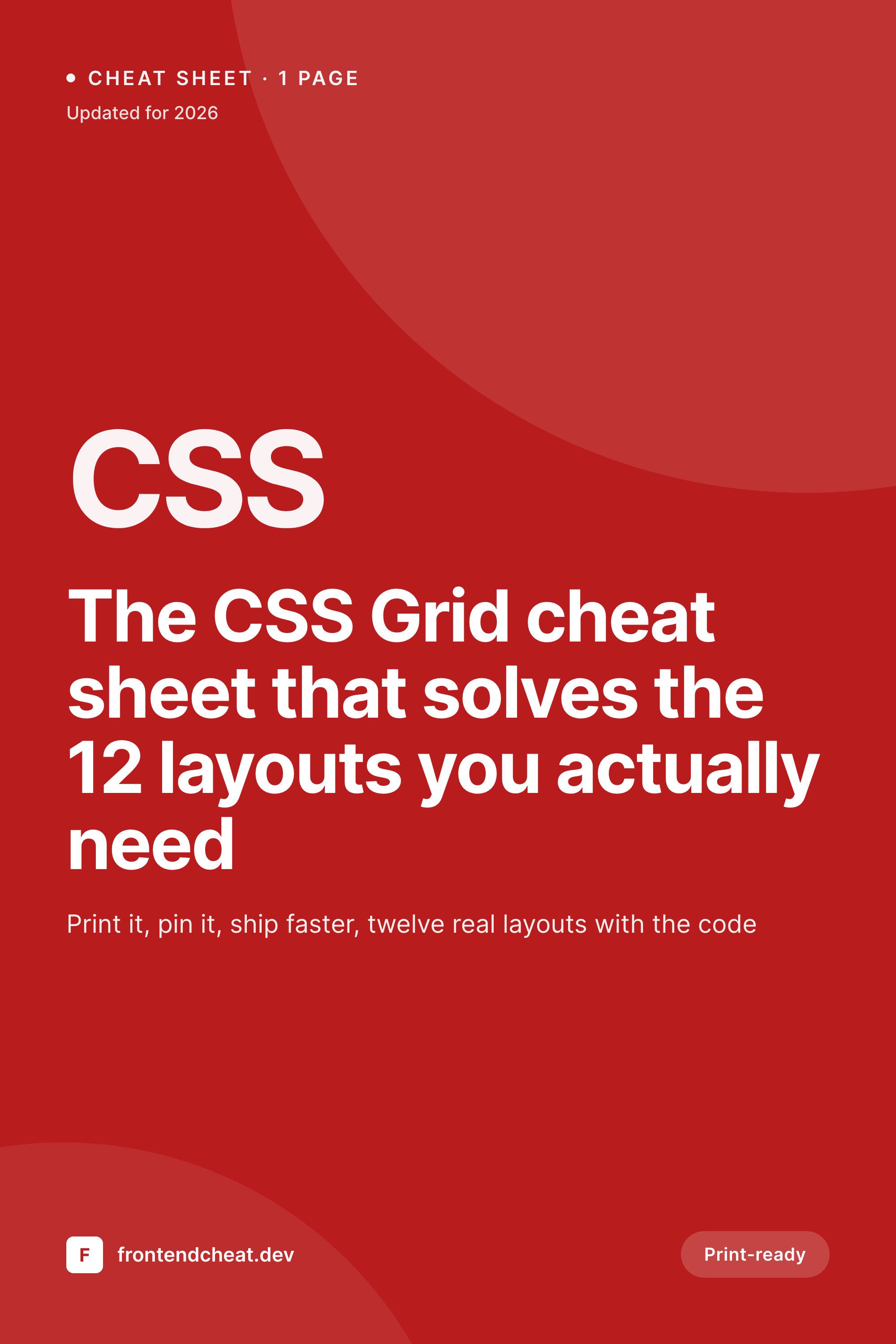
SleekPixel renders the right shape. The template is 1000x1500 by design. The title anchors the top, the topic tag sits underneath, a thumbnail of the actual sheet sits in the middle as a preview, and a print-ready cue sits at the bottom. On save, the pin renders alongside the standard OG image, and the meta tags expose both. Pinterest's 'Save' button picks up the pin-shaped image automatically; LinkedIn and Twitter pick up the standard one.
The cheat sheet gets pinned correctly. Long-tail traffic accumulates over months instead of dying in week one. The post drives both renders. The brand stays consistent across both formats. The pin works, the card works, the campaign works on both surfaces.
Workflow
Cheat sheets shipped for both pin and feed
Design the pin template
Design the OG template
Publish the cheat sheet
Watch the long tail
Output
Sample cheat sheet pin card
A 1000x1500 vertical pin with the title, topic tag, sheet thumbnail, and print-ready cue rendered from fields on the post.
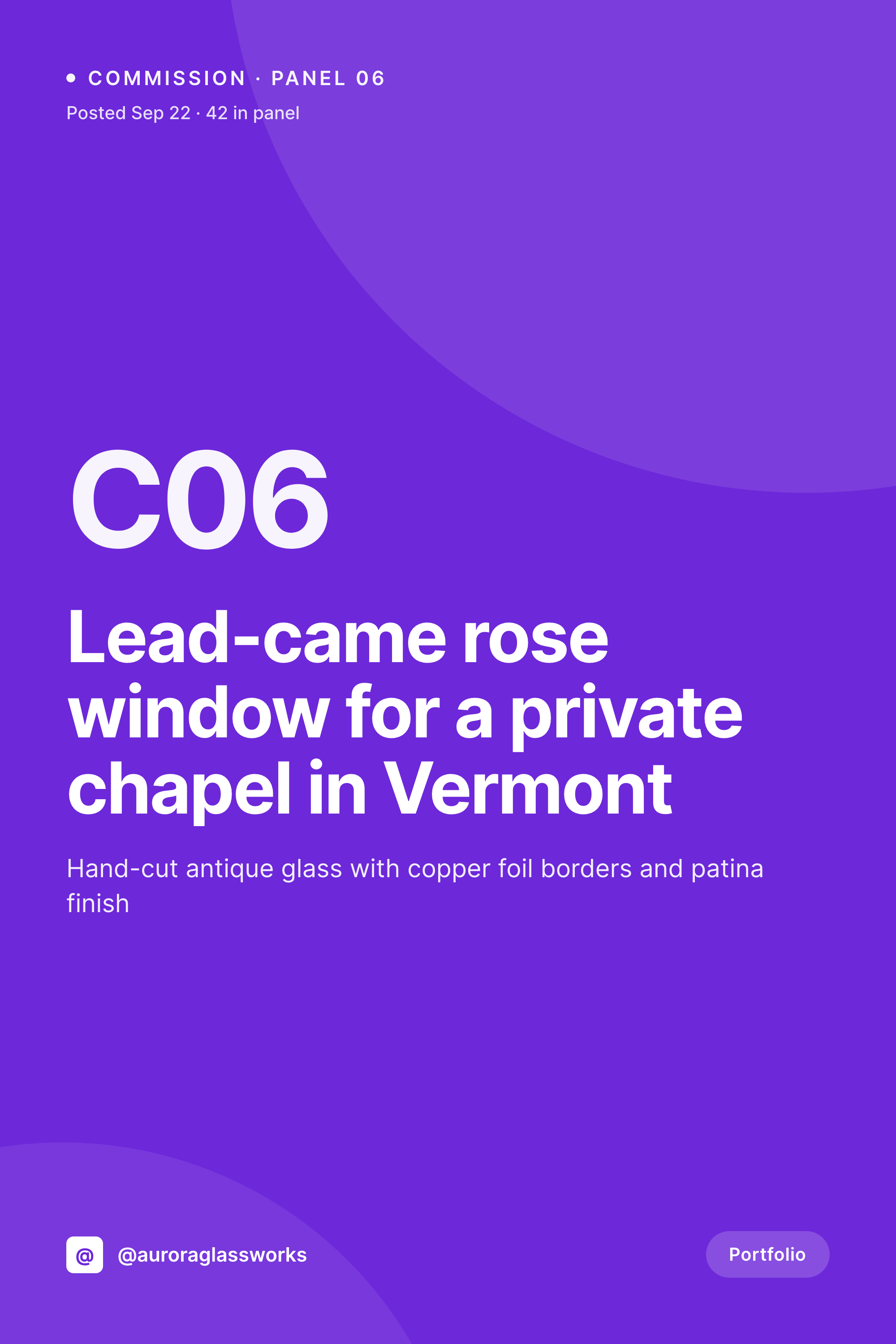
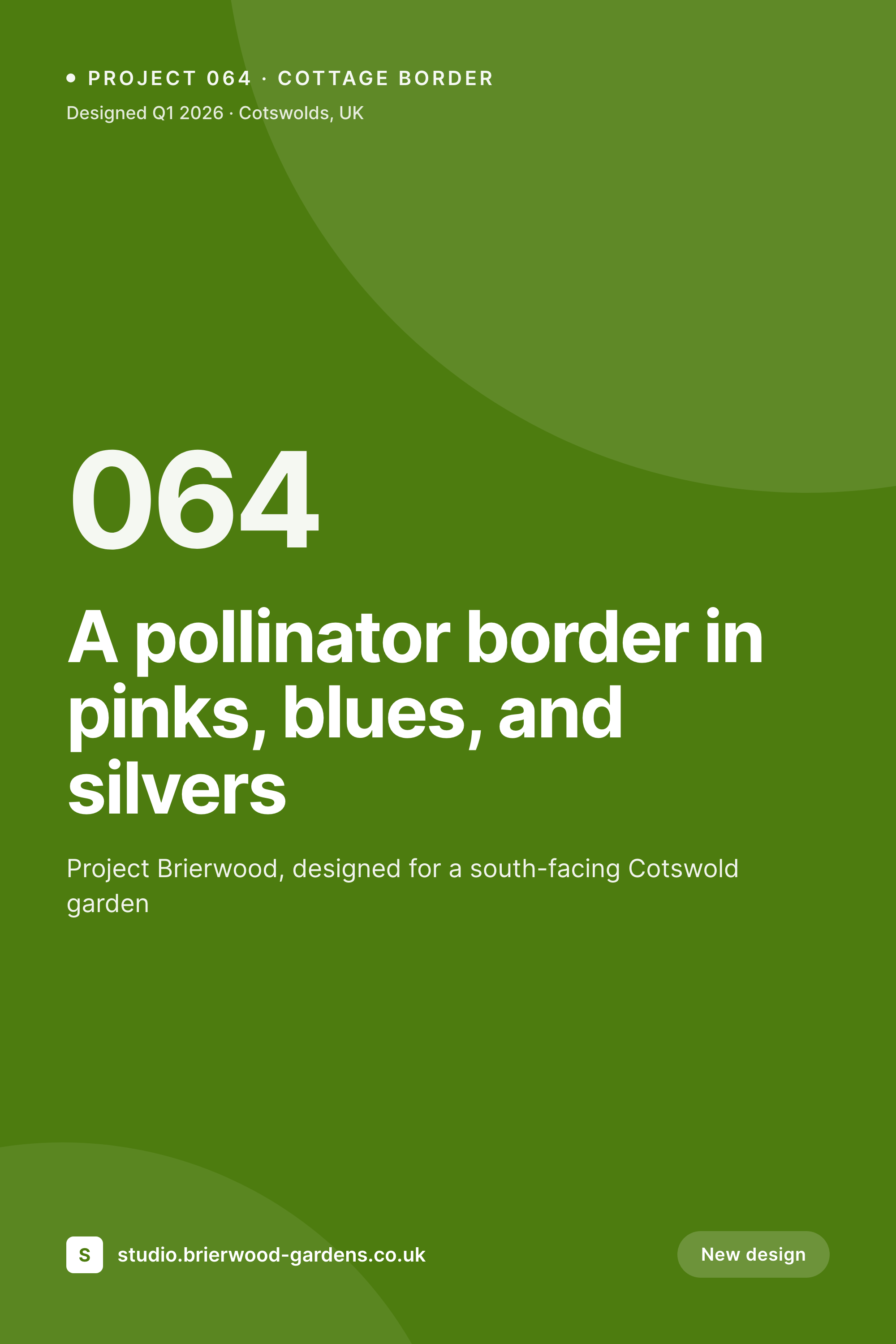
Comparison
Horizontal OG card on Pinterest vs SleekPixel pin
Horizontal OG on pin
- Horizontal OG image gets cropped to a thumbnail on Pinterest
- Title gets cut off in the pin preview at full size
- Print-ready cue never communicates on the pin
- Cheat sheets miss Pinterest's long-tail distribution entirely
- No way to render a separate pin format without manual design
SleekPixel
- Native 1000x1500 vertical pin shape
- Title, topic, thumbnail, and print cue all anchored in the layout
- Standard OG card renders alongside for LinkedIn and Twitter
- Pin meta tags expose both images correctly
- Bulk refresh covers the cheat-sheet library when the brand updates
Features
What SleekPixel gives you for cheat sheet card
Pinterest-shaped by default
The template is 1000x1500, the format Pinterest's algorithm rewards. Pins display at full width without cropping the title or topic tag.
Sheet preview thumbnail
A small render of the actual cheat-sheet PDF or image sits in the middle of the pin as a visual proof. Pinners see the substance before they save.
Print-ready cue
A dedicated badge in the template communicates that the sheet is print-ready. Useful for cheat sheets meant to live on a wall or in a notebook.
Use cases
Where cheat sheet pins earn their keep
Developer reference sheets
CSS, Git, regex, keyboard-shortcut, and language cheat sheets get pin-shaped cards that pick up Pinterest's long-tail developer audience over months.
Design and color references
Color theory, typography pairings, accessibility checklists, and design system overviews get pin-format share cards that earn re-pins.
Student and study sheets
Education sites publishing study sheets and exam-prep guides reach Pinterest's student audience with native pin format instead of cropped previews.
The bigger picture
Why Pinterest aspect ratios matter for cheat sheets
Most WordPress sites treat Pinterest as an afterthought because the default OG image is the wrong shape, and the gap between making it work and not making it work is a few hours of Figma. So most sites skip the channel and lose months of long-tail distribution. Cheat sheets are the worst category to skip Pinterest on, because the format is exactly what Pinterest users save: visual, useful, evergreen, re-shareable.
SleekPixel makes the right pin format structural rather than optional. The post saves once, both images render, both meta tags expose the right URLs to the right platforms. Pinterest sees a native pin and treats it like one.
The cheat sheet finds its audience over the next year instead of dying in the first week of LinkedIn traffic. The post is the source. The pin is correct.
The long tail accumulates without anyone designing a separate pin for every new sheet.
Questions
Common questions about SleekPixel for cheat sheet card
SleekPixel can expose the pin via a separate meta tag or the data-pin-media attribute on the article. Pinterest's Save button reads the pin-specific image when present, falling back to og:image otherwise.
Two. The pin format is 1000x1500 and the OG format is 1200x630. They share fields but the layouts are different. SleekPixel supports both as parallel renders bound to the same post.
Yes. Upload the cheat-sheet PDF preview or image to an ACF field, and the template binds to it. The thumbnail renders at the right size inside the pin layout.
Instagram Stories use 1080x1920, which is a different aspect ratio than Pinterest's 1000x1500 but close enough that one design language can carry across both. Configure a third template if Stories matter for the brand.
Yes. Edit the post, save. The pin re-renders and Pinterest will pick up the new image on the next pin or via the URL inspector. Repeat saves do not break the pin URL.
Yes. The cheat-sheet category uses one pin template across all posts in that category. Per-post variations come from the post fields, not from new templates.
The template can include the landscape sheet as a thumbnail inside the vertical pin layout. The pin frame is vertical; the contained thumbnail can be any shape.
Yes. Yoast's Pinterest tab continues to handle the description and verification side. SleekPixel handles the image. The two coexist without overlap.
Pricing
More than 1000+
happy customers
Explore our flexible licensing options tailored to your needs. Upgrade your license anytime to access more features, or opt for a lifetime license for ongoing value, including lifetime updates and lifetime support. Our hassle-free upgrade process ensures that our platform can grow with you, starting from whichever plan you choose.
Lifetime ♾️
Most popular
EUR
once
- Unlimited websites
- Lifetime updates
- Lifetime support
...or get the Bundle Deal
and save €250 🎁
💎 Want everything forever? The All Access Pass is going away on 01.08.2026.
The Bundle (unlimited sites)
Pay once, own it forever
Elevate your WordPress site with our exclusive plugin bundle that includes all of our premium plugins in one package. Enjoy lifetime updates and lifetime support. Save significantly compared to buying plugins individually.
What’s included
-
SleekAI
-
SleekByte
-
SleekMotion
-
SleekPixel
-
SleekRank
-
SleekView
€749
Continue to checkout