






SleekPixel for playbook cards
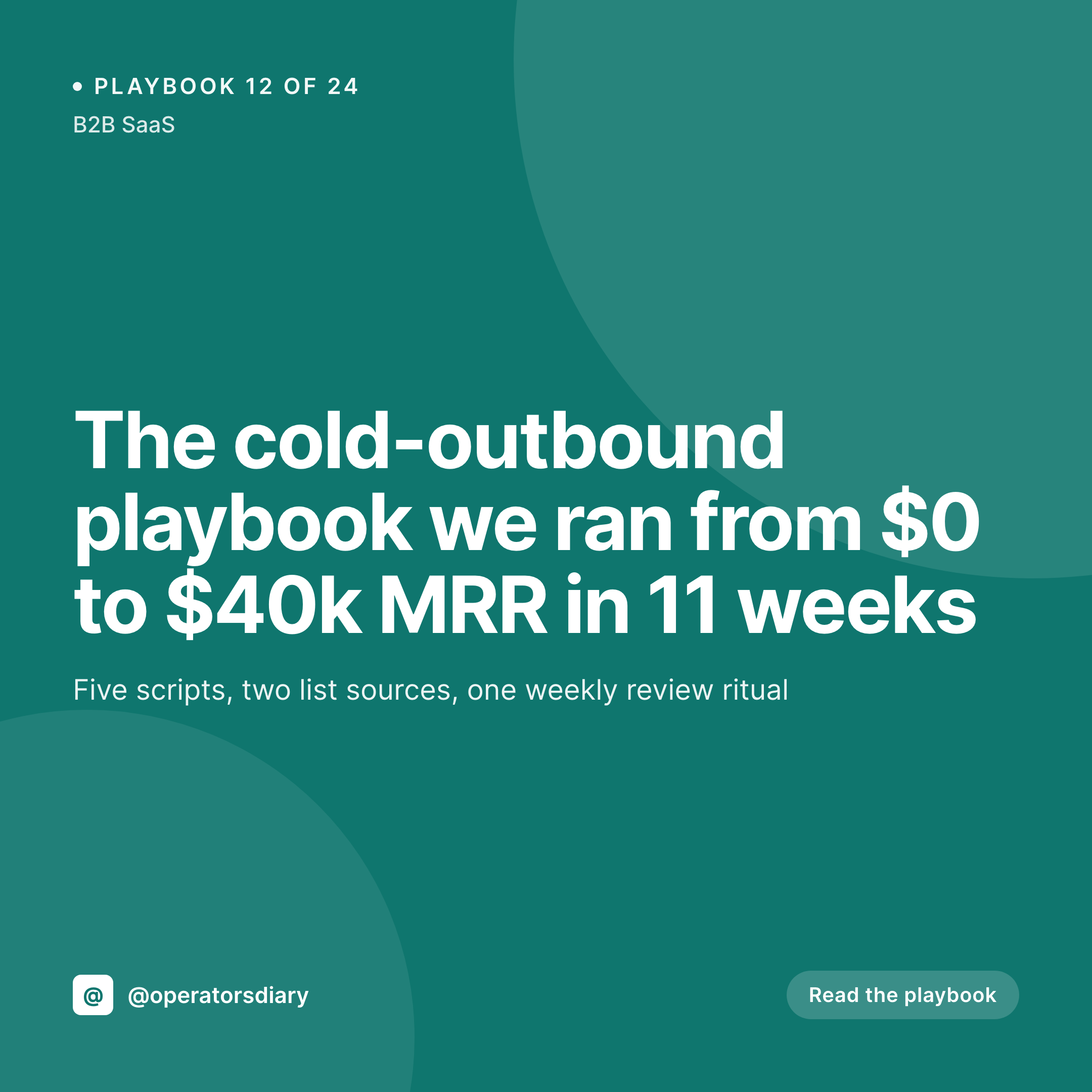
Operators publish playbooks as posts in WordPress. SleekPixel turns each one into a branded 1080x1080 Instagram card, with the playbook title, number, and category pulled straight from the post fields on save.
♾️ Lifetime License available
Playbooks scale by repetition, not by redesign
A playbook library only works if the next playbook ships as easily as the first. Operators who publish playbooks regularly, sales reps documenting outbound flows, founders writing growth experiments, marketers logging campaign teardowns, learn quickly that the writing is the easy part. The hard part is everything around the post: the cover image, the social share, the link card in Slack. Each post needs a graphic, and each graphic eats 15 to 30 minutes of design time that nobody on the team wants to own.
That overhead is why most playbook libraries trail off after the first ten entries. The author has the next idea ready to write, but the design step makes the cost feel high enough to defer. The library stops growing not because the content stopped, but because the artifact around the content stopped being cheap.
SleekPixel removes the design step entirely. The playbook post in WordPress holds the title, number, category, and any custom fields. The template binds to those fields and renders a 1080x1080 PNG to /uploads on save. The same image powers the og:image on the web archive and the download button in the Gutenberg sidebar for manual Instagram posts. The next playbook ships with a real cover and zero extra work.
Workflow
From playbook draft to social-ready card
Design the template
Publish the playbook
Share the post
Edit and re-render
Output
What a rendered playbook card looks like
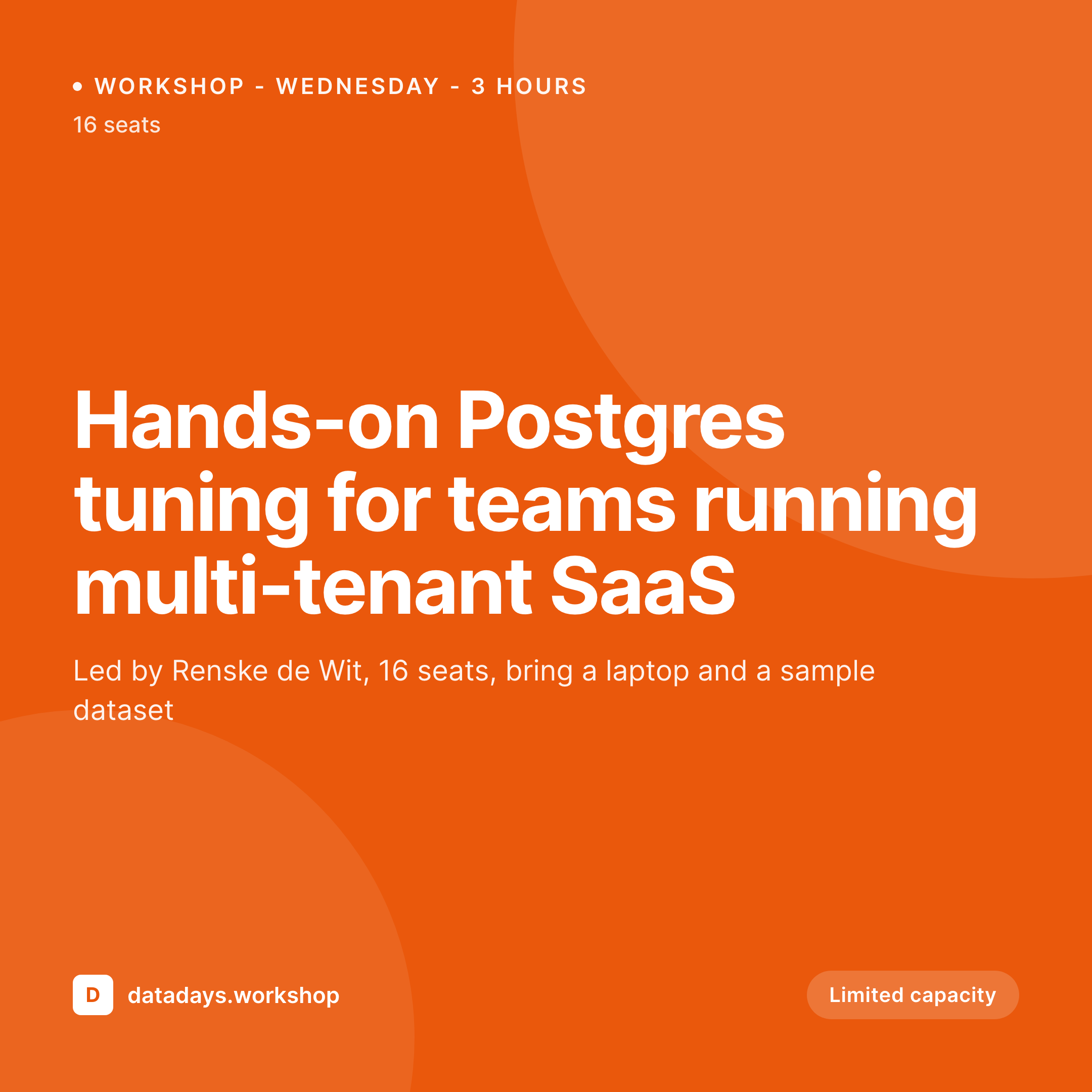
A 1080x1080 PNG with the playbook number, title, and category pulled from the post fields, laid out in the locked template.
Comparison
Default playbook card vs SleekPixel
Default playbook cards image
- Same generic featured image on every playbook share
- Manual Canva covers drift in style across the year
- Title edits never propagate to the social card
- Long playbook titles get clipped in Twitter previews
- No enforcement, every contributor freestyles the design
SleekPixel
- Render runs on save for every playbook post
- Title, number, and category come from post fields
- og:image and twitter:image meta tags written automatically
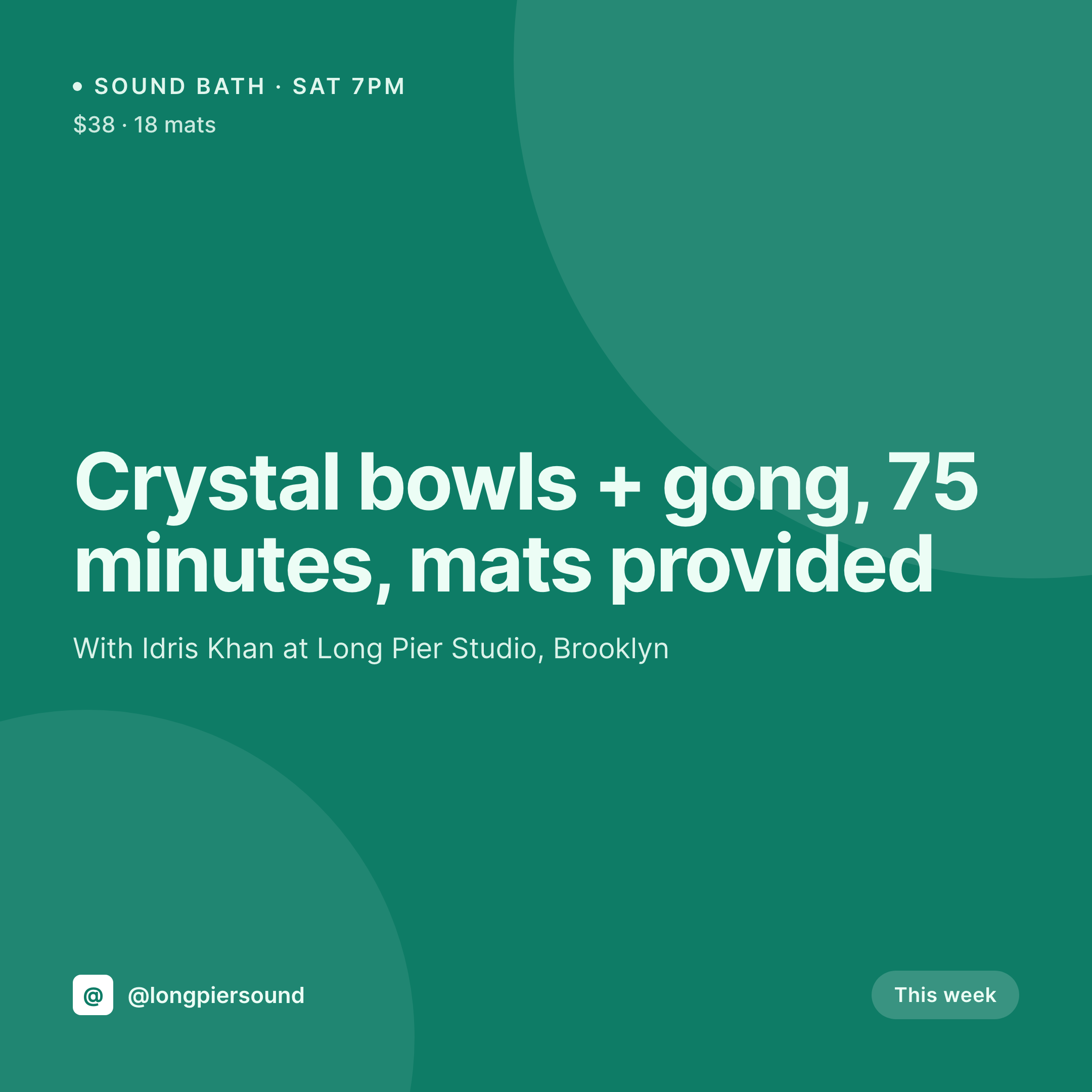
- Per-category templates for sales, growth, and product playbooks
- Title edits regenerate the card immediately
Features
What SleekPixel gives you for playbook cards
Library-aware numbering
Reads the playbook number from a custom field and renders it as a prominent corner mark. Readers can see at a glance which entry they are looking at.
Per-category templates
Sales, growth, product, and ops playbooks can each carry a distinct accent color or layout, picked automatically from the post's category taxonomy.
Edits regenerate
Tweak a playbook title after publishing and the social card updates on save. The og:image meta tag points at the same file path, so the corrected cover propagates to the next scrape.
Use cases
Who uses SleekPixel for playbook cards
Sales-led teams
Reps and managers publishing outbound, discovery, and closing playbooks. The cards make the library searchable on social and inside Slack link previews.
Growth operators
Founders and growth marketers logging campaigns and experiments as repeatable playbooks. The card supports the share that recruits new contributors.
Internal academies
Customer success and onboarding teams running a private playbook library. The card style enforces the academy brand even on internal Slack links.
The bigger picture
Why playbook libraries need rendered covers
Playbook content compounds when each entry feels like part of a series. Readers who pick up playbook 12 immediately recognize the style from playbook 3 and trust the operator behind it. The cover card is the cheapest, most visible signal that a library exists.
Operators who treat covers as a per-post design exercise drift in style across a year, and their library reads as a collection of unrelated posts instead of an asset. Operators who automate the cover from the post fields keep a consistent visual system across hundreds of entries without thinking about it. SleekPixel makes that automation possible inside WordPress, where most operator-led playbook libraries already live.
The post is the source. The template enforces the system. The render runs in the background.
The library scales as fast as the writer can write, which is the only sustainable cost structure for content that is supposed to grow indefinitely.
Questions
Common questions about SleekPixel for playbook cards
Yes. ACF, Meta Box, and native custom fields all work as text-layer sources. The renderer reads the value and lays it out as the corner mark with the template's type rules.
The title layer auto-shrinks to fit the bounding box you defined, between configurable min and max font sizes. A 6-word and a 16-word title both fill the frame without overflowing.
Yes. The template can read the post's category and apply an accent color from a palette. Sales, growth, and product playbooks can carry different colors without separate templates.
No. SleekPixel renders the PNG inside WordPress. The Gutenberg sidebar shows a download button. Posting to Instagram still happens through your scheduler or a manual upload.
Yes. Register a second size against the same post type and SleekPixel renders both formats on save. The square goes to Instagram, the OG image powers the web share.
Yes. SleekPixel operates at the post-data layer and binds templates to any post type, including ACF or Meta Box-backed playbook CPTs. Native posts and pages also work.
Yes. Each playbook produces its own file in /uploads, named per the slug. The archive is browsable from the WordPress media library by date and parent post.
Yes. Map an image placeholder to the WordPress author profile photo, an ACF user field, or a per-post override. Multi-author playbook libraries get the right headshot automatically.
Pricing
More than 1000+
happy customers
Explore our flexible licensing options tailored to your needs. Upgrade your license anytime to access more features, or opt for a lifetime license for ongoing value, including lifetime updates and lifetime support. Our hassle-free upgrade process ensures that our platform can grow with you, starting from whichever plan you choose.
Lifetime ♾️
Most popular
EUR
once
- Unlimited websites
- Lifetime updates
- Lifetime support
...or get the Bundle Deal
and save €250 🎁
💎 Want everything forever? The All Access Pass is going away on 01.08.2026.
The Bundle (unlimited sites)
Pay once, own it forever
Elevate your WordPress site with our exclusive plugin bundle that includes all of our premium plugins in one package. Enjoy lifetime updates and lifetime support. Save significantly compared to buying plugins individually.
What’s included
-
SleekAI
-
SleekByte
-
SleekMotion
-
SleekPixel
-
SleekRank
-
SleekView
€749
Continue to checkoutBrowse more
- LinkedIn company banners
- TikTok Now image
- Pinterest shop banners
- Tumblr header
- Instagram bio link banners
- WhatsApp status images
- Stan Store cover
- Poshmark listing images
- KDP hardcover cover
- KDP paperback cover
- Instagram grid tiles
- Buy Me a Coffee banners
- Flickr cover photo
- Linktree banner image
- YouTube end cards