






SleekPixel for principle cards
Writers publishing principles as posts in WordPress can render each one as a 1080x1080 card. Title, attribution, and topic come from the post fields the moment you save.
♾️ Lifetime License available
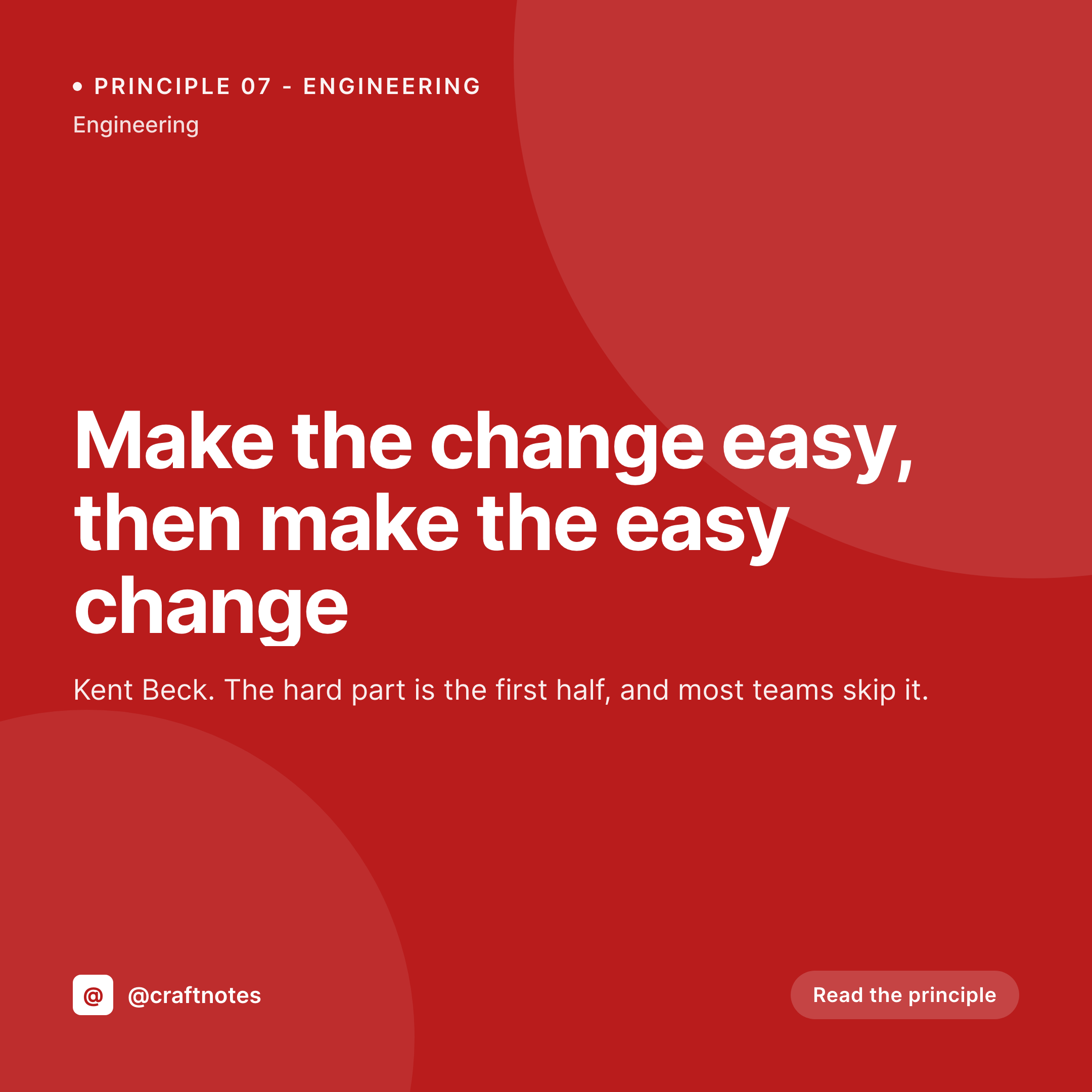
Principles travel as quotes, and quotes need cards
A principle is the most quotable form of content a writer can produce. It is short, it is portable, and it gets screenshotted. The screenshot that gets shared is almost always the social card, not the body of the blog post. If the card looks anonymous, the principle floats away from the author and becomes one more uncredited line on the internet. If the card looks like a real publication, the principle drives traffic and credit back to the writer.
Most independent writers know this and still ship anonymous cards because the design overhead is too high. A weekly principle post times 52 weeks is 52 manual Canva exports, which nobody is going to do consistently. The library trails off after the first few entries.
SleekPixel binds the principle post to a square template. Title from the post, attribution from a custom field, topic from the category, accent color from a topic palette. The render runs on save and the PNG ends up in /uploads, powering the og:image and the download in the Gutenberg sidebar. Every principle ships with a card that looks part of a real publication, even when the writer is one person.
Workflow
From principle post to ready-to-share card
Design the template
Write the principle post
Share the post
Refine freely
Output
What a rendered principle card looks like
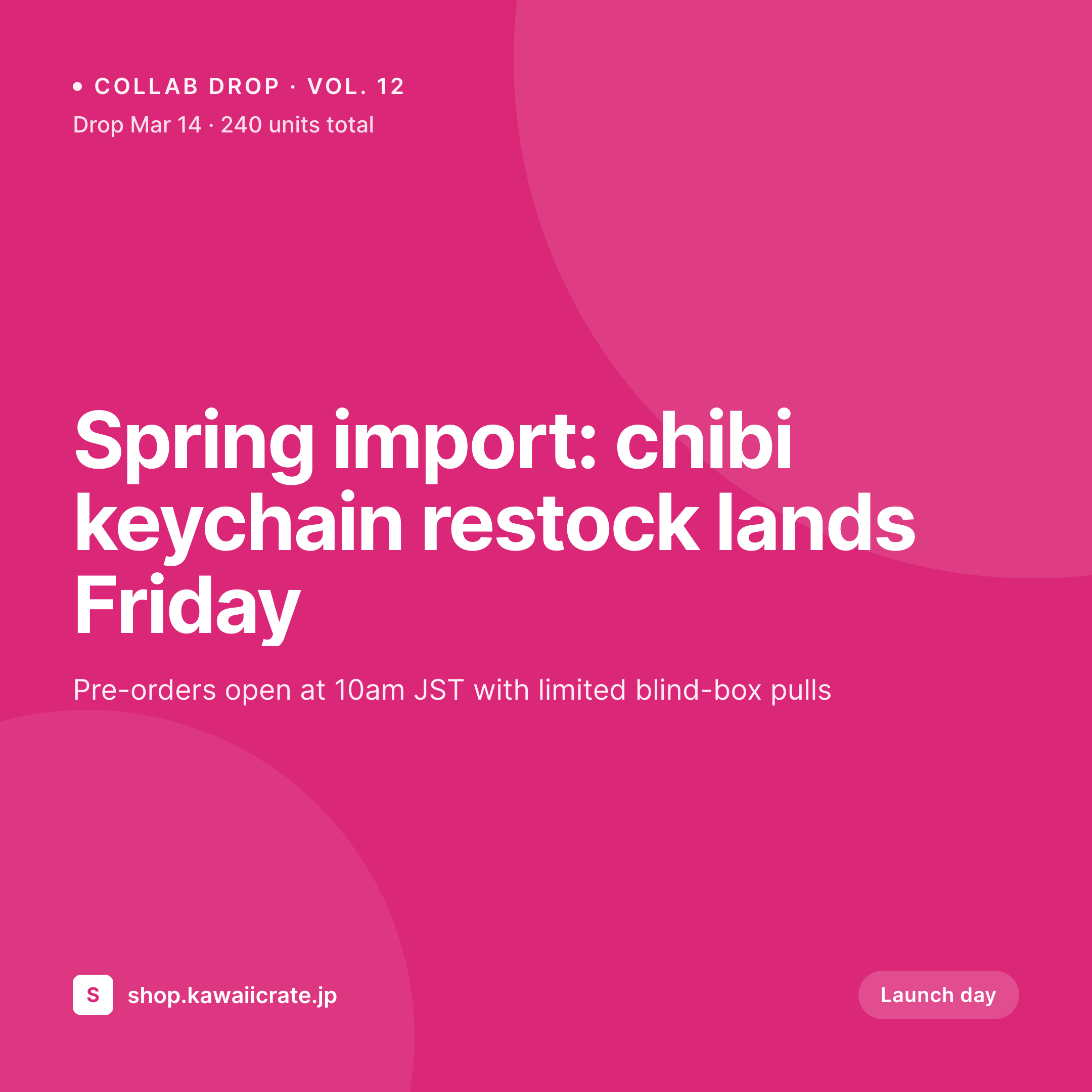
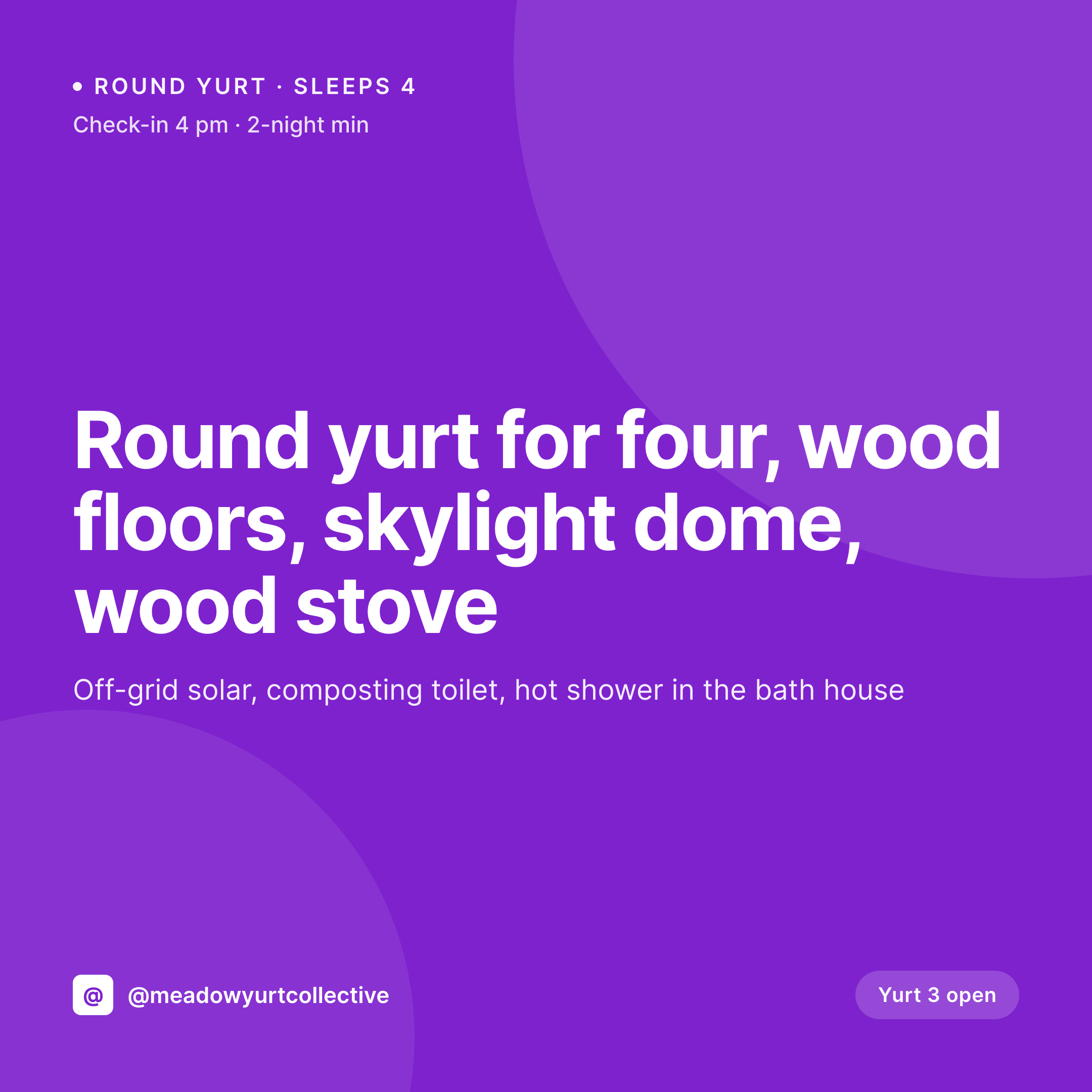
A 1080x1080 PNG with the principle text, attribution, and topic pulled from the post fields, laid out in the locked template.
Comparison
Default principle card vs SleekPixel
Default principle cards image
- Same featured image on every principle share
- Manual Canva covers drift across the year
- Attribution gets dropped on screenshots
- Long principles overflow the safe area
- No visual continuity across the principle library
SleekPixel
- Render runs on save for every principle post
- Title, attribution, and topic pulled from post fields
- og:image and twitter:image meta tags written automatically
- Per-topic accent colors via category taxonomy
- Attribution stays anchored regardless of principle length
Features
What SleekPixel gives you for principle cards
Attribution-anchored
The attribution slot stays locked at the bottom of the card even when the principle text runs long. Credit travels with every screenshot back to the source.
Topic palettes
A topic field on the post drives the accent color. Engineering, design, leadership, and life principles each carry their own palette.
Edits regenerate
Refine a principle after publishing and the social card updates on save. The og:image points at the same file path so the next share carries the corrected text.
Use cases
Who uses SleekPixel for principle cards
Solo writers
Independent writers publishing a personal library of principles. The card supports the screenshot economy that drives readers back to the post.
Engineering blogs
Engineering leaders publishing principles for their teams. The card style enforces the company's voice on Slack and Twitter shares.
Internal handbooks
Companies maintaining a public-facing principle handbook. The card system makes the handbook browsable visually across social and link previews.
The bigger picture
Why principle cards anchor a writer's brand
Principles spread by screenshot. The reader who finds a principle useful screenshots the card and pastes it into Slack, into a deck, into a thread. That screenshot becomes the most-distributed artifact the writer produces, and the writer's name on the card is the only mechanism that brings traffic back to the source.
Without the card, the principle becomes an orphaned quote attributed to nobody, and the writer who originated it never gets the compounding benefit of having said it first. SleekPixel makes attribution a property of the post rather than a property of the designer's discipline. The template anchors the attribution slot, the renderer keeps it locked across every entry, and the writer's name travels with every screenshot for years.
The brand compounds because the system enforces it. The library stays consistent because the post is the source. The writer keeps writing principles instead of redesigning cards.
Questions
Common questions about SleekPixel for principle cards
Yes. The template binds the attribution layer to a custom field rather than the post author. Guest principles, borrowed quotes, and house authors can all carry the correct attribution from the same template.
The principle text auto-shrinks between configurable min and max sizes. Short principles like 'Make it work, make it right, make it fast' fill the frame; longer principles scale down to fit without overflowing.
Yes. A topic taxonomy on the post drives the accent. Engineering, design, leadership, and life principles can each carry their own color from a palette.
Yes. SleekPixel binds to any post type. Native posts, ACF-backed CPTs, Meta Box CPTs, and Pods CPTs all expose their fields to the template engine.
Yes. Register a second size against the same post type and SleekPixel renders both on save. The square goes to Instagram, the OG image powers the web share.
No. SleekPixel renders the PNG inside WordPress and exposes a download button in the Gutenberg sidebar. Posting still happens through your scheduler or a manual upload.
Yes. Each principle post produces its own file in /uploads, named per the slug. The archive is browsable from the WordPress media library by date and parent post.
No. The renderer reuses the same file path, so the og:image meta tag stays valid. Twitter, LinkedIn, and Slack pick up the corrected card on their next scrape. Existing screenshots already taken remain as captured.
Pricing
More than 1000+
happy customers
Explore our flexible licensing options tailored to your needs. Upgrade your license anytime to access more features, or opt for a lifetime license for ongoing value, including lifetime updates and lifetime support. Our hassle-free upgrade process ensures that our platform can grow with you, starting from whichever plan you choose.
Lifetime ♾️
Most popular
EUR
once
- Unlimited websites
- Lifetime updates
- Lifetime support
...or get the Bundle Deal
and save €250 🎁
💎 Want everything forever? The All Access Pass is going away on 01.08.2026.
The Bundle (unlimited sites)
Pay once, own it forever
Elevate your WordPress site with our exclusive plugin bundle that includes all of our premium plugins in one package. Enjoy lifetime updates and lifetime support. Save significantly compared to buying plugins individually.
What’s included
-
SleekAI
-
SleekByte
-
SleekMotion
-
SleekPixel
-
SleekRank
-
SleekView
€749
Continue to checkoutBrowse more
- Snapchat snap images
- Tidal cover art
- Facebook Marketplace images
- YouTube Music cover art
- Twitch schedule banners
- kbin post images
- Instagram grid tiles
- Etsy shop banners
- Open Graph images
- Telegram bot avatar
- Xiaohongshu cover images
- SoundCloud track art
- Pinterest board covers
- Kick channel banners
- Bandcamp banner