






SleekPixel for trick of the day cards
Trick-of-the-day publishers cover keyboard shortcuts, hidden settings, and clever workflows. SleekPixel renders a 1080x1080 card for every trick post the moment you save, pulling number, text, and tool from the post fields.
♾️ Lifetime License available
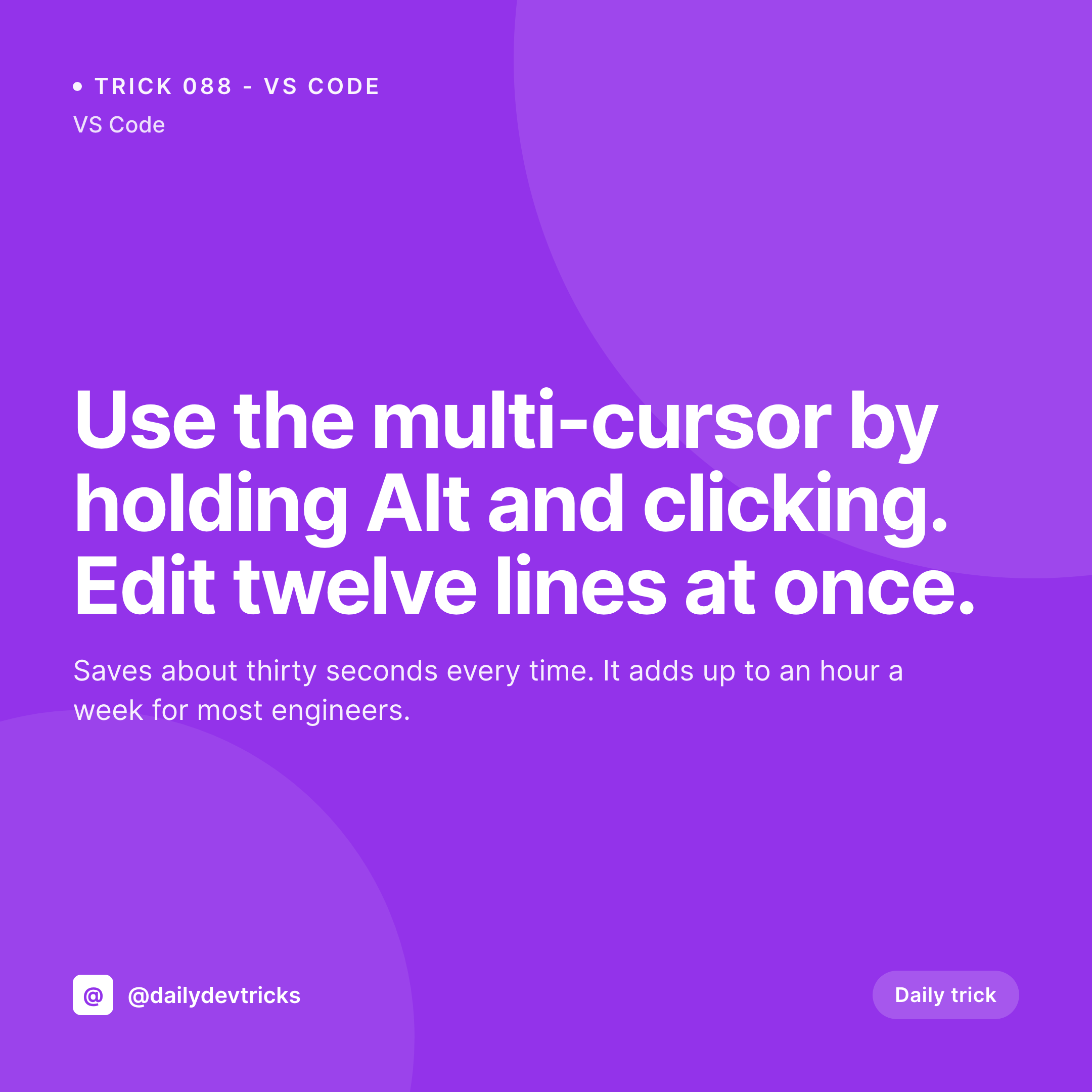
Trick libraries thrive on tight, consistent cards
A trick-of-the-day account is a specific kind of useful: each post is a tiny optimization for a specific tool or workflow. VS Code, Figma, Notion, Excel, the iPhone, the Mac. The audience is engineers, designers, and ops folks who collect these tricks because each one is worth a few seconds a day, and they add up over months. The format works because the friction to consume one trick is low: glance at the card, internalize the trick, swipe on to the next post.
The producer's friction is the inverse. Building a card per trick is exactly the kind of micro-design task that drags daily publishing into the ground. Canva exports for 300 tricks a year is roughly a part-time job, and the visual drift over that many posts shreds the brand.
SleekPixel renders the trick card from the post fields. Trick number, trick text, the tool it applies to, all from the post. The accent color rotates by tool, so VS Code tricks and Figma tricks look distinct without separate templates. The render runs on save, the og:image powers the web archive, the download lives in the Gutenberg sidebar. The publisher writes the next trick instead of designing the next card.
Workflow
From daily trick to social-ready card
Design the template
Publish the trick
Share to Instagram
Refine without re-export
Output
What a rendered trick card looks like
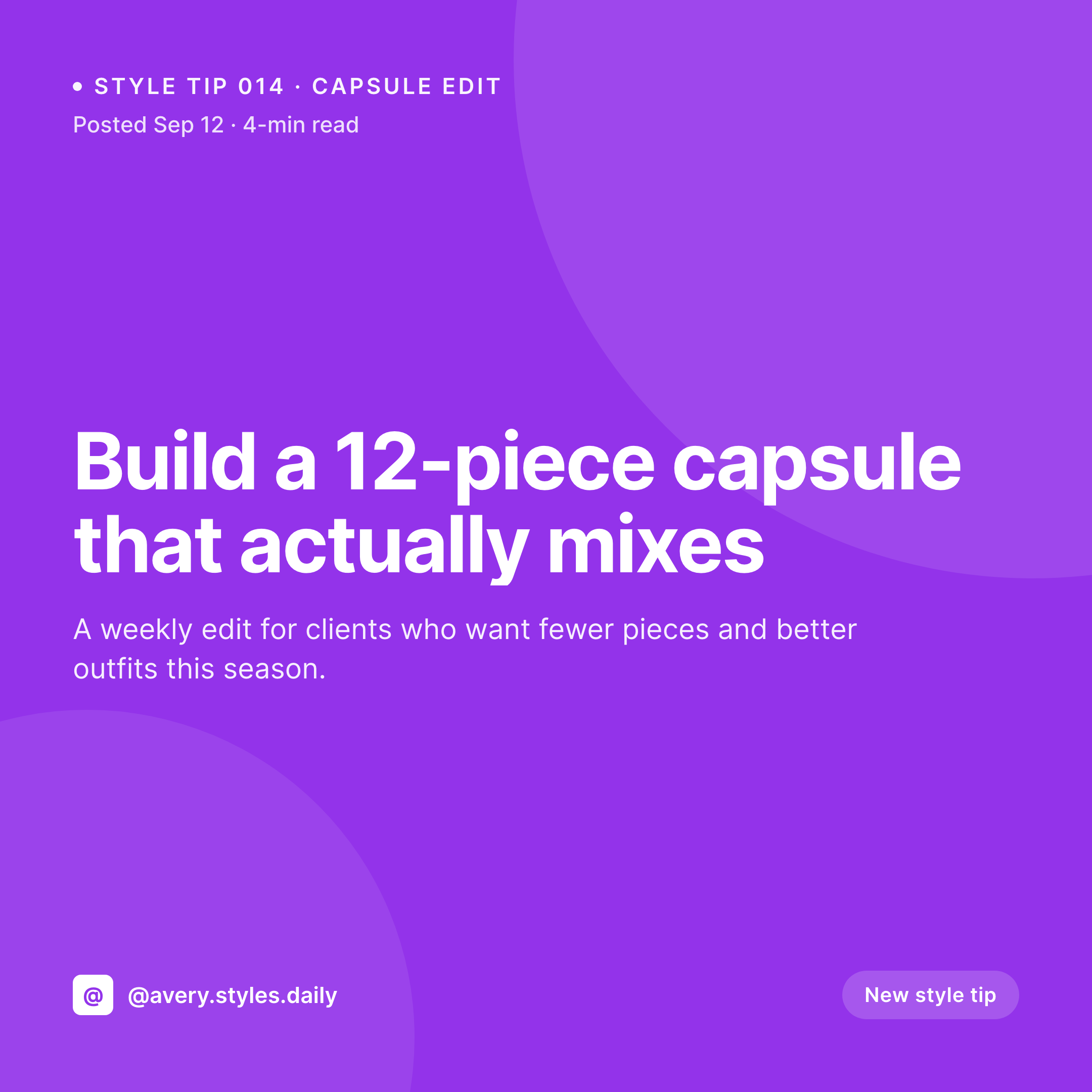
A 1080x1080 PNG with the trick number, text, and tool tag pulled from the post fields, laid out in the locked template.

Comparison
Default trick card vs SleekPixel
Default trick of the day cards image
- Same generic image on every trick share
- Canva exports drift in style across the year
- No tool tag, so the share has no context at thumbnail size
- Long tricks overflow the safe area
- Trick-number sequencing breaks when entries get edited
SleekPixel
- Render runs on save for every trick post
- Trick number, text, and tool pulled from post fields
- og:image and twitter:image meta tags written automatically
- Per-tool accent colors and icons
- Auto-fit type for short and long tricks
Features
What SleekPixel gives you for trick of the day cards
Tool-aware
A tool taxonomy drives the accent and the icon on the card. VS Code, Figma, Notion, and Excel each get their own visual signal at thumbnail size.
Snippet rendering
Short code or keyboard shortcuts render in a monospace block on the card. The audience reads it in the feed without needing to open the post.
Edits regenerate
Fix a typo in a trick after publishing and the social card updates on save. The og:image points at the same file path so the corrected version goes out next.
Use cases
Who uses SleekPixel for trick of the day cards
Developer-tool accounts
Engineers running a daily-trick feed for VS Code, JetBrains, terminals, or a specific framework. The card carries the tool's identity at thumbnail size.
Designer-tool accounts
Designers publishing tricks for Figma, Sketch, or Adobe tools. The card style matches the tool's audience without manual design per post.
Productivity accounts
Creators covering iPhone, Mac, Notion, or browser tricks. The audience consumes one trick a day and the card system keeps the feed visually coherent.
The bigger picture
Why trick libraries need a render pipeline
Trick-of-the-day works because the audience is asymptotic. Engineers who follow a VS Code trick account today will keep following for years if the trick a day actually delivers. The producer's job is to never break the cadence, and the design overhead is the most common reason cadence breaks.
SleekPixel collapses the overhead. The post holds the trick. The template enforces the layout.
The renderer produces the artifact. The publisher writes one trick a day for as long as they have material, and the visual system stays consistent for the entire run. That consistency is what makes the account look like a real publication instead of a hobbyist feed, and that distinction is what turns followers into subscribers, students, and customers down the line.
Questions
Common questions about SleekPixel for trick of the day cards
Yes. The template can include a code or kbd block styled in monospace. Bind it to a snippet custom field on the post and the renderer lays it out alongside the trick text.
The text layer auto-shrinks between configurable min and max sizes. Short tricks fill the frame, longer tricks scale down to fit without breaking the layout.
Yes. A tool taxonomy drives both the accent color and the icon layer. VS Code, Figma, Notion, and Excel each get a distinct visual signal at thumbnail size.
Yes. SleekPixel binds to native posts, pages, and any custom post type. ACF, Meta Box, Pods, and native custom fields all work as data sources.
Yes. Register a 1200x630 size against the same post type and SleekPixel renders both formats on save. The square goes to Instagram, the OG image powers web shares.
No. SleekPixel renders the PNG inside WordPress and exposes a download button in the Gutenberg sidebar. Posting to Instagram still happens through a scheduler or a manual upload.
Yes. Each trick post produces its own file in /uploads, named per the slug. The archive is browsable from the WordPress media library by date and parent post.
No. The renderer reuses the same file path. The og:image meta tag stays valid and Twitter, LinkedIn, and Slack pick up the corrected card on their next scrape.
Pricing
More than 1000+
happy customers
Explore our flexible licensing options tailored to your needs. Upgrade your license anytime to access more features, or opt for a lifetime license for ongoing value, including lifetime updates and lifetime support. Our hassle-free upgrade process ensures that our platform can grow with you, starting from whichever plan you choose.
Lifetime ♾️
Most popular
EUR
once
- Unlimited websites
- Lifetime updates
- Lifetime support
...or get the Bundle Deal
and save €250 🎁
💎 Want everything forever? The All Access Pass is going away on 01.08.2026.
The Bundle (unlimited sites)
Pay once, own it forever
Elevate your WordPress site with our exclusive plugin bundle that includes all of our premium plugins in one package. Enjoy lifetime updates and lifetime support. Save significantly compared to buying plugins individually.
What’s included
-
SleekAI
-
SleekByte
-
SleekMotion
-
SleekPixel
-
SleekRank
-
SleekView
€749
Continue to checkoutBrowse more
- speaker cards
- explainer video thumbnails
- myth vs fact cards
- review snippet cards
- announcement cards
- feature comparison cards
- movie review cards
- support update cards
- office hours recap card
- listicle thumbnail
- side project card
- OKR update card
- HIPAA compliance card
- MRR update cards
- music recommendation cards
- YouTube ad thumbnails
- Ghost feature images
- YouTube Music cover art
- Twitter card images
- Discord server icon
- Instagram grid tiles
- Xiaohongshu cover images
- Nostr note images
- Stan Store cover
- Bandcamp release cover
- Facebook cover photos
- Substack post headers
- LinkedIn document post covers
- Tidal cover art
- Dailymotion thumbnails