






SleekPixel for Open Graph images
SleekPixel renders a 1200x630 PNG per post from your template and post data, then writes the og:image and twitter:image meta tags. No more shared link previews showing the wrong default image.
♾️ Lifetime License available
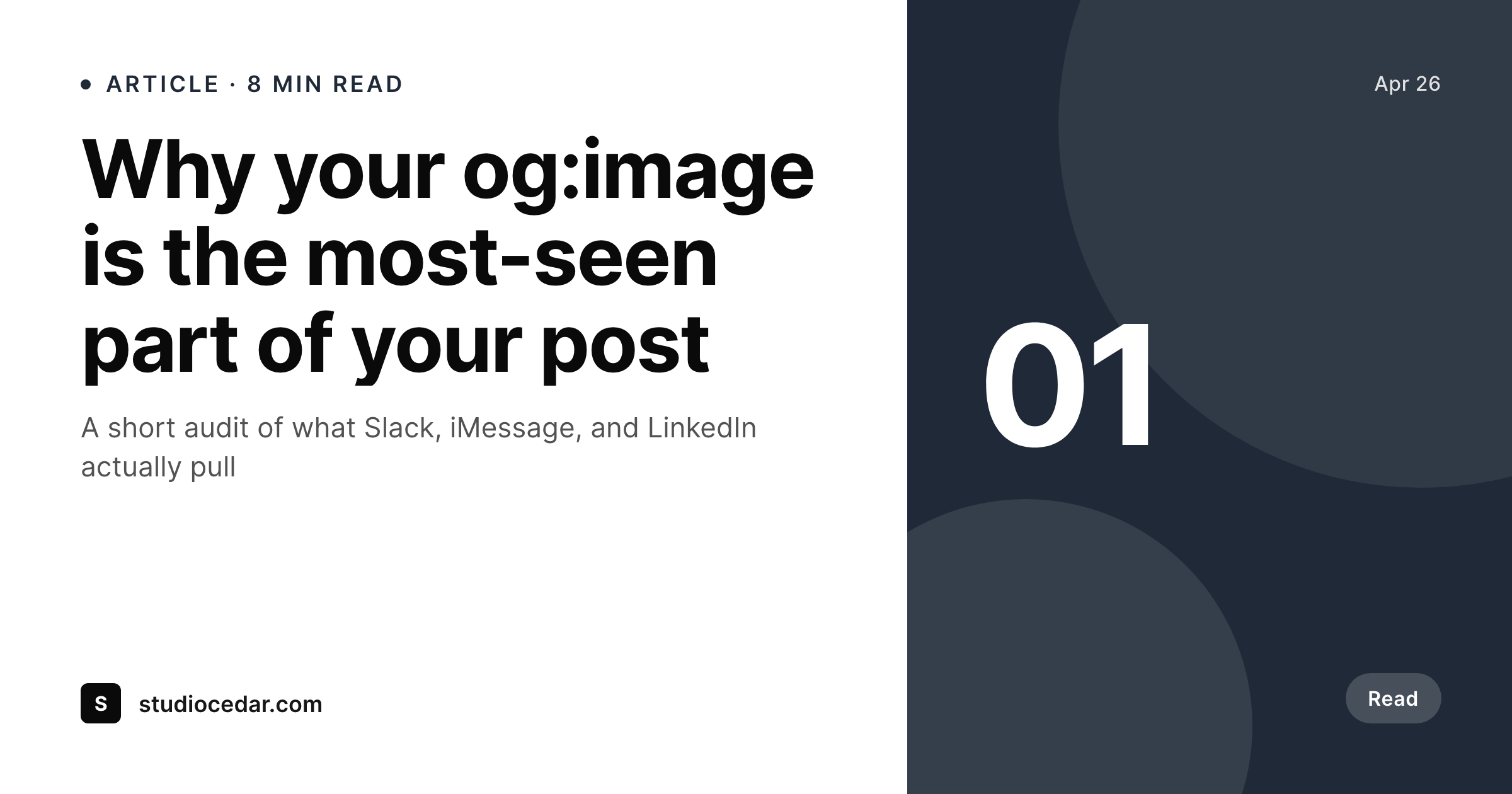
Default OG images break trust on every share
Most WordPress sites either have no og:image set, fall back to the site logo, or push a featured image that was sized for a blog grid and looks awful in a Slack unfurl. The link preview is the first impression, and a stretched 800px featured image cropped to 1.91:1 by LinkedIn is not the impression you want. SleekPixel fixes this at the source: every post gets a 1200x630 PNG rendered from a template that uses the post title, author, category, and any custom field you wire in.
The render runs on save, the image lands in the uploads directory as a real file, and the og:image meta tag points to it. There is no external API call when the page loads, no third-party CDN dependency, and no hot-linking to Bannerbear or Placid that breaks if a billing card lapses. The file is in your media library, the URL is on your domain, and it shows up correctly in Facebook's Sharing Debugger and Twitter's Card Validator the first time.
Editing a post regenerates the image. Renaming the post regenerates the image. Updating a custom field regenerates the image. The template is HTML and CSS, so the people who already maintain the theme can maintain the OG card, and the result is consistent across hundreds of posts without anyone opening Figma.
Workflow
From post save to live OG image
Design one template
Map post fields
Save any post
Validate the unfurl
Output
What gets generated per post
A 1200x630 PNG with the post title, author, and brand mark, ready for Open Graph and Twitter unfurls.
Comparison
Manual OG images versus SleekPixel
Manual / Canva / Figma
- Editor opens Canva, exports a PNG, uploads it as the featured image, hopes Yoast picks it up
- Title typos in the post mean the OG image is now wrong and nobody re-exports it
- Featured image gets reused as the OG image and crops badly to 1.91:1 in LinkedIn
- External services like Bannerbear hot-link images that break when billing lapses
- Old posts have no og:image at all and fall back to a stretched site logo
SleekPixel
- 1200x630 PNG rendered per post from a template you control
- og:image and twitter:image meta tags written into the post head automatically
- Real file in WordPress uploads, served from your domain
- Regenerates automatically when the title, author, or any mapped field changes
- Validates correctly in Facebook Sharing Debugger and Twitter Card Validator
Features
What SleekPixel gives you for Open Graph images
Auto on save
The image renders the moment a post saves. No manual export, no forgetting to update it after a title change.
Meta tags handled
og:image, og:image:width, og:image:height, and twitter:image are written into the post head with the correct file URL.
Regenerates on edit
Change the title, author, or any field mapped into the template and the OG image rebuilds to match. No stale images.
Use cases
Where OG images actually get seen
Slack unfurls
Every link a teammate or reader pastes into Slack pulls the og:image. A real card builds trust before they even click.
LinkedIn shares
LinkedIn crops to 1.91:1, so a 1200x630 native render avoids the awkward bar-cropped featured image problem.
Newsletter previews
Substack, Beehiiv, and Mailchimp all pull og:image when a link is embedded. The same render covers every channel.
The bigger picture
Why OG images matter more than the post itself
Most readers see the OG image more often than they see the post. A single article shared in three Slack workspaces, a LinkedIn DM, an iMessage thread, and a tweet generates dozens of unfurls per click-through. If the unfurl is broken, generic, or pulls the site logo squished into a wide rectangle, the post is competing with every other post that took the time to set up a real card.
Doing this manually means an editor remembers to export a PNG from Canva, name it correctly, upload it to the media library, and confirm Yoast or Rank Math is using it as the OG image. That works for ten posts. It does not work for two hundred.
SleekPixel removes the manual step and the failure modes that come with it. Every post on the site gets a 1200x630 image rendered from the same template, served from the same domain, validated by the same meta tags. The cards are uniform, the brand reads on every share, and editors stop thinking about OG images at all.
Questions
Common questions about SleekPixel for Open Graph images
Yes. When a post saves and the image is rendered, SleekPixel writes og:image, og:image:width, og:image:height, and twitter:image into the post head. If you already use Yoast or Rank Math, SleekPixel hands the URL off so the SEO plugin's own meta output points at the rendered file.
1200x630 by default, which is the OG and Twitter summary_large_image size and works for LinkedIn, Slack, Discord, iMessage, and most other unfurls. You can change the dimensions in the template if you have a specific channel in mind.
Yes. The template can pull the featured image as a background or thumbnail, alongside the title, author, and any other field. The rendered OG image is a separate PNG, so the featured image still works in your blog grid as before.
The image regenerates automatically on save and the og:image URL stays pointed at the latest render. No stale images, no manual re-export, no need to clear the unfurl cache for fresh shares.
Yes. Any post type works, and you can bind ACF, Meta Box, or Pods fields directly into the template. Products, episodes, recipes, courses, case studies all render with the right fields surfaced.
In the standard WordPress uploads directory as a real PNG. It is in your media library, served from your domain, backed up by your normal backup process, and not dependent on any third-party CDN or service staying online.
No. Rendering happens once, on save, and the resulting PNG is a static file. Page loads only serve the file from your server. There is no per-view API call, no usage cap, and no surprise bill.
Yes. The Gutenberg sidebar has a download button on every post, so you can grab the rendered PNG for an ad-hoc Slack share or to preview before publishing. The same image is what the og:image meta tag points to.
Pricing
More than 1000+
happy customers
Explore our flexible licensing options tailored to your needs. Upgrade your license anytime to access more features, or opt for a lifetime license for ongoing value, including lifetime updates and lifetime support. Our hassle-free upgrade process ensures that our platform can grow with you, starting from whichever plan you choose.
Lifetime ♾️
Most popular
EUR
once
- Unlimited websites
- Lifetime updates
- Lifetime support
...or get the Bundle Deal
and save €250 🎁
💎 Want everything forever? The All Access Pass is going away on 01.08.2026.
The Bundle (unlimited sites)
Pay once, own it forever
Elevate your WordPress site with our exclusive plugin bundle that includes all of our premium plugins in one package. Enjoy lifetime updates and lifetime support. Save significantly compared to buying plugins individually.
What’s included
-
SleekAI
-
SleekByte
-
SleekMotion
-
SleekPixel
-
SleekRank
-
SleekView
€749
Continue to checkoutBrowse more
- Xiaohongshu cover images
- Substack podcast cover
- YouTube playlist covers
- Klaviyo email banner
- Bluesky link cards
- YouTube community images
- Facebook ad images
- Shopify product images
- Gumroad product covers
- VSCO cover
- LinkedIn company banners
- podcast cover art
- SoundCloud banner
- Bluesky feed banner
- Bluesky link cards