






SleekPixel for Twitter card images
Templated 1200x675 summary_large_image cards generated from your post data on every save. The twitter:image meta tag is written for you and validates correctly the first time.
♾️ Lifetime License available
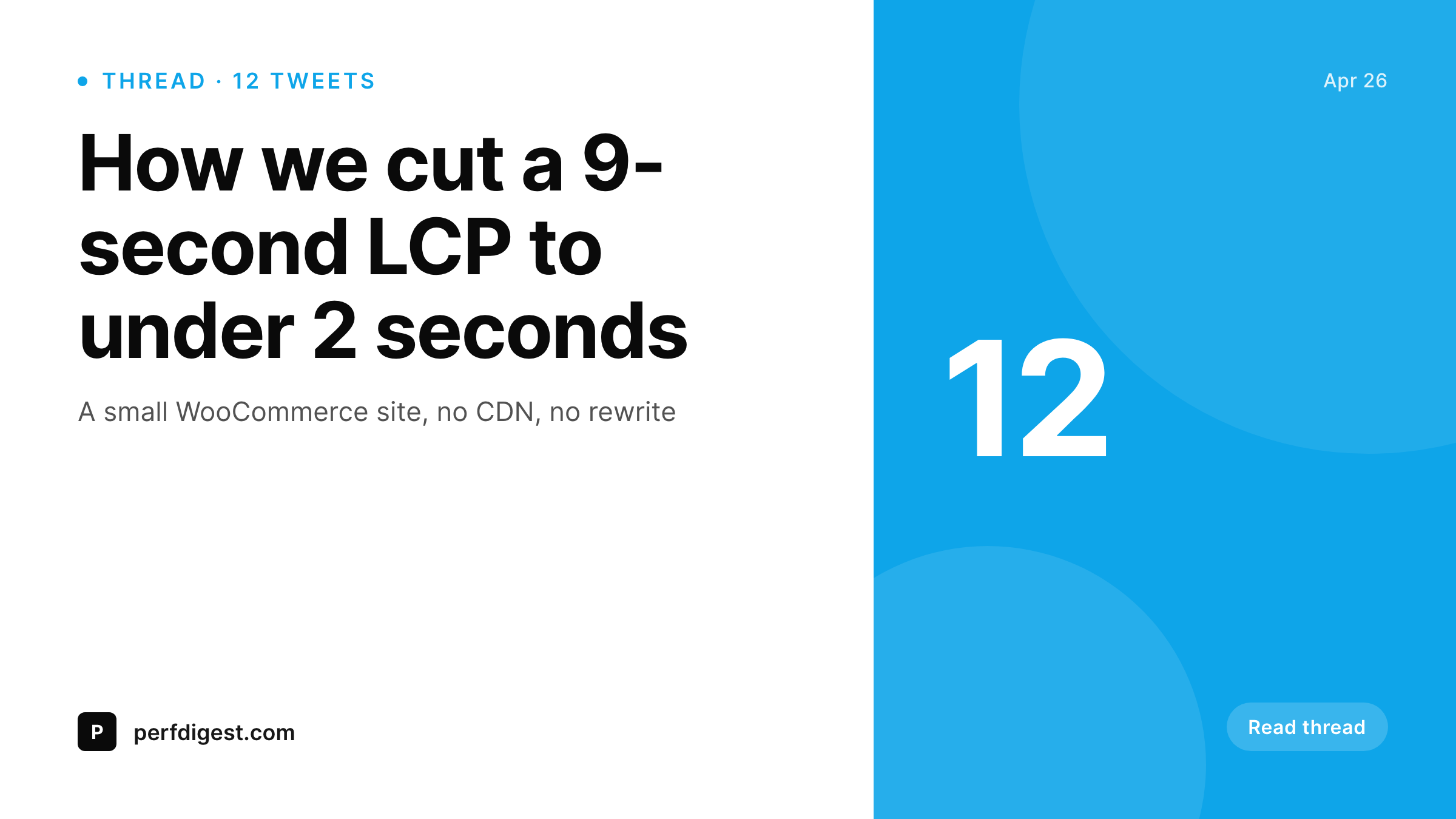
Twitter cards that reflect the post, not the default
The default behavior on a typical WordPress site is to either skip the twitter:image tag entirely or fall back to whatever Yoast was given last. The result is a stream of shared links where every card looks the same, the title is invisible because the image dominates the unfurl, and the post identity is lost. Editors who care about this manually export a PNG from Canva for the few posts they actually promote, and ignore the long tail. SleekPixel renders a 1200x675 card for every post on save, using the post title, author, and any field you map into the template, so the long tail no longer needs attention.
The card is a real PNG in the WordPress uploads directory. The twitter:image meta tag points at the file URL on your domain. The Twitter Card Validator picks it up the first time without a fallback chain or hot-link to a third-party renderer. If the post title changes, the card regenerates. If a co-author is added through ACF, the card regenerates. The cycle is automatic, and the fleet of past posts ends up with cards that match the new template the next time anything triggers a regenerate.
Because the template is HTML and CSS, the same person who maintains the theme can adjust the card. Branding changes propagate by re-rendering existing posts in batch instead of opening hundreds of Canva files.
Workflow
From post save to live Twitter card
Build the template
Pick post types
Publish or update
Verify in Card Validator
Output
What gets generated per post
A 1200x675 summary_large_image PNG with the post title, author handle, and brand mark, ready for the twitter:image meta tag.
Comparison
Manual Twitter cards versus SleekPixel
Manual / Canva / Bannerbear
- Only the few posts that get promoted ever get a real Twitter card image
- Default fallback to the site logo means every share looks identical
- Bannerbear or Placid hot-links break when billing or API access lapses
- Title in the card goes stale the moment a copy editor changes the headline
- Card Validator pulls the wrong image because Yoast and the theme disagree
SleekPixel
- 1200x675 PNG generated for every post on save
- twitter:image meta tag written into the post head automatically
- Real file in your uploads directory, served from your own domain
- Regenerates when the post title or any mapped field changes
- Validates first try in the Twitter Card Validator
Features
What SleekPixel gives you for Twitter card images
Per-post render
Every post gets a 1200x675 card rendered on save. No more long tail of posts with no twitter:image at all.
Meta tags written
twitter:card and twitter:image are added to the post head. SEO plugins still work, the URL just points at the rendered file.
Regenerates on edit
Editing a post title, author, or mapped field rebuilds the card automatically. Stale cards across the archive are eliminated.
Use cases
Where Twitter cards earn their keep
Share threads
When a thread links back to the post, the unfurl is the closing argument. A real card with the actual title closes the loop.
Quote tweets
A clean card pulls higher click-through on quote tweets than a default site-logo fallback. Same render, no extra design work.
Newsletter promo
Cross-posting from a newsletter to X gets the same card every time, so the brand reads consistently across both channels.
The bigger picture
Why Twitter cards matter for archive posts
Most posts on a content site get shared months or years after publication. The day-of share gets attention, the long-tail share gets ignored. That long tail is where consistent Twitter cards matter, because nobody is going back to old posts to manually export a Canva PNG for a 2022 article that suddenly trends on X.
With SleekPixel, every post in the archive has a real 1200x675 card rendered to its current title, author, and brand. When an old post resurfaces, the unfurl is correct without anyone touching it. Branding changes propagate by re-rendering, not by opening hundreds of files.
The Twitter:image tag points to a file on your own domain, so the card does not depend on a third-party renderer's billing status or rate limit. Editors stop being the bottleneck for visual consistency on the archive, and the brand reads the same way on every share regardless of how old the post is.
Questions
Common questions about SleekPixel for Twitter card images
Yes. The default template is 1200x675, which is the summary_large_image card type. SleekPixel writes the twitter:card meta tag as summary_large_image and points twitter:image at the rendered PNG.
No. SleekPixel hands the rendered file URL to Yoast and Rank Math when they are active, so their meta tag output uses the new image. Only one twitter:image tag ends up in the head.
The template does not require one. Title, author, and category are usually enough. If a post has a featured image, the template can use it, but it is optional.
Yes. The template is HTML and CSS, so any layout you can build in a browser works. Self-hosted fonts, your brand colors, and your logo are all in scope.
You can run a batch regenerate from the SleekPixel admin screen so existing posts get cards rendered without manually opening each one.
Yes. The format is the same as Twitter's summary_large_image card and X still consumes those meta tags. The 1200x675 card validates and unfurls correctly on x.com.
No. Rendering happens on save, the file is static, and page views only serve a real PNG from your uploads directory. No per-view API costs, no usage caps.
Yes. The Gutenberg sidebar has a download button so editors can grab the PNG for an ad-hoc share or preview before publishing. The same file is what twitter:image points to.
Pricing
More than 1000+
happy customers
Explore our flexible licensing options tailored to your needs. Upgrade your license anytime to access more features, or opt for a lifetime license for ongoing value, including lifetime updates and lifetime support. Our hassle-free upgrade process ensures that our platform can grow with you, starting from whichever plan you choose.
Lifetime ♾️
Most popular
EUR
once
- Unlimited websites
- Lifetime updates
- Lifetime support
...or get the Bundle Deal
and save €250 🎁
💎 Want everything forever? The All Access Pass is going away on 01.08.2026.
The Bundle (unlimited sites)
Pay once, own it forever
Elevate your WordPress site with our exclusive plugin bundle that includes all of our premium plugins in one package. Enjoy lifetime updates and lifetime support. Save significantly compared to buying plugins individually.
What’s included
-
SleekAI
-
SleekByte
-
SleekMotion
-
SleekPixel
-
SleekRank
-
SleekView
€749
Continue to checkout