






SleekPixel for Facebook post images
Templated 1200x630 share cards generated from post data on save. og:image meta tag is set so Facebook shares unfurl with a real card every time, including reshared posts months later.
♾️ Lifetime License available
Facebook still drives traffic for local and community sites
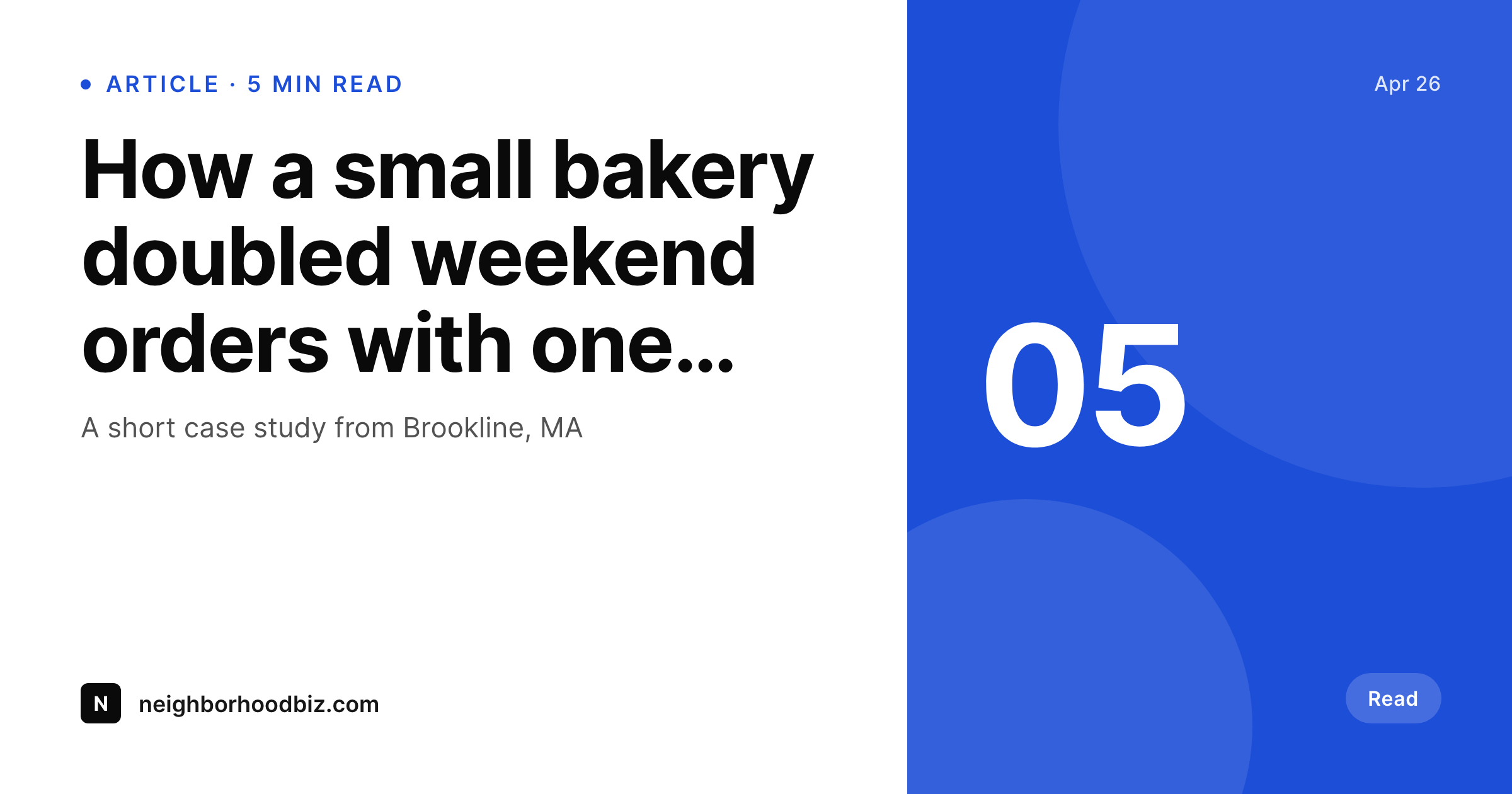
Local news, community blogs, religious groups, and neighborhood businesses still get most of their distribution through Facebook shares. The link unfurl decides whether someone scrolling stops on the post, and the unfurl is built from the og:image meta tag and the title. A WordPress site without a real og:image unfurls with a stretched featured image or a tiny logo, and on a small mobile screen that turns into an unreadable blur. SleekPixel renders a 1200x630 card per post on save, sets og:image, and the unfurl looks like the post deserves to be clicked.
The card uses the post title, the author, and any field bound into the template. Local sites can surface the neighborhood, the date, or the section. Community sites can surface the program name. WooCommerce stores can surface a product or a sale. The template is HTML and CSS, so the visual identity matches the website without any Canva approximation, and refreshes propagate by re-rendering instead of opening a Drive folder of legacy exports.
The Facebook Sharing Debugger picks up the og:image on first request because the file is already in uploads when the post saves. Reshares months later still pull a clean card because the file did not move and the meta tag still points at it.
Workflow
From post save to Facebook-ready unfurl
Design the card
Bind the fields
Save the post
Validate in Debugger
Output
What gets generated per post
A 1200x630 PNG sized for the Facebook share unfurl, with the post title, author, and brand mark.
Comparison
Manual Facebook cards versus SleekPixel
Manual / Canva / no card
- Featured image gets stretched and looks unreadable on mobile unfurls
- Sharing Debugger flags missing og:image and the post unfurls as a logo
- Manually exported Canva cards skip the long tail of older posts
- Reshares months later still pull stale or missing cards
- Local sites with hundreds of posts have no realistic path to per-post cards
SleekPixel
- 1200x630 PNG rendered per post on save
- og:image meta tag written so Facebook unfurls with a real card
- Real PNG in WordPress uploads, served from your domain
- Reshares months later still pull a clean, current card
- Branding refresh re-renders the entire archive without manual export
Features
What SleekPixel gives you for Facebook post images
Per-post render
Every post saves with its own share card. Long-tail content unfurls correctly even when reshared months after publishing.
og:image set
Facebook reads og:image and the rendered file URL is set automatically. Sharing Debugger validates on first request.
Regenerate on edit
Title or field changes regenerate the card. Branding refreshes can re-render the whole archive in a single batch.
Use cases
Where Facebook share cards still drive traffic
Local news
Each story renders with its title and section, so neighbourhood Facebook groups see a real card and click through.
Community groups
Newsletters and group posts unfurl with the program name and event date in the card, helping members identify content.
Local business
Sale posts and seasonal updates unfurl with the offer and date, so the post stands out in a crowded local feed.
The bigger picture
Why Facebook unfurls still matter for local sites
Big publishers do not depend on Facebook the way local sites do. A Brookline bakery's blog, a community church newsletter, a town council update, a high school alumni site, all of these still see Facebook as the main distribution channel because that is where their audience already is. The unfurl is what decides if the share gets attention.
A real 1200x630 card with a readable title and a recognizable brand mark beats a blurry stretched featured image every time on a phone screen. Doing this manually is not realistic for sites with one editor and hundreds of posts, so most of these sites just do not, and their long tail leaks attention. SleekPixel makes the per-post card automatic, so a community site can have the same level of unfurl quality as a publisher with a design team.
The card is rendered, the meta tag is set, the file is in uploads, and reshares months later still work because nothing moved.
Questions
Common questions about SleekPixel for Facebook post images
Indirectly. SleekPixel writes og:image into the post head, which is the meta tag the Sharing Debugger reads. On the first share, Facebook fetches the URL, sees the og:image, and caches the card. The Debugger can be used to refresh the cache after a re-render.
No. SleekPixel hands the rendered URL to Yoast or Rank Math when they are active so the SEO plugin's og:image output uses the file. Only one og:image tag exists in the head.
1200x630, the standard og:image size that unfurls cleanly on Facebook desktop and mobile. The template can be customised if a different ratio is preferred.
Run batch regenerate from the SleekPixel admin and every post in the archive renders a fresh card matching the current template.
Yes. Bind the category, custom taxonomy, or any custom field into the template. Local sites often surface the neighbourhood or section in the card for clarity.
Yes. Products are post types and SleekPixel renders cards for them. A sale post unfurls with the product, the price, and the offer detail.
In the WordPress uploads directory as real PNGs. They are in your media library and included in normal backups, served from your own domain.
No. The render runs once on save. Page views and shares only fetch the static PNG from your server. There is no per-view API call and no usage cap.
Pricing
More than 1000+
happy customers
Explore our flexible licensing options tailored to your needs. Upgrade your license anytime to access more features, or opt for a lifetime license for ongoing value, including lifetime updates and lifetime support. Our hassle-free upgrade process ensures that our platform can grow with you, starting from whichever plan you choose.
Lifetime ♾️
Most popular
EUR
once
- Unlimited websites
- Lifetime updates
- Lifetime support
...or get the Bundle Deal
and save €250 🎁
💎 Want everything forever? The All Access Pass is going away on 01.08.2026.
The Bundle (unlimited sites)
Pay once, own it forever
Elevate your WordPress site with our exclusive plugin bundle that includes all of our premium plugins in one package. Enjoy lifetime updates and lifetime support. Save significantly compared to buying plugins individually.
What’s included
-
SleekAI
-
SleekByte
-
SleekMotion
-
SleekPixel
-
SleekRank
-
SleekView
€749
Continue to checkoutBrowse more
- Bandcamp release cover
- Substack podcast cover
- Kindle book cover
- Bluesky feed banner
- Mastodon link previews
- YouTube podcast thumbnails
- Facebook event covers
- Mastodon profile banners
- Apple Podcasts covers
- LinkedIn carousel slides
- YouTube ad thumbnails
- Snapchat Spotlight covers
- Ghost feature images
- Twitch offline banners
- Threads profile banners