






SleekPixel for podcast episode
Every podcast episode page in WordPress renders a 1080x1080 PNG with episode number, title and guest name baked in. Download from Gutenberg and post to Instagram in two clicks.
♾️ Lifetime License available

Episode art is the post that drives the listen
Most podcast listens come from existing fans hearing about a new episode. The most reliable way to surface that new episode is the Instagram post: a square graphic with the episode number, title, and guest, posted on episode-drop day. Listeners follow the show, see the post in the feed, tap through to the show notes or the streaming link. Skip that post and the episode launches into the void of whatever the algorithm decides to surface in podcast apps.
The friction is design overhead. Each week, someone has to take the new episode's title, the guest photo, the episode number, and produce a 1080x1080 square that looks consistent with the show's branding. Doing it in Canva takes 10 minutes when the template behaves and 40 minutes when it does not. Multiply that by 50 episodes a year and you have multiple full days of work spent on something that should just exist.
SleekPixel renders that square automatically from the show notes post in WordPress. Episode title comes from the post title, episode number from a custom field, guest name and photo from ACF or Meta Box. The template is locked, the render runs on save, and the producer downloads the finished PNG from the Gutenberg sidebar.
Workflow
Episode art workflow from post to Instagram
Build template
Publish episode
Download from sidebar
Post to Instagram
Output
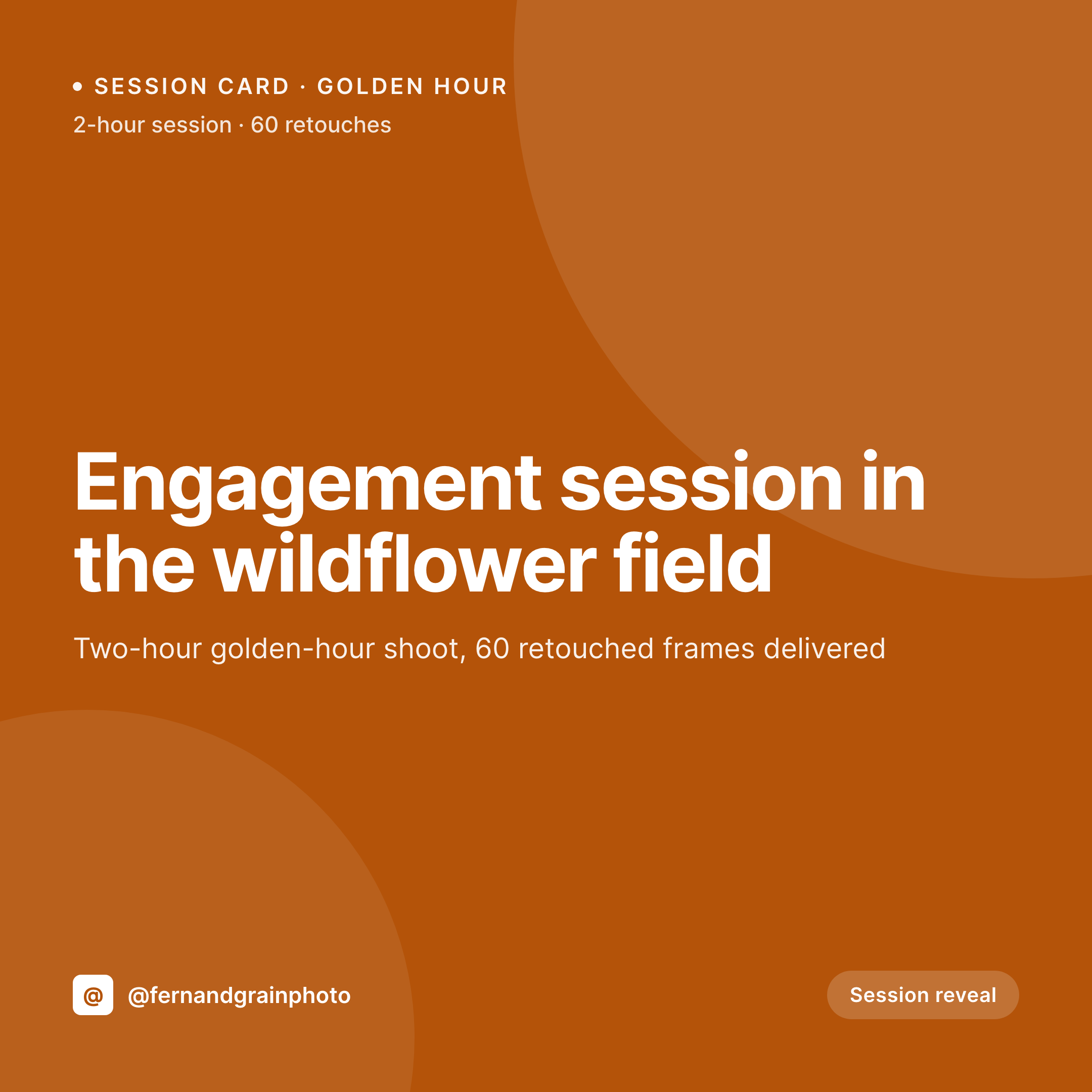
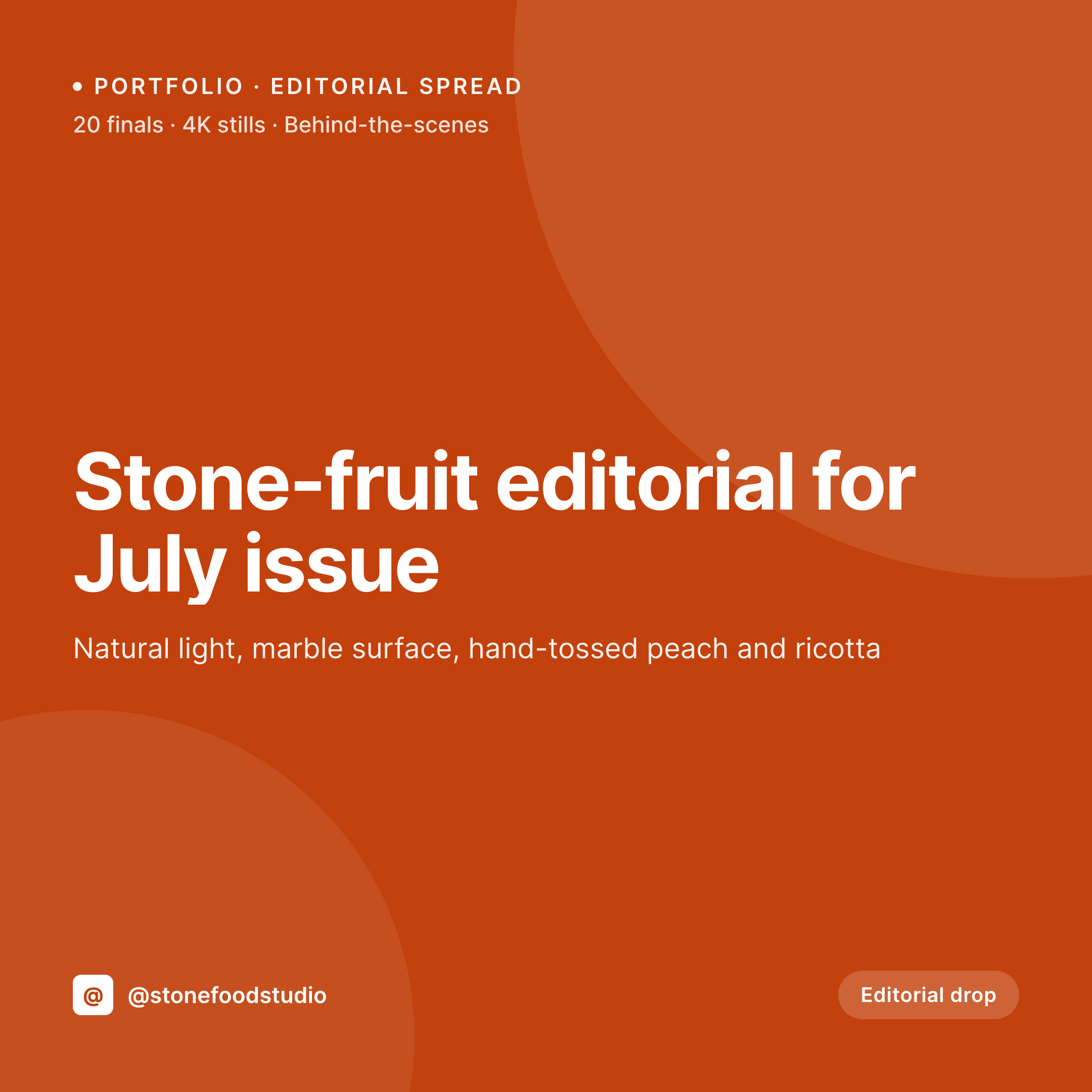
What episode art looks like
A 1080x1080 PNG with episode title, number and guest name, ready to post to Instagram on episode-drop day.
Comparison
Manual episode art vs SleekPixel
Canva template per week
- Producer rebuilds the same Canva template every week
- Guest photos get the wrong crop and the wrong shape
- Long episode titles overflow and break the layout
- Series style drifts as different team members duplicate the file
- Schedule slips when the producer is busy and no one else can do it
SleekPixel
- Locked 1080x1080 template renders the same every episode
- Guest photo auto-crops to the shape defined in the template
- Long titles auto-shrink within the bounding box
- Episode number, title, guest pulled from custom fields
- Producer downloads the finished PNG from Gutenberg, no Canva
Features
What SleekPixel gives you for podcast episode
Episode-shaped templates
Designed for the realities of podcast posts: episode number prominent, guest photo cropped to a circle or square, title in the readable middle band.
Guest photo handling
ACF or Meta Box image fields render directly into the template. Auto-crop to the shape you defined - circle, rounded square, full bleed - without manual editing.
Sidebar download
Gutenberg sidebar shows the rendered preview and a download button. Producer grabs the PNG, opens Instagram, posts. No round-trip to a design tool.
Use cases
Podcast styles this fits
Interview shows
Each week's guest gets their own square. Photo and name come from a guest custom field on the post. The episode number stays in the same corner every time.
Series podcasts
A serialized fiction or limited-series podcast where chapter or episode number matters. The template emphasizes the episode number so the listener knows where they are in the arc.
Daily shows
A daily news or update podcast where five new episodes drop a week. Renders happen on save so the producer is not bottlenecked on design every morning.
The bigger picture
Why podcast art matters even when audio is the product
Podcast discovery is broken. Apple Podcasts and Spotify are closed gardens, and most listeners do not browse those apps to discover new shows. They follow shows, then they see a post in their Instagram feed and remember to listen.
The Instagram post is, for many indie podcasts, the single highest-leverage marketing asset of the week. The episode-art square gets shown to thousands of existing followers, drives clicks to the show-notes page, and seeds shares to listeners' own followers when they reshare to stories. Hosts that take this seriously have a recognizable square style: same fonts, same color block, same guest-photo treatment, same episode-number placement.
Hosts that do not have a wall of mismatched squares on their grid that does not look like one show. Doing this with consistency is the producer's burden, and it is the burden that gets dropped first when the producer is also editing the audio, writing the show notes, and chasing the next guest. SleekPixel removes the burden by anchoring the design system in the WordPress install.
The episode page is the source of truth. The render runs on save. The producer downloads and posts.
The grid stays clean week over week, listeners recognize the show on sight, and the discovery problem gets a little smaller.
Questions
Common questions about SleekPixel for podcast episode
No. SleekPixel renders the PNG inside WordPress. The producer downloads it from the Gutenberg sidebar and posts to Instagram manually or through a scheduling tool like Buffer or Later. SleekPixel does not connect to social platforms directly.
Spotify Canvas is a 9:16 looping video, not a static image, so it is outside SleekPixel's scope. The 1080x1080 square works for Instagram feed, Threads, Facebook, and most podcast apps' featured-episode artwork.
Yes. ACF image fields, Meta Box image fields, and native featured images all work as image-layer sources. The image gets cropped to the shape and dimensions you set in the template, with auto-fit options.
The text layer auto-shrinks to fit the bounding box you defined, between configurable min and max font sizes. Very long names scale down within the frame instead of overflowing or breaking the layout.
Yes. Use a custom field or category to flag solo episodes and assign a different template. Solo episodes can render with the host photo, guest episodes render with the guest photo, all from the same plugin.
Yes. SleekPixel works with any podcasting plugin because it operates at the post-data layer. If your podcast plugin stores episodes as a custom post type with episode number and audio URL fields, SleekPixel reads from those fields directly.
Yes. Configure a second template at 1080x1920 for Instagram Stories. Both templates render on save and both appear in the Gutenberg sidebar with download buttons. Producer grabs the square for the feed and the vertical for Stories.
No. SleekPixel renders static PNG and JPG only. For animated podcast art, you would need a separate motion tool. The static square covers the highest-leverage post (Instagram feed) and most podcast apps that show featured-episode art.
Pricing
More than 1000+
happy customers
Explore our flexible licensing options tailored to your needs. Upgrade your license anytime to access more features, or opt for a lifetime license for ongoing value, including lifetime updates and lifetime support. Our hassle-free upgrade process ensures that our platform can grow with you, starting from whichever plan you choose.
Lifetime ♾️
Most popular
EUR
once
- Unlimited websites
- Lifetime updates
- Lifetime support
...or get the Bundle Deal
and save €250 🎁
💎 Want everything forever? The All Access Pass is going away on 01.08.2026.
The Bundle (unlimited sites)
Pay once, own it forever
Elevate your WordPress site with our exclusive plugin bundle that includes all of our premium plugins in one package. Enjoy lifetime updates and lifetime support. Save significantly compared to buying plugins individually.
What’s included
-
SleekAI
-
SleekByte
-
SleekMotion
-
SleekPixel
-
SleekRank
-
SleekView
€749
Continue to checkoutBrowse more
- Xiaohongshu cover images
- Fansly banner
- Lemon Squeezy product covers
- Kick stream thumbnails
- Instagram ad images
- Threads profile banners
- YouTube community images
- Lens Protocol posts
- Patreon cover images
- Facebook Shop product images
- YouTube channel banners
- Ko-fi banners
- Mastodon post images
- Spotify Canvas
- LinkedIn ad images