






SleekPixel for case study
SleekPixel renders a branded OG card for every case study on save, pulling the customer name, headline result, and industry from your post type. Every study in the library shares the same layout with consistent results data.
♾️ Lifetime License available
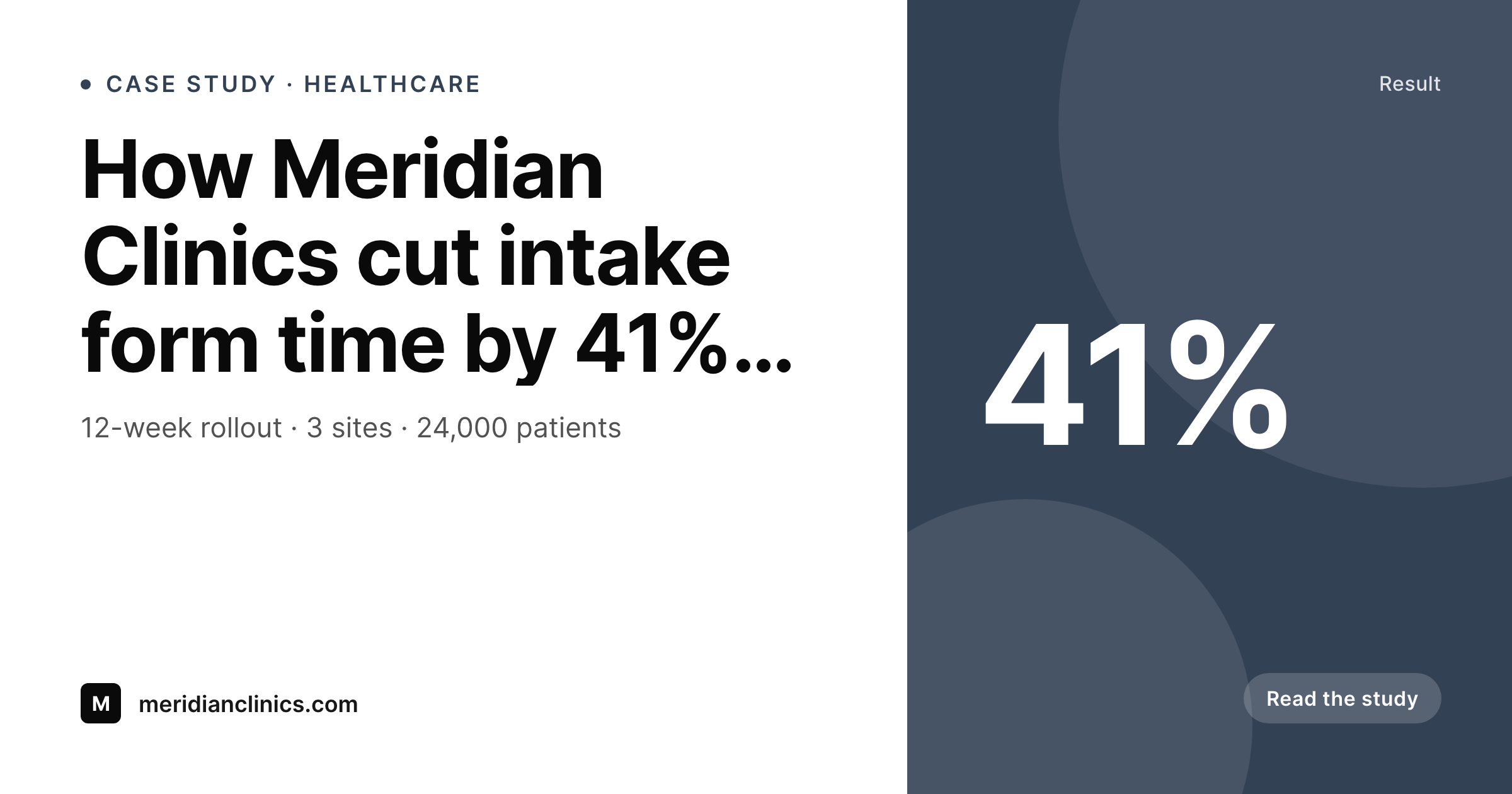
Case study libraries are graphic-debt machines
Case studies are slow to write and even slower to publish. The interview, the approval cycle, the legal review, the revisions — and then, at the very end, design has to ship a hero image, an OG card, a LinkedIn share, and a thumbnail for the case-study index page. By the time the marketing team is ready to share, the design queue has the case study sitting behind three product launch banners and a webinar promotion. The result, on most B2B sites, is a case study library where half the cards are bespoke and half are generic placeholders.
SleekPixel takes the structured fields a case study already has — customer name, industry, headline result number, summary line — and renders the OG card from a template. The same template handles a 12-percent retention lift and a four-x throughput increase. The headline result is a field, the layout adapts to short and long numbers, and the customer logo is pulled from the customer post type. Publishing a new case study produces a card without a design ticket.
The case-study index page benefits too. The same template can power the thumbnail grid, so every card on the index matches every card in the wild. Refreshing the brand later is a single template change followed by a bulk regenerate. The library stays cohesive without becoming a recurring project.
Workflow
From draft case study to share-ready card
Define the card layout
Connect the customer record
Publish the case study
Refresh the library at will
Output
How a case study card composes
An OG card showing the customer name, the headline result, the industry tag, and the brand mark — assembled from case-study fields.
Comparison
Bespoke case study graphics vs auto-rendered
Bespoke design per study
- Each case study waits in the design queue for a custom card
- Customer logos are uploaded inconsistently across studies
- Headline results are hard-typed and drift from the body copy
- Index page thumbnails don't match the OG cards
- A brand refresh means redoing the entire library by hand
SleekPixel
- OG card renders from case-study fields the moment you save
- Customer logo pulled from a connected customer post type
- Headline result is a field, so the card matches the body
- Same template powers OG and the index thumbnail
- Brand refresh propagates with one bulk regenerate
Features
What SleekPixel gives you for case study
Customer-aware
Pulls customer name, logo, and industry from a connected customer post or ACF relationship. The card matches the customer record without manual logo uploads per study.
Result fields
The headline result is a real number on the post. Edit the body and update the field together so the card and the article cannot disagree.
Card and index
Register two sizes — OG and a smaller index thumbnail — driven by the same template. Library page and social share stay in lockstep.
Use cases
Case study formats it covers
Single-metric studies
Studies built around a hero number — retention, conversion, time saved. The number is a field; the layout adapts to its length.
Multi-team rollouts
Studies that span several teams or sites. Use the meta line for site count, team count, or rollout duration.
Editorial deep-dives
Long-form studies with no single number. The card focuses on customer name and a short pull-quote line instead.
The bigger picture
Why case studies need rendered cards
Case studies are the most expensive content most B2B teams produce. The cost is not in the writing — it is in the customer interview, the legal approval, the back-and-forth revisions, the screenshot review. By the time a study is ready to publish, the team has already invested weeks of work, and the marketing payoff depends on actually surfacing the study to prospects.
That surfacing happens through sales emails, LinkedIn posts, the website index, and outbound social, all of which lean on the OG card or the thumbnail. A study without a strong card has the look of a generic blog post, and prospects do not click. Hand-designing the card per study creates a queue that bottlenecks publishing.
SleekPixel removes the queue. The card is a function of the data the study already captures: customer, result, industry. Every study, including the ones from two years ago, gets a card on the same template.
The library reads as a coherent product. New work ships without a design dependency.
Questions
Common questions about SleekPixel for case study
Yes. Register two sizes against the same template — a 1200 by 630 OG card and a smaller index thumbnail. SleekPixel renders both on save, and they read as obvious siblings because they share the layout primitives. Brand refreshes update both at once.
The result is a string field, not a typed number. SleekPixel renders whatever you put in it — 41%, 4.2x, 24,000 patients — and the template can have layout rules for short and long values so neither overflows.
Yes. If you have a customer post type or an ACF relationship from study to customer, map the logo placeholder to the customer record. Studies inherit the logo without anyone uploading it per post, and replacing the logo on the customer record updates every study.
Yes. SleekPixel attaches templates to whichever post types you choose. Your existing study post type, with its existing fields and ACF groups, becomes the data source. No migration required.
Yes. Filter rendering by post status, a custom field, or a taxonomy term. Studies marked confidential or under-NDA can be left out of the render pipeline so no card is produced for them.
Yes. Each study post has a Gutenberg sidebar with download buttons for every registered size. Sales can grab the latest card directly from the post without needing a design hand-off.
Update the template — colors, typography, layout primitives — and run a bulk regenerate against the case-study post type. Every existing study refreshes its card without re-export. The library stays cohesive instead of half-old, half-new.
If you want the hero image inside the article to follow the same layout, register that size against the template. SleekPixel renders the file and your theme can pick it up like any media. Some teams prefer a different photographic hero — the choice is layout-by-layout.
Pricing
More than 1000+
happy customers
Explore our flexible licensing options tailored to your needs. Upgrade your license anytime to access more features, or opt for a lifetime license for ongoing value, including lifetime updates and lifetime support. Our hassle-free upgrade process ensures that our platform can grow with you, starting from whichever plan you choose.
Lifetime ♾️
Most popular
EUR
once
- Unlimited websites
- Lifetime updates
- Lifetime support
...or get the Bundle Deal
and save €250 🎁
💎 Want everything forever? The All Access Pass is going away on 01.08.2026.
The Bundle (unlimited sites)
Pay once, own it forever
Elevate your WordPress site with our exclusive plugin bundle that includes all of our premium plugins in one package. Enjoy lifetime updates and lifetime support. Save significantly compared to buying plugins individually.
What’s included
-
SleekAI
-
SleekByte
-
SleekMotion
-
SleekPixel
-
SleekRank
-
SleekView
€749
Continue to checkoutBrowse more
- Etsy listing images
- Lemon8 post
- Twitter header banners
- YouTube end screens
- Facebook group banners
- X social cards
- YouTube channel banners
- WeChat Moments images
- LinkedIn event banners
- Twitch profile banner
- Threads profile banners
- Bluesky link cards
- Telegram channel banner
- Threads profile banner
- Pinterest product pin covers