






SleekPixel for online course platform
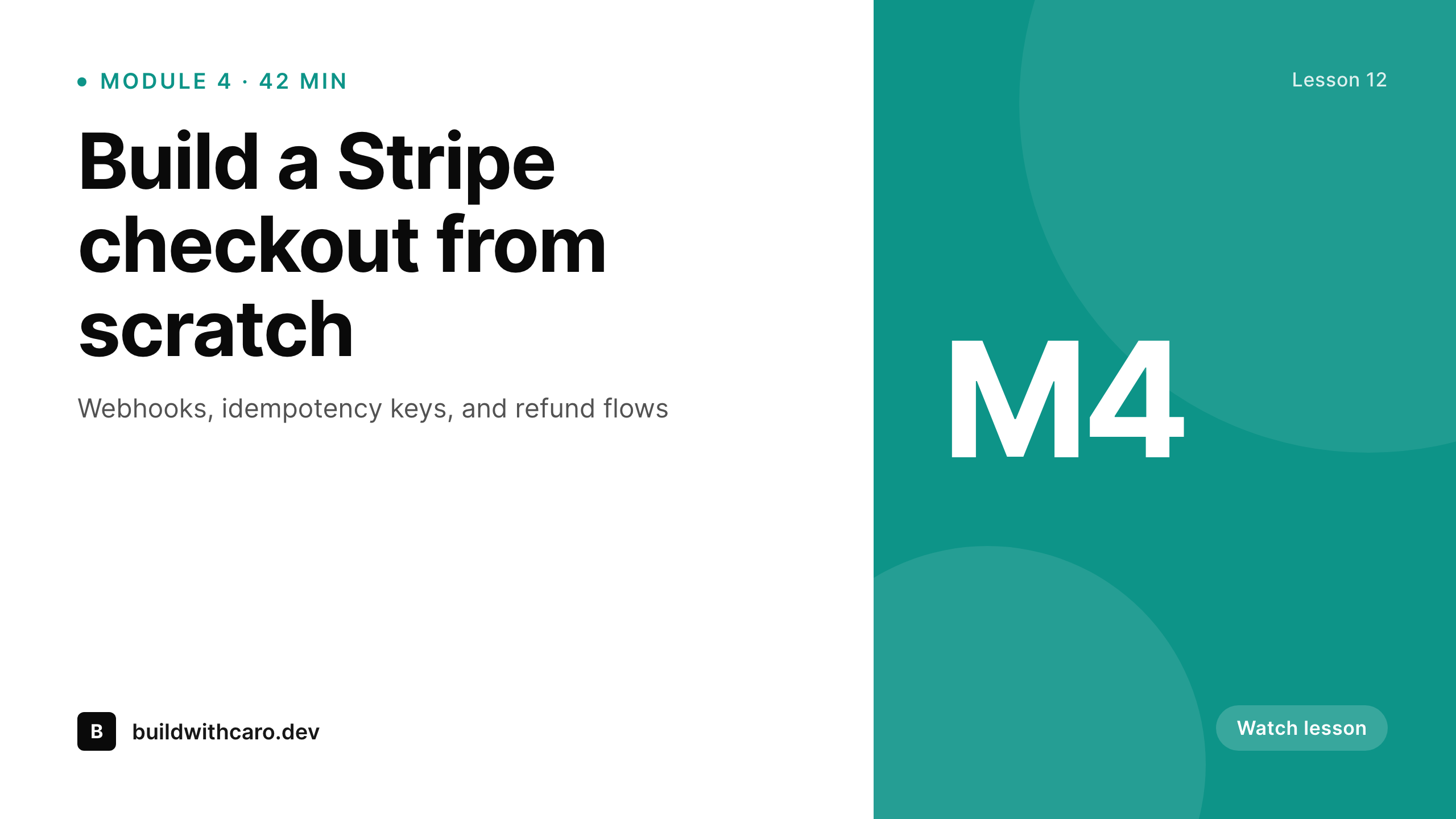
Module title, instructor name, duration, module number - all live as fields on each lesson post. SleekPixel renders a branded 1280x720 thumbnail every time you hit publish.
♾️ Lifetime License available
Course thumbnails are the bottleneck nobody planned for
A course with 60 lessons needs 60 thumbnails. Most instructors design two or three in Figma, then start cutting corners halfway through the curriculum - generic gradients, mismatched type, lessons shipped without artwork at all. The catalogue page ends up looking like three different courses stitched together, and learners notice. Cohort-based courses get the worst of it because the thumbnail backlog has to clear before launch day or modules go out unbranded.
The data is already in WordPress. If lessons are a custom post type or LearnDash steps, fields like module number, lesson title, instructor, and runtime are sitting on every post. Pulling them into a manual Figma file means duplicating that work for every release, and every typo gets baked into a flat PNG. Course creators end up either skipping thumbnails or hiring a designer on retainer just to keep up with the publish cadence.
The fix is to treat the thumbnail like the meta description: a derived asset, generated from the post. Define the layout once, hook it to the lesson fields, and every new lesson saves with a thumbnail that matches the rest of the curriculum. No backlog, no Figma round-trips, no broken brand.
Workflow
From lesson draft to branded thumbnail
Map lesson fields
Design one template
Publish lessons normally
Bulk regenerate on rebrand
Output
What gets generated per lesson
A 1280x720 thumbnail with module title, instructor name, lesson number, and runtime pulled live from the lesson post.
Comparison
Manual Figma exports vs SleekPixel templates
Manual / Canva / Figma
- Designer on retainer just to keep thumbnails matching course branding
- Lessons ship without artwork when the design backlog stalls launches
- Typo in a lesson title means re-exporting the PNG in Figma manually
- No way to bulk regenerate when course branding changes mid-cohort
- Catalogue page looks inconsistent because thumbnails were made in batches
SleekPixel
- Every lesson saves with a thumbnail rendered from its own post fields
- Module number, instructor, and runtime pulled from LearnDash or custom fields
- Bulk regenerate the entire catalogue when branding shifts
- 1280x720 PNGs stored in uploads, ready for YouTube or the course player
- Manual download in the Gutenberg sidebar for promo posts and ads
Features
What SleekPixel gives you for online course platform
Per-lesson art
Each lesson saves with its own 1280x720 thumbnail. Module title, runtime, and instructor come from the post, not a Figma file.
Catalogue consistency
Every lesson in every course shares the same template. Branding changes propagate when you bulk regenerate, no asset drift.
Sidebar export
Need the thumbnail for YouTube or a promo email? Download the PNG straight from the Gutenberg sidebar without leaving the lesson.
Use cases
Where course thumbnails actually get used
Course catalogue grid
Catalogue and curriculum pages pull the generated thumbnail per lesson, so the grid looks built, not bolted together.
YouTube uploads
Download the lesson's 1280x720 PNG from the sidebar and use it as the YouTube thumbnail with no extra design pass.
Lesson share links
OG tags for each lesson URL serve the matching thumbnail, so Slack and Discord previews look on-brand for cohorts.
The bigger picture
Why course platforms can't ignore thumbnail consistency
Course completion rates correlate with how complete a course feels at a glance. Learners scan the curriculum page before they ever open lesson one, and a grid where module four has no artwork or module seven uses last year's logo plants doubt before they hit play. That hesitation compounds at every step - dropouts spike at modules with weak visuals, and refund requests cite the course feeling unfinished even when the content is strong.
The economics make manual thumbnails worse, not better. A 60-lesson course at ten minutes of design time per thumbnail is ten hours of work that has to happen before launch, then again every time the brand evolves. Most instructors don't have a designer on payroll, so the work either stalls the launch or gets skipped.
Treating thumbnails as derived data, generated from lesson fields the same way meta tags get generated, removes the bottleneck. The catalogue stays consistent, refreshes are a one-click bulk job, and instructors stop shipping unfinished-looking modules under deadline pressure.
Questions
Common questions about SleekPixel for online course platform
Yes. SleekPixel reads any post type and any field, so LearnDash sfwd-lessons, LifterLMS lesson posts, Tutor LMS lessons, or a custom CPT all work. Map the fields you want on the thumbnail (module number, lesson title, runtime, instructor) and SleekPixel pulls them on every save.
It reads any field on the lesson post. If runtime is stored as a custom field, ACF, or in the LMS lesson schema, you can map it onto the thumbnail. SleekPixel does not probe the video file itself - the duration needs to live as data on the post for the template to use it.
Yes. The course post type gets its own template separate from individual lessons. Catalogue cards pull the course-level image, and the curriculum page pulls per-lesson thumbnails. Each post type can have its own layout.
Yes. Every lesson has download buttons in the Gutenberg sidebar for the 1280x720 PNG, plus any other formats you have configured. Grab the file, upload it as the YouTube thumbnail, no Figma round-trip.
Edit the template once. Then run a bulk regenerate from the SleekPixel admin and every lesson in every course gets a refreshed thumbnail. The PNG file is replaced in uploads, so OG tags and the curriculum grid pick up the new artwork without manual edits.
Yes. Templates can be conditional on taxonomy or custom fields, so a beginner course series can use one layout and an advanced track another. Both still pull live data from each lesson post.
No. SleekPixel renders static PNG and JPG images only. Animated thumbnails, GIFs, and video clips are out of scope - the focus is automatic, on-brand still images per post.
Generation runs on save and stores the rendered PNG in uploads. For a typical lesson save it adds a fraction of a second. Bulk regenerate runs in the background and can be paced so it doesn't block other admin work during a rebrand.
Pricing
More than 1000+
happy customers
Explore our flexible licensing options tailored to your needs. Upgrade your license anytime to access more features, or opt for a lifetime license for ongoing value, including lifetime updates and lifetime support. Our hassle-free upgrade process ensures that our platform can grow with you, starting from whichever plan you choose.
Lifetime ♾️
Most popular
EUR
once
- Unlimited websites
- Lifetime updates
- Lifetime support
...or get the Bundle Deal
and save €250 🎁
💎 Want everything forever? The All Access Pass is going away on 01.08.2026.
The Bundle (unlimited sites)
Pay once, own it forever
Elevate your WordPress site with our exclusive plugin bundle that includes all of our premium plugins in one package. Enjoy lifetime updates and lifetime support. Save significantly compared to buying plugins individually.
What’s included
-
SleekAI
-
SleekByte
-
SleekMotion
-
SleekPixel
-
SleekRank
-
SleekView
€749
Continue to checkoutBrowse more
- TikTok cover images
- Threads social images
- VSCO cover
- VK community cover photos
- Pinterest pins
- Instagram feed posts
- Telegram channel banner
- Bluesky profile banner
- LinkedIn showcase page banners
- Twitch schedule banners
- LinkedIn newsletter headers
- Mastodon post images
- Ko-fi banners
- Telegram channel images
- Instagram stories