






SleekPixel for YouTube comment card
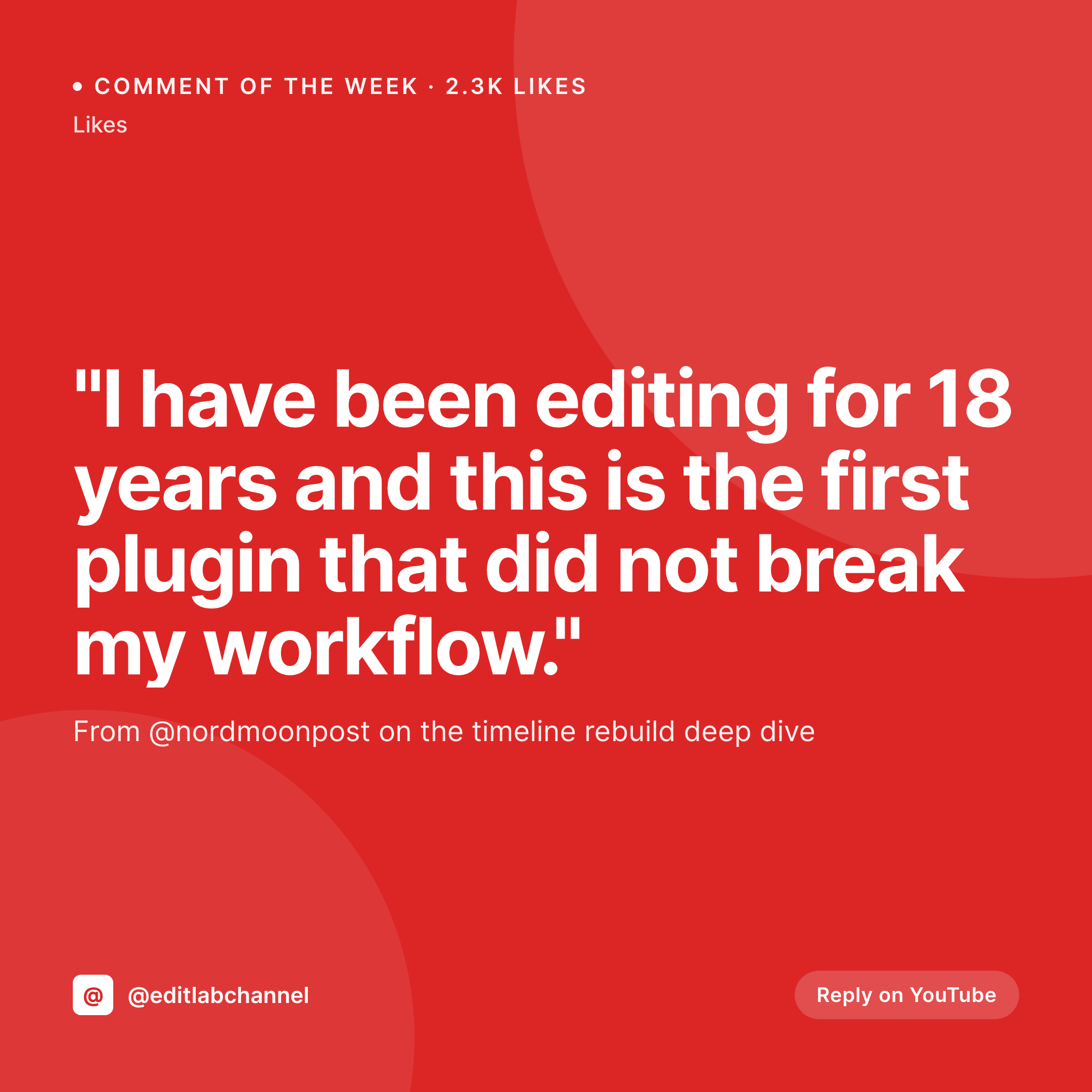
Comment text, commenter handle, source video, and like count live on the post. SleekPixel renders a 1080x1080 square card on save, ready to cross-post to Instagram, Threads, or a community channel.
♾️ Lifetime License available
Why standout YouTube comments deserve cards
Creators spend an unreasonable amount of attention on YouTube comments because that is where audience signal lives. A particularly sharp comment, a long thoughtful reply, a moment of unsolicited praise from a known industry voice: these are the moments that earn an Instagram cross-post, a Threads share, or a recap in a newsletter. The comment doesn't just exist on YouTube anymore. It needs a visual artifact that travels to other surfaces.
The naive workflow is a screenshot. The comment gets cropped on a phone, dropped into Canva, has the YouTube UI scrubbed, gets an awkward branded border added, and lands on Instagram looking like a screenshot. That works for one or two comments. The minute the cadence picks up (comment of the week, comment recap thread, monthly best-of) the screenshot pipeline becomes a tax that nobody pays.
SleekPixel turns the comment into structured data. Comment text, commenter handle, source video title, like count, all as fields on a post. The template assembles a 1080x1080 square card on save. The cross-post becomes drop-the-image-and-write-the-caption, not crop-and-design. Comments that earn cards actually get them, because the cost matches the value.
Workflow
From comment to share-ready card
Set up the comment template
Save the comment post
Cross-post the card
Add more from the same video
Output
What a comment card looks like
A 1080x1080 square card with the comment text, commenter handle, source video title, and like count, composed from the post fields.
Comparison
Phone screenshot vs rendered comment card
YouTube screenshot in Canva
- Screenshots show YouTube UI that doesn't match the brand
- Comments get cropped weirdly on different phone sizes
- Long comments overflow the square frame
- Brand drift across weekly comment recaps
- Crediting the commenter looks inconsistent across cards
SleekPixel
- Comment card renders on save from text, handle, video, likes
- Long comments auto-fit between min and max bounds
- Source video and like count anchored as separate marks
- Brand accent stays consistent across weekly recaps
- Sidebar download button serves the latest PNG to the editor
Features
What SleekPixel gives you for YouTube comment card
Comment-first layout
The comment text takes the prime real estate. Commenter handle, source video, and like count anchor below without crowding the quote.
Length auto-fit
Short two-line comments and long 80-word comments both fill the square frame. The auto-fit rule scales type so neither feels like a different template.
Signal mark
Like count renders as a corner mark. A 2.3k-like comment reads as a true standout; a 40-like reply reads as a personal highlight.
Use cases
Comment programs this template handles
Comment of the week
Weekly comment highlights cross-posted to Instagram and Threads. The card preserves the YouTube context without screenshot artifacts.
Monthly recap carousels
An ACF repeater holds five to ten standout comments per month. The renderer produces one card per entry for a carousel.
Community shoutouts
Channel members or super-fans get a card with their best comment. Same template, applied across the year.
The bigger picture
Why creators should treat comments as content
YouTube comments are the most underused content surface a creator has. They are pre-written, audience-validated (the like count tells you which one to highlight), and authentic in a way that scripted content rarely is. The block isn't finding good comments.
The block is the visual production around turning one into a cross-post. As long as that production is a phone screenshot plus Canva, comment highlights stay sporadic. The moment it becomes typing a field and getting a rendered card, comments become a real cadence.
Some creators run a comment of the week. Some do monthly carousels. Some pull a comment thread as the cold open of the next video.
All of those programs benefit from the cost of producing a card asymptotically approaching zero. The audience gets recognized, the creator gets free distribution, and the channel feels like a place where comments actually matter.
Questions
Common questions about SleekPixel for YouTube comment card
Public YouTube comments are public, but treating someone respectfully is still on you. Most creators credit the commenter by handle and avoid using comments that read like private complaints. When in doubt, ask the commenter or use a public-handles-only rule.
Yes. Map a thumbnail slot to a media field or remote URL on the post. The card carries the visual context of the source video in addition to the title.
Treat them the same way. The post holds the reply text, the parent commenter handle, and the source video. The template adapts to show a small reply indicator.
Yes. Register a 1080x1920 vertical size against the same template. Each save renders both the square and the story, ready for grid and story posts.
Only if you update the field. SleekPixel does not call YouTube. If you want automatic refresh, hook the YouTube Data API in a small import script and let it rewrite the field.
The auto-fit rule scales type down to a minimum bound. Comments over a certain length should be trimmed to the most quotable line, which is the same editorial choice you'd make in a screenshot.
Yes. Tag the post with a video series taxonomy and bind the accent. Tutorial comments, vlog comments, and tech-review comments each get a distinct palette.
Yes. Add a creator-response field on the post and a secondary block in the template. Comment plus creator reply in one card works well for reaction-style posts.
Pricing
More than 1000+
happy customers
Explore our flexible licensing options tailored to your needs. Upgrade your license anytime to access more features, or opt for a lifetime license for ongoing value, including lifetime updates and lifetime support. Our hassle-free upgrade process ensures that our platform can grow with you, starting from whichever plan you choose.
Lifetime ♾️
Most popular
EUR
once
- Unlimited websites
- Lifetime updates
- Lifetime support
...or get the Bundle Deal
and save €250 🎁
💎 Want everything forever? The All Access Pass is going away on 01.08.2026.
The Bundle (unlimited sites)
Pay once, own it forever
Elevate your WordPress site with our exclusive plugin bundle that includes all of our premium plugins in one package. Enjoy lifetime updates and lifetime support. Save significantly compared to buying plugins individually.
What’s included
-
SleekAI
-
SleekByte
-
SleekMotion
-
SleekPixel
-
SleekRank
-
SleekView
€749
Continue to checkoutBrowse more
- LinkedIn newsletter headers
- Patreon post thumbnails
- Poshmark listing images
- Apple Music cover art
- VSCO cover
- Snapchat Spotlight covers
- Twitch alert
- Behance banner
- Ko-fi banners
- Telegram bot avatar
- Signal sticker pack
- Threads story-style images
- Mailchimp email headers
- Fansly banner
- Vimeo channel banners