






SleekPixel for Vimeo channel banners
Templated channel banner art generated per studio or showcase on save. Name, current project, and season pulled from real fields, downloaded from the editor sidebar, ready for the Vimeo channel customization screen.
♾️ Lifetime License available
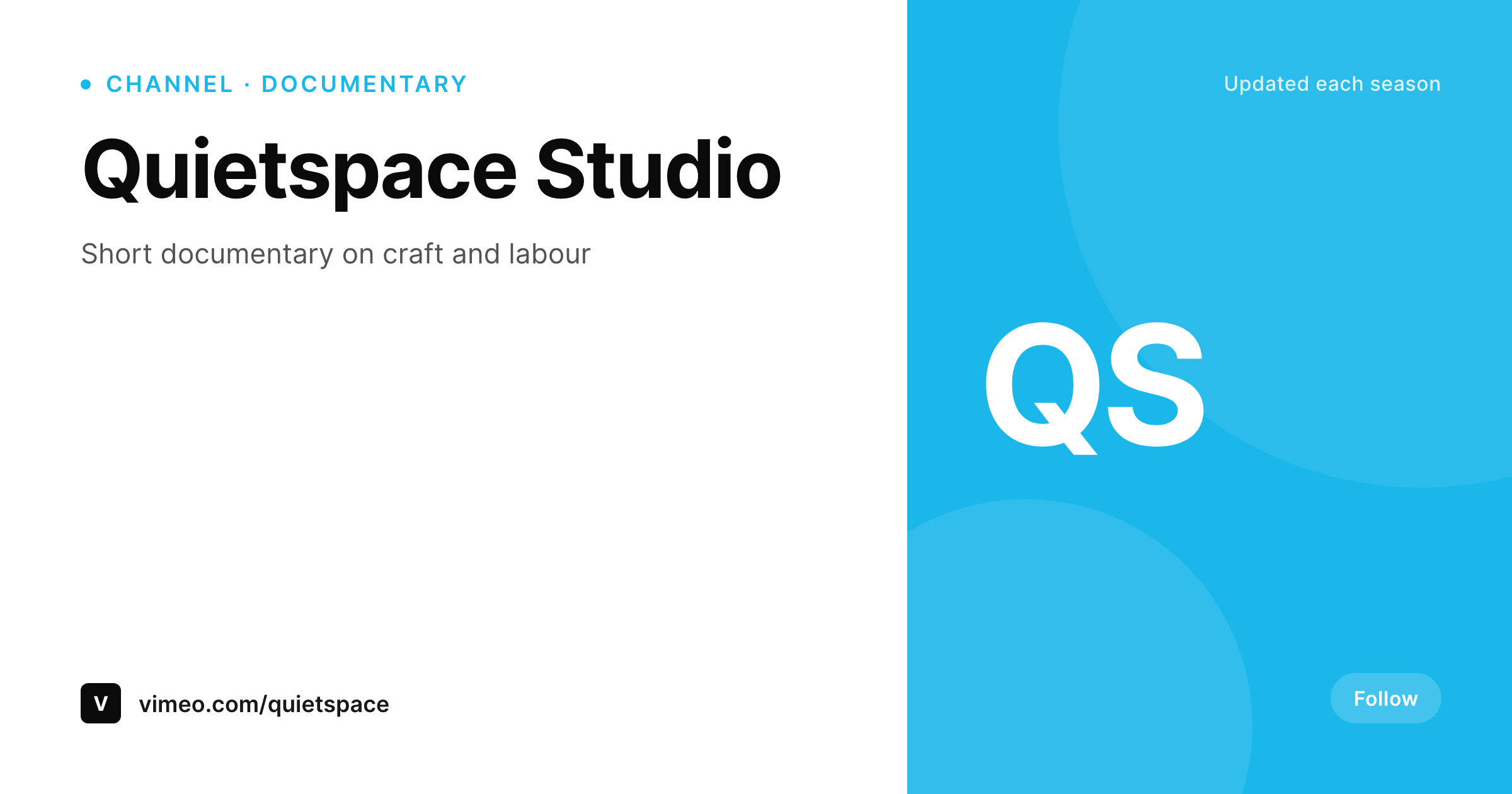
Vimeo channels carry brand weight for studios and showcases
Vimeo channels and showcases are how studios, festivals, and creator collectives organize work. The channel banner is the surface a sponsor, festival programmer, or distribution partner sees when they land on the page. Vimeo channels skew higher-stakes than YouTube channels because the visiting audience is often there to make a hiring or licensing decision. The banner carries weight the same way a portfolio cover carries weight.
SleekPixel binds the channel banner to a WordPress channel post. Studio name, current project, season, and brand mark live as fields. The template renders a Vimeo-sized PNG on save. Brand refreshes propagate across a network of channels without a designer opening a Vimeo customization screen.
Vimeo allows custom channel art uploads through the channel admin. SleekPixel exposes a sidebar download per channel post, so the producer drops the file into the Vimeo channel settings without leaving WordPress.
Workflow
From channel post to Vimeo channel
Design the banner
Map channel fields
Save the channel post
Upload through Vimeo
Output
What gets rendered per channel
A branded PNG sized for the Vimeo channel banner upload slot, with studio name and current project rendered from the post.
Comparison
Static channel art versus SleekPixel
Static channel cover from launch
- Channel banner uploaded at launch and never refreshed
- Current project on the channel page goes stale within months
- Multi-channel showcases end up with mismatched banner styles
- Source files live with one designer and disappear after offboarding
- Rebrands skip Vimeo because the workflow is too heavy
SleekPixel
- Branded PNG rendered per channel post on save
- Studio name, project, and season pulled from real fields
- Brand fonts and colors locked into one template family
- Sidebar download per post, ready for Vimeo channel upload
- Network of channels share one template family
Features
What SleekPixel gives you for Vimeo channel banners
Studio-grade
The template uses brand fonts and colors at studio-portfolio quality, so the channel page reads as a real studio surface instead of placeholder art.
Locked typography
Self-hosted brand fonts and exact colors render identically each upload, so all channel banners feel like one studio.
Sidebar download
Open the channel post in Gutenberg, click download, and upload the PNG through the Vimeo channel customization screen.
Use cases
Where Vimeo channel banners need a system
Studio reels
A studio reel channel uses the banner to advertise the current featured project, which changes per season or per commission.
Festival showcases
Festival showcase channels render with the festival year and program, so visiting programmers see the right context.
Collective brands
A collective with several Vimeo channels uses one template family, so every channel reads as the collective brand.
The bigger picture
Why current Vimeo channel art moves licensing and hiring decisions
Vimeo channels carry an asymmetric share of high-stakes traffic. A programmer at a film festival, a brand director scouting for a campaign, or a distribution partner evaluating a studio all land on Vimeo channel pages with a specific intent. The banner is the first signal of whether the studio looks current and maintained.
A stale banner from launch reads as a studio that is not investing in its own surface. A current banner that reflects the season and the featured project reads as a studio that is paying attention. Most studios know this and still ship stale banners because the design tax is high and Vimeo updates feel low priority.
SleekPixel collapses the tax. The channel post holds the project. The template renders on save.
The producer downloads and uploads. The Vimeo channel page starts reading like a studio that ships, which is the right signal to send to the people making decisions on the other side of the page.
Questions
Common questions about SleekPixel for Vimeo channel banners
No. Vimeo accepts custom channel art uploads through the channel admin. SleekPixel renders the PNG and exposes a sidebar download. The producer uploads via Vimeo's channel customization.
The template uses 1920x600 by default, which fits Vimeo's channel banner slot at typical desktop widths. The dimension is configurable per template.
Yes. Templates are scoped per channel post or category. Network channels share a base template with per-channel fields.
Yes, including self-hosted brand fonts.
Yes. Featured project is a field on the channel post. The template binds the field, and saving the post re-renders the banner.
In the WordPress uploads directory as real PNGs. They appear in the media library and are included in normal backups.
No. Rendering happens on save inside WordPress.
Files are named after the channel slug by default. The naming scheme is configurable in the SleekPixel settings.
Pricing
More than 1000+
happy customers
Explore our flexible licensing options tailored to your needs. Upgrade your license anytime to access more features, or opt for a lifetime license for ongoing value, including lifetime updates and lifetime support. Our hassle-free upgrade process ensures that our platform can grow with you, starting from whichever plan you choose.
Lifetime ♾️
Most popular
EUR
once
- Unlimited websites
- Lifetime updates
- Lifetime support
...or get the Bundle Deal
and save €250 🎁
💎 Want everything forever? The All Access Pass is going away on 01.08.2026.
The Bundle (unlimited sites)
Pay once, own it forever
Elevate your WordPress site with our exclusive plugin bundle that includes all of our premium plugins in one package. Enjoy lifetime updates and lifetime support. Save significantly compared to buying plugins individually.
What’s included
-
SleekAI
-
SleekByte
-
SleekMotion
-
SleekPixel
-
SleekRank
-
SleekView
€749
Continue to checkoutBrowse more
- Passes page banner
- Apple Music cover art
- Signal sticker pack
- kbin post images
- Twitter card images
- Odnoklassniki banners
- Discord server banners
- VSCO cover
- Discord stage banner
- Pinterest product pin covers
- Telegram channel cover images
- Bluesky link cards
- Lemon Squeezy product covers
- Discord event cover
- Facebook event covers