






SleekPixel for Patreon cover images
Templated Patreon page cover art generated per creator post on save. Page name, tagline, and current campaign pulled from real fields, downloaded from the editor sidebar, ready for the Patreon page settings.
♾️ Lifetime License available
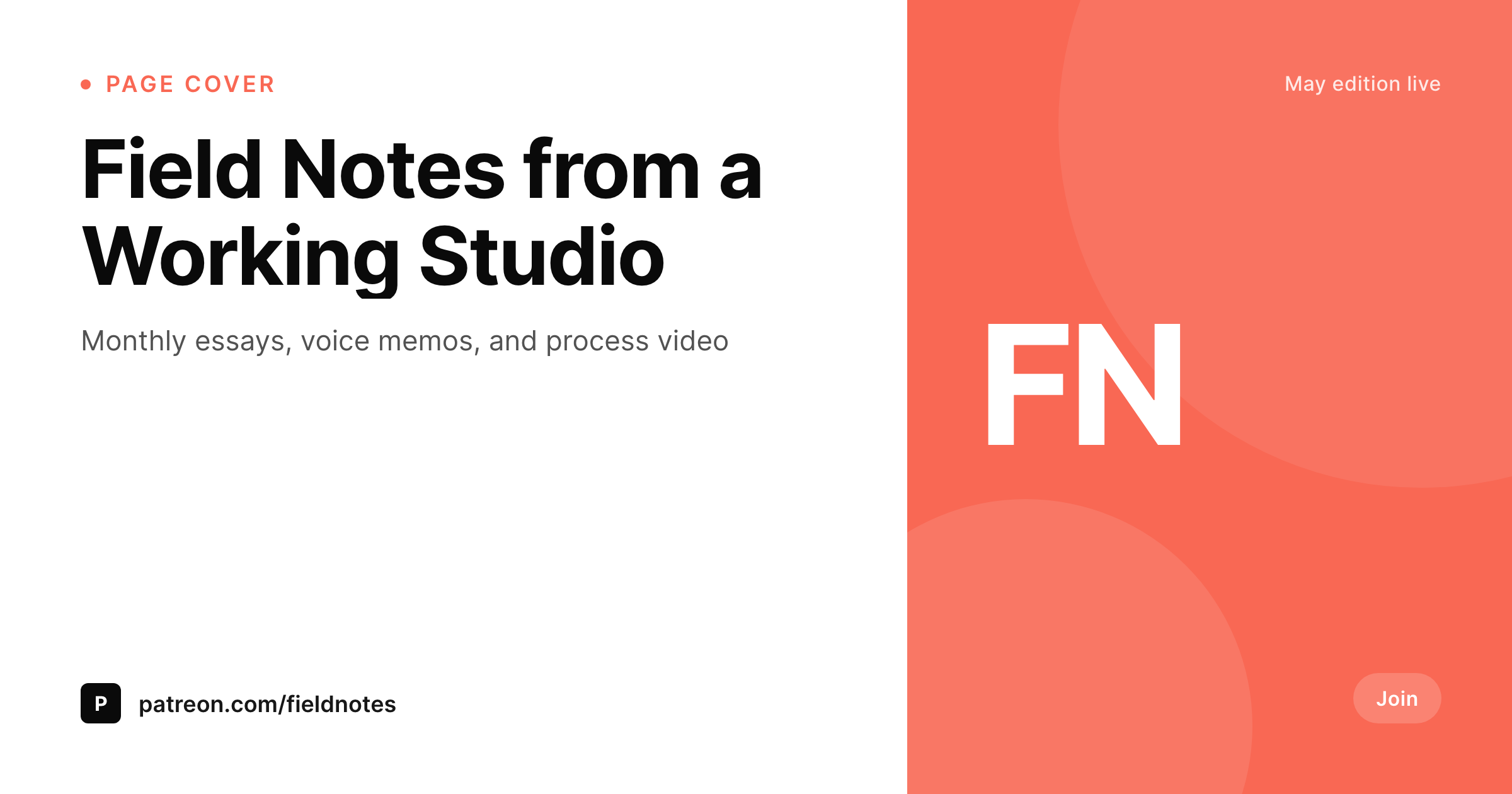
Patreon covers are the first surface a potential patron sees
The Patreon page cover sits at the top of every creator page. It is the largest single image a potential patron sees before reading the about section or the tier list, and it carries an outsized share of the join decision. The cover should communicate what the creator is offering this month, not a generic illustration the creator uploaded the day they launched the page.
SleekPixel binds the cover to a WordPress page post. Page name, tagline, current campaign, and brand mark live as fields. The template renders the cover PNG on save. A campaign change becomes a field edit. A rebrand re-renders the cover for every page in a network in one pass.
Patreon allows custom cover uploads through the page settings. SleekPixel exposes a sidebar download per page post, so the creator drops the file into Patreon without rebuilding the design every month.
Workflow
From page post to Patreon page
Design the cover
Map page fields
Save the page post
Upload through Patreon
Output
What gets rendered per page
A branded PNG sized for the Patreon page cover slot, with the page name, tagline, and current campaign rendered from the post.
Comparison
Static covers versus SleekPixel
Static cover from launch
- Cover uploaded at launch and never refreshed
- Current campaign on the cover goes stale within months
- Source files live with one designer and disappear after offboarding
- Rebrands skip Patreon because the workflow is too heavy
- Multi-page creators end up with mismatched cover styles
SleekPixel
- Branded PNG rendered per page post on save
- Page name, tagline, and campaign pulled from real fields
- Brand fonts and colors locked into one template family
- Sidebar download per post, ready for Patreon page upload
- Network of pages share one template family
Features
What SleekPixel gives you for Patreon cover images
Creator-first
The template centers the creator's tagline and current campaign, so a visiting potential patron sees what is on offer this month.
Locked typography
Self-hosted brand fonts and exact colors render identically each upload, so the cover stays visually consistent across campaign refreshes.
Sidebar download
Open the page post in Gutenberg, click download, and upload the PNG through Patreon's page settings.
Use cases
Where Patreon covers carry the join decision
Writers and essayists
Writers render the current essay theme on the cover, so visiting readers see the work that is shipping this month.
Video creators
Video creators render the current series or season on the cover, so the page reflects what patrons get.
Musicians
Musicians render the album cycle or live show schedule on the cover.
The bigger picture
Why current Patreon covers move the join rate
Patreon's join decision happens in a few seconds on the page header. A visitor scans the cover, the tagline, and the tier list, then decides whether to scroll or close the tab. The cover is the biggest piece of that scan.
A cover that reflects the current campaign signals that the creator is shipping. A cover from launch signals the opposite, even if the creator is shipping more than ever. Most creators know this and still ship stale covers because the cost of a monthly redesign is too high.
SleekPixel collapses the cost. The page post holds the campaign. The template renders on save.
The creator downloads and uploads. The Patreon page starts reflecting reality, and the join rate moves because the cover finally signals an active page.
Questions
Common questions about SleekPixel for Patreon cover images
No. Patreon accepts cover uploads through the page settings. SleekPixel renders the PNG and exposes a sidebar download. The creator uploads via Patreon's page settings.
The template defaults to 1620x400, which fits Patreon's page header at typical desktop widths. The dimension is configurable per template.
Yes. Templates are scoped per page post or category. Each page renders with its own fields against a shared base template.
Yes, including self-hosted brand fonts.
Yes. The campaign is a field on the page post. The template binds the field, and saving the post re-renders the cover.
Yes. If the creator runs multiple pages with the right fields, batch regenerate renders covers across all of them in one pass.
In the WordPress uploads directory as real PNGs. They appear in the media library and are included in normal backups.
No. Rendering happens on save inside WordPress.
Pricing
More than 1000+
happy customers
Explore our flexible licensing options tailored to your needs. Upgrade your license anytime to access more features, or opt for a lifetime license for ongoing value, including lifetime updates and lifetime support. Our hassle-free upgrade process ensures that our platform can grow with you, starting from whichever plan you choose.
Lifetime ♾️
Most popular
EUR
once
- Unlimited websites
- Lifetime updates
- Lifetime support
...or get the Bundle Deal
and save €250 🎁
💎 Want everything forever? The All Access Pass is going away on 01.08.2026.
The Bundle (unlimited sites)
Pay once, own it forever
Elevate your WordPress site with our exclusive plugin bundle that includes all of our premium plugins in one package. Enjoy lifetime updates and lifetime support. Save significantly compared to buying plugins individually.
What’s included
-
SleekAI
-
SleekByte
-
SleekMotion
-
SleekPixel
-
SleekRank
-
SleekView
€749
Continue to checkoutBrowse more
- Vimeo channel banners
- TikTok profile banners
- Snapchat ad images
- Signal sticker pack
- Instagram Reels covers
- Twitch profile banner
- Douyin thumbnails
- Pinterest product pin covers
- Bandcamp release cover
- TikTok cover images
- LINE official account banners
- Ko-fi shop images
- GitHub README banners
- Depop listing images
- Threads post images