






SleekPixel for coach
Each blog post, podcast episode and offer page on your coaching site already has a title, audience and date. SleekPixel renders Instagram-ready squares on save so the feed builds itself while you focus on clients.
♾️ Lifetime License available
Coaches are content creators by accident
Most independent coaches did not set out to run a content operation. They started coaching because they were good at the work. Then it turned out the marketing channel that brings clients was Instagram, the lead magnet was a free workbook, and the booking funnel started with a podcast appearance. Suddenly the practice involves writing weekly, posting daily, and producing matching art for everything. The actual coaching - the calls, the curriculum, the follow-up - competes with a graphic-design queue.
The standard tool is Canva. Each blog post becomes a square in Canva, a 9:16 in Canva, a Pinterest pin in Canva. The titles get retyped, the brand colors drift slightly each time, and the coach's evening turns into an export session. The work that should be expanding - long-form essays, deeper podcast episodes, a real curriculum - gets squeezed because the daily art queue eats the calendar.
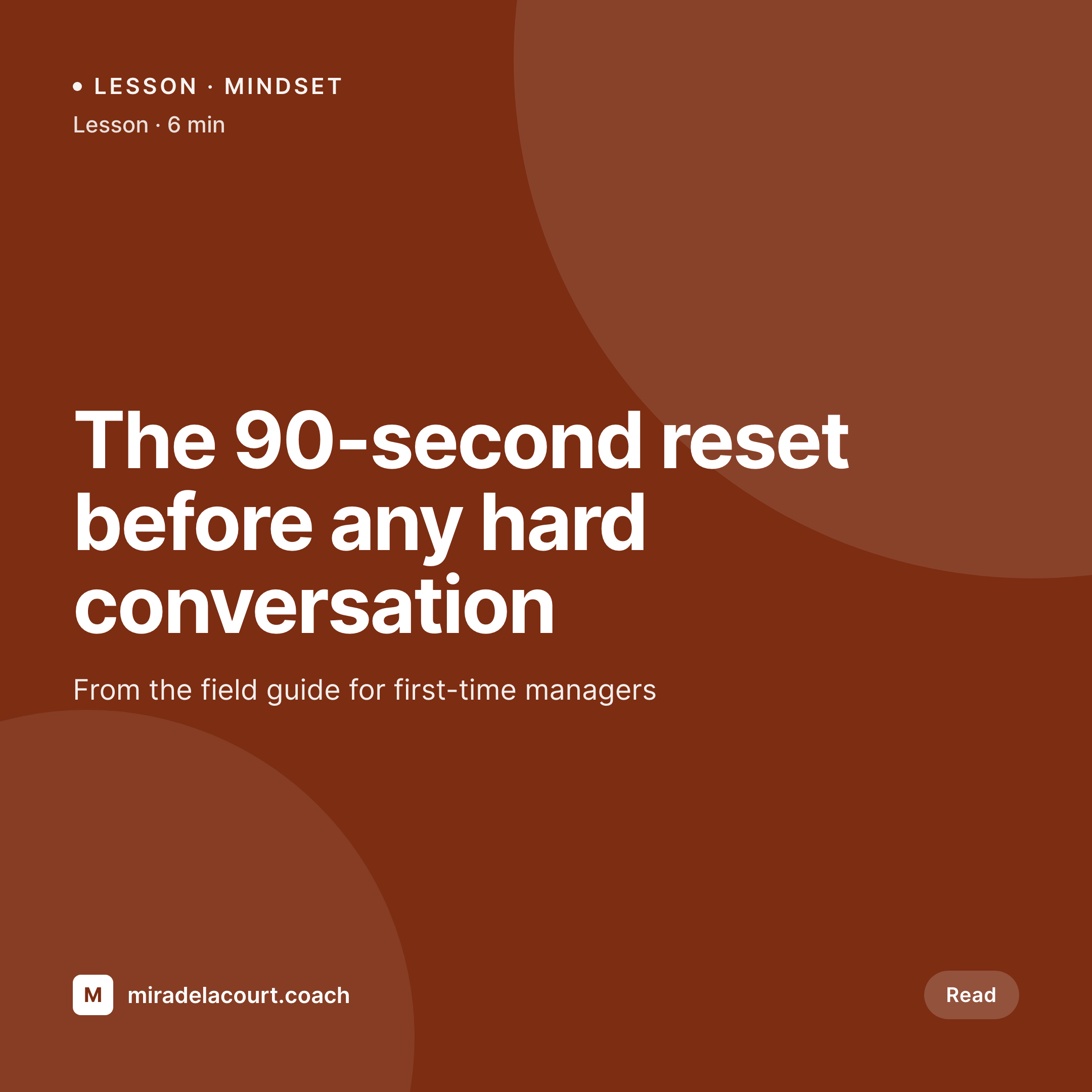
SleekPixel turns that around. The blog post becomes the source of truth. Title, lesson number, audience tag and reading time live in the post. SleekPixel reads them on save and renders the Instagram square, the Story image and the Pinterest pin in one pass. The coach writes the post, hits update, and walks away. The feed gets fed without the coach turning into a junior designer for an hour every night.
Workflow
From draft to feed-ready in one save
Set the lesson template
Map the post types
Write and save
Share on autopilot
Output
What ships with every lesson
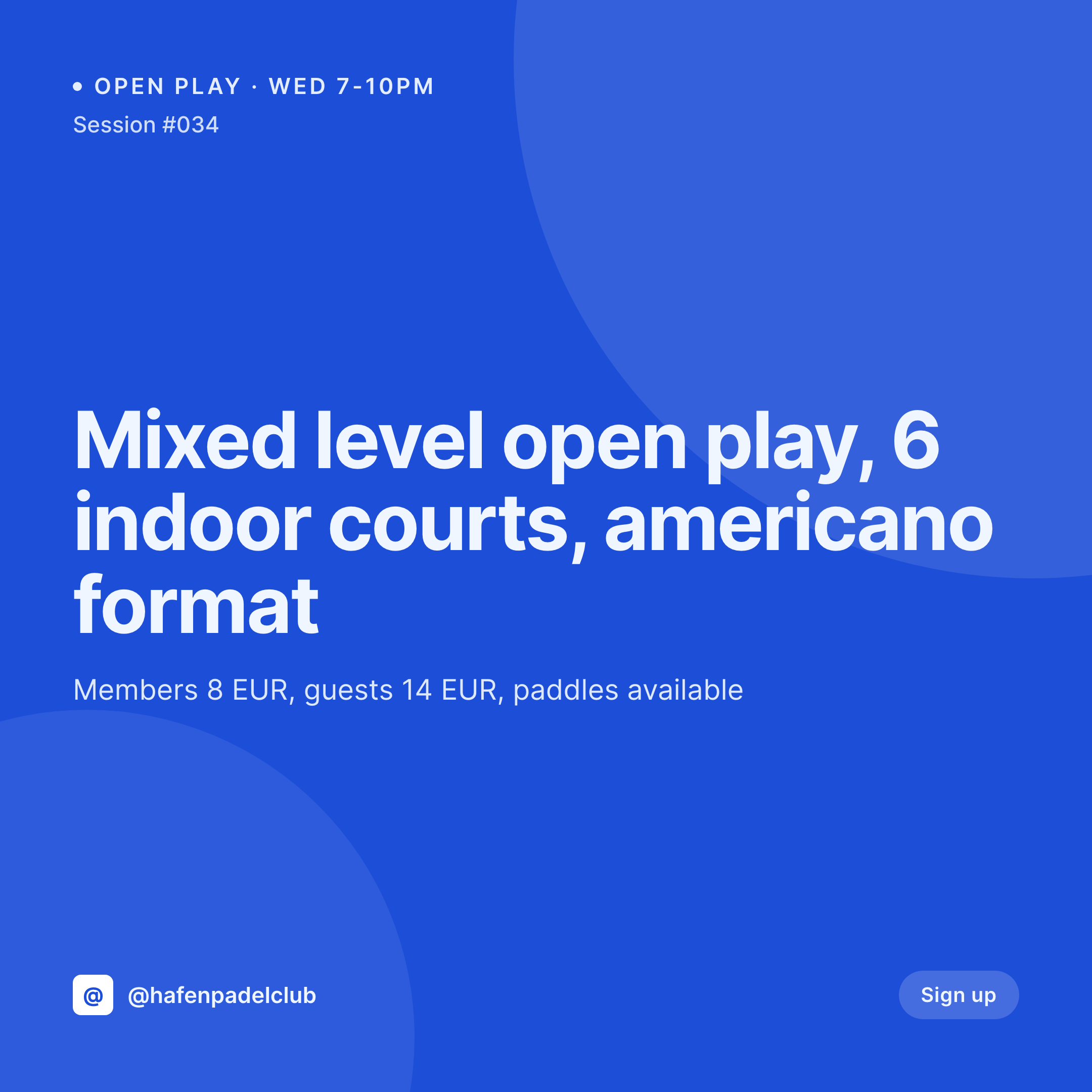
A 1080 square Instagram post: lesson title, lesson number, coach handle and accent type - feed-ready the moment the post is saved.
Comparison
Canva queue vs auto-rendered lesson art
Canva / Manual export
- Every blog post means duplicating a Canva template and retyping the title
- Stories, posts, pins and OG images all need separate exports
- Brand drift between months as templates get re-saved and re-edited
- Long-form writing slips because the export queue eats the evening
- Old posts share with stretched homepage logos when leads forward links
SleekPixel
- Blog post becomes the source - title, lesson number, tag pull from fields
- Square, Story and Pinterest pin render in one save
- Manual download in the sidebar for Stories and DM share images
- Re-render the back catalog when the brand evolves, no per-post work
- OG and Twitter cards write to the head so links share with real previews
Features
What SleekPixel gives you for coach
Lesson art ready
Every blog post saves with a feed-ready square and a Story-ready vertical. The coach writes; the art happens.
Episode covers
Podcast episode posts render guest portraits and episode numbers onto branded covers - matching across the catalog.
Offer page previews
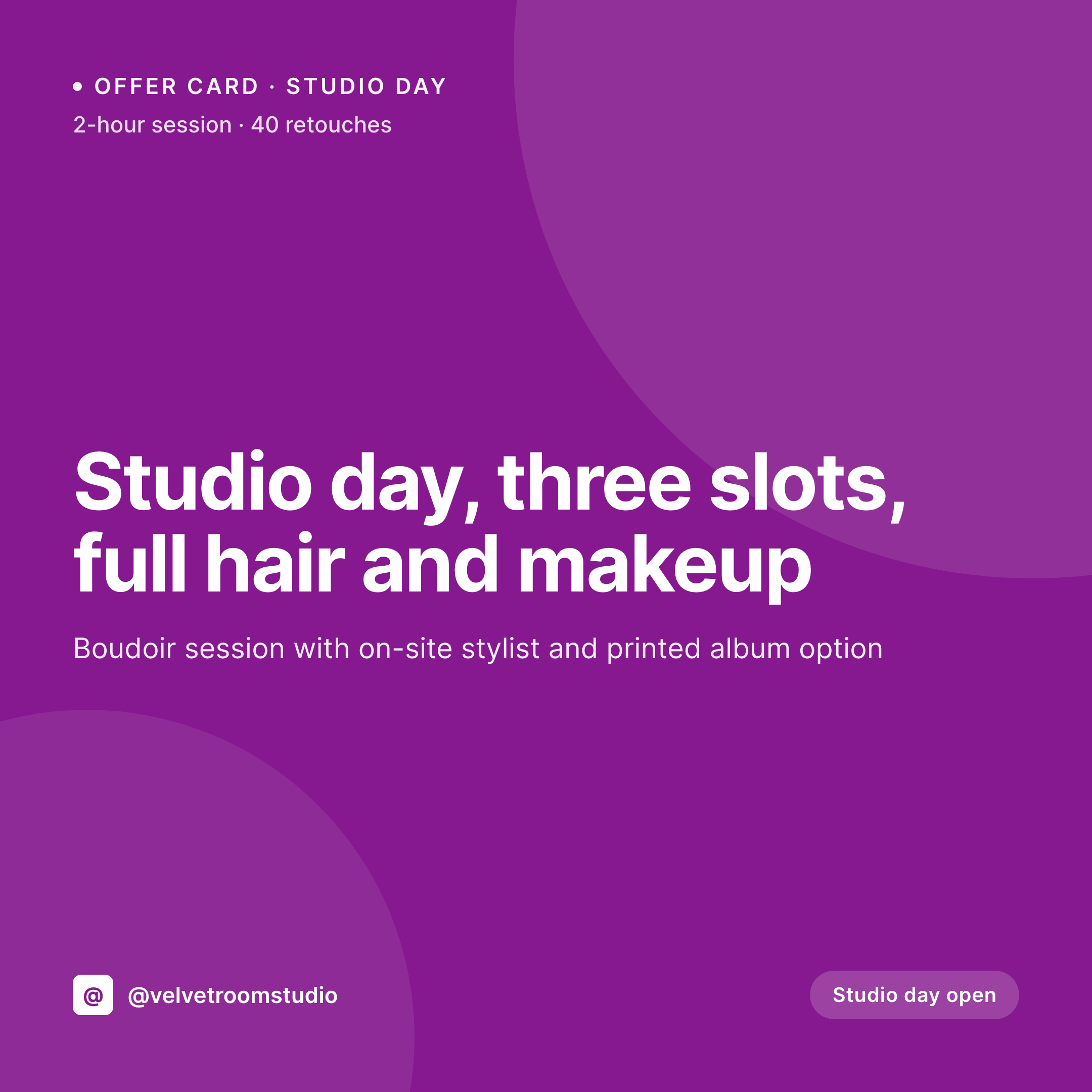
Coaching package and program pages share with a clean card showing the offer, price and start date. No more stretched homepage banners.
Use cases
What coaches generate with SleekPixel
Blog and lesson posts
Weekly long-form essays save with a square, a Story vertical and an OG image. The coach posts the link, the preview is ready.
Podcast episodes
Each episode post renders a cover with guest, number and topic. The same template covers Apple Podcasts, Spotify and the website.
Workshops and cohorts
Workshop signup pages share with date, format and lead coach. Email links to the page open with a real preview, not a bare URL.
The bigger picture
Why feed consistency drives coaching bookings
Coaching is sold on trust and the visual signal of consistency. A potential client lands on the coach's Instagram or website after a referral, scrolls the feed, and forms an impression in seconds. If the feed reads as a curated body of work, the coach is treated as a serious professional.
If it reads as a folder of mismatched exports, the same coach feels less established, even with identical credentials and the same client outcomes. Visual coherence does not replace substance, but it absolutely sets the frame for whether the substance gets a hearing. The second reason is sustainability.
Most independent coaches burn out on the marketing surface long before they burn out on the work itself. The daily Canva export hour eats the evening that should be writing the next program, recording the next episode, or simply resting. SleekPixel removes that hour by binding the art to the post.
The coach writes one post, the feed and the share previews fall out of it. The hours saved go back into the parts of the practice that actually compound - deeper writing, better curriculum, more thoughtful client work. The brand stays consistent because rendering happens from a single template, not from a tired person eyeballing colors at 11 pm.
Questions
Common questions about SleekPixel for coach
If the public-facing parts of your practice run on WordPress, yes. Many coaches use WordPress for the blog, podcast and lead magnet pages, and Kajabi or Teachable for the gated course content. SleekPixel renders share images for whatever is on WordPress; it does not push images to platforms outside it.
Yes, with a small workflow tweak. Add a 'pull quote' custom field on the post and write the quote you want on the card. SleekPixel reads the field and renders a quote-style image alongside the standard lesson card. You end up with two share images per post: the lesson and the quote.
Pinterest still drives meaningful traffic for coaches in mindset, productivity and parenting niches. SleekPixel can render a 1000 by 1500 vertical pin on save alongside the Instagram square. Same template, different aspect ratio, both write to the post. Pinterest schedulers like Tailwind read the OG image.
Yes. The Gutenberg sidebar has a download button for each rendered format. The 9:16 Story version exports at full resolution, ready for upload to Instagram or TikTok. The same file is also available via the WordPress media library if you prefer to grab it from there.
Indirectly. Search engines do not rank pages by their OG image, but click-through rates from social shares affect the size of an audience that ends up linking back. A clean share preview drives more clicks, more clicks bring more readers, and more readers create the shares and links that matter for organic visibility.
If your blog has multiple coaches or contributors, the template can read the WordPress author field and render the byline on each card. Each contributor's headshot can also pull from the user profile photo. Useful for group practices and certified coach teams.
Run a bulk re-render and every existing post updates to the new visual. File names stay the same, so cached OG previews refresh on the next platform scrape. The catalog stays unified instead of looking like 'before and after' the rebrand.
It is unusual for solo coaches to use a template engine, but the math is the same: an hour saved per blog post times fifty posts per year is fifty hours back. For solo coaches who actually publish weekly, the time savings are larger than for a team because the bottleneck is one person doing everything.
Pricing
More than 1000+
happy customers
Explore our flexible licensing options tailored to your needs. Upgrade your license anytime to access more features, or opt for a lifetime license for ongoing value, including lifetime updates and lifetime support. Our hassle-free upgrade process ensures that our platform can grow with you, starting from whichever plan you choose.
Lifetime ♾️
Most popular
EUR
once
- Unlimited websites
- Lifetime updates
- Lifetime support
...or get the Bundle Deal
and save €250 🎁
💎 Want everything forever? The All Access Pass is going away on 01.08.2026.
The Bundle (unlimited sites)
Pay once, own it forever
Elevate your WordPress site with our exclusive plugin bundle that includes all of our premium plugins in one package. Enjoy lifetime updates and lifetime support. Save significantly compared to buying plugins individually.
What’s included
-
SleekAI
-
SleekByte
-
SleekMotion
-
SleekPixel
-
SleekRank
-
SleekView
€749
Continue to checkoutBrowse more
- Facebook group banners
- Patreon post thumbnails
- Bluesky profile banner
- LinkedIn article covers
- Warpcast frame images
- Discord server icon
- Fanvue page banner
- TikTok Now image
- LinkedIn carousel slides
- Substack podcast cover
- Shopify product images
- Tidal cover art
- Open Graph images
- Bandcamp banner
- Snapchat Spotlight covers