






SleekPixel for Yoast SEO
Yoast SEO's social tab asks for a Facebook image and a Twitter image on every post. SleekPixel renders both from a template using the post's title, category, and custom fields. The fields fill themselves on save.
♾️ Lifetime License available
Yoast handles the meta layer, SleekPixel handles the image
Yoast SEO is the most-installed SEO plugin on WordPress, and the social tab in its post editor has been there for years. You can set a unique Facebook image, Facebook title, Facebook description, Twitter image, Twitter title, and Twitter description per post. Yoast writes those values into the og: and twitter: meta tags exactly as configured. The reason most teams leave those fields empty is the upload step - generating a unique 1200x630 image per post is a separate workflow most editorial teams can't run sustainably.
SleekPixel makes that step automatic. We render the OG image from a template you design once, populated with the post's title, category, author, taxonomies, and any custom field. On save, the PNG goes into uploads and the URL gets written into Yoast's Facebook image and Twitter image fields. Yoast then outputs og:image and twitter:image in the head as it always has.
The plugins are independent. Yoast continues to handle title rewriting, schema, sitemaps, breadcrumbs, redirect manager, and the readability and keyphrase analysis. SleekPixel does not touch any of that. The only field SleekPixel populates is the image URL, and only when it's empty unless you tell it otherwise.
Workflow
From draft to share-ready in one save
Design one template
Choose post types
Save in WordPress
Yoast outputs the tags
Output
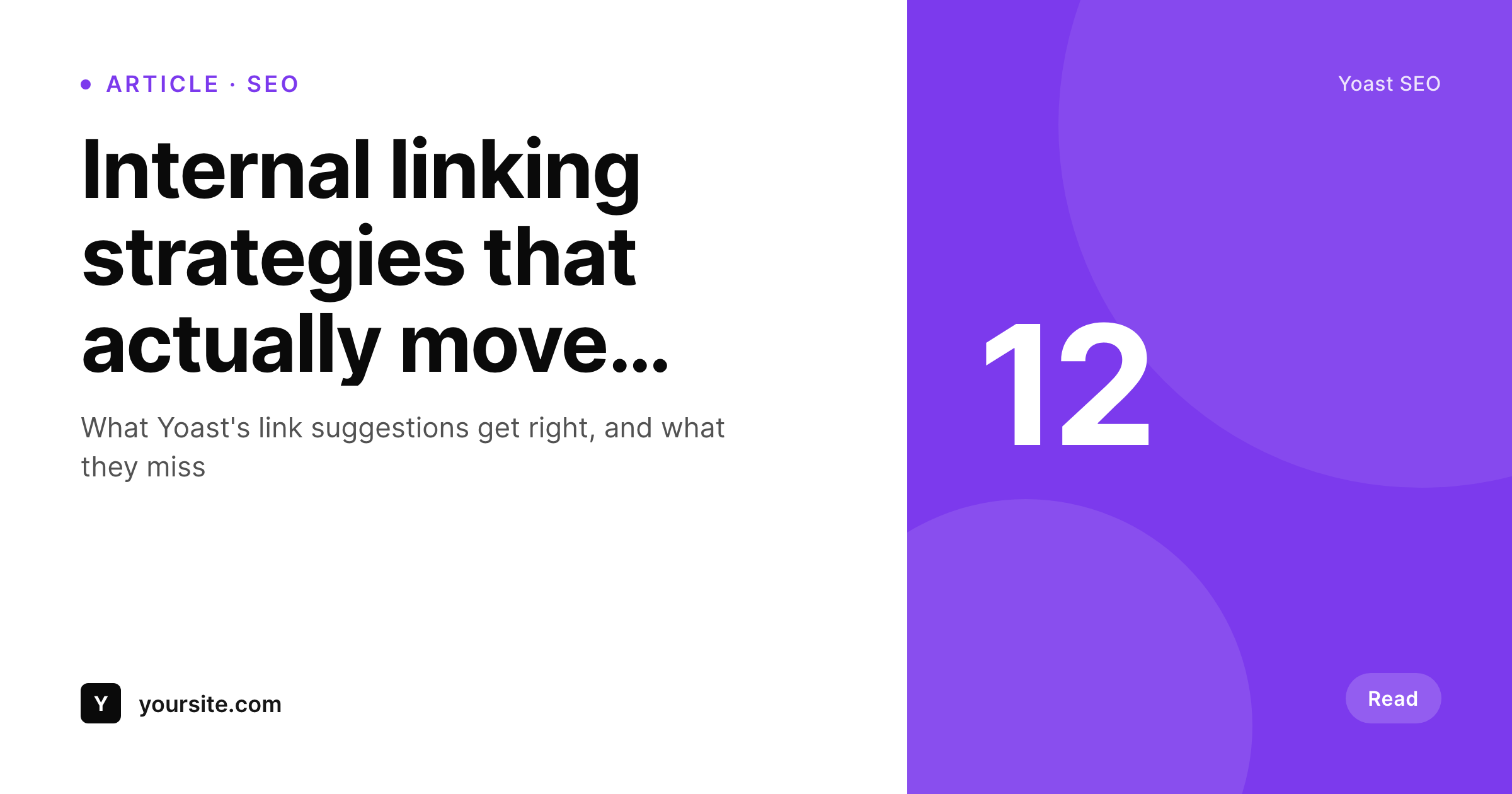
Sample social card for a Yoast SEO post
This card was rendered from the post's title, category, and brand color. Same template, every article on the site.
Comparison
Yoast alone vs Yoast plus SleekPixel
Yoast with empty social fields
- Yoast's Facebook and Twitter image fields stay empty on most posts
- Posts fall back to the sitewide default image, which gets repetitive
- Editors have to design and upload a unique og:image to get a per-post card
- Backlog posts share with whatever the feature image happened to be
- Updating the post title doesn't update any uploaded social image
Yoast + SleekPixel
- Populates Yoast's Facebook image and Twitter image fields on save
- Reads post title, category, custom fields, and taxonomies as variables
- Works alongside Yoast without changing the meta-tag output
- Bulk-regenerate every post in the backlog from the admin
- Honest split - Yoast owns SEO, SleekPixel owns image rendering
Features
What SleekPixel gives you for Yoast SEO
Fills Yoast's social fields
On save, the rendered PNG URL is written into Yoast's Facebook image and Twitter image fields. Yoast outputs the meta tags as it always does.
SEO surface untouched
Yoast continues to handle titles, descriptions, schema, sitemaps, redirects, and analysis. SleekPixel only contributes the image URL.
Bulk backlog rendering
Update the template once and trigger a bulk regenerate. Every post on the site, old or new, gets the latest branded card without re-saving.
Use cases
Where Yoast sites get the most lift
High-volume editorial blogs
Newsrooms and content sites publish faster than any design team can keep up with. SleekPixel removes the social-art bottleneck entirely.
Long-tail SEO content
Pillar pages and supporting articles all get distinct share cards with their own titles and topic colors instead of one default.
Newsletter and social distribution
Articles shared in email and on X land with proper social previews because Yoast's image field is no longer empty.
The bigger picture
Why this combination matters
Yoast's social fields are some of the most useful and least-used parts of the plugin. The barrier isn't the SEO knowledge, it's the production step - someone has to design and export a 1200x630 image per article, and most editorial teams give up on that requirement after a few posts. The site ends up with thousands of articles sharing the same default image, which kills click-through on social and email.
SleekPixel turns that production step into a render that happens automatically on save. Yoast continues to control every SEO output. The image side just stops being a manual job, which means the social fields actually get used and shared posts actually look like the brand.
Questions
Common questions about SleekPixel for Yoast SEO
No. SleekPixel only generates the OG image and writes the URL into Yoast's per-post Facebook image and Twitter image fields. Yoast continues to control the meta tags themselves, plus titles, descriptions, schema, sitemaps, breadcrumbs, redirects, and the analysis surface.
By default, SleekPixel respects existing values and only populates posts where the field is empty. You can flip a setting to overwrite manual uploads if you want auto-rendered cards across the board.
Yes. Yoast Premium's internal linking, redirect manager, multiple keyphrases, and content insights all keep working without any modification. SleekPixel only contributes the image URL.
Yes. SleekPixel supports per-category, per-tag, and per-CPT templates. You can route different sections of the site to different card layouts.
Yes. On the next save, the image regenerates with the updated title and Yoast's image field is updated. You can also trigger a bulk regenerate from the SleekPixel admin.
No. SleekPixel runs at save time and only writes a URL into one field. Yoast's analysis, schema, and sitemap output are unaffected.
No. The image is rendered once at save time and stored as a static PNG. Visitors load a regular image URL with no runtime rendering.
Already-generated images stay in the uploads folder and Yoast continues to reference them. New posts won't get auto-rendered cards until the plugin is reactivated.
Pricing
More than 1000+
happy customers
Explore our flexible licensing options tailored to your needs. Upgrade your license anytime to access more features, or opt for a lifetime license for ongoing value, including lifetime updates and lifetime support. Our hassle-free upgrade process ensures that our platform can grow with you, starting from whichever plan you choose.
Lifetime ♾️
Most popular
EUR
once
- Unlimited websites
- Lifetime updates
- Lifetime support
...or get the Bundle Deal
and save €250 🎁
💎 Want everything forever? The All Access Pass is going away on 01.08.2026.
The Bundle (unlimited sites)
Pay once, own it forever
Elevate your WordPress site with our exclusive plugin bundle that includes all of our premium plugins in one package. Enjoy lifetime updates and lifetime support. Save significantly compared to buying plugins individually.
What’s included
-
SleekAI
-
SleekByte
-
SleekMotion
-
SleekPixel
-
SleekRank
-
SleekView
€749
Continue to checkoutBrowse more
- product tour cards
- win celebration cards
- award announcement images
- shell tip card
- CCPA update card
- tutorial thumbnails
- sustainability report card
- contributor spotlight card
- dashboard screenshot cards
- course module cards
- security advisory cards
- moderator cards
- library of the week card
- media mention card
- GitHub release card
- Snapchat Spotlight covers
- Rumble thumbnails
- TikTok shop images
- GitHub social preview images
- Reddit subreddit banners
- Instagram ad images
- Poshmark listing images
- Ko-fi shop images
- Slack channel headers
- LinkedIn showcase page banners
- Vimeo thumbnails
- Mastodon link previews
- Twitch panel images
- X social cards
- Mastodon profile header