






SleekPixel for SEOPress
SEOPress's Social tab includes Open Graph and Twitter image fields per post. SleekPixel renders those images automatically from a template using the post's own fields and writes the URL on save.
♾️ Lifetime License available
SEOPress controls the meta layer, SleekPixel renders the image
SEOPress is one of the better-engineered SEO plugins on WordPress, with a lean admin and per-post Social tab that includes Facebook, Twitter, and LinkedIn fields. Editors can set a unique og:image, og:title, and og:description per post, plus separate Twitter image and title overrides. SEOPress writes those tags into the head correctly, but the production cost of designing one image per post is exactly the same as with every other SEO plugin, which is why most sites' image fields stay empty.
SleekPixel only owns the image rendering. We generate a 1200x630 PNG from a template, populated with the post's title, category, taxonomies, and any custom field. On save, the URL gets written into SEOPress's Open Graph image field for the post, and SEOPress fires the meta tags as configured.
The plugins are independent. SEOPress keeps handling the SEO surface: titles, descriptions, schemas, sitemaps, redirects, broken-link checking, image SEO, and Google Analytics integration. SleekPixel does not touch any of that. The only field SleekPixel populates is the image URL.
Workflow
From draft to share-ready in one save
Design one template
Pick post types
Save in WordPress
SEOPress outputs the tags
Output
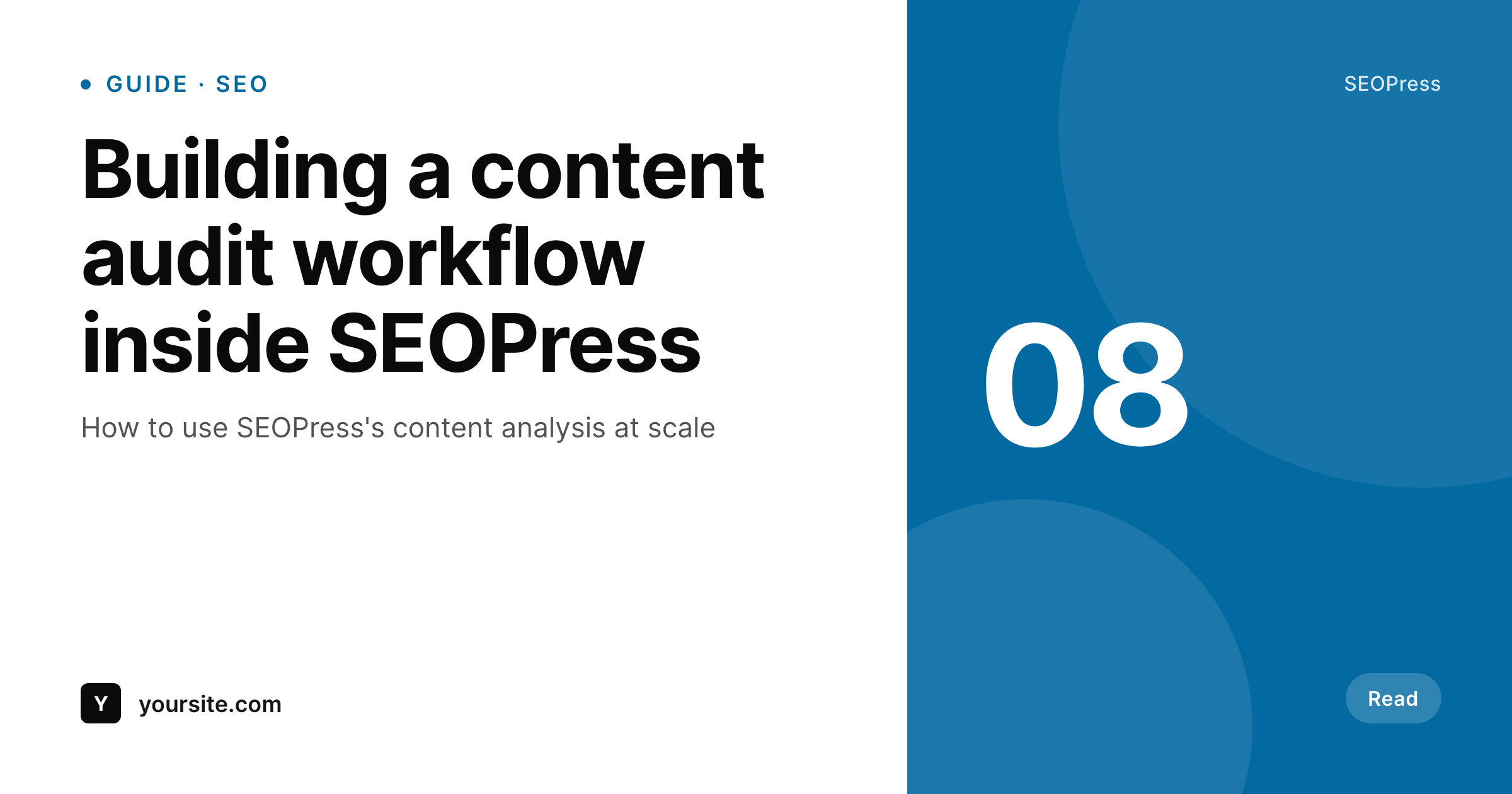
Sample social card for a SEOPress post
This card was rendered from the post's title, category, and accent color. Same template, every article on the site.
Comparison
SEOPress alone vs SEOPress plus SleekPixel
SEOPress with empty social fields
- SEOPress's per-post Open Graph image field stays empty on most articles
- Posts fall back to the sitewide default OG image
- Generating one card per post requires a separate design and upload step
- Backlog posts never get unique share cards without bulk manual work
- Updating the post title doesn't update any uploaded social image
SEOPress + SleekPixel
- Writes the rendered PNG URL into SEOPress's per-post OG image field
- Pulls dynamic values from post title, taxonomies, custom fields, and authors
- Runs alongside SEOPress without modifying its meta or schema output
- Bulk-regenerate the entire archive when the template changes
- Honest split - SEOPress owns SEO, SleekPixel owns image rendering
Features
What SleekPixel gives you for SEOPress
Fills SEOPress's social field
On save, SleekPixel writes the rendered PNG URL into SEOPress's per-post Open Graph image field. SEOPress emits the meta tags.
SEO surface untouched
SEOPress continues to handle titles, descriptions, schema, sitemaps, redirects, and analytics. SleekPixel only contributes the image URL.
Bulk archive regeneration
Trigger a bulk regenerate from the admin. Every post's social card gets refreshed with the latest template in one pass.
Use cases
Where SEOPress sites benefit most
Editorial sites
Publishers stop bottlenecking on social art - every article ships with a branded share card the moment it saves.
WooCommerce stores on SEOPress
Product pages share with title, category, and price pulled from product fields, instead of a stretched feature image.
Multilingual content
Translated posts get cards rendered in their own languages because the template reads the localized title automatically.
The bigger picture
Why this combination matters
SEOPress is one of the few SEO plugins where the per-post social fields are actually pleasant to use, but the bottleneck is still the image production step. Most editorial teams give up on filling the field after a few posts because designing a unique 1200x630 card per article is unsustainable. SleekPixel removes that step.
Cards render from post data on save, SEOPress writes the meta tags, and every URL on the site shares with a real branded preview. The SEO output stays exactly as SEOPress controls it. The image production just stops being a manual job, which means the social fields finally get used at scale.
Questions
Common questions about SleekPixel for SEOPress
No. SleekPixel writes the rendered PNG URL into SEOPress's per-post Open Graph image field. SEOPress continues to handle the meta-tag output, titles, descriptions, schema, sitemaps, redirects, and analytics integrations exactly as configured.
By default, SleekPixel respects existing values and only populates empty fields. You can opt to overwrite manual uploads if you want auto-rendered cards across the entire site.
Yes. SEOPress Pro's schemas, redirects, broken-link monitoring, image SEO, and analytics integrations all keep working without modification. SleekPixel only contributes the image URL.
Yes. SleekPixel supports per-category, per-tag, per-CPT, and per-language templates if you run a multilingual setup.
Yes. On the next save, the image regenerates with the updated title and SEOPress's image URL is refreshed. You can also bulk-regenerate from the admin.
No. SleekPixel only writes one URL into one field. SEOPress's content analysis, schemas, and sitemap output run untouched.
No. Images are rendered once at save and stored as static PNGs. Visitors load a regular image URL with no runtime rendering cost.
Existing rendered images remain in the uploads folder and SEOPress continues to reference the URLs already written. New posts won't get auto-rendered cards until the plugin is reactivated.
Pricing
More than 1000+
happy customers
Explore our flexible licensing options tailored to your needs. Upgrade your license anytime to access more features, or opt for a lifetime license for ongoing value, including lifetime updates and lifetime support. Our hassle-free upgrade process ensures that our platform can grow with you, starting from whichever plan you choose.
Lifetime ♾️
Most popular
EUR
once
- Unlimited websites
- Lifetime updates
- Lifetime support
...or get the Bundle Deal
and save €250 🎁
💎 Want everything forever? The All Access Pass is going away on 01.08.2026.
The Bundle (unlimited sites)
Pay once, own it forever
Elevate your WordPress site with our exclusive plugin bundle that includes all of our premium plugins in one package. Enjoy lifetime updates and lifetime support. Save significantly compared to buying plugins individually.
What’s included
-
SleekAI
-
SleekByte
-
SleekMotion
-
SleekPixel
-
SleekRank
-
SleekView
€749
Continue to checkoutBrowse more
- X list banners
- Warpcast frame images
- Pinterest pins
- Odnoklassniki banners
- X community banners
- Instagram highlight covers
- podcast cover art
- Threads profile banners
- Rednote (Xiaohongshu) post
- Instagram grid tiles
- Nostr note images
- Threads post images
- Tidal cover art
- LinkedIn carousel slides
- YouTube channel banners