






SleekPixel for The SEO Framework
The SEO Framework keeps a small, no-nonsense per-post Social settings panel including a Social Image URL. SleekPixel renders that image automatically from the post's title and fields, then fills the URL on save. No upsells, no upload step.
♾️ Lifetime License available
TSF stays minimal, SleekPixel makes the image automatic
The SEO Framework is the SEO plugin for sites that don't want a dashboard, an upsell carousel, or a notice center. It exposes a tight per-post panel with title, description, canonical, robots, and social tags including a Social Image URL. The plugin writes the meta tags into the head and otherwise stays out of the way. The catch, like with every SEO plugin, is that the image still has to come from somewhere.
SleekPixel handles only the rendering side. We generate a 1200x630 PNG from a template you design once, populated by the post's title, category, custom fields, and any taxonomy. On save, the rendered URL goes into TSF's Social Image URL field for that post and TSF emits og:image and twitter:image as configured.
Both plugins keep their scope. TSF owns the SEO meta and structural settings, including its handling of robots, canonicals, sitemaps, and breadcrumbs. SleekPixel renders one image per post and writes its URL. The performance-conscious posture both plugins are designed around stays intact: rendering is one-shot at save time and visitors load static PNGs.
Workflow
From draft to share-ready in one save
Build one template
Pick the post types
Save in WordPress
TSF outputs the tags
Output
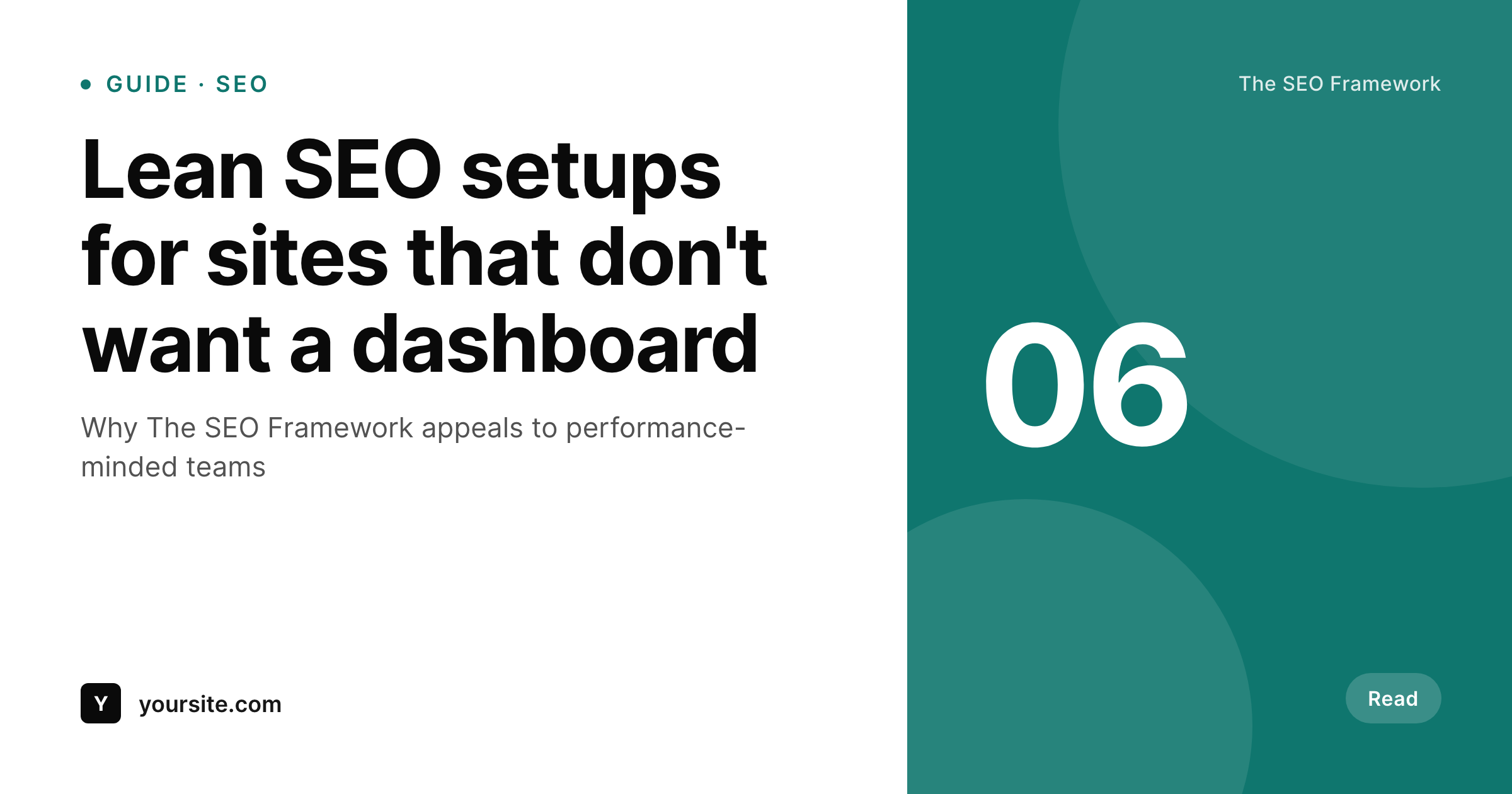
Sample social card for a TSF post
This card was rendered from the post's title, category, and accent color. Same template, every article.
Comparison
TSF alone vs TSF plus SleekPixel
TSF with empty Social Image URL
- TSF's per-post Social Image URL field stays empty on most articles
- Posts fall back to the sitewide social image whenever the field is blank
- Generating a unique 1200x630 image per post requires a manual workflow
- Backlog posts share with whatever the homepage banner happens to be
- Title and category changes don't update any uploaded share image
TSF + SleekPixel
- Writes the rendered PNG URL into TSF's Social Image URL field on save
- Reads any post field as a template variable - title, taxonomy, custom fields
- Doesn't add admin clutter - SleekPixel matches TSF's lean posture
- Bulk-regenerate every post in the archive in one pass
- Honest separation - TSF owns SEO, SleekPixel owns image rendering
Features
What SleekPixel gives you for The SEO Framework
Fills TSF's Social Image
On save, SleekPixel writes the rendered PNG URL into the per-post Social Image URL field. TSF outputs og:image as configured.
No runtime overhead
Rendering happens once at save time. Visitors load a static PNG, which preserves the lean performance profile TSF users care about.
Bulk regeneration
Update the template once and trigger a bulk regenerate. Every post's Social Image URL gets refreshed to the new card.
Use cases
Where TSF sites benefit most
Performance-focused publishers
Sites that pick TSF for its lean output get auto-generated share cards without adding any runtime weight.
Documentation and knowledge bases
Doc pages share with their own titles and section colors instead of one global fallback image.
Niche editorial sites
Smaller publishers without a design team get branded social cards on every article without any manual production.
The bigger picture
Why this combination matters
Sites running The SEO Framework usually picked it specifically because they wanted a small, fast, no-noise SEO plugin. The Social Image URL field exists for a reason but rarely gets filled because the production step is the same as with any SEO plugin: someone has to design a per-post image. SleekPixel turns that step into a render that happens automatically on save, which means TSF's social fields actually get populated and every post on the site ends up with a unique share card.
Both plugins stay in their lane. TSF stays minimal. The site keeps its performance profile.
The image side just stops being a manual job.
Questions
Common questions about SleekPixel for The SEO Framework
No. SleekPixel writes the rendered PNG URL into TSF's per-post Social Image URL field. TSF continues to handle titles, descriptions, robots, canonicals, sitemaps, and the meta-tag output exactly as configured.
SleekPixel keeps its admin surface compact - one settings page and a per-post panel. No notice center, no upsell carousel.
Yes. TSF Extensions like Articles, Local, Honeypot, and Cord run independently. SleekPixel only contributes the social image URL.
Yes. SleekPixel supports per-category, per-tag, and per-CPT templates so different sections of the site can have distinct card layouts.
Yes. On the next save, the image regenerates with the new title and TSF's image URL is updated. Or trigger a bulk regenerate from the admin.
No. The image is rendered at save time only. Visitors load a static PNG, which adds no runtime cost beyond a normal image request.
By default, SleekPixel respects existing values and only populates empty fields. You can flip a setting to overwrite previously set URLs.
Already-generated images stay in uploads and TSF continues to reference the URLs already written. New posts won't get auto-rendered cards until the plugin is reactivated.
Pricing
More than 1000+
happy customers
Explore our flexible licensing options tailored to your needs. Upgrade your license anytime to access more features, or opt for a lifetime license for ongoing value, including lifetime updates and lifetime support. Our hassle-free upgrade process ensures that our platform can grow with you, starting from whichever plan you choose.
Lifetime ♾️
Most popular
EUR
once
- Unlimited websites
- Lifetime updates
- Lifetime support
...or get the Bundle Deal
and save €250 🎁
💎 Want everything forever? The All Access Pass is going away on 01.08.2026.
The Bundle (unlimited sites)
Pay once, own it forever
Elevate your WordPress site with our exclusive plugin bundle that includes all of our premium plugins in one package. Enjoy lifetime updates and lifetime support. Save significantly compared to buying plugins individually.
What’s included
-
SleekAI
-
SleekByte
-
SleekMotion
-
SleekPixel
-
SleekRank
-
SleekView
€749
Continue to checkoutBrowse more
- release day cards
- coming soon cards
- workshop replay card
- ARR milestone cards
- SOC 2 announcement card
- weekly recap cards
- incident report cards
- checklist download card
- GDPR update card
- waitlist closing card
- podcast episode
- trick of the day cards
- early bird banners
- compliance update cards
- Google review cards
- Etsy listing images
- Twitch stream overlay images
- X social cards
- YouTube ad thumbnails
- LinkedIn carousel slides
- Dailymotion thumbnails
- Spotify Canvas
- Pinterest Idea Pins
- Twitch camera frame
- LinkedIn company banners
- Instagram ad images
- Apple Podcasts covers
- Medium article headers
- Signal sticker pack
- Ghost feature images