






SleekPixel for BookingPress bookings
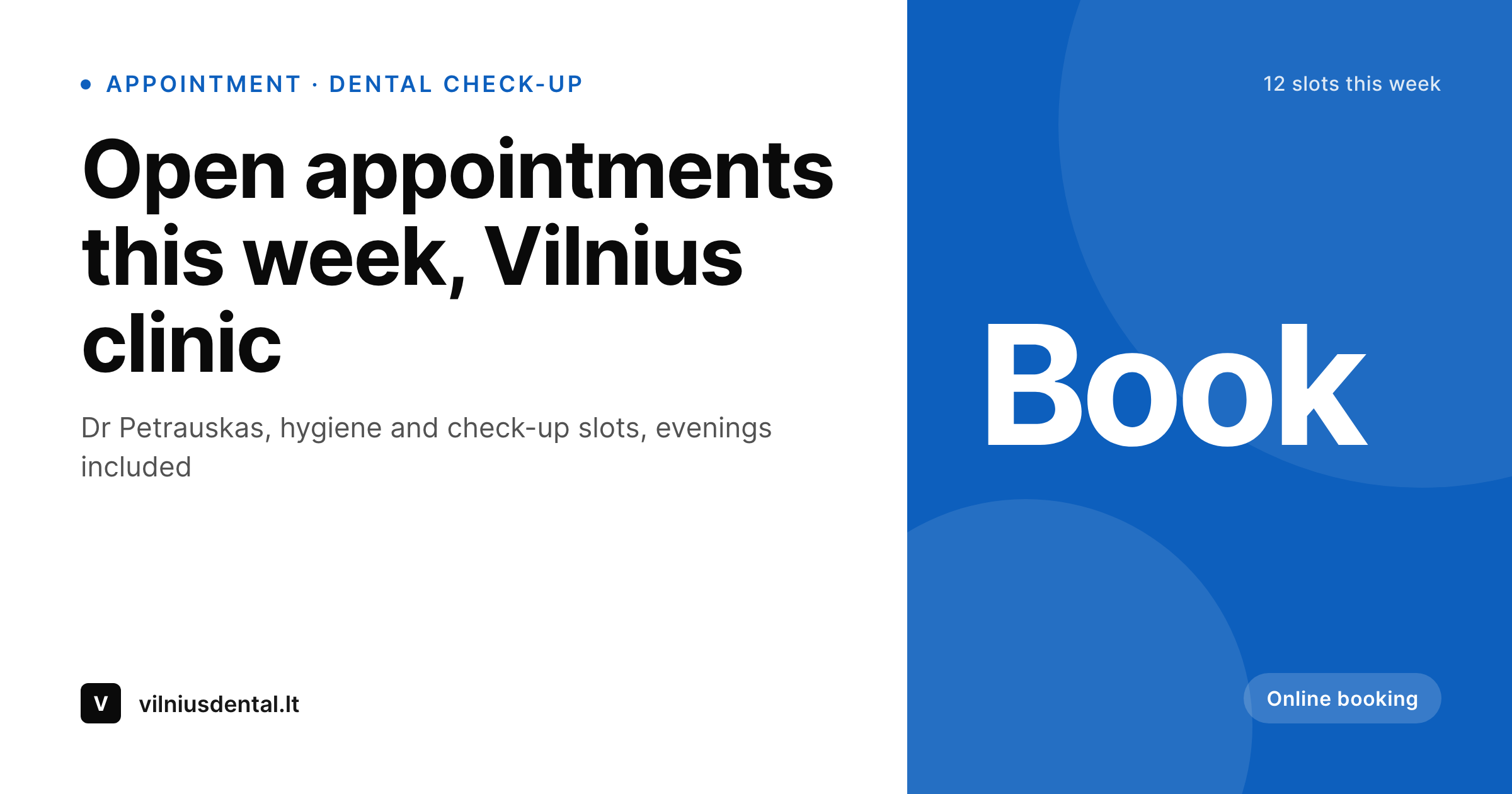
BookingPress handles appointment scheduling for clinics and salons on WordPress. SleekPixel renders a 1200 by 630 cover image per practitioner, so the Facebook page header carries this week's open slots and a clear booking call-to-action.
♾️ Lifetime License available
Facebook is still where small clinics live
BookingPress runs the appointment layer on WordPress for small clinics, salons, physio practices and independent medical professionals. The plugin handles staff, services, payment integration and the customer-facing booking page reasonably well, and most practices stop their digital build there.
What rarely gets attention is the practice's Facebook page, which is still where many practices' patients first hear about them. The page cover is whatever was uploaded in 2019, the description still mentions a clinic location that moved two years ago, and there is no clear path from the Facebook page to a bookable slot. Patients call to ask whether the clinic still takes Saturday hours, which is exactly the question the BookingPress page answers in real time.
SleekPixel reads the BookingPress staff profile and the week's open slots, then renders a 1200 by 630 Facebook cover image with the practitioner name, this week's availability summary and the booking URL. The cover gets uploaded to the Facebook page weekly, and the cover itself becomes a signpost into the booking flow instead of a forgotten decoration.
Workflow
From BookingPress availability to Facebook cover
Configure staff in BookingPress
Build the cover template
Render weekly
Upload to Facebook
Output
What ships per practitioner
A 1200 by 630 Facebook cover PNG: practitioner name, this week's availability summary, brand mark and booking prompt, rendered from BookingPress staff and slot data.
Comparison
Generic clinic cover vs BookingPress-aware cover
Generic 2019 cover
- Most clinic Facebook pages still carry the cover uploaded years ago
- Patients call to ask questions the BookingPress page already answers
- No clear path from the Facebook page header to a booking
- Staff changes never make it onto the cover
- Designing covers per practitioner per week is not realistic for small practices
SleekPixel
- Reads BookingPress staff profile and slot availability
- Per-practitioner 1200 by 630 PNG for Facebook page covers
- Weekly availability summary renders into a dedicated slot
- Brand colours and clinic logo stay consistent across staff
- Bulk re-render at the start of each week
Features
What SleekPixel gives you for BookingPress bookings
Staff-aware
Each practitioner gets their own cover. Patients searching for a specific doctor or stylist see that name on the cover when they land on the page.
Weekly availability
The cover carries a short line summarising the week's open windows. The summary updates when the cover re-renders, giving the cover a useful shelf life.
Booking signpost
The cover always carries the BookingPress URL prompt in the same location. Patients learn to look for it, and the path from page to booking becomes obvious.
Use cases
Who keeps clinic Facebook pages alive
Dental and medical clinics
Single-location dental, family medicine and aesthetic clinics whose patient acquisition still flows partly through Facebook.
Physio and chiro
Physiotherapy and chiropractic practices where weekly availability changes and Facebook is the easiest place to communicate it.
Salons and spas
Hair, nail and beauty studios with steady Facebook audiences and BookingPress-driven appointment pages.
The bigger picture
Why a small clinic's Facebook cover earns its weekly update
Patients arrive at a small clinic's Facebook page with a single question, which is usually about availability or hours. The page that answers that question on the cover, before the patient has to scroll into the about section or call the front desk, converts faster. BookingPress already has the data: which practitioner, which services, how many open windows this week.
The bottleneck has always been getting that data onto the visual surface that patients actually see, which for small clinics is the Facebook cover more often than the home page. SleekPixel renders that cover from the source data, so the cover is no longer a one-time design but a weekly signpost. The patient who used to call the front desk to ask whether Saturday hours are still open sees the answer on the cover, taps through and books inside BookingPress without ever speaking to anyone.
The front-desk staff get fewer routine calls, the practitioners get a fuller week, and the clinic's Facebook page does its job for the first time in years.
Questions
Common questions about SleekPixel for BookingPress bookings
No. SleekPixel renders the PNG. Uploading it to the Facebook page cover is still a manual step, since Facebook's API for cover uploads is restricted for most third-party apps.
BookingPress exposes open slot counts per staff. SleekPixel reads that count and renders a short line like '12 slots this week' or 'first opening Wednesday'. The template chooses which summary to show.
Yes, though most clinics keep the cover to a summary line for readability. Specific times work better on a story or Instagram post; the cover handles broader availability framing.
Re-render and re-upload. Most clinics update once a week as part of a Monday morning routine. Mid-week changes can trigger a second render if availability shifts significantly.
Yes. A 'closed for holiday week' template can be set as the active template during a closure. The cover renders with the holiday message and the next open week's date.
Yes. Bulk render walks every staff profile and produces one cover per practitioner. Large clinics use the covers for the practitioner's personal Facebook pages while keeping a clinic-wide cover for the main page.
Templates can render any size. Most clinics use SleekPixel for the cover and keep profile photos manual, since profile photos rarely need to change as often as covers do.
No special configuration. BookingPress already writes staff and slot data into WordPress in a way SleekPixel can read. The integration sits entirely on the SleekPixel side, with no changes inside BookingPress.
Pricing
More than 1000+
happy customers
Explore our flexible licensing options tailored to your needs. Upgrade your license anytime to access more features, or opt for a lifetime license for ongoing value, including lifetime updates and lifetime support. Our hassle-free upgrade process ensures that our platform can grow with you, starting from whichever plan you choose.
Lifetime ♾️
Most popular
EUR
once
- Unlimited websites
- Lifetime updates
- Lifetime support
...or get the Bundle Deal
and save €250 🎁
💎 Want everything forever? The All Access Pass is going away on 01.08.2026.
The Bundle (unlimited sites)
Pay once, own it forever
Elevate your WordPress site with our exclusive plugin bundle that includes all of our premium plugins in one package. Enjoy lifetime updates and lifetime support. Save significantly compared to buying plugins individually.
What’s included
-
SleekAI
-
SleekByte
-
SleekMotion
-
SleekPixel
-
SleekRank
-
SleekView
€749
Continue to checkoutBrowse more
- Bluesky link cards
- Pinterest Idea Pins
- Shopify collection banners
- Reddit subreddit banners
- Open Graph images
- Weibo post images
- Telegram channel cover images
- TikTok ad images
- Signal sticker pack
- Mastodon profile banners
- Mailchimp email headers
- YouTube thumbnails
- Kindle book cover
- Lemon Squeezy product covers
- Facebook Marketplace images