






SleekPixel for LinkedIn carousel slides
Each WordPress carousel post holds the slide content as an ordered list. SleekPixel renders a 1080x1080 PNG per slide, with the brand frame, the slide number, and the prompt baked in.
♾️ Lifetime License available
Carousels live or die on consistency across slides
LinkedIn carousels are the highest-engagement organic format for many B2B audiences, but they are also the most production-heavy. Eight to ten slides per carousel, each needing the same brand frame, the same type system, and a tiny slide-number mark. Designed-per-slide means a Figma file with eight artboards and a tedious export step every time the wording changes.
SleekPixel takes a WordPress carousel post that owns the slide list as an ordered field, plus a brand kit and a slide-numbering scheme. The render path emits one 1080x1080 PNG per slide, with the slide number, the brand frame, and the swipe prompt locked in place.
Editing a slide is editing a list item in WordPress. SleekPixel re-renders the changed slides. The brand never drifts, the numbering stays correct, and the carousel feels like a single document instead of eight loose designs.
Workflow
From outline to carousel PNG set
Create a carousel post in WordPress
Map the carousel template
Save the post
Build the carousel on LinkedIn
Output
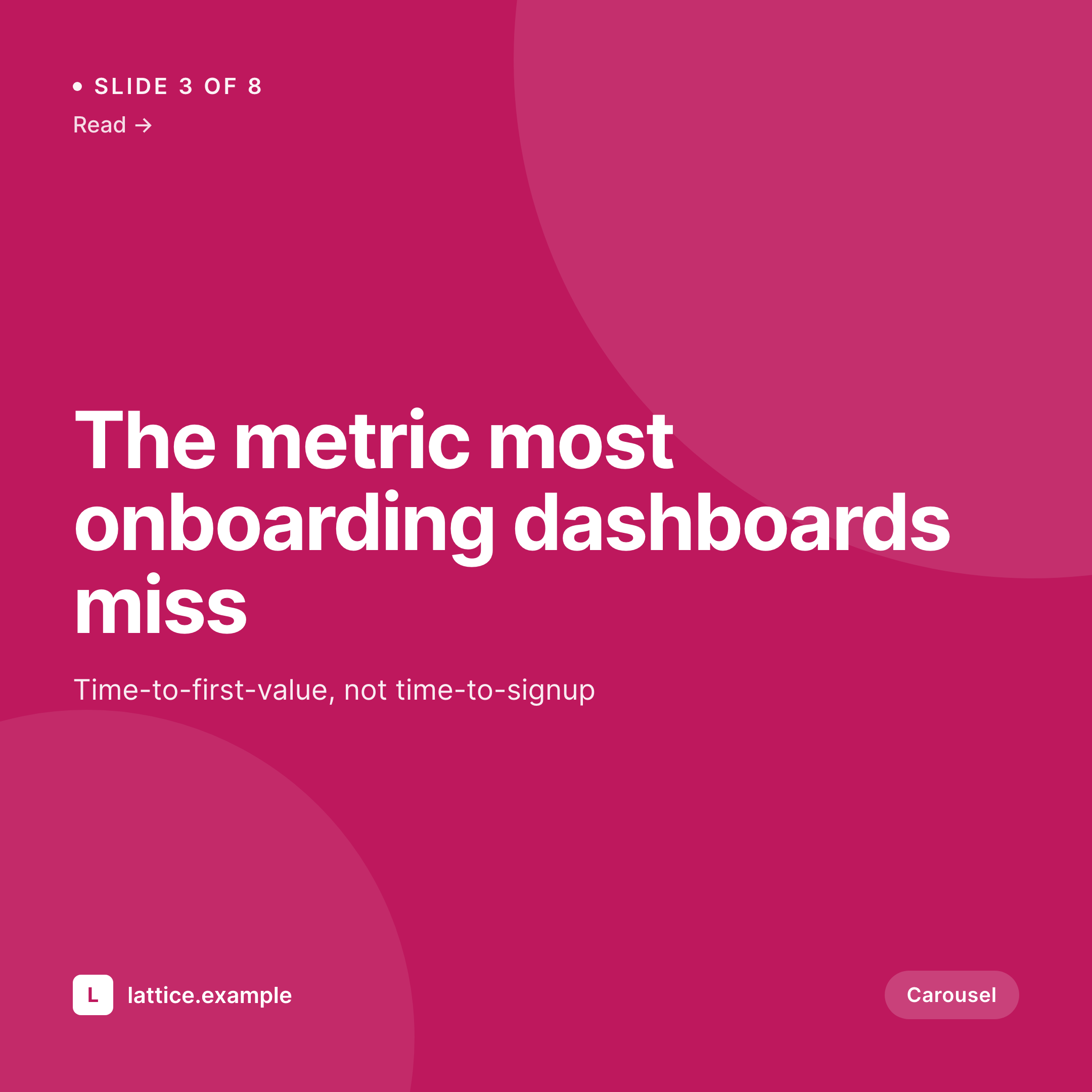
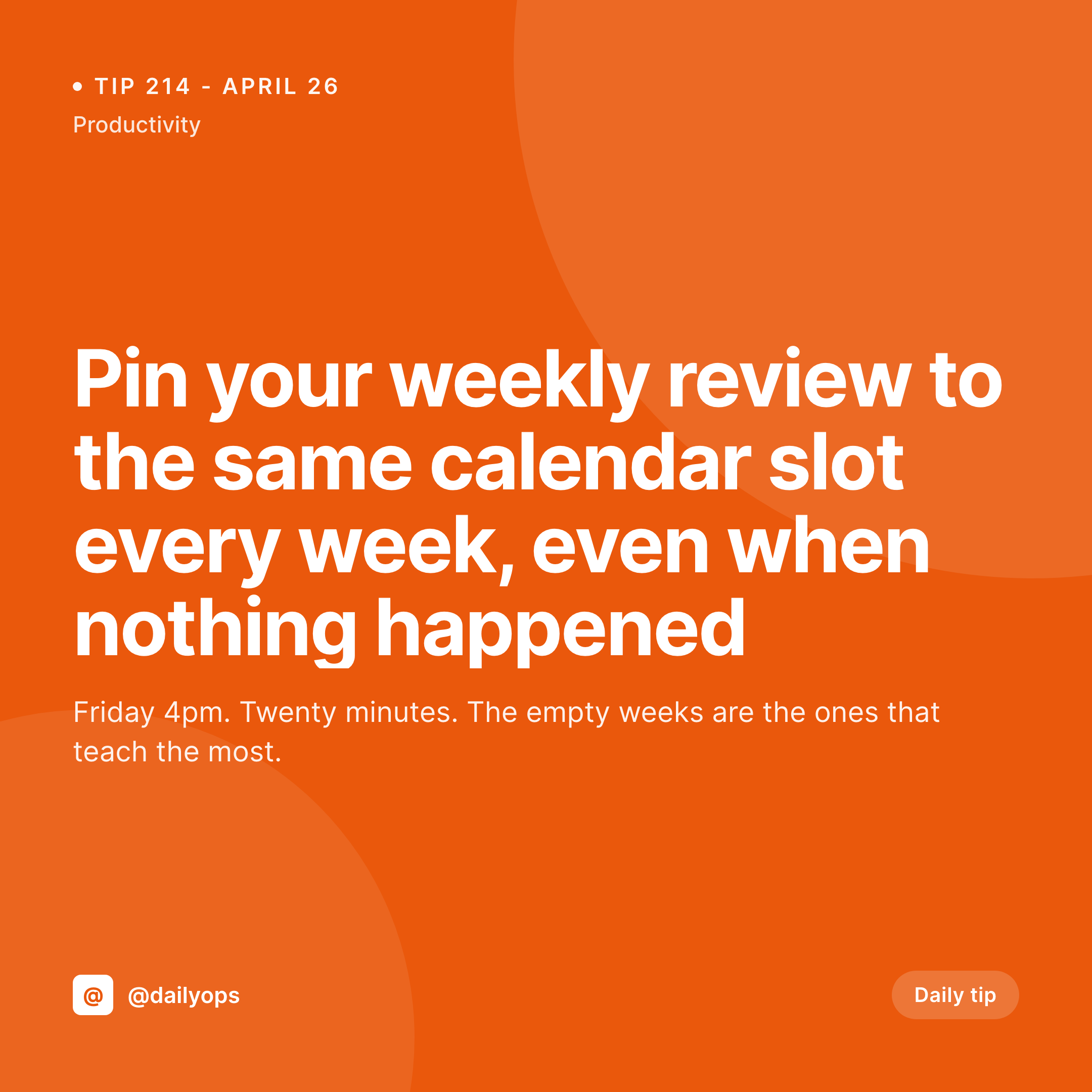
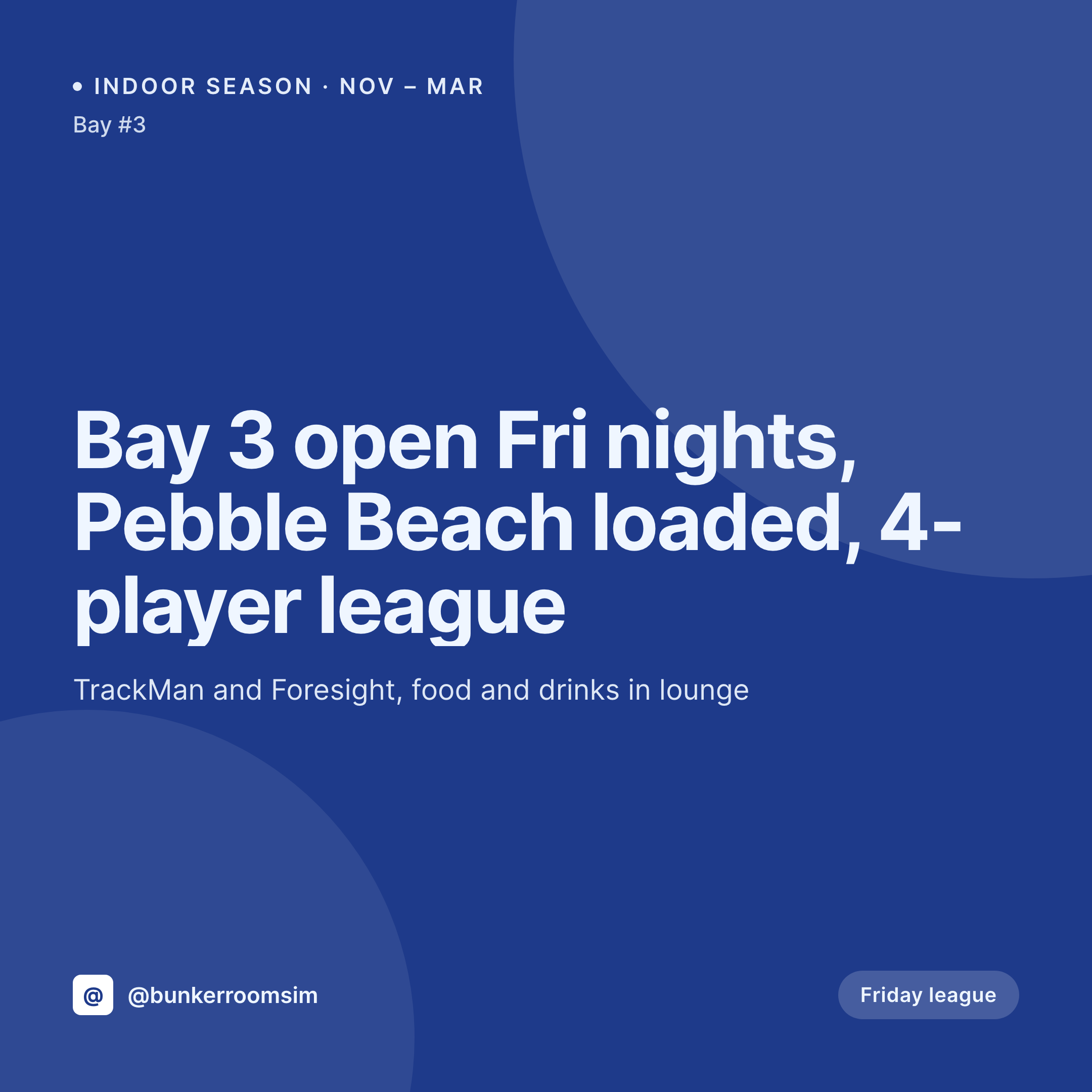
Sample LinkedIn carousel slide
1080x1080 PNG with the slide content, the slide number mark, and the brand frame.
Comparison
Figma carousel vs SleekPixel
Figma file per carousel
- Eight artboards per carousel, each exported manually
- Editing one slide means re-exporting the whole set
- Numbering and progress prompt drift between slides
- Brand frame inconsistency creeps in across slides as designers swap
- Re-running an old carousel with new data is a full re-design
SleekPixel
- One PNG per slide from an ordered WordPress field
- Slide number and progress prompt rendered consistently
- Brand frame locked across every slide
- Per-slide content edits trigger per-slide re-renders
- Same source supports an Instagram carousel variant
Features
What SleekPixel gives you for LinkedIn carousel slides
Ordered slide list
The carousel post holds slides as an ordered list of records, each with a title, body, and optional image. Reordering in WordPress reorders the render output.
Numbering and prompts
Slide-of-total mark and swipe prompt render from the list position. Adding a slide updates every slide's denominator automatically.
Instagram variant
The same carousel source emits an Instagram carousel, same 1080x1080 size, with Instagram-specific safe zones for the in-app UI.
Use cases
Who uses SleekPixel for carousels
Operator-led playbooks
Founders and operators publishing weekly playbooks as carousels. The template removes the production cost of shipping one a week.
Insight series
Analyst and research-led carousels. Each carousel is a chapter, the format is consistent, the slide count varies.
Frameworks and how-tos
Step-by-step frameworks where each slide is a step. Slide numbering matches the framework structure.
The bigger picture
Why production cost decides who ships carousels weekly
LinkedIn rewards creators who post carousels consistently, because the format earns dwell time and the algorithm reads dwell time. The teams who ship a carousel a week, every week, win compounding reach. The teams who treat each carousel as a design project ship one every six weeks and lose the compounding.
The difference is production cost. A carousel from a WordPress post, where the slide list is just an ordered field, costs minutes to ship. A carousel from a Figma file costs hours.
Over a year, the gap is fifty carousels versus eight. That gap is the entire B2B reach race on LinkedIn.
Questions
Common questions about SleekPixel for LinkedIn carousel slides
No. SleekPixel renders the PNGs. The poster uploads them as a multi-image post or stitches into a PDF for the document-carousel format.
Yes. The ordered list on the WordPress post sets the slide count. Adding or removing items re-renders the set and updates the slide-of-total mark.
Yes. Each slide record can carry an optional image, rendered in a defined slot alongside the slide title and body.
Yes. The brand kit on the carousel post defines fonts, accent, and frame for every slide. No drift across the set.
Yes. Duplicate the WordPress carousel post, edit the slide list, save, the new carousel renders against the same brand frame.
The template family has a cover variant and an inner variant. Slide one uses the cover, slides two through N use the inner template, the closing slide can use a CTA variant.
Yes. The carousel post can carry author fields per slide. Each slide can display a different author byline if the format calls for it.
Yes. Batch regenerate from the SleekPixel admin. Every carousel post produces a fresh PNG set with the new brand.
Pricing
More than 1000+
happy customers
Explore our flexible licensing options tailored to your needs. Upgrade your license anytime to access more features, or opt for a lifetime license for ongoing value, including lifetime updates and lifetime support. Our hassle-free upgrade process ensures that our platform can grow with you, starting from whichever plan you choose.
Lifetime ♾️
Most popular
EUR
once
- Unlimited websites
- Lifetime updates
- Lifetime support
...or get the Bundle Deal
and save €250 🎁
💎 Want everything forever? The All Access Pass is going away on 01.08.2026.
The Bundle (unlimited sites)
Pay once, own it forever
Elevate your WordPress site with our exclusive plugin bundle that includes all of our premium plugins in one package. Enjoy lifetime updates and lifetime support. Save significantly compared to buying plugins individually.
What’s included
-
SleekAI
-
SleekByte
-
SleekMotion
-
SleekPixel
-
SleekRank
-
SleekView
€749
Continue to checkoutBrowse more
- LinkedIn poll card
- benchmark report cards
- lead magnet card
- tip of the day cards
- hackathon cards
- waitlist closing card
- weekly roundup cards
- podcast appearance card
- founder letter card
- speaker cards
- newsletter cover cards
- field notes card
- award announcement images
- quote of the day cards
- swipe file card
- Passes page banner
- X ad images
- Etsy cover photos
- Snapchat ad images
- Facebook post images
- LinkedIn post images
- X Space banners
- Substack podcast cover
- Klaviyo email headers
- KDP paperback cover
- Warpcast frame images
- Twitch schedule banners
- Threads social images
- Bluesky profile banner
- LinkedIn newsletter headers