






SleekPixel for Event Espresso
Event Espresso powers paid event registration for conferences, workshops and association meetings on WordPress. SleekPixel reads the same event records and renders a 1200 by 630 OG card per event, so registration links share with a real preview.
♾️ Lifetime License available
Registration is solved, the share preview is still missing
Event Espresso has run paid event registration on WordPress for over a decade, mostly for associations, conferences, training organisations and ticketed workshops that need more structure than the basic Events Calendar plus Tickets combination. Each event is a custom record with venue, dates, capacity, registration windows, prices per ticket type, attendee fields and confirmation workflows.
The depth of that record makes the absence of a share card more obvious. The plugin knows the venue. It knows the early-bird cutoff. It knows the headline price. The OG crawler does not see any of it, because the share image comes from whatever the WordPress theme sets as a default. Conference organisers spend months getting the registration logic right, and then post the registration link to LinkedIn and watch it unfurl with a homepage banner.
SleekPixel reads the Event Espresso event post fields and renders a 1200 by 630 OG card. Event title, dates, venue, headline price and remaining capacity slot in. Early-bird and member pricing flip based on the active window. The registration form, payment flow and attendee records stay where they belong, inside Event Espresso. The card finally matches the rigour of the event behind it.
Workflow
From Event Espresso record to share card
Set up the event in Event Espresso
Build the OG template
Render on save
Share the registration link
Output
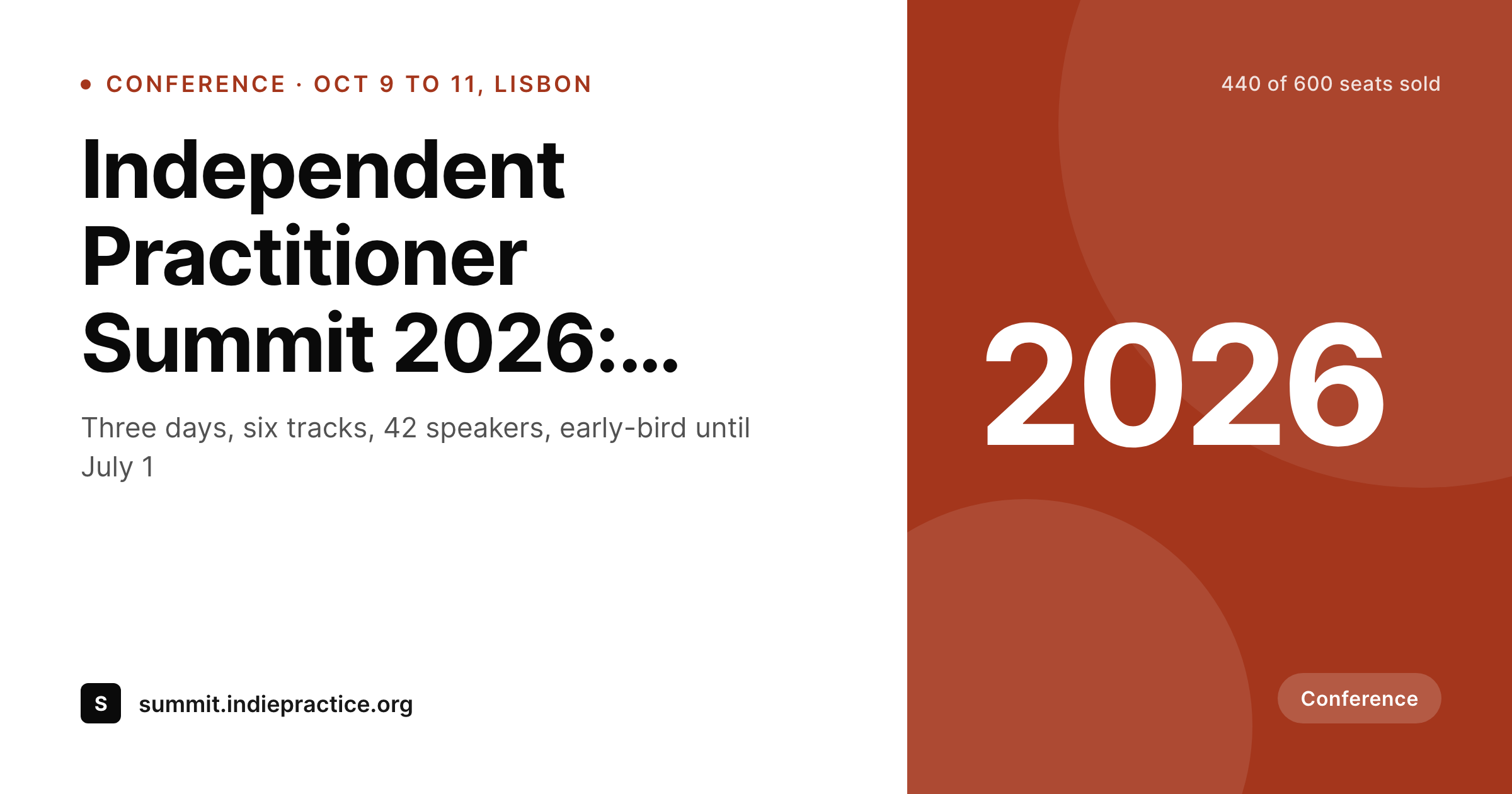
Sample Event Espresso card
A 1200 by 630 OG image: event title, dates, venue and headline price, rendered from the Event Espresso event record.
Comparison
Default Event Espresso share vs SleekPixel card
Default theme OG image
- Registration pages share with the theme's default OG image
- Venue, dates and price never reach the LinkedIn or email preview
- Early-bird windows look identical to standard-rate windows on the share
- Multi-day conferences show no date range on shared links
- Manual graphic exports lag the actual registration data by weeks
SleekPixel
- Reads Event Espresso event records and ticket meta
- Per-event 1200 by 630 OG card with dates, venue and price
- Early-bird and member-rate slots flip with the active pricing window
- Remaining capacity renders as a badge when seats run low
- Bulk re-render the whole event catalogue on brand change
Features
What SleekPixel gives you for Event Espresso
Event-record slots
Title, date range, venue and headline ticket price bind to template slots straight from the Event Espresso post meta, so the card stays accurate as the record evolves.
Rate-window aware
Early-bird, standard and late pricing each get their own slot. The template renders the active rate based on the current date and the configured windows.
Capacity badges
When remaining seats fall below a threshold, the card surfaces 'last seats' or 'sold out' badges driven by the live registration count.
Use cases
Who uses SleekPixel for Event Espresso
Professional associations
Annual conferences and member-only training events render per-event cards with date range, venue and member rate.
Training organisations
Multi-session courses and certifications ship branded cards per cohort, with start date and registration deadline.
Multi-day conferences
Industry conferences spanning several days share cards that carry the full date range and remaining capacity.
The bigger picture
Why association events deserve a real card
Associations and training organisations run on credibility, and credibility is built across hundreds of small surface cues. A registration page that took six months of board review and venue negotiation should not unfurl on LinkedIn with a stretched homepage banner. Event Espresso is the system of record for these events, and it already holds every fact a share preview would need to communicate.
SleekPixel just renders those facts as an image on save. The board does not need to commission a designer for every cycle, the staff does not need to maintain a parallel calendar of share graphics, and the registration flow itself, the thing that actually generates revenue, stays untouched. The card and the registration logic share one source of truth, so the preview that shows up on a member's screen always matches the event behind it.
Questions
Common questions about SleekPixel for Event Espresso
Both store event data as WordPress post meta. SleekPixel reads post meta and post fields, so the integration works regardless of major version. Field names may differ slightly between versions, which the template handles per binding.
Yes. Member rate is a separate ticket type in Event Espresso. The template can render either the headline (lowest) rate or branch on visitor segment if the marketing flow needs both.
Event Espresso supports multi-datetime events natively. The template can render the date range from first to last datetime, or branch on individual instances if each gets its own URL.
No. Card rendering happens on event save in the background. The registration form, payment processing and attendee record creation all run in their own flow, untouched.
Yes. SleekPixel listens for ticket count changes and re-renders the card when configured thresholds are crossed, so 'last seats' and 'sold out' badges stay current.
Those are a separate use case. SleekPixel can render personalised images per attendee from registration data, useful for confirmation emails, social posts after registration, or speaker badges.
Yes. Multilingual sites running WPML or Polylang have one event record per language. SleekPixel renders a card per language version with the localised title and venue text.
Yes. Add-ons that extend the event post type with extra fields (recurring events, seating charts, promo codes) write to post meta. The template can bind to any of those fields if the card needs to surface them.
Pricing
More than 1000+
happy customers
Explore our flexible licensing options tailored to your needs. Upgrade your license anytime to access more features, or opt for a lifetime license for ongoing value, including lifetime updates and lifetime support. Our hassle-free upgrade process ensures that our platform can grow with you, starting from whichever plan you choose.
Lifetime ♾️
Most popular
EUR
once
- Unlimited websites
- Lifetime updates
- Lifetime support
...or get the Bundle Deal
and save €250 🎁
💎 Want everything forever? The All Access Pass is going away on 01.08.2026.
The Bundle (unlimited sites)
Pay once, own it forever
Elevate your WordPress site with our exclusive plugin bundle that includes all of our premium plugins in one package. Enjoy lifetime updates and lifetime support. Save significantly compared to buying plugins individually.
What’s included
-
SleekAI
-
SleekByte
-
SleekMotion
-
SleekPixel
-
SleekRank
-
SleekView
€749
Continue to checkoutBrowse more
- downtime notice cards
- product update images
- restock alert cards
- ISO certification card
- company update card
- rebrand card
- weekend project card
- product page
- how-to guide cards
- newsletter issue card
- newsletter cover cards
- listicle thumbnail
- order confirmation cards
- prediction cards
- library of the week card
- Medium article headers
- LinkedIn post images
- YouTube thumbnails
- X Space banners
- Threads social images
- Mailchimp email banner
- Discord server banners
- WeChat Moments images
- LinkedIn newsletter headers
- Buy Me a Coffee banners
- Beacons.ai banner
- Patreon cover images
- TikTok Now image
- Bandcamp release cover
- Twitch starting soon screen