






SleekPixel for Notion databases
Each row in a Notion database becomes a WordPress post when mirrored. SleekPixel turns that post into a per-record share image: title, status, owner and any property, rendered on save.
♾️ Lifetime License available
A database row is the new content unit, and it still needs a share image
Notion databases have quietly become the way teams structure most of their content: a customers database, a research findings database, a content calendar database, a launches database. The structure is closer to a CMS than a doc tool, and the rows behave like records in any other content store. The catch is the same as it is for Notion pages in general: when those rows escape the workspace into the public web, the share previews are flat.
The pattern that works is to mirror each row to a WordPress post, either via one of the Notion-to-WP plugins or with a custom sync. The WordPress post inherits the row's title and properties, gets its own URL, and benefits from real SEO and a real OG tag. SleekPixel finishes the picture by rendering a per-row share image driven by the row's properties.
Customer references, product specs, ship-log entries and changelog records all live as database rows in Notion. When they reach the public web, each gets a card that surfaces the row's title, status, owner and any other property the team wants on the share. Adding a new row in Notion eventually shows up as a new branded share card on the public web, without anyone designing a thing.
Workflow
From Notion row to per-record share card
Mirror the database to WordPress
Define per-database templates
Edit in Notion
Share rows publicly
Output
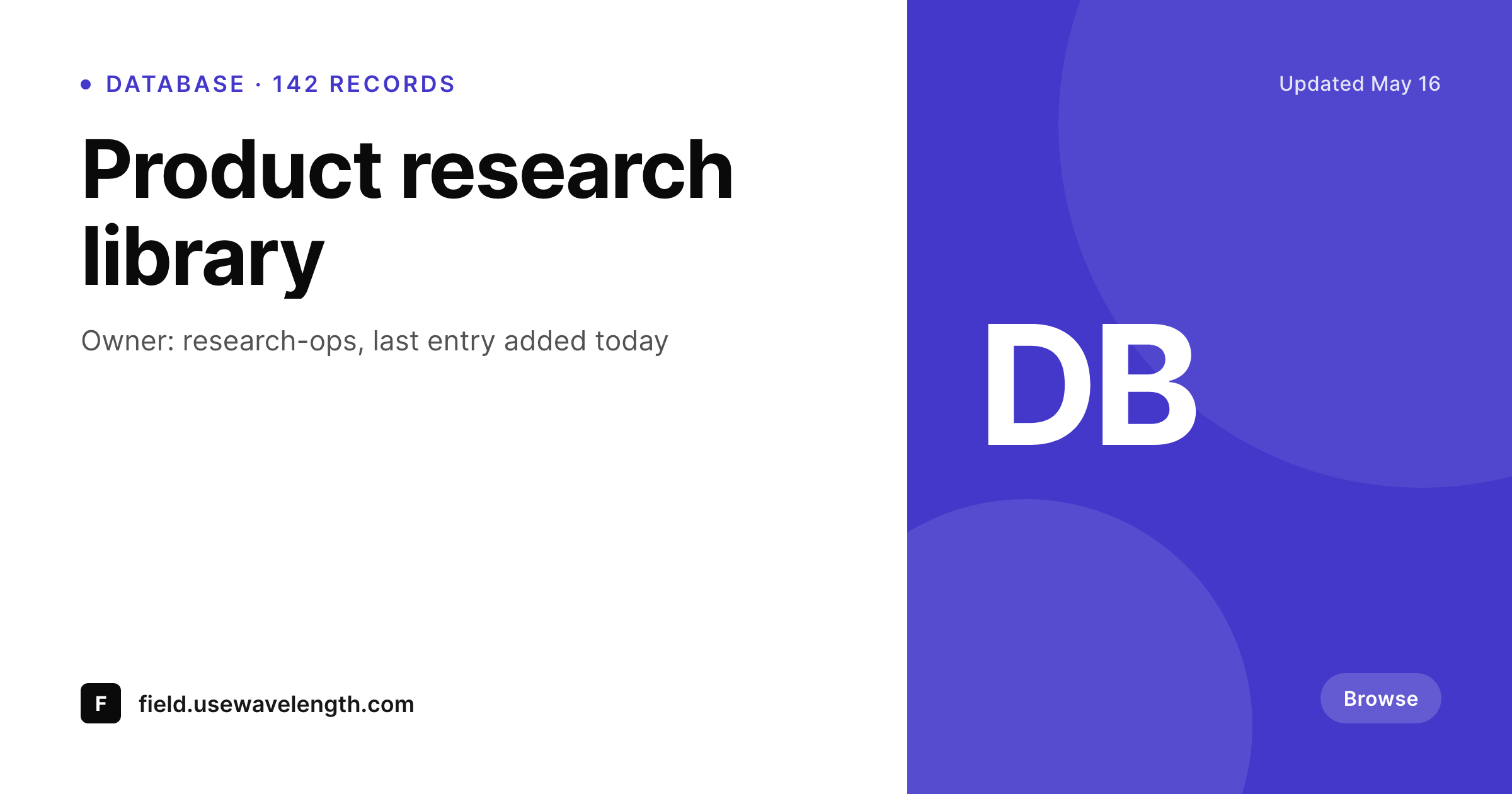
Sample database row share card
A 1200 by 630 OG image rendered from a Notion database row mirrored to WordPress: title, status, owner and any property in your brand colors.
Comparison
Generic database share vs per-row SleekPixel
Generic database preview
- Native Notion share previews look the same for every row in a database
- Custom properties like status and owner never appear on the share image
- Public Notion sites with hundreds of rows lose visual identity per record
- Mirroring to a generic site preserves data but not branded visuals
- Manual cards per row are infeasible past a few dozen rows
SleekPixel
- Per-row share image rendered from synced Notion properties
- Status badges and select-value pills render onto the template
- Different template variants per database via taxonomy mapping
- Bulk re-render the whole database when the template updates
- Edits in Notion that trigger a WordPress save refresh the share
Features
What SleekPixel gives you for Notion databases
Per-database templates
Each mirrored database can use its own template. Customers, research, ship log and content calendar each get the right card layout.
Status-aware badges
Select values from Notion render as pills on the card. A status of 'Live' renders differently from 'Draft' or 'Archived' through template conditions.
Bulk-renderable
Renaming a database column or refreshing the brand triggers a single bulk re-render that updates every row's share image.
Use cases
Where Notion database teams use SleekPixel
Customer reference libraries
Each customer row becomes a public reference page. Cards show the customer logo, segment and use case on every share.
Public roadmaps and ship logs
Roadmap rows share with cards that include the quarter, owner and status. Launch posts about a row carry that row's card.
Knowledge bases and FAQs
FAQ rows share with cards that surface the question text and topic tag, useful for support links and Stack Overflow-style answers.
The bigger picture
Why per-row share images shape public databases
Notion databases scale into the hundreds and thousands of rows quickly. A public customer library at a thirty-person SaaS company can hit two hundred rows in eighteen months. A public changelog at a one-year-old startup is already four hundred entries.
Treating those rows as content - each with its own URL, its own SEO and its own share card - is the only way to extract value from them beyond the workspace. SleekPixel makes the third piece possible. The first two come from the mirror to WordPress; the share image is the part most teams skip because manual design per row is unrealistic.
With SleekPixel each row gets the same care without any per-row design work. Over a year of public database growth, that adds up to thousands of branded share cards that exist because they are rendered from the data already in Notion. The cumulative effect on public-web SEO, on inbound from search, and on how rows perform when shared in DMs and Slack is material.
Questions
Common questions about SleekPixel for Notion databases
Not strictly. A single template can handle multiple databases if the rendering logic varies by post type or taxonomy. Most teams prefer one template per database for clarity, but the choice is yours.
Relations sync as related post IDs or as denormalized title text on the WordPress side. The template can surface either - 'Related to: Project X' as a side label, or a chip showing the related row's title.
Formula and rollup values are computed in Notion and synced as static fields to WordPress. SleekPixel reads them as any other field. The next sync updates the value.
Yes, on the sync layer. Most Notion-to-WP setups support a 'publish' filter - usually a checkbox or status property in Notion. Only matching rows get a WordPress post and therefore a SleekPixel render.
WordPress handles tens of thousands of posts per type without trouble on appropriate hosting. SleekPixel renders per-row on save, so the rendering cost scales linearly with edits, not total rows.
Not necessarily. The template can use conditional logic to swap colors, badges or layout based on a status field. Different statuses can produce visually different cards from one template.
SleekPixel does not require a Notion cover. The template renders from properties, not from images. If a cover is present and synced, it can be composited into the layout, but it is optional.
View filters are display logic inside Notion and do not affect the underlying rows. The sync sees all rows that the integration is authorized to read, regardless of view filters.
Pricing
More than 1000+
happy customers
Explore our flexible licensing options tailored to your needs. Upgrade your license anytime to access more features, or opt for a lifetime license for ongoing value, including lifetime updates and lifetime support. Our hassle-free upgrade process ensures that our platform can grow with you, starting from whichever plan you choose.
Lifetime ♾️
Most popular
EUR
once
- Unlimited websites
- Lifetime updates
- Lifetime support
...or get the Bundle Deal
and save €250 🎁
💎 Want everything forever? The All Access Pass is going away on 01.08.2026.
The Bundle (unlimited sites)
Pay once, own it forever
Elevate your WordPress site with our exclusive plugin bundle that includes all of our premium plugins in one package. Enjoy lifetime updates and lifetime support. Save significantly compared to buying plugins individually.
What’s included
-
SleekAI
-
SleekByte
-
SleekMotion
-
SleekPixel
-
SleekRank
-
SleekView
€749
Continue to checkoutBrowse more
- Pinterest video pin covers
- Fansly banner
- Amazon A+ content images
- Douyin cover
- TikTok ad images
- Facebook Marketplace images
- Discord server banners
- Telegram bot avatar
- Klaviyo email headers
- Instagram stories
- Lens Protocol posts
- Reddit subreddit banners
- Audible audiobook cover
- LinkedIn article covers
- GitHub social preview images