






SleekPixel for golf simulator
Friday night four-player league, Saturday corporate buyout, weekday lunch bays, the indoor season opener. Each event or bay post renders into a 1080x1080 card members see hours after publication.
♾️ Lifetime License available
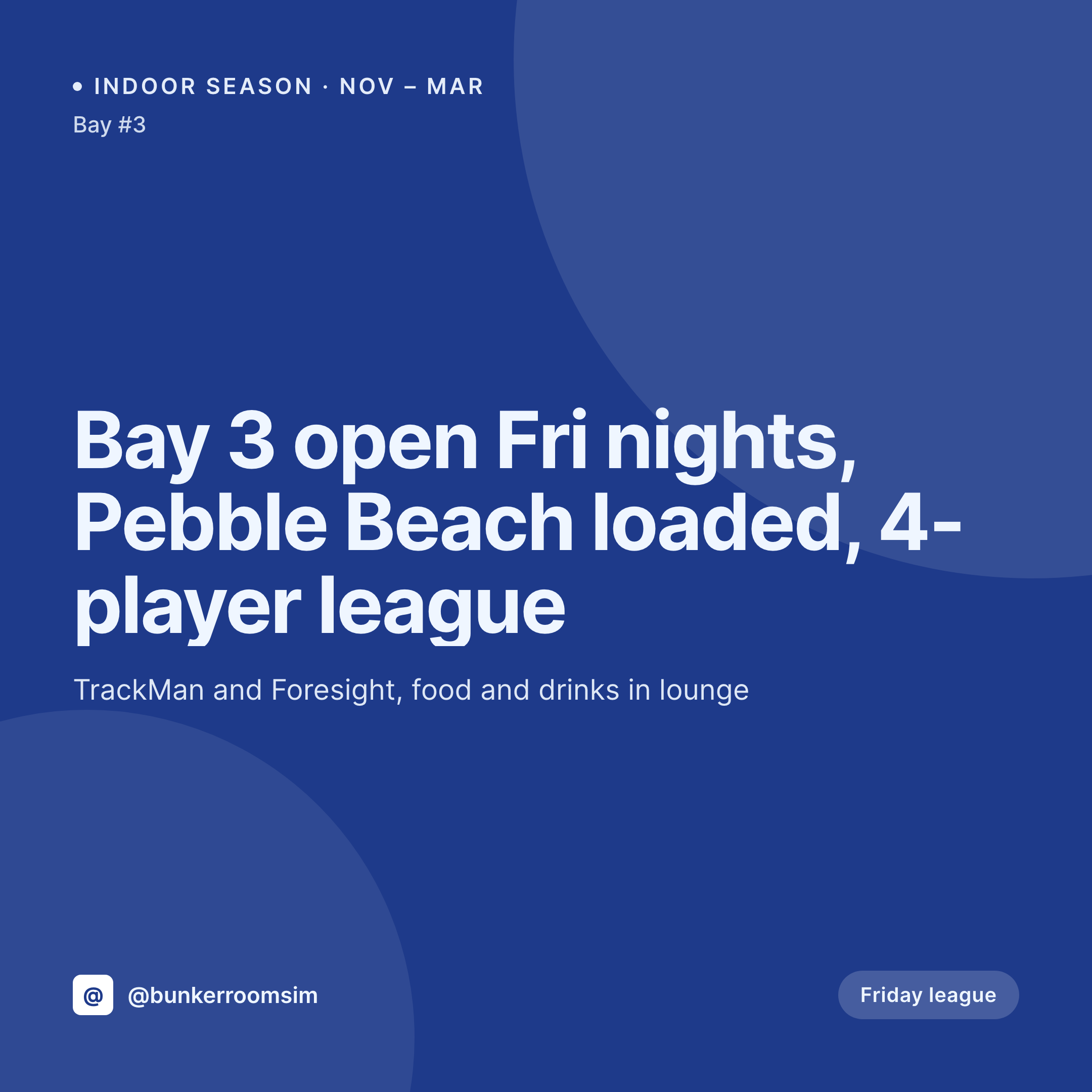
Bays, leagues, and the indoor golf season
A golf simulator business is busiest from November through March. Friday night leagues, Saturday buyouts, weekday lunch hours, a launch event before the season starts. Each event wants a clean square card with the bay number, the course loaded (Pebble, Augusta, St Andrews), the format, the time, and the price.
The data is already on the WordPress site. The event CPT carries the bay, the course, the format, the time slot, the price, and the league night. The work of typing has been done by the manager when the indoor season schedule was built. The gap is the 1080x1080 PNG the front desk would otherwise rebuild in Canva each week.
SleekPixel renders that PNG on save. The event post is published, the card lands in uploads with the bay, course, and format already locked in. The front desk posts before the booking app opens. The grid reads as one business across a full indoor season of leagues, buyouts, and lunch-hour walk-ins.
Workflow
From bay schedule to event card
Map event and league fields
Design one square template
Publish the event
Post from the front desk
Output
What gets generated per event
A 1080x1080 card with the bay, course loaded, format, time, and price pulled from the event CPT.
Comparison
Default golf simulator image vs SleekPixel
Default golf simulator image
- Front desk rebuilds the league card in Canva every week of the indoor season
- Bay numbers and courses get retyped wrong between the schedule and the post
- Each year's league launch graphic uses a slightly different layout from the prior season
- League, buyout, and lunch-hour posts drift visually from one another
- A second location posts off-brand versions of the same Friday league announcement
SleekPixel
- Save the event post, the 1080x1080 card lands in uploads
- Bay, course loaded, format, time, and price pulled live from the event CPT
- Square format sized for the Instagram and Facebook grids
- Sidebar download from Gutenberg so the front desk can post in seconds
- One template across bays, leagues, and locations keeps every event on-brand
Features
What SleekPixel gives you for golf simulator
Card per league night
Every Friday league, Saturday buyout, and lunch-hour slot saves with a square card. The bay, course, and format come from the event post.
Corporate buyout cards
Private events and corporate buyouts render from their own CPT. Group size, format, and food and drink notes sit on the card.
Front desk fast lane
Manager publishes the event, the card is already in uploads. The front desk downloads from the sidebar and posts before the booking wave.
Use cases
Who uses SleekPixel for golf simulators
Indoor golf lounges
Multi-bay indoor lounges running leagues and walk-in bay rentals get a coordinated event grid without a designer on staff.
Simulator chains
Each location runs its own league calendar. Cards render per site with the right bay count, brand stamp, and league night.
Tournament organizers
In-house tournaments and qualifier rounds render with brackets, format, and entry fee pulled from the tournament CPT.
The bigger picture
Why a simulator lounge grid fills the indoor season
An indoor golf lounge gets one shot at the November-through-March season every year. The customers who fill the bays are the same ones who decide in late October whether this is the winter they finally join a Friday league. The decision is shaped by the lounge's Instagram feed, which is the most visible signal of what the season looks like.
A grid where every league card uses the same bay-and-course frame reads as a real league that runs on schedule. A scattered feed reads as a side business that opens when someone remembers to flip the sign. Templated cards rendered from the event CPT make the season feel inevitable.
The manager focuses on the schedule and the courses, the front desk handles the bookings, and the grid quietly sells the next four months of Friday nights without anyone touching Canva.
Questions
Common questions about SleekPixel for golf simulator
Yes. Templates can be conditional on event type. League nights render with one accent, corporate buyouts with another, all from the same event CPT or a separate buyout CPT.
Yes. SleekPixel reads any post type and any field, so the bay, course, format, time, and price already on the event CPT feed the card.
Yes. A course field renders as a label on the card. Editing the course re-renders the image with the new name.
League standings render from a standings CPT with team, position, and points fields. The same brand frame applies.
Yes. Editing the bay number field re-renders the card. The image attached to the event post is always current.
Yes. The OG image on the event page is wired to the same render, so a member pasting the link into a group chat sees the bay and course in the preview.
No. SleekPixel renders the image and saves it to uploads. Posting is a manual step from the platform app or a scheduling tool the lounge already uses.
No. SleekPixel renders static PNG and JPG only. Shot clips and simulator screen recordings stay in Reels or stories and are out of scope for the rendered card.
Pricing
More than 1000+
happy customers
Explore our flexible licensing options tailored to your needs. Upgrade your license anytime to access more features, or opt for a lifetime license for ongoing value, including lifetime updates and lifetime support. Our hassle-free upgrade process ensures that our platform can grow with you, starting from whichever plan you choose.
Lifetime ♾️
Most popular
EUR
once
- Unlimited websites
- Lifetime updates
- Lifetime support
...or get the Bundle Deal
and save €250 🎁
💎 Want everything forever? The All Access Pass is going away on 01.08.2026.
The Bundle (unlimited sites)
Pay once, own it forever
Elevate your WordPress site with our exclusive plugin bundle that includes all of our premium plugins in one package. Enjoy lifetime updates and lifetime support. Save significantly compared to buying plugins individually.
What’s included
-
SleekAI
-
SleekByte
-
SleekMotion
-
SleekPixel
-
SleekRank
-
SleekView
€749
Continue to checkoutBrowse more
- Snapchat Discover tiles
- VSCO cover
- Nostr note images
- Xiaohongshu cover images
- Facebook Marketplace images
- Bluesky profile banner
- Behance project covers
- Bluesky feed banner
- Threads post cover
- Pinterest product pin covers
- Mastodon post images
- Amazon A+ content images
- YouTube channel banners
- TikTok ad images
- X list banners