






SleekPixel for archery range
Walk-in lanes, league nights, beginner clinics, and private bay rentals already live on the booking page. SleekPixel turns each post into a 1080x1080 tile with distance, lane count, and price baked in, so the front desk isn't redrawing Canva files between groups.
♾️ Lifetime License available
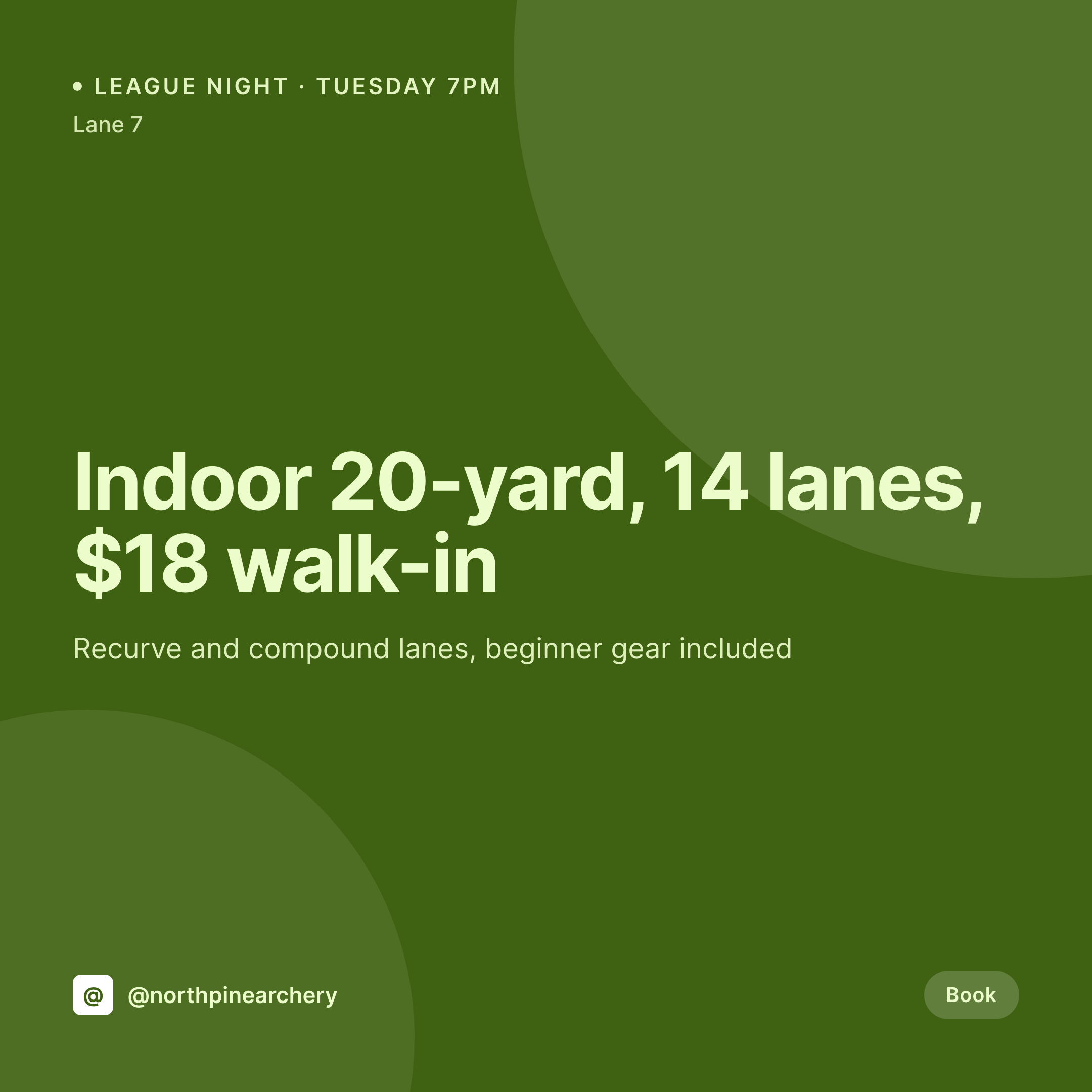
Lanes turn over every hour and the feed has to keep up
An archery range fills lanes in 90-minute blocks. Tuesday is league night, Thursday is beginner clinic, Saturday morning is youth, and the rest of the week is walk-in. Each block has a different price, a different distance, a different gear policy, and a different age window. The booking page on the site already lists them. The Instagram grid often does not, because the person at the front desk is checking bows in and out, not opening Canva.
The data is already on WordPress. Most ranges run a custom session CPT or a WooCommerce booking product with fields for distance, lane count, price, equipment included, and skill level. Anyone scrolling the site sees the right block at the right time. The Instagram tile is where it falls apart, because the front desk has to retype the same fields into a graphic tool when the league captain asks for a post.
SleekPixel renders the tile straight from the booking post. The block saves with the right distance, lane count, and price, and the 1080x1080 PNG lands in uploads. The desk lead downloads it from the Gutenberg sidebar between check-ins and posts before the lane opens.
Workflow
From booking page to posted lane tile
Map the session fields
Design one lane template
Schedule the block
Front desk posts it
Output
What gets generated per session block
A 1080x1080 Instagram tile with the session name, distance, lane count, walk-in price, and equipment policy pulled live from the booking post.

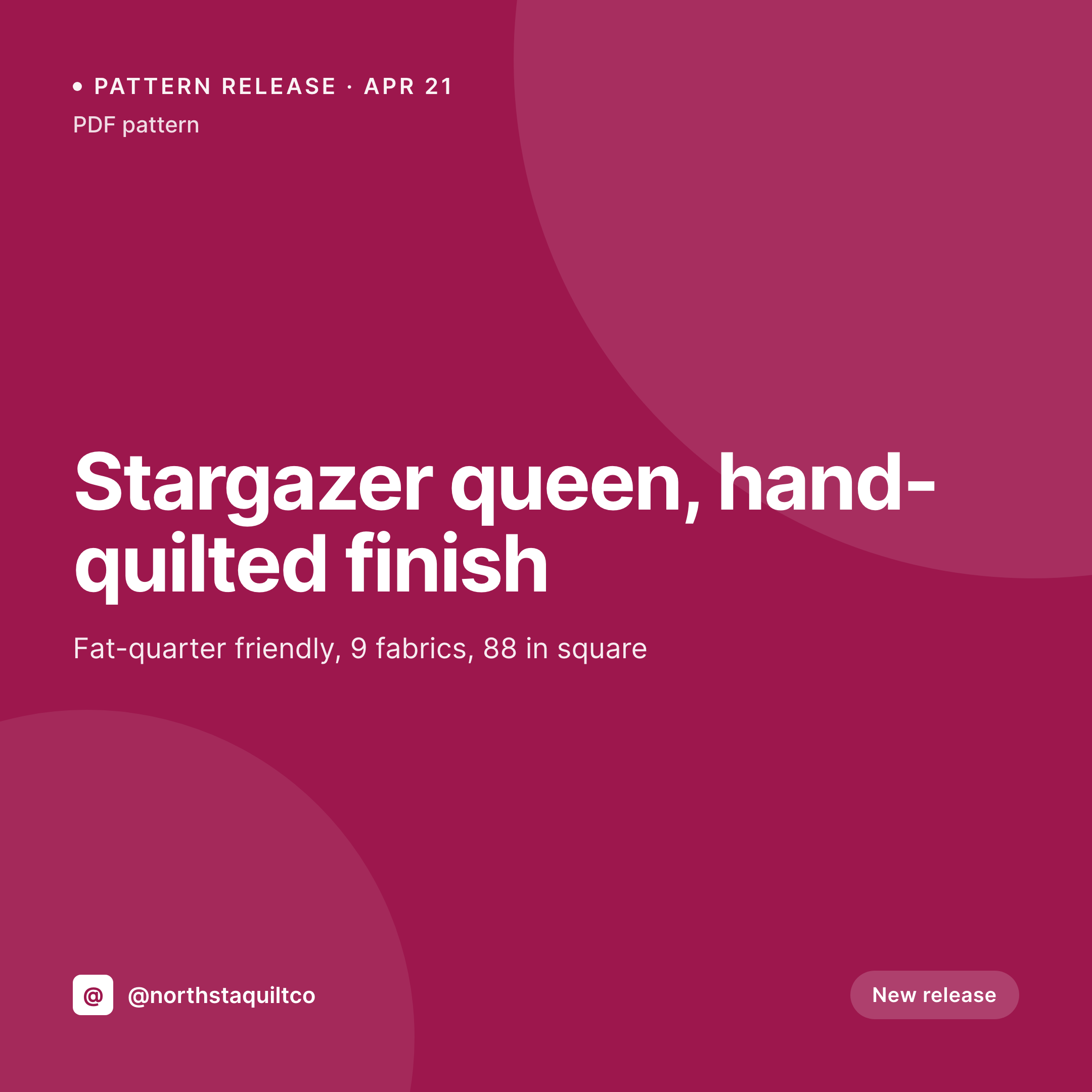
Comparison
Default archery range image vs SleekPixel
Default archery range image
- Front desk rebuilds a Canva tile every Monday for the week's league standings
- Walk-in price moves and the tile still shows last quarter's number
- League night, clinic, and youth blocks all end up with different fonts
- Distance and lane count get retyped wrong between the booking page and the tile
- Beginner gear policy is buried in the caption instead of visible on the image
SleekPixel
- Every session post saves with a 1080x1080 lane tile
- Distance, lane count, walk-in price, and gear policy from the booking fields
- League standings posts use the same template with a results block
- OG image for the booking URL renders alongside the tile in one save
- Bulk regenerate after a price change so every lane card refreshes at once
Features
What SleekPixel gives you for archery range
Distance on the tile
10, 18, 20, or 30 yards from the session field shows on the image. Customers know the bay matches their bow before they tap through.
League standings
Tuesday league results render from the same template. Top-three names and scores pulled from a results CPT or ACF repeater on the league post.
Skill level visible
Beginner, intermediate, advanced, or open shoots get a badge on the tile so first-timers don't book into a competition night.
Use cases
Who uses SleekPixel for archery ranges
Weekly league nights
Tuesday recurve, Thursday compound, Saturday youth. Each league night gets its own tile, all pulled from the same league CPT.
Beginner clinics
Intro classes, archery 101, and Olympic-recurve lesson series each render with date, seat count, and equipment policy on the tile.
Tournament announcements
Indoor regional shoots and club tournaments get a tile with distance, divisions, and entry fee straight from the event post.
The bigger picture
Why archery ranges need the tile to match the booking page
An archery range sells time on a lane in 90-minute increments. The customer is deciding between league night, a clinic, and a walk-in slot, and they decide on Instagram before they reach the booking page. When the tile shows the wrong price, the wrong distance, or last season's league captain, the booking either does not happen or it shows up with a complaint at the desk.
The data needed to fix that already lives on the site, because the booking page has to be accurate for the range to take payment. Treating the tile as a derivative of the booking post means a Tuesday league night carries the right number of lanes, the right price, and the right gear policy without anyone redrawing a Canva file. The desk lead can keep checking bows in and out, the league captain can post the standings, and the brand still reads as one club across the week.
Questions
Common questions about SleekPixel for archery range
Yes. Booking products are still WooCommerce products with custom fields. SleekPixel reads the lane count, the duration, the price, and the resource fields, and renders the tile when the booking is saved.
Yes. Standings can sit in an ACF repeater or a results CPT. The template loops the repeater on render, so the top three names and scores appear without a fresh Canva file each week.
A 1080x1920 story renders alongside the square tile in the same save. When a lane opens up late, the story can be posted as a walk-in alert with the right distance and price.
Yes. The desk lead edits the session price in WordPress and saves. SleekPixel re-renders the tile with the new number. No design tool, no Canva license, no redraw.
No. SleekPixel renders the image and saves it to uploads with og:image meta tags. Posting to Instagram, Facebook, or TikTok is a manual step or a scheduler's job.
Yes. Templates can be conditional on category or taxonomy. Recurve league uses one layout, compound league another, and youth league a third. All pull from the same session fields.
No. Rendering happens on save in the admin. Customers browsing the booking page see the cached PNG. The og:image meta tag points at a static file, so social link previews load instantly.
Yes. Field courses, 3D shoots, and outdoor leagues are still custom posts. The template can swap a target-distance graphic for a course map without changing the underlying field mapping.
Pricing
More than 1000+
happy customers
Explore our flexible licensing options tailored to your needs. Upgrade your license anytime to access more features, or opt for a lifetime license for ongoing value, including lifetime updates and lifetime support. Our hassle-free upgrade process ensures that our platform can grow with you, starting from whichever plan you choose.
Lifetime ♾️
Most popular
EUR
once
- Unlimited websites
- Lifetime updates
- Lifetime support
...or get the Bundle Deal
and save €250 🎁
💎 Want everything forever? The All Access Pass is going away on 01.08.2026.
The Bundle (unlimited sites)
Pay once, own it forever
Elevate your WordPress site with our exclusive plugin bundle that includes all of our premium plugins in one package. Enjoy lifetime updates and lifetime support. Save significantly compared to buying plugins individually.
What’s included
-
SleekAI
-
SleekByte
-
SleekMotion
-
SleekPixel
-
SleekRank
-
SleekView
€749
Continue to checkoutBrowse more
- incident report cards
- limited edition cards
- acquisition announcement cards
- launched card
- preorder cards
- product launch cards
- podcast clip cards
- shell tip card
- workshop replay card
- free resource card
- code snippet card
- win celebration cards
- book quote cards
- patent grant card
- fundraising announcement cards
- YouTube Music cover art
- LinkedIn carousel slides
- Twitter/X header
- Patreon tier images
- Depop listing images
- Facebook post images
- Ghost feature images
- Mastodon profile banners
- LinkedIn ad images
- podcast cover art
- Spotify playlist cover
- YouTube podcast thumbnails
- Bandcamp banner
- Flickr cover photo
- Telegram channel cover images