






SleekPixel for arcade
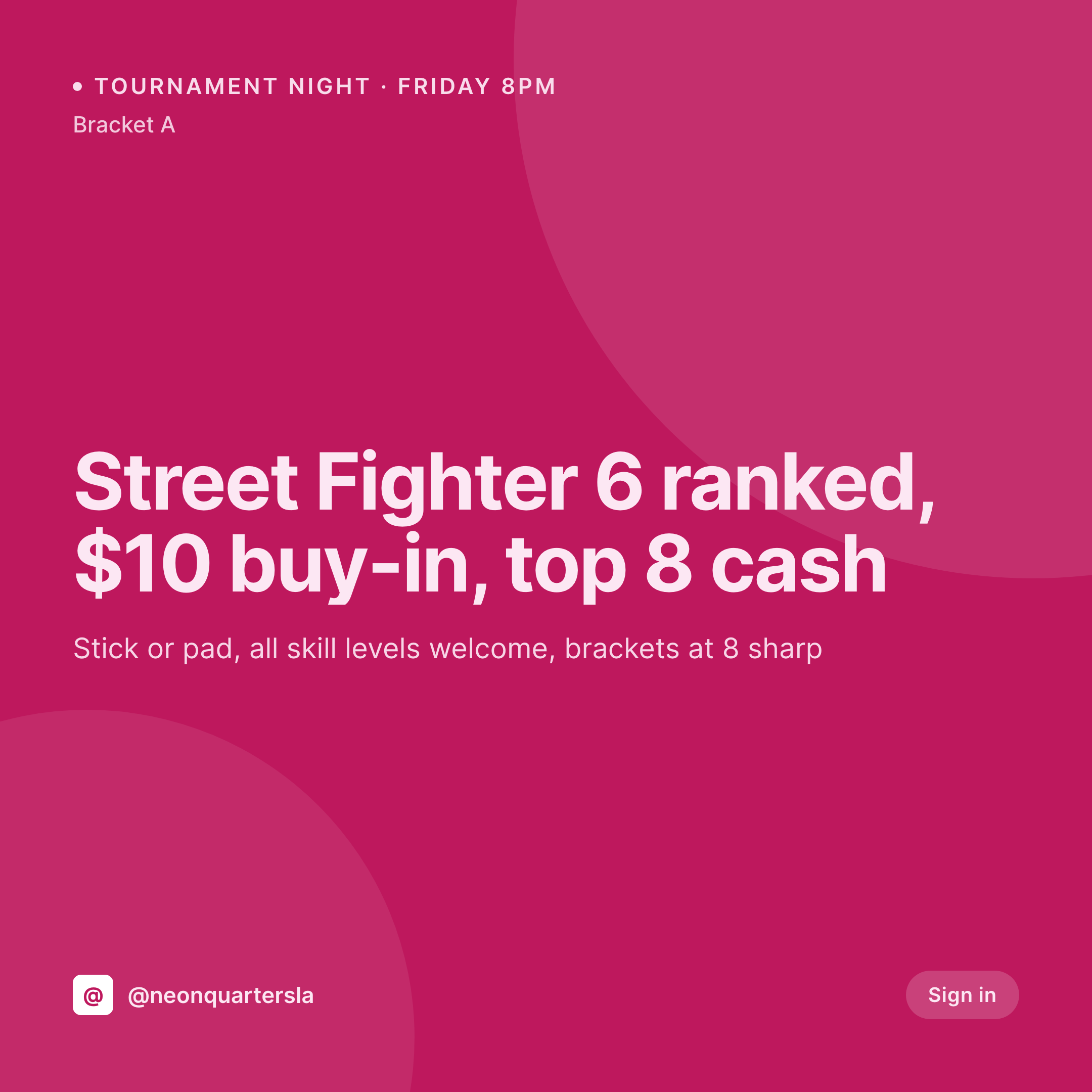
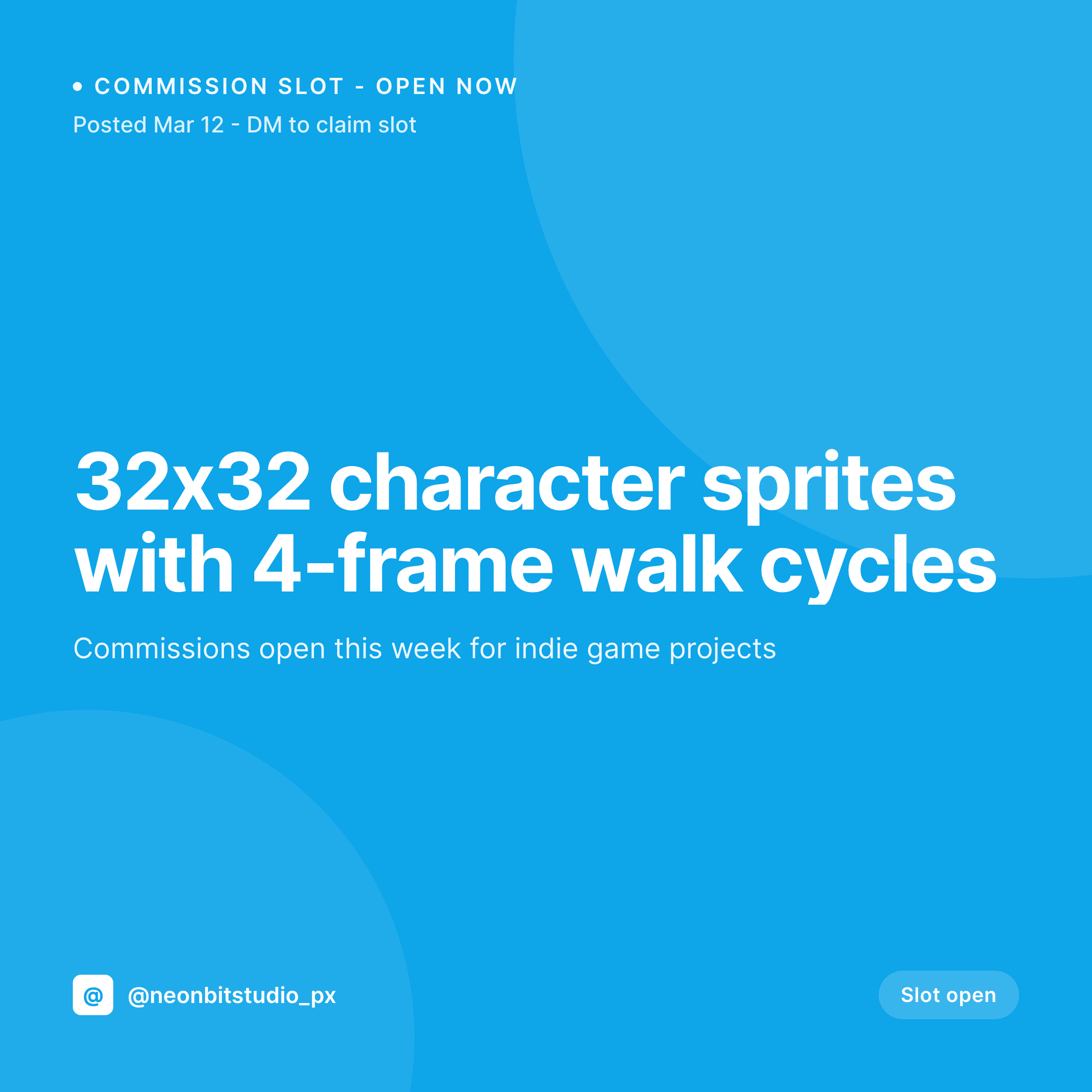
Friday-night tournaments, new cabinet arrivals, birthday parties, and free-play passes already live on the WordPress event pages. SleekPixel renders a 1080x1080 tile per event with game, buy-in, and bracket details right on the image.
♾️ Lifetime License available
Tournaments every weekend, cabinet drops every month
A modern arcade runs more than just open play. Fighting-game tournaments on Friday, racing nights on Saturday, rhythm-game showcases on Sunday, and a new cabinet drop or import arrival every month or two. Each event has its own buy-in, bracket format, and game-specific community on social. The shop owner is also the tournament organizer, and Canva at 5pm on Thursday is not where they want to be.
The data is on WordPress. Most arcades run a tournament CPT and a cabinet CPT with fields for game, format, buy-in, bracket size, and date. The site lists every weekend's schedule clearly. The Instagram tile is where the duplication happens, because the owner retypes the same fields into a graphic tool every week.
SleekPixel renders the tile from the event post. The Friday-night Street Fighter tournament saves with its buy-in, bracket cap, and prize structure, and the 1080x1080 PNG lands in uploads. New cabinet drops get their own tile with cabinet name, manufacturer, and play credit pulled from the cabinet post.
Workflow
From event post to posted tournament tile
Map the event fields
Design the arcade template
Publish the event
Owner posts it
Output
What gets generated per event
A 1080x1080 Instagram tile with the event name, game, buy-in, bracket size, and start time pulled live from the tournament post.

Comparison
Default arcade image vs SleekPixel
Default arcade image
- Owner builds a Canva tile every Thursday for Friday's tournament
- Buy-in moves and the tile still shows last month's number
- Fighting, racing, and rhythm tournaments all use different fonts
- New cabinet drop is announced in a caption with no visual
- Birthday party package tile is two seasons out of date
SleekPixel
- Every event post saves with a 1080x1080 tournament or cabinet tile
- Game, buy-in, bracket size, and start time pulled live from fields
- New cabinet posts get a card with cabinet name, manufacturer, and play credit
- OG image for event URL renders alongside the tile in one save
- Bulk regenerate after a rebrand so every weekly tournament tile refreshes
Features
What SleekPixel gives you for arcade
Game on the tile
Street Fighter 6, Tekken 8, DDR A20, Initial D, whatever the tournament game field says renders on the tile so the community recognizes it instantly.
Buy-in and prize
Buy-in amount and top-three prize structure pull from the tournament post, so the entry decision is on the tile, not buried in a caption.
Bracket format visible
Double elim, round robin, top 8 cash, top 16 trophies. The bracket and prize structure render as tags so players know what they are signing up for.
Use cases
Who uses SleekPixel for arcades
Fighting-game tournaments
Weekly Street Fighter, Tekken, and Guilty Gear tournaments each render with buy-in and bracket size, ready to post to the FGC community on Twitter and Discord.
Racing and rhythm nights
Initial D, Mario Kart, and DDR nights each get their own tile pulled from the event CPT. The same template handles every genre.
New cabinet drops
Cabinet imports from Japan, restored classics, and brand-new machines each get a launch tile with cabinet name and per-play credit.
The bigger picture
Why arcades need the tile to match the tournament post
An arcade lives on a tournament community, and tournament communities are tight, vocal, and detail-oriented. The Street Fighter player wants to know the version, the buy-in, the bracket size, and the prize before they show up. If the tile says one buy-in and the door says another, the TO is having a hard conversation at check-in.
The data is on the site, because the tournament page has to be accurate for the bracket to run. Treating the tile as a rendering of the tournament post means the game, the buy-in, the bracket, and the prize stay in sync between social and the door. The owner can focus on running brackets and the FGC, racing, and rhythm communities all see a feed that reads as one professional shop.
Questions
Common questions about SleekPixel for arcade
Yes. Recurring events still create individual post instances. Each instance saves with its own date and a tile renders on save, so the weekly Friday tile is always current.
Yes. Templates can be conditional on game taxonomy. Fighting games use one layout, racing another, rhythm a third. All pull from the same tournament fields.
Cabinet posts carry game name, manufacturer, year, and per-play credit. The launch tile renders those on the image, so the FGC and import community know what dropped.
Yes. If buy-ins or party packages run through WooCommerce, those products are still readable. The template pulls price, package, and date from the product post.
No. SleekPixel renders the image to uploads with og:image meta. Posting to Twitter, Discord, or Instagram is a manual step or handled by a scheduler.
A 1080x1920 story renders alongside the square tile in the same save. Late sign-up alerts can be posted as a story with the right buy-in and start time.
No. Rendering runs on save in the admin. The front end serves the cached PNG. Social previews load instantly from the cached og:image meta.
Yes. Cabinet posts carry a play-credit field. The template can show free-play or a per-play credit so the cabinet drop card matches the floor policy.
Pricing
More than 1000+
happy customers
Explore our flexible licensing options tailored to your needs. Upgrade your license anytime to access more features, or opt for a lifetime license for ongoing value, including lifetime updates and lifetime support. Our hassle-free upgrade process ensures that our platform can grow with you, starting from whichever plan you choose.
Lifetime ♾️
Most popular
EUR
once
- Unlimited websites
- Lifetime updates
- Lifetime support
...or get the Bundle Deal
and save €250 🎁
💎 Want everything forever? The All Access Pass is going away on 01.08.2026.
The Bundle (unlimited sites)
Pay once, own it forever
Elevate your WordPress site with our exclusive plugin bundle that includes all of our premium plugins in one package. Enjoy lifetime updates and lifetime support. Save significantly compared to buying plugins individually.
What’s included
-
SleekAI
-
SleekByte
-
SleekMotion
-
SleekPixel
-
SleekRank
-
SleekView
€749
Continue to checkout