






SleekPixel for Ko-fi pages
Ko-fi handles payments, the shop, and the commissions queue. SleekPixel runs on the WordPress side and renders share cards for the marketing pages that link out to Ko-fi, so social posts about open commissions or new shop drops land with a branded preview.
♾️ Lifetime License available
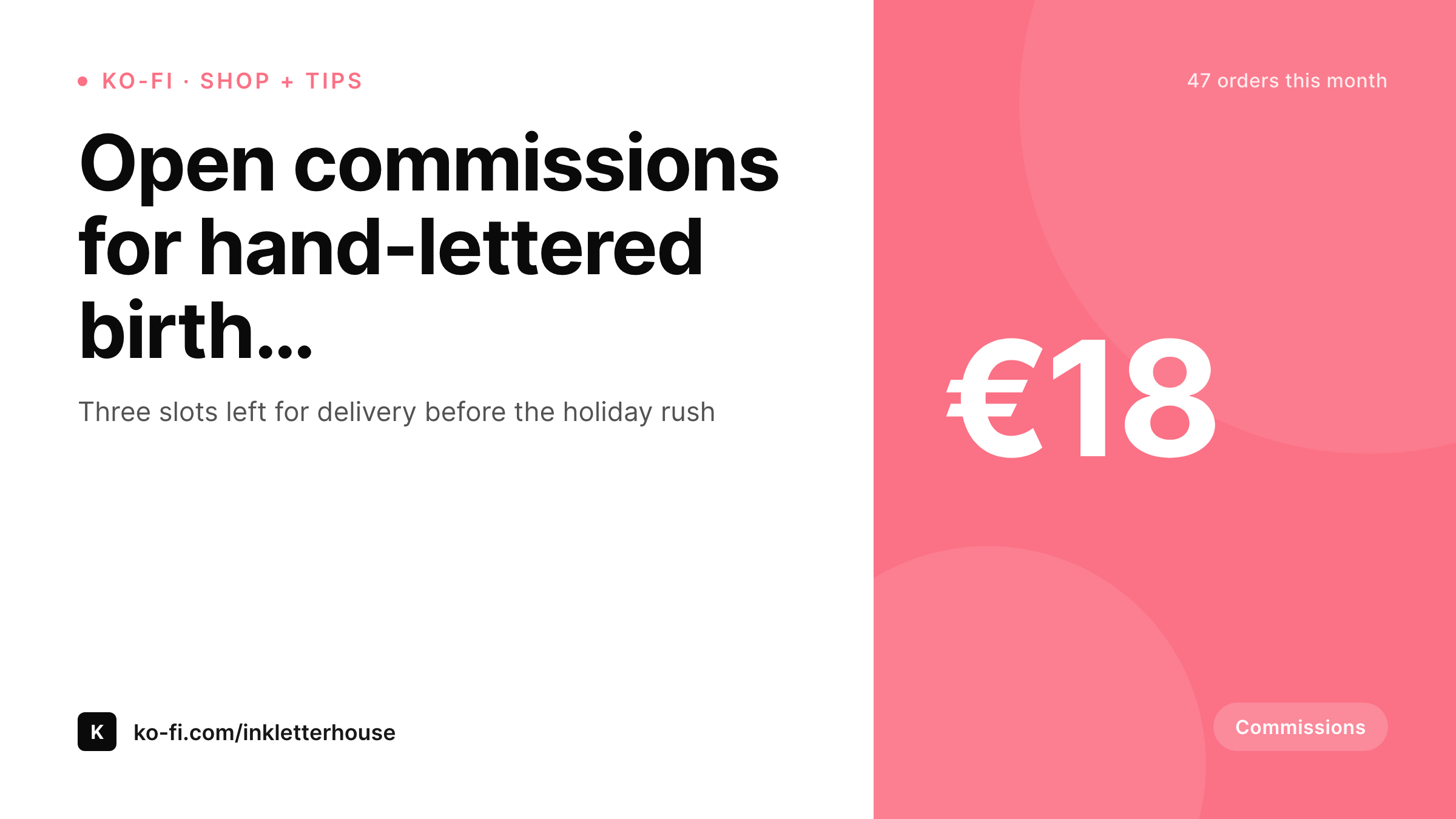
Commissions sell on the share, not on the landing page
Ko-fi creators usually use the Ko-fi shop and commissions as the payment surface, but they keep a WordPress site for the portfolio, the about page, the longer commission descriptions, and the blog that links it all together. When commissions open, the creator writes a post on the WordPress site, embeds the Ko-fi widget, and shares the WordPress URL on social.
Most of the conversion happens on the share. Someone scrolls past a tweet, sees the preview, decides in half a second whether the work fits what they want, and clicks or moves on. If the preview is a default theme banner, the creator is asking the social platform to do all the persuasion in text. If the preview is a real card showing the work style, the price, and the current slot count, the share carries enough information to convert without the reader even reading the tweet body.
SleekPixel reads the WordPress commission post and renders a Twitter-sized card with the commission name, the price, the brand wordmark, and a small mark for current slots. Open commissions, shop drops, and milestone posts all share with the same template family, which makes the catalog feel like a real shop rather than a stream of one-off pitches.
Workflow
From Ko-fi commission to share-ready post
Set up the WordPress commission post type
Embed the Ko-fi widget
Save the post
Share to socials
Output
Sample Ko-fi commissions card
A 1200x675 Twitter card: commission title, price, slot count, and creator wordmark, rendered from the WordPress commissions post on save.
Comparison
Default theme OG vs Ko-fi-aware rendering
Default theme OG image
- Commission posts share with the homepage banner instead of the work itself
- Prices and current slot counts never appear on the share preview
- Twitter previews crop the feature image awkwardly on every drop
- Shop pages and commission pages use mismatched visuals
- Brand changes mean redoing every past commission card by hand
SleekPixel
- Reads the WordPress commission or shop post for every Ko-fi link
- Title, price, slot count, and category render onto the share card
- Shop drops and commissions share the same template family
- Bulk re-render the back catalog after a rebrand or new style
- Leaves the Ko-fi payment widget untouched, only WordPress changes
Features
What SleekPixel gives you for Ko-fi pages
Work-style headlines
The commission name and a short sample line become the card headline. Sharers see the actual offer, not a generic homepage greeting.
Price marks
Current price renders as a small corner mark so readers know the entry point before they click. Useful for sorting low-effort browse traffic out of the funnel.
Slot-count meta
A small meta line shows current slot count or 'closed' status. Buyers know whether to act now or wait for the next round.
Use cases
What Ko-fi creators generate with SleekPixel
Open commissions posts
Each commission open gets its own WordPress post and card. Social posts announcing the open share with a real preview of the work style and price.
Shop drops
Limited-run shop drops carry their own cards with item title, price, and stock count. Each drop feels like a real catalog page rather than a tweet.
Milestone celebrations
Posts celebrating 100, 500, or 1000 supporters render their own milestone cards. The brand story compounds visually across the back catalog.
The bigger picture
Why commission shares carry the conversion
Commission-based creators live on bursts of attention. A tweet announcing open commissions either lands within the first few hours or the round closes empty. The share preview is the single biggest lever on conversion during that window because most of the audience never reads the tweet body, they scroll past the preview and decide.
A real card showing the work style, the price, and the slot count gives the audience enough information to click with intent. A theme banner gives nothing, and the creator absorbs the cost in lost commissions. The same dynamic plays out for shop drops on Ko-fi: a limited run sells through fast if the share preview shows the item clearly, or sits half-sold if the preview is a default OG image.
Across a year of commissions and shop drops, the difference compounds into real revenue, and the operator never has to design a single share card manually because the rendering is bound to the post type. Updates to the brand or template flow to every past post with a bulk re-render, which keeps the catalog feeling like one shop rather than a chronological stream.
Questions
Common questions about SleekPixel for Ko-fi pages
Ko-fi's hosted page renders a generic Ko-fi card with the page title. That works for direct Ko-fi shares. Most creators link the WordPress page that fronts the Ko-fi widget because it has the longer description and SEO context. SleekPixel handles the WordPress side.
Yes. A post type or a taxonomy picks the template variant. Shop cards can show item photography with a price mark. Commission cards can show the work style with a slot count. The choice happens at render time based on the post.
A custom field on the WordPress post that you update when slots fill, or a Ko-fi API call on a schedule if you want it automated. SleekPixel reads whatever field you bind, regardless of how the data gets there.
Render a 'waitlist open' badge instead of a slot count when the post is in waitlist mode. A single boolean field on the post switches the template variant. Useful for staying visible during off-cycle periods between commission rounds.
Yes. Each digital download has its own WordPress page with a download description, sample preview, and the Ko-fi widget. The card renders from those fields and the Ko-fi download flow stays on Ko-fi.
Yes. A featured image field on the post drives the card background or the sample area of the template. Commission posts often render with a small portfolio strip showing previous similar work along the bottom.
The WordPress posts and rendered cards stay where they are. You swap the widget embed for the new platform's widget, and the share images keep working. URL-stable shares mean the back catalog survives the payment-platform change.
No. SleekPixel handles the OG meta and the rendered PNG. The Ko-fi plugin handles the widget embed and the data sync. They run on different parts of the post lifecycle and do not conflict.
Pricing
More than 1000+
happy customers
Explore our flexible licensing options tailored to your needs. Upgrade your license anytime to access more features, or opt for a lifetime license for ongoing value, including lifetime updates and lifetime support. Our hassle-free upgrade process ensures that our platform can grow with you, starting from whichever plan you choose.
Lifetime ♾️
Most popular
EUR
once
- Unlimited websites
- Lifetime updates
- Lifetime support
...or get the Bundle Deal
and save €250 🎁
💎 Want everything forever? The All Access Pass is going away on 01.08.2026.
The Bundle (unlimited sites)
Pay once, own it forever
Elevate your WordPress site with our exclusive plugin bundle that includes all of our premium plugins in one package. Enjoy lifetime updates and lifetime support. Save significantly compared to buying plugins individually.
What’s included
-
SleekAI
-
SleekByte
-
SleekMotion
-
SleekPixel
-
SleekRank
-
SleekView
€749
Continue to checkoutBrowse more
- Apple Podcasts covers
- Discord server icon
- YouTube channel banners
- Depop listing images
- LinkedIn event banners
- Slack channel headers
- Vimeo channel banners
- Twitch overlay
- Stan Store cover
- Amazon Storefront banners
- Instagram stories
- Farcaster cast images
- Telegram channel banner
- Etsy cover photos
- Open Graph images