






SleekPixel for myth vs fact cards
Health, finance, and technical writers running a myth-vs-fact series need a card that splits the two sides cleanly. SleekPixel renders the split card per post, with myth and fact pulled from post fields.
♾️ Lifetime License available
Myth-vs-fact only works when the split is visible
Myth-vs-fact posts are short and high-leverage. A reader takes five seconds, learns the bad belief and the corrected one, and moves on. The format only works if the split is visible at first glance. A myth side, a fact side, two clearly separated blocks of type, ideally with the fact in the brand color and the myth muted. When that split is missing, the post reads as a generic claim card and loses the punch the format depends on.
Manual production is where the format breaks. A designer builds the first three cards in Figma, the series picks up, two more people start contributing, and by card twelve the split is in different positions, the color coding is inconsistent, and some cards skip the fact-side highlight altogether. The series stops looking like a series. The reader stops recognizing it. The format underperforms despite being a good one.
SleekPixel encodes the split into the template. The post has two fields, myth and fact. The renderer places them in the same two positions every time. The fact side carries the accent color, the myth side carries the muted neutral, the slide-number badge sits in the corner. Save the post, the card lands in uploads, og:image is set, the Gutenberg sidebar exposes the square download.
Workflow
From two text fields to a published myth-vs-fact card
Design the split template
Add a myth-vs-fact post
Renderer ships the card
Run the series consistently
Output
What a generated myth-vs-fact card looks like
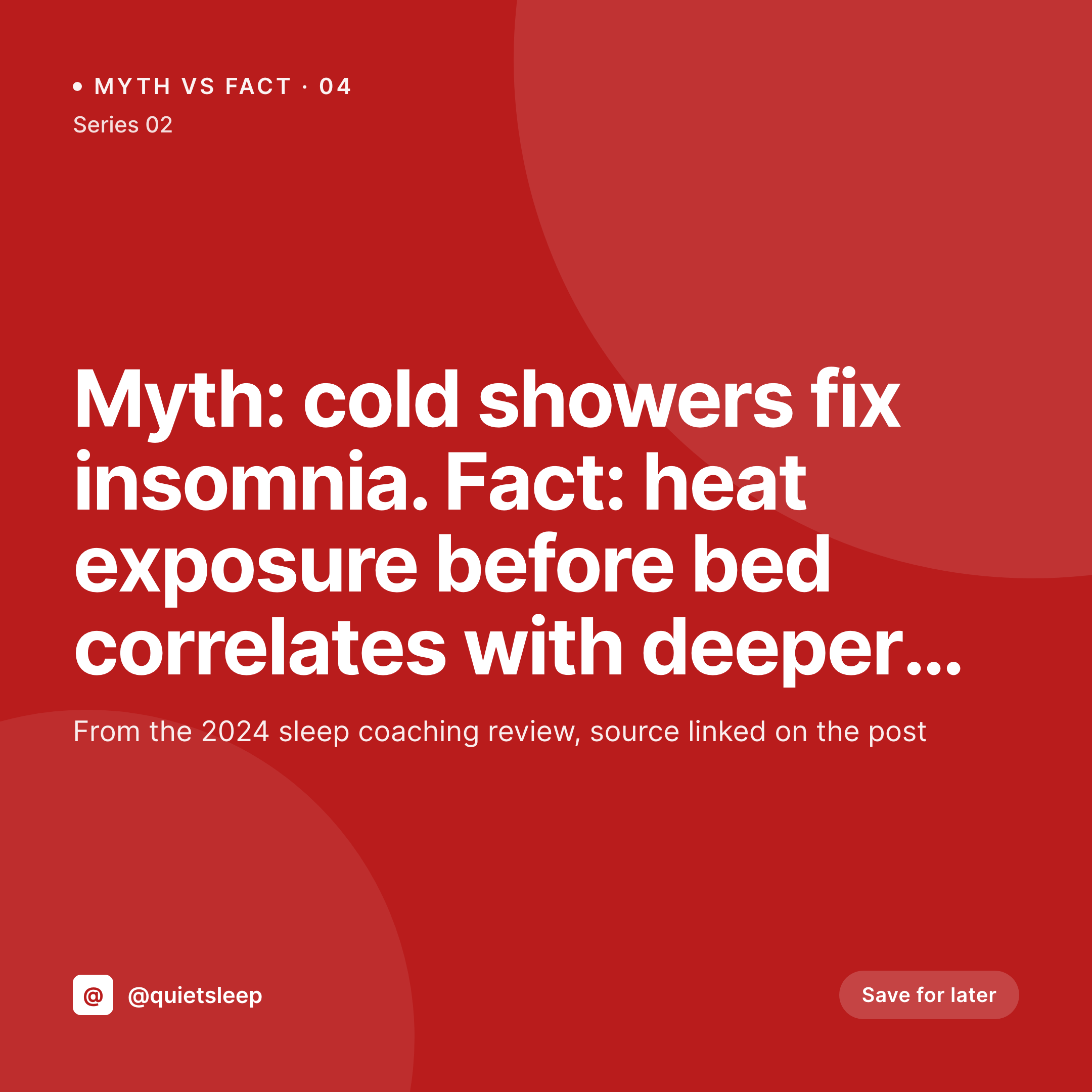
A 1080x1080 square with a left myth panel in neutral and a right fact panel in the accent color, plus a small series badge.

Comparison
Default myth vs fact image vs SleekPixel
Default myth vs fact image
- Split position drifts between contributors over the series
- Color coding (muted myth, accent fact) gets reversed by mistake
- Series-number badge lands in different corners per card
- Fact text gets cropped when the line is longer than expected
- No regeneration path when a fact is updated
SleekPixel
- Render fires on save for every myth-vs-fact post
- Myth and fact pulled from dedicated post fields
- Split stays in the same position, every card, every time
- Accent color always lands on the fact side automatically
- Auto-fit type handles short and long fact lines
Features
What SleekPixel gives you for myth vs fact cards
Split coded into the template
Myth on the left, fact on the right, in the same proportions every time. The viewer reads left-to-right and the format does its job before any clicking.
Color coding stays consistent
The fact side is bound to the accent, the myth side to a muted neutral. Editors cannot accidentally reverse the coding by editing a Figma layer.
Auto-fit for either side
Short and long lines on either side scale within bounds. The split stays balanced visually whether the fact is 12 words or 28.
Use cases
Series this format supports well
Health and wellness
Sleep, nutrition, mobility writers correcting common misconceptions. The card travels well in Instagram and Pinterest and supports the longer post.
Personal finance
Misconceptions about taxes, investing, retirement, debt. The split format makes the correction memorable in five seconds.
Technical explainers
Engineering and product writers fixing folk-wisdom about caching, security, performance. The visual split anchors the right answer in memory.
The bigger picture
Why myth-vs-fact lives on a renderer-driven template
Educational content programs work when the format becomes a habit for the audience. A reader who sees three myth-vs-fact cards in two weeks starts to look forward to them, recognizes the brand at a glance, and engages with the format because it pays off in five seconds. The reverse is true when the format is inconsistent.
If card four has the myth on the right by mistake, the reader does a second-take, the five-second contract is broken, and the format loses the recognition that made it work. Manual workflows produce inconsistencies on a long enough timeline. SleekPixel takes the format out of the design tool and into the publishing post.
The split is enforced by the template. Editors fill in two text fields and a series number. The renderer ships the card.
The series feels like a series after thirty entries because every entry comes off the same renderer, and the editorial team can focus on whether the facts are right rather than whether the layout is.
Questions
Common questions about SleekPixel for myth vs fact cards
Yes. Tag posts with a series slug and use per-series templates with different accents. A health series and a finance series can run in parallel under the same template family.
Add a source field on the post and render it as a small line below the fact panel. Optional per post; some entries cite, others stay clean.
Yes. Reserve a small slot in the template for an icon or product photo. Bind it to a media field on the post. Keep it small so the split stays the focal point.
Auto-fit scales the type between min and max bounds. For very long facts, a meta field can trigger a two-line layout that gives the right panel more height.
Yes. The myth field can be a repeater of short bullets. The template renders them as a stacked list on the left panel.
Yes. Register a second size at 1080x1920 and the renderer produces a vertical story card from the same fields. The split rotates to top-myth and bottom-fact for the taller frame.
Yes by default. Templates can specify which size sits in og:image. Many teams use the square for og:image too because it crops cleanly on LinkedIn and Twitter previews.
Yes. Edit the fact field on the post, save. The card regenerates and the og:image meta tag points to the same path, so the correction propagates on the next platform re-scrape.
Pricing
More than 1000+
happy customers
Explore our flexible licensing options tailored to your needs. Upgrade your license anytime to access more features, or opt for a lifetime license for ongoing value, including lifetime updates and lifetime support. Our hassle-free upgrade process ensures that our platform can grow with you, starting from whichever plan you choose.
Lifetime ♾️
Most popular
EUR
once
- Unlimited websites
- Lifetime updates
- Lifetime support
...or get the Bundle Deal
and save €250 🎁
💎 Want everything forever? The All Access Pass is going away on 01.08.2026.
The Bundle (unlimited sites)
Pay once, own it forever
Elevate your WordPress site with our exclusive plugin bundle that includes all of our premium plugins in one package. Enjoy lifetime updates and lifetime support. Save significantly compared to buying plugins individually.
What’s included
-
SleekAI
-
SleekByte
-
SleekMotion
-
SleekPixel
-
SleekRank
-
SleekView
€749
Continue to checkoutBrowse more
- YouTube thumbnails
- Spotify playlist cover
- SoundCloud banner
- Depop listing images
- Pinterest Idea Pins
- LinkedIn banner images
- KDP paperback cover
- X social cards
- Threads post images
- YouTube Music cover art
- Instagram Shop product images
- Bluesky profile banner
- TikTok ad images
- Xiaohongshu cover images
- Discord event cover