






SleekPixel for Memberstack
Memberstack handles the auth and plan layer; the WordPress page holds the body. SleekPixel reads the plan on the page and renders an OG image on save, so previews carry the plan name while the body stays gated.
♾️ Lifetime License available
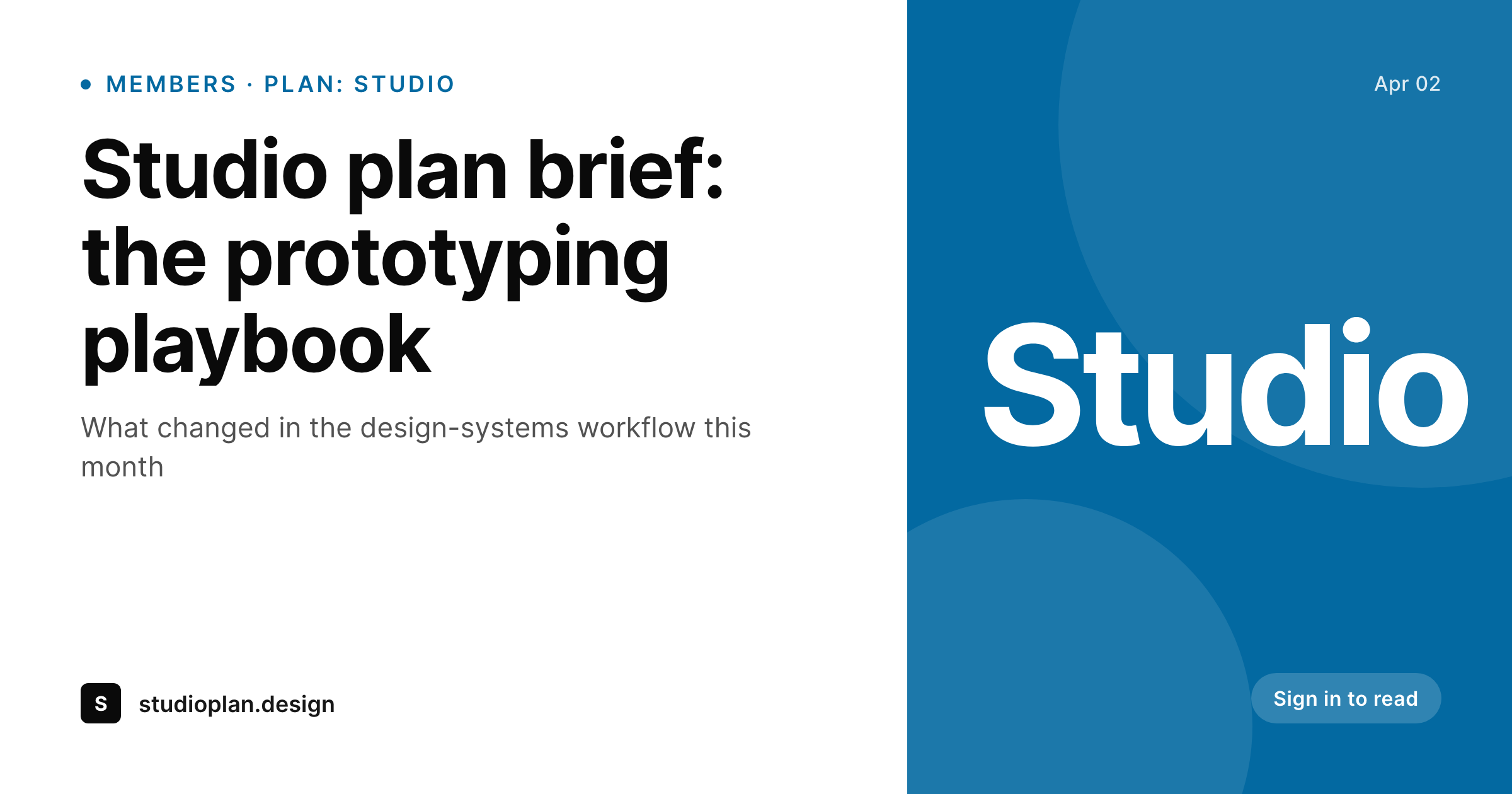
Memberstack-gated WordPress content needs proper previews
Memberstack is a hosted auth and membership layer commonly used in front of Webflow sites, but many WordPress operators also wire it in for the plan layer when they want a polished pricing UI and a managed login flow. The Memberstack script enforces access on the client side and via server-side checks, while the underlying page (WordPress, in this case) holds the content body. The split is clean for development, but the share preview moment falls through the gap: WordPress sees a page with a plan slug attached, and the default OG image is whichever theme fallback exists.
SleekPixel does not replace Memberstack and does not touch its auth layer. SleekPixel only reads the plan slug stored on the WordPress page (set via a custom field, a meta value or a category) and composes a share card with the plan name, page title and brand mark on save. The Memberstack script continues to enforce gating on the client. SleekPixel only handles the preview that non-members see when a logged-in member shares a link.
For Memberstack-driven programs with multiple plans (Studio, Pro, Founder), the plan slug on the WordPress page drives a per-plan badge on the card. Same template, different label, no manual variation. The bulk regenerate command rebuilds every gated page's share card after a plan rename or a brand refresh, which historically was a manual exercise across the whole archive.
Workflow
From Memberstack-gated page to branded card
Store the plan on the WordPress page
Build the plan-aware template
Save the page
Meta tags update
Output
What gets generated per Memberstack-gated page
A 1200 by 630 OG and Twitter card with the page title, Memberstack plan label and brand mark, rendered on save and saved to uploads as a real PNG.
Comparison
Generic fallback vs SleekPixel
Site-wide fallback image
- Memberstack-gated WordPress pages share with a generic site image
- Members cannot tell which plan a teammate is sharing from at a glance
- Renaming a plan in Memberstack does not propagate to WordPress share cards
- Multi-plan programs require per-plan exports for every gated page
- Free pages and gated pages look identical in social previews
SleekPixel
- Reads a plan slug stored on the WordPress page (custom field or meta)
- Plan label renders on the card automatically
- Does not touch Memberstack auth, only writes share image meta tags
- Works with any WordPress field convention you use to mark plans
- Bulk regenerate covers a full gated archive after a brand refresh
Features
What SleekPixel gives you for Memberstack
Plan aware
Reads the plan slug stored on the WordPress page via custom field or meta and renders a plan badge on the card. Studio, Pro, Founder all map cleanly.
Auth layer untouched
SleekPixel only writes og:image and twitter:image meta tags. The Memberstack script continues to enforce auth and gating exactly as configured.
Plan rename safe
Update the plan slug on a page and save, and the card regenerates. Bulk regenerate handles a full archive when plan names change globally.
Use cases
Where Memberstack share cards earn their keep
Plan-gated libraries
Studio, Pro and Founder plan libraries each get their own badge on shared pages. Internal forwarding makes the plan clear without opening the link.
SaaS member areas
Member areas backed by WordPress (knowledge bases, plan docs, billing pages) share with plan-aware previews instead of a generic homepage.
Plan-tiered newsletters
Newsletter archives gated by plan share with branded previews even when the body is behind Memberstack auth.
The bigger picture
Why Memberstack-driven WordPress needs proper share previews
Memberstack is often chosen for the polish of its auth and pricing UI, which means brand consistency matters more than usual on those sites. A polished pricing page followed by a generic share preview when a member tries to share a plan-only doc creates a jarring drop in quality at exactly the wrong moment. A plan-labelled share card aligns the preview with the rest of the brand experience and confirms that the gated page belongs to a real plan.
Memberstack stores the plan layer; WordPress stores the page body. SleekPixel reads the plan slug already on the page and renders the preview, which is the missing piece between the two systems. The second angle is multi-plan visibility.
Memberstack-driven programs commonly run three or four parallel plans, and members understanding the upgrade ladder above them is part of the funnel. A share card that names the plan creates that visibility passively. None of this changes how Memberstack handles auth, gating or billing.
It just makes the WordPress share preview match the plan the page actually represents.
Questions
Common questions about SleekPixel for Memberstack
No. SleekPixel only reads a plan slug stored on the WordPress page (custom field or meta). The Memberstack script continues to handle auth, gating and billing on its own. The image layer is independent and does not call the Memberstack API.
Most setups already store the plan slug via a custom field, meta key or category, either set manually or synced from a CMS workflow. SleekPixel reads whichever field you point its template at. If you do not already track the plan on the page, a one-line custom field is the easiest path.
Yes. Most templates show category at the top and plan as a small pill near the title. The category reads from the standard WordPress taxonomy, the plan from your custom field.
Multi-plan pages can render the highest-priority plan, a stacked label or a generic 'Members' tag depending on template configuration. Set this once at the template level.
Yes. The image layer treats plan slugs as opaque labels, so free plans and paid plans both render through the same template with their respective slugs.
Pages without a Memberstack plan slug render with the standard category card and no plan badge. The template can include or exclude the plan section based on whether a slug is present.
No. SleekPixel writes the share image meta tags. The Memberstack script continues to enforce gating on the body exactly as configured. The two run independently.
Yes. The bulk regenerate command walks every gated page and rebuilds the card. Useful after renaming plans in Memberstack or refreshing the visual system.
Pricing
More than 1000+
happy customers
Explore our flexible licensing options tailored to your needs. Upgrade your license anytime to access more features, or opt for a lifetime license for ongoing value, including lifetime updates and lifetime support. Our hassle-free upgrade process ensures that our platform can grow with you, starting from whichever plan you choose.
Lifetime ♾️
Most popular
EUR
once
- Unlimited websites
- Lifetime updates
- Lifetime support
...or get the Bundle Deal
and save €250 🎁
💎 Want everything forever? The All Access Pass is going away on 01.08.2026.
The Bundle (unlimited sites)
Pay once, own it forever
Elevate your WordPress site with our exclusive plugin bundle that includes all of our premium plugins in one package. Enjoy lifetime updates and lifetime support. Save significantly compared to buying plugins individually.
What’s included
-
SleekAI
-
SleekByte
-
SleekMotion
-
SleekPixel
-
SleekRank
-
SleekView
€749
Continue to checkoutBrowse more
- Dribbble shot covers
- eBay listing images
- Instagram highlight covers
- Behance banner
- Twitch stream overlay images
- Twitch overlay
- Shopify product images
- Bandcamp banner
- Instagram feed posts
- WhatsApp status images
- Instagram collab post images
- Threads story-style images
- Spotify podcast covers
- Ghost feature images
- Snapchat ad images