






SleekPixel for LifterLMS courses
LifterLMS courses, sections and lessons each carry their own metadata - title, instructor, lesson order. SleekPixel reads those fields and renders branded thumbnails and OG images automatically, the moment the post is saved.
♾️ Lifetime License available
LifterLMS curricula need visuals at every level
LifterLMS organizes content into courses, sections and lessons. A serious course program might have ten sections of six lessons each, with assignments and quizzes attached. Each of those posts has a public URL, and each public URL benefits from a real share preview. In practice most LifterLMS sites generate art only for the top-level course landing pages and let the section and lesson pages share with whatever default the theme provides. Learners forwarding lesson links to colleagues get blank previews; potential affiliates posting course shares get stretched homepage banners.
The reason is the same one that affects every WordPress LMS: graphics are a separate task that competes with the actual teaching work. Recording the lessons, building the assessments and supporting students all out-prioritize making thumbnails. So thumbnails get made for the launch, and then the maintenance happens slowly or never. Six months in the curriculum has a hundred posts and a dozen branded thumbnails.
SleekPixel inverts the ratio. The thumbnail and OG image render automatically on save from LifterLMS post fields. Lesson order, section parent, instructor and length all live on the post already - the template just reads them. New lessons added after launch get matching art without any extra work. The curriculum looks complete because it is rendered as a complete thing, not assembled lesson by lesson at the design layer.
Workflow
From LifterLMS save to thumbnail in uploads
Define the course templates
Bind to LifterLMS fields
Build the curriculum
Share the program
Output
What ships with every LifterLMS lesson
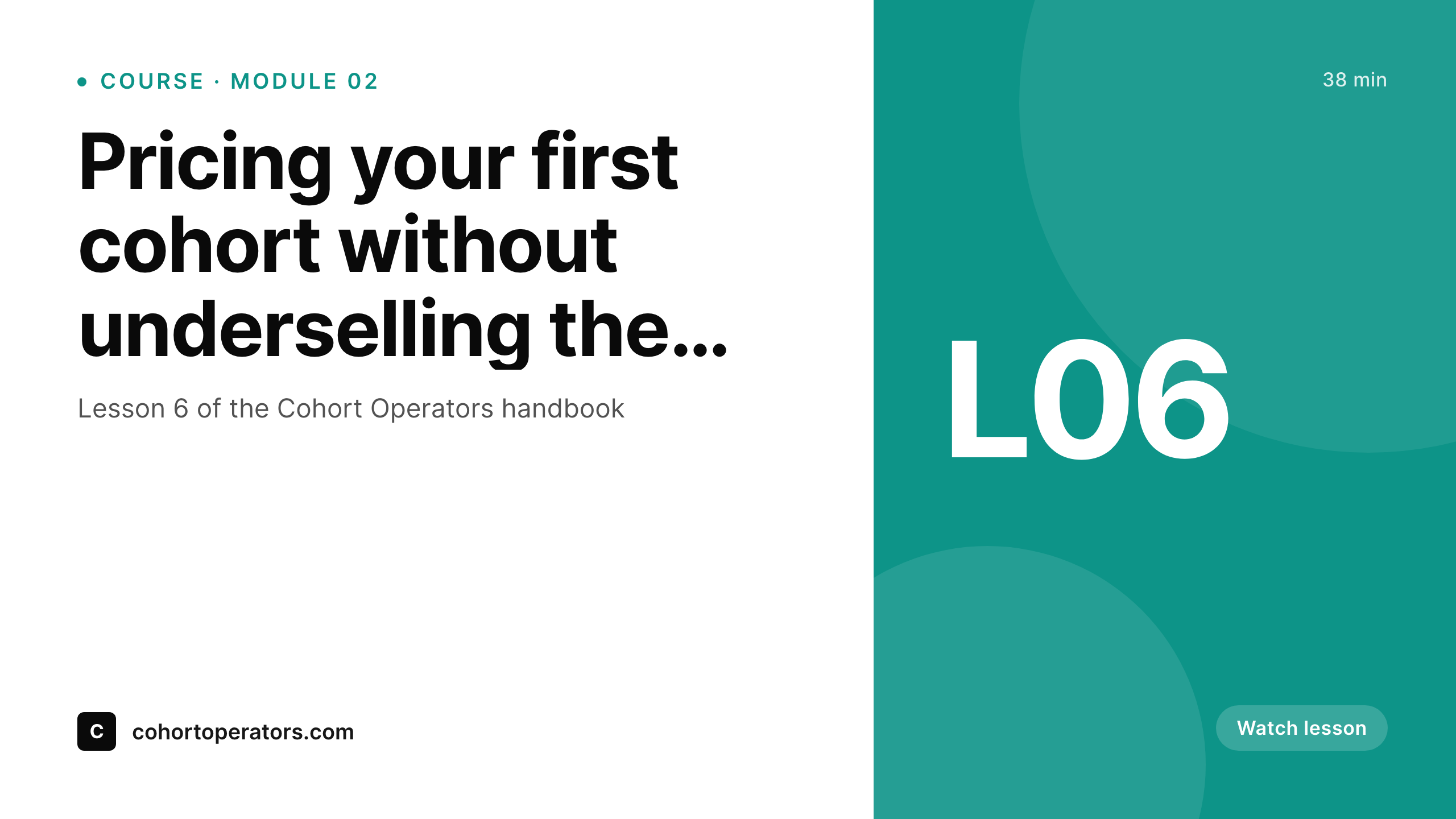
A 1280 by 720 thumbnail: lesson title, section number, instructor and course wordmark - rendered from LifterLMS fields on save.
Comparison
Manual thumbnails vs LifterLMS-bound rendering
Manual thumbnails / Canva
- Only the launch lessons get branded thumbnails; later additions share blank
- Section and topic pages share with stretched homepage logos when forwarded
- Brand evolution requires manually redoing every thumbnail in the catalog
- Multi-instructor courses show the wrong face on lessons recorded by guests
- Affiliate links share with whatever default OG the theme provides
SleekPixel
- Reads LifterLMS course, section and lesson fields directly
- Lesson order, section parent and instructor pull automatically
- New lessons added later match the launch lessons without manual work
- Bulk re-render the whole curriculum when the brand evolves
- OG and Twitter cards write to the head for clean affiliate sharing
Features
What SleekPixel gives you for LifterLMS courses
LifterLMS-aware
Course, section and lesson templates each render the right hierarchy. Section number and lesson order pull from the LifterLMS post fields.
Instructor accuracy
Instructor headshot and name come from the user record on each lesson. Multi-instructor cohorts get the right face on every card.
Catalog stays current
New lessons added six months after launch render with the same template. No drift between launch lessons and follow-up content.
Use cases
What LifterLMS courses generate with SleekPixel
Course landing pages
Each course shares with a card showing title, instructor and outcome. Affiliate links and email blasts open with branded previews.
Lesson and topic pages
Every lesson page renders a thumbnail used as both the video poster and the OG image. Forwarded links carry the right context.
Membership and access plans
Access plans and membership tiers render share cards showing tier, price and benefits - useful for upgrade emails and pricing-page links.
The bigger picture
Why curriculum visuals affect LifterLMS conversions
LifterLMS sites typically grow by some mix of organic search, affiliate referrals and existing-learner referrals. Each of those pathways depends on what a prospective learner sees in the first three seconds of clicking a link. A course landing page that shares with a real card showing the program, instructor and outcome converts better than one that shares with whatever default the theme provides.
The compound effect across hundreds of organic shares per month is significant for course operators with a meaningful affiliate program or active community. The second reason is internal completion. Existing learners progressing through the curriculum see the same visuals every day - in the dashboard, in lesson previews, in completion screens.
Visual consistency between launch lessons and post-launch additions matters because it signals that the program is current and well-maintained. Learners who sense that the program is patchy slow down on completion, and slowed completion correlates with cancellations and refund requests. SleekPixel removes the gap between launch art and ongoing art by binding rendering to the LifterLMS save event.
New lessons match old lessons. The curriculum stays cohesive without anyone in operations spending evenings on thumbnail exports.
Questions
Common questions about SleekPixel for LifterLMS courses
Yes. Access plans are LifterLMS post objects with their own fields - title, price, billing schedule, included content. SleekPixel can render share images for individual access plan pages with the tier, price and benefits visible. Useful for upgrade emails where learners click through and need to recognize what they are buying into.
Engagements are internal triggers, not public posts, so they do not have share previews directly. However, completion certificates can be rendered as personal share images: learner name, course title, completion date. Learners share those certificates publicly and the share doubles as social proof for the course.
Quizzes and assignments are post types and can have their own template variants. A quiz might render with the quiz title, course context and number of attempts. Assignments can show the rubric or due date. Useful for free practice quizzes that act as lead magnets - they share with proper branding and pull traffic into the funnel.
Yes, if your video player respects the post's featured image or a custom field for the poster. Most LifterLMS setups use Vimeo or Bunny.net for video hosting; SleekPixel can write the rendered thumbnail to the lesson's poster field so the player shows it before playback. The same image is the OG image for the page.
Course bundles are typically a separate post type with relationships to the included courses. SleekPixel can render bundle-specific share images that show the included course count, total duration and bundled discount. Learning paths work the same way - the path post renders a card listing the courses in the path.
Yes. Many LifterLMS operators run multiple programs under one site, each with its own visual identity. Course taxonomy or a custom field on each course can determine which template variant renders. The technical course renders with one brand voice, the business course with another, while staying on one WordPress install.
No. SleekPixel only renders OG and Twitter image tags on public-facing post URLs. It does not touch the LifterLMS payment, enrollment or content-drip flows. The plugin runs alongside LifterLMS without modifying its core behavior - same risk profile as installing any well-behaved plugin.
The migration would move post types from sfwd-courses-style to llms_course-style or vice versa. SleekPixel templates bind to whatever post type and field names are configured, so migrating means updating the bindings to point at the new post type. The rendered images themselves stay where they are - URL-stable, no broken share previews during the transition.
Pricing
More than 1000+
happy customers
Explore our flexible licensing options tailored to your needs. Upgrade your license anytime to access more features, or opt for a lifetime license for ongoing value, including lifetime updates and lifetime support. Our hassle-free upgrade process ensures that our platform can grow with you, starting from whichever plan you choose.
Lifetime ♾️
Most popular
EUR
once
- Unlimited websites
- Lifetime updates
- Lifetime support
...or get the Bundle Deal
and save €250 🎁
💎 Want everything forever? The All Access Pass is going away on 01.08.2026.
The Bundle (unlimited sites)
Pay once, own it forever
Elevate your WordPress site with our exclusive plugin bundle that includes all of our premium plugins in one package. Enjoy lifetime updates and lifetime support. Save significantly compared to buying plugins individually.
What’s included
-
SleekAI
-
SleekByte
-
SleekMotion
-
SleekPixel
-
SleekRank
-
SleekView
€749
Continue to checkoutBrowse more
- announcement cards
- customer story card
- metric spotlight cards
- certification badges
- lecture cards
- founder story cards
- conference recap card
- term explained cards
- company milestone card
- research report images
- music recommendation cards
- meetup cards
- coming soon cards
- restock alert cards
- longform article card
- Vimeo channel banners
- TikTok profile banners
- Mastodon profile header
- Telegram channel images
- Flickr cover photo
- Stan Store cover
- Pinterest video pin covers
- Fanvue page banner
- YouTube banner art
- KDP hardcover cover
- Instagram bio link banners
- LINE official account banners
- Snapchat ad images
- Mastodon profile banners
- Substack post thumbnail