






SleekPixel for WP Recipe Maker
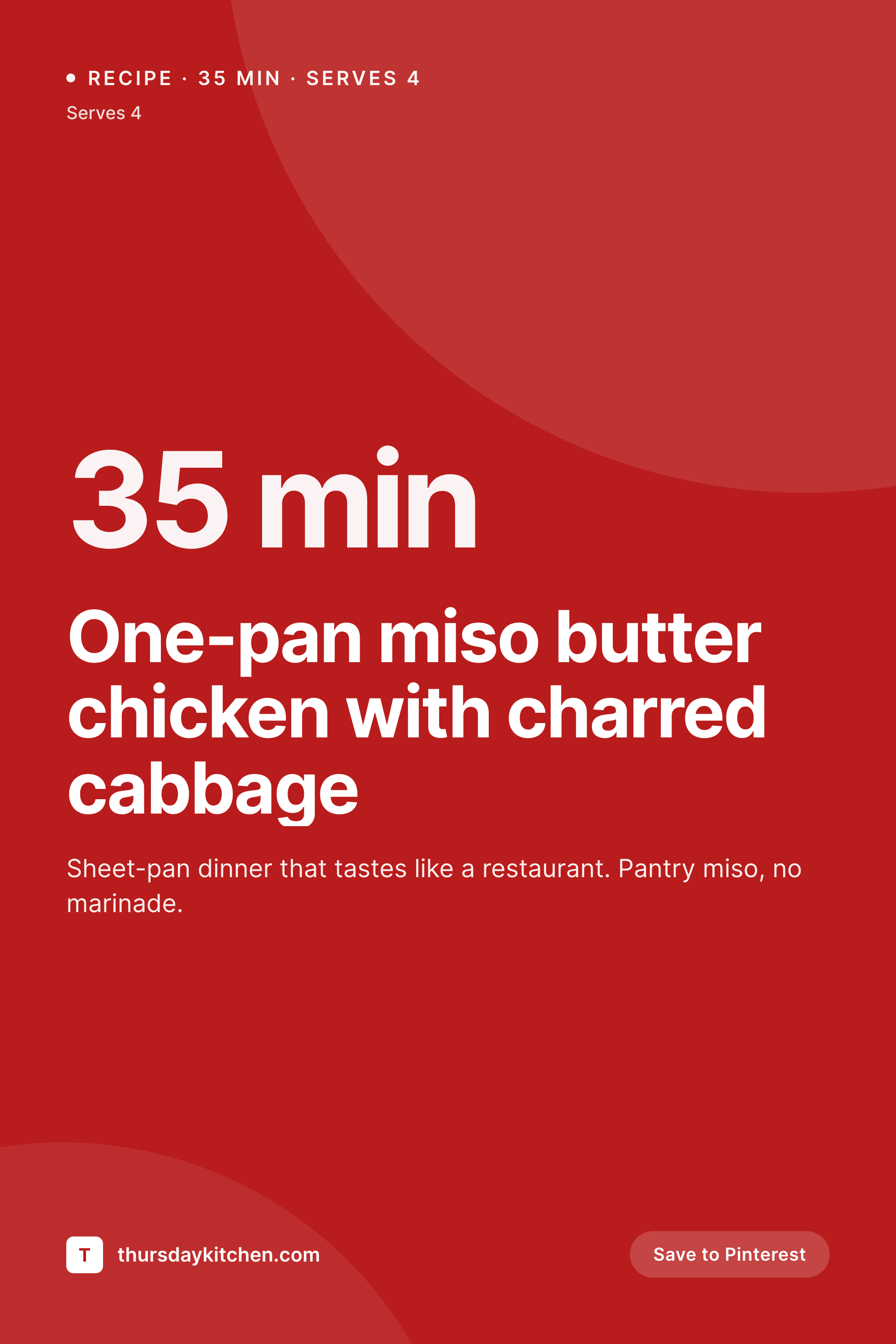
SleekPixel reads WP Recipe Maker fields - title, total time, servings, course - and renders a vertical 1000 by 1500 pin on save. Each recipe ships with the pin Pinterest expects, no Canva round-trip.
♾️ Lifetime License available
Recipe sites live and die by Pinterest
Pinterest is the dominant referrer for English-language recipe blogs, and the algorithm rewards a 2:3 vertical pin with title overlay and clear branding. WP Recipe Maker handles the structured data side beautifully - schema, ratings, ingredients, total time, servings - but the pin itself is still a manual export from Canva for most sites. A 200-recipe archive means 200 trips to Canva, and a rebrand means 200 again.
SleekPixel reads the WP Recipe Maker custom fields directly. The recipe title, total time, servings, and course taxonomy all flow into a vertical template, with the hero photo composited as the background. The text overlay sits in the top third where Pinterest's mobile UI does not crop it, with the cooking time and serving count anchored bottom-right. The pin is generated on save and saved as a real PNG to uploads, ready for the Pinterest Save button or any pin-it-on-publish service.
For photo-led food sites, the existing recipe photo is the asset that matters - the template darkens or gradient-fades a band behind the title so it stays readable across bright lemon yellows and dark chocolate browns alike. When you swap the recipe's featured image, the pin rebuilds. When you tweak the total time after testing, the pin rebuilds. The schema data on the page itself is untouched - WP Recipe Maker keeps doing its job, and SleekPixel handles the part Pinterest cares about.
Workflow
From recipe save to ready-to-pin artwork
Map WPRM fields
Save the recipe
Pinterest tags update
Tweak as the recipe evolves
Output
What gets generated per recipe
A 1000 by 1500 vertical pin with the recipe title, total time, servings, and brand mark composited over the hero photo - saved to uploads and ready for Pinterest.

Comparison
Manual Canva pins versus SleekPixel
Canva per recipe
- Designer or recipe author exports each pin from Canva, then uploads it back into the recipe post
- Tweaking the recipe title after publish means re-exporting the pin to keep the overlay accurate
- A site rebrand requires 200+ Canva exports to bring old recipes onto the new visual system
- Pin text gets cropped on mobile because the export does not respect Pinterest safe zones
- Total time and servings live in WP Recipe Maker but never appear on the actual pin
SleekPixel
- Reads WPRM total time, servings, and course taxonomy directly from recipe meta
- Composes overlay inside Pinterest's mobile safe zone so nothing crops
- Hero photo flows in as the pin background with auto darkening for legibility
- Rebuilds whenever the recipe title, photo, or timing changes
- Bulk regenerate covers an entire archive in one command, rebrand-friendly
Features
What SleekPixel gives you for WP Recipe Maker
Photo as background
The hero shot becomes the pin background with an auto darken layer behind text. Bright citrus or dark chocolate, the overlay always reads.
Time and yield
Total time and serving count anchor the bottom of the pin where Pinterest users scan for it before saving. Both values come straight from WPRM.
Rebuilds on edit
Adjust the recipe time after a re-test or swap the hero photo and the pin rebuilds on save. The Pinterest Save button always grabs current artwork.
Use cases
Where auto pins change the rhythm
Weekly recipe drops
A site posting two recipes a week ships eight pins a month with no Canva time. The author writes the recipe, publishes, and the pin is already on the page.
Seasonal collections
Round-up posts and seasonal collections each get a pin that shows the lead recipe photo with a 'Spring suppers' or 'Holiday baking' overlay pulled from category meta.
Site rebrands
When a food site refreshes typography or colour, bulk regenerate brings every back-catalogue pin onto the new system. No re-exporting four years of recipes by hand.
The bigger picture
Why food sites cannot rely on horizontal OG
Recipe traffic skews mobile and Pinterest, and Pinterest will downrank or simply not surface a horizontal image where the title text gets center-cropped. The platform expects a 2:3 vertical asset with the title legible at the top of a phone feed, ideally with a serving size or time cue near the bottom for quick scanning. WP Recipe Maker stores all the right data - total time, yield, course, even diet labels - but emits it as schema, not as pixels.
Pixels are what travel on Pinterest. The other reality is photo variability. Food photography ranges from bright fresh produce on white linen to dark chocolate desserts under moody light, and a single text colour will not survive both.
Auto-rendered pins solve this with a programmatic gradient or darkening layer behind the overlay, calibrated to the template once. After that, every recipe gets the same legibility regardless of the hero shot's exposure. The result is a site where the social asset matches the structured data, both updated by one save, with no Canva tab open.
Questions
Common questions about SleekPixel for WP Recipe Maker
Yes. Premium adds custom fields like equipment, nutrition, and notes. SleekPixel can reference any of them in the template, though most pin layouts only use title, total time, and servings to keep the overlay readable on mobile.
Yes. SleekPixel supports multiple templates per post type, so a recipe can render a 1200 by 630 OG image for Facebook and LinkedIn alongside the 1000 by 1500 Pinterest pin. Both save to uploads with distinct filenames.
The template falls back to a brand colour background or a default illustration. Once you upload the real photo and save the post, SleekPixel rebuilds the pin with the photo as background. There is no broken state.
Yes. The standard Pinterest Save button reads og:image or a data-pin-media attribute. SleekPixel writes the pin URL into the meta head, so the Save button picks it up automatically when a reader hovers over a recipe photo.
WPRM stores the average rating in post meta, so the template can show '4.8 stars' or render five stars graphically. Most sites only show this once a recipe has at least 10 ratings to avoid a lonely 5.0-from-1-vote on new posts.
WPRM stores diet labels as taxonomy terms. SleekPixel can render them as small pill badges on the pin. The diet labels appear under the recipe title or anchored to a corner depending on the template.
No. Those plugins handle Pinterest sharing UI and SEO settings on the page. SleekPixel handles only the pin image asset itself. Many food sites run both - SleekPixel renders the pin, Tasty Pins manages how readers save it.
Yes. The bulk regenerate command iterates every post containing a WPRM recipe and renders a fresh pin with the new template. A 500-recipe archive typically rebuilds in a few minutes on a normal host.
Pricing
More than 1000+
happy customers
Explore our flexible licensing options tailored to your needs. Upgrade your license anytime to access more features, or opt for a lifetime license for ongoing value, including lifetime updates and lifetime support. Our hassle-free upgrade process ensures that our platform can grow with you, starting from whichever plan you choose.
Lifetime ♾️
Most popular
EUR
once
- Unlimited websites
- Lifetime updates
- Lifetime support
...or get the Bundle Deal
and save €250 🎁
💎 Want everything forever? The All Access Pass is going away on 01.08.2026.
The Bundle (unlimited sites)
Pay once, own it forever
Elevate your WordPress site with our exclusive plugin bundle that includes all of our premium plugins in one package. Enjoy lifetime updates and lifetime support. Save significantly compared to buying plugins individually.
What’s included
-
SleekAI
-
SleekByte
-
SleekMotion
-
SleekPixel
-
SleekRank
-
SleekView
€749
Continue to checkoutBrowse more
- LinkedIn post images
- Shopify collection banners
- Mailchimp email banner
- Spotify playlist cover
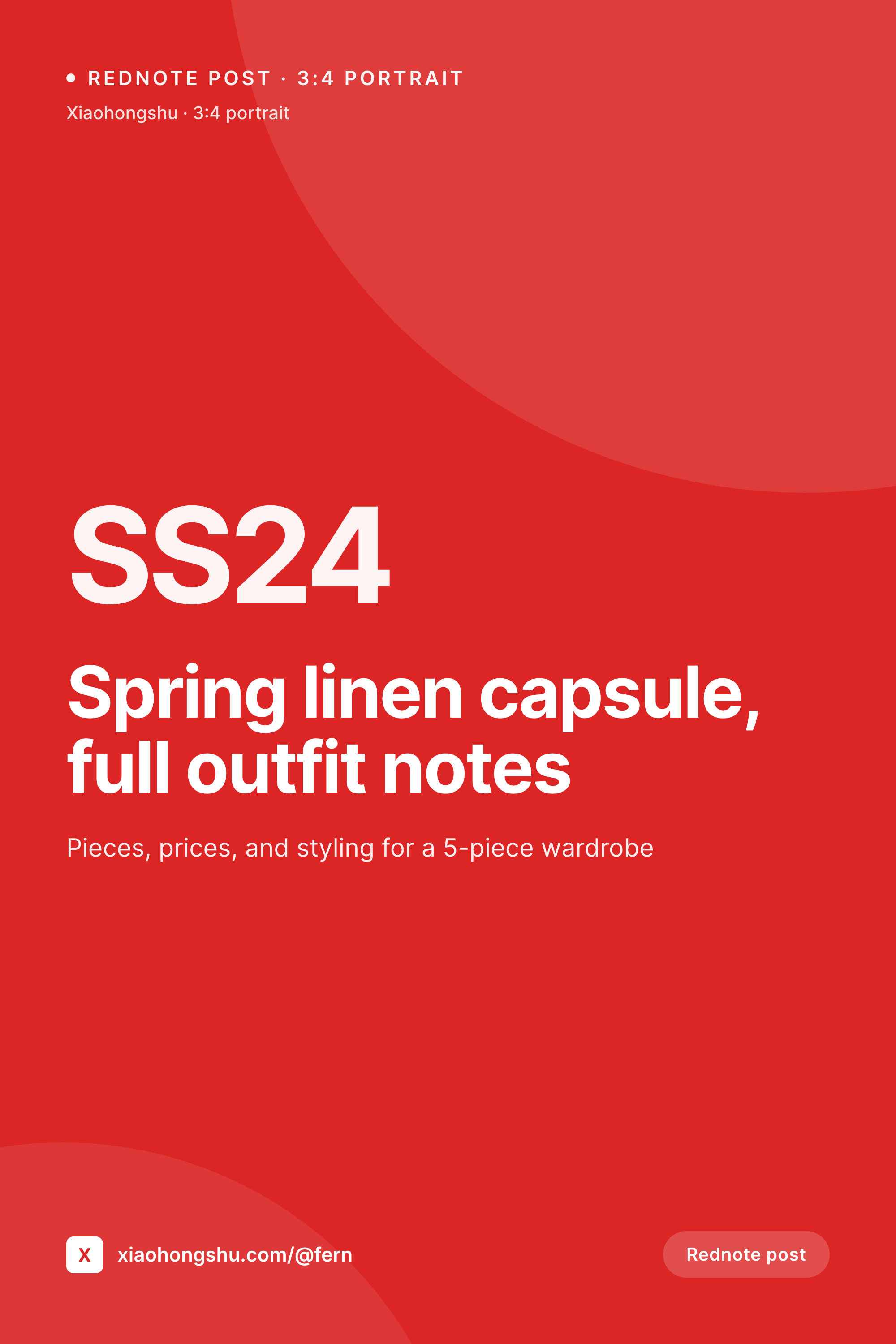
- Rednote (Xiaohongshu) post
- Snapchat Spotlight covers
- Gumroad product covers
- Instagram collab post images
- YouTube banner art
- Behance banner
- Facebook post images
- Bandcamp banner
- Lemmy post images
- Pinterest video pin covers
- Pinterest product pin covers