






SleekPixel for Instagram collab post images
Generate a 1080x1080 collab card with both handles, both logos, and the drop details, straight from a WordPress collaboration post. Same template for every joint launch.
♾️ Lifetime License available

Collab posts only work when both brands look like equal partners
Instagram collab posts are unusual: the same image appears on two feeds, both grids, both audiences. If the card looks like one brand's design with the other's logo dropped on, the second audience notices. If it looks generic, the algorithm impression on a collab is wasted on a card no one saves.
SleekPixel renders a collab card from a WordPress post that has both partner handles, both logos, the drop details, and a hero asset. The 1080x1080 PNG carries both marks at the same size, the same shared accent, and the date or price the launch needs.
Because the source is a structured WordPress post, the same collab data can also produce the story version, the email header, and the press kit thumbnail. The two brands ship from one source.
Workflow
From collab brief to dual-brand card
Create a collab post in WordPress
Map the collab template
Save the post
Share to both feeds
Output
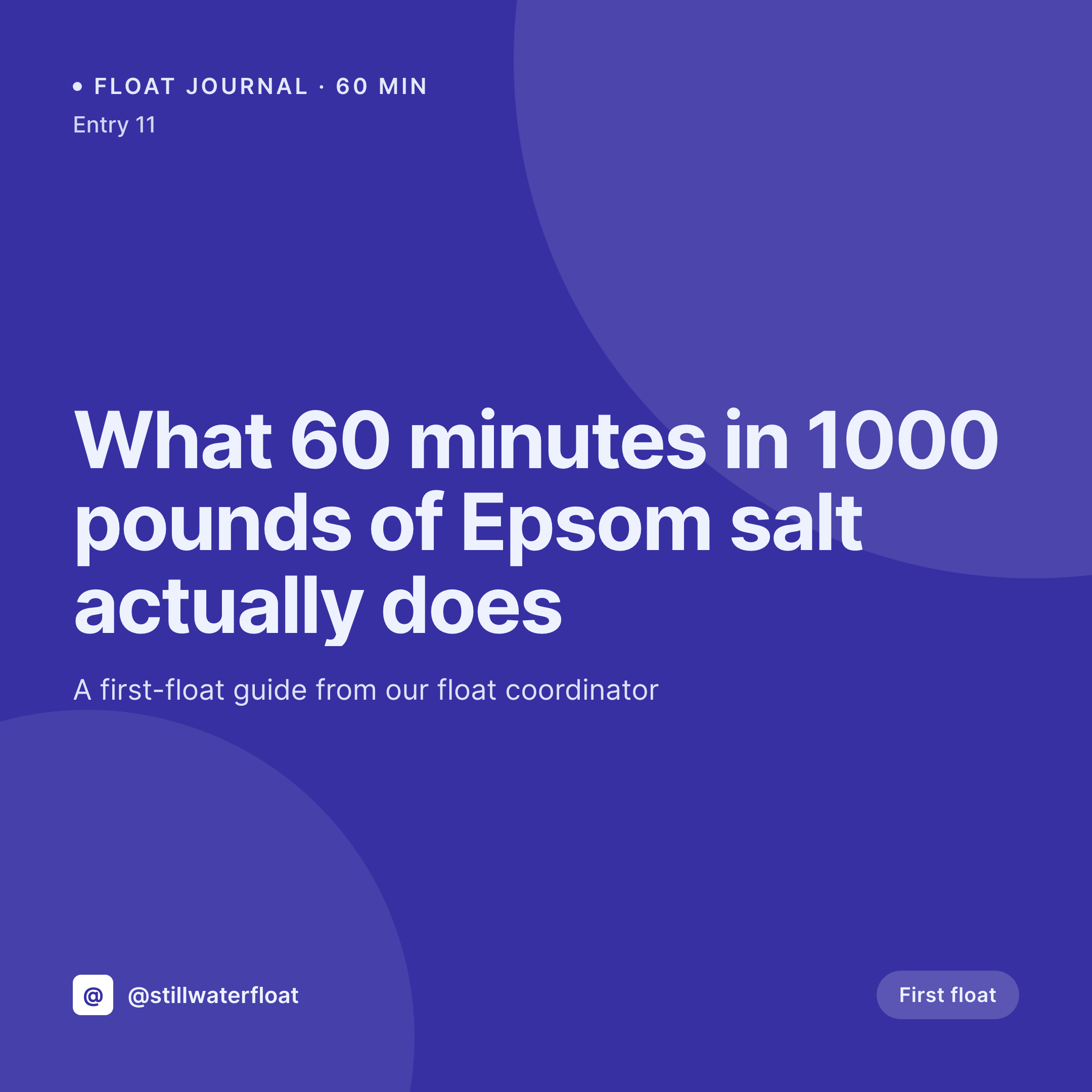
Sample Instagram collab post image
1080x1080 PNG with two handles, two logos, the drop date, and a shared accent.

Comparison
Canva-per-collab vs SleekPixel for collab posts
Canva or Figma per collab
- Each collab is a fresh design session, often with the partner's designer
- Logo sizing, kerning, and crop differ between collabs
- No single source of truth for the drop details, so cards drift from emails
- Re-sizing the same card for stories, feeds, and emails by hand
- Hard to brief a partner from a one-off Canva file
SleekPixel
- 1080x1080 template that carries both brands at equal weight
- Dual-handle, dual-logo fields with safe-zone padding for both
- Pulls drop date, price, and asset count from a WordPress collab post
- Stories and email headers generated from the same source
- Brand refresh re-renders past collab cards in one batch
Features
What SleekPixel gives you for Instagram collab post images
Two brands, equal weight
Logo slots are sized identically so neither partner reads as a guest. Hex accents are shared at 50/50 by default and can be split per side.
Drop fields built in
Launch date, time, run size, and price live in template fields and stay in sync with the WordPress collab post that owns the data.
Story and email variants
The same source emits a 1080x1920 story and a 1200x600 email header. Three formats, one template family, one save.
Use cases
Where collab posts pay off the most
Independent brand collabs
Two small brands trading audiences. The visual fairness of the card is what convinces both sides the partnership is balanced.
Creator x product launches
Creators co-branding a product drop with a maker. Both handles render at the same size so neither feed looks like an ad.
Charity partnerships
Cause-led collabs where the charity logo needs equal billing for the partnership to feel credible to both audiences.
The bigger picture
Why dual-brand cards decide whether a collab converts
Collab posts are the rare Instagram unit that hits two audiences at once, and the second audience is the whole point. The card is the first thing both audiences see in their feed, before they read the caption. When one brand's design language dominates the card, the other audience reads the post as an ad in their feed, not a recommendation from a brand they follow.
Equal logo sizing, shared accent, and consistent drop framing remove that signal. The collab feels like a partnership, not a sponsorship. Doing this manually means a designer per collab.
Doing it from a WordPress source means the template carries the fairness and the editor only fills in details.
Questions
Common questions about SleekPixel for Instagram collab post images
No. SleekPixel renders the PNG. Posting and tagging the collab partner happens in the Instagram app using its collab post feature. The image is a manual upload from either editor's phone.
Yes if they have logins on the WordPress site. Otherwise one side owns the post and shares the rendered PNG plus a story version with the partner.
The template supports a split accent. Left half uses one brand's hex, right half uses the other. Logo background tints can also differ per side.
As regular media uploads, ideally SVG or transparent PNG. The template ensures both render at the same height, padded inside a safe zone.
Yes. The template can carry three or four handle and logo slots. Past four, the card gets crowded and a list layout works better.
Yes. The same source can fan out to two story variants, one biased to each brand's accent and typography, while the main collab card stays neutral.
1080x1080 for the feed card, 1080x1920 for the story, 1200x600 for the email header. No compression artefacts on render.
Yes. Batch regenerate from the SleekPixel admin to refresh every collab card with the current template, useful when one of the partners rebrands.
Pricing
More than 1000+
happy customers
Explore our flexible licensing options tailored to your needs. Upgrade your license anytime to access more features, or opt for a lifetime license for ongoing value, including lifetime updates and lifetime support. Our hassle-free upgrade process ensures that our platform can grow with you, starting from whichever plan you choose.
Lifetime ♾️
Most popular
EUR
once
- Unlimited websites
- Lifetime updates
- Lifetime support
...or get the Bundle Deal
and save €250 🎁
💎 Want everything forever? The All Access Pass is going away on 01.08.2026.
The Bundle (unlimited sites)
Pay once, own it forever
Elevate your WordPress site with our exclusive plugin bundle that includes all of our premium plugins in one package. Enjoy lifetime updates and lifetime support. Save significantly compared to buying plugins individually.
What’s included
-
SleekAI
-
SleekByte
-
SleekMotion
-
SleekPixel
-
SleekRank
-
SleekView
€749
Continue to checkoutBrowse more
- podcast cover art
- Notion page covers
- Instagram bio link banners
- KDP hardcover cover
- Shopify collection banners
- Spotify Canvas
- YouTube end screens
- Instagram ad images
- Facebook post images
- Snapchat Discover tiles
- Amazon A+ content images
- LinkedIn company banners
- Signal sticker pack
- Klaviyo email banner
- Pinterest board covers