






SleekPixel for Discord communities
Discord owns the chat and the channels. A lot of public Discord servers use a WordPress landing page as the front door where the invite link sits. SleekPixel renders an OG and Twitter card for that landing page so every share unfurls with the server name, member count, and a clean brand mark.
♾️ Lifetime License available
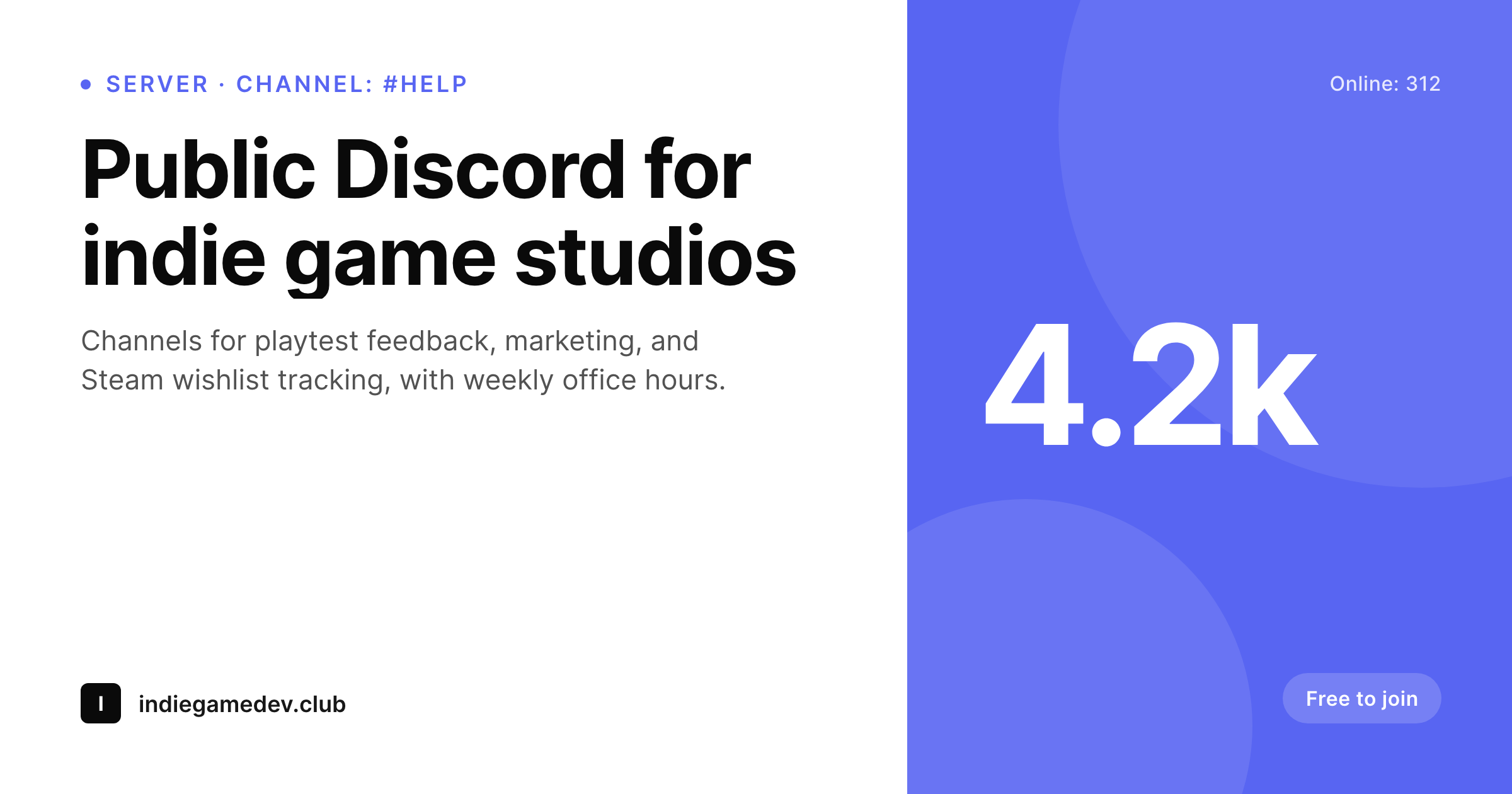
Discord is the chat, WordPress is the invite page
Discord is the most common place to run a public community right now. Channels stay focused, voice and screen-share are first class, and the invite link makes onboarding trivial. The catch with public servers is that the invite URL itself is short and ugly, and pasting it raw into a tweet or a blog post breaks the read. Most public Discord operators solve this by running a small landing page on WordPress: a few paragraphs about what the server is for, a list of channels, the rules, and a single big 'Join the server' button that resolves to the Discord invite.
That landing page is where shares happen. Every time the URL gets pasted into a tweet, a newsletter, or a podcast show notes page, the unfurl uses the landing-page OG tags. Without SleekPixel, the OG image is a default theme banner that says nothing about the server. The server name, the topic, the member count, and the rules never reach the preview.
SleekPixel reads the landing-page fields on save and renders a card with the server name, the channel highlights, the live member count if you bind it, and a 'free to join' badge. The PNG saves to uploads and the og:image and twitter:image tags update. Discord itself does not change. The WordPress invite page finally ships a share preview that does justice to the server behind it.
Workflow
From Discord server to share-ready invite page
Build the WordPress landing page
Design the server template
Save the WordPress post
Share the invite
Output
Per-server invite-page card
A 1200 by 630 OG and Twitter card: server name, channel or topic highlights, live member count, 'free to join' badge, and brand wordmark, rendered from the WordPress invite-page post on save.
Comparison
Default WordPress unfurl vs Discord-aware rendering
Default theme OG
- Invite landing pages unfurl with the homepage banner instead of the server name
- Member counts and channel highlights never reach the share preview
- Raw Discord invite URLs share with Discord's own card, not the brand's
- Manual cards per server iteration stop happening after the first month
- Brand updates require redoing every past landing-page card
SleekPixel
- Reads WordPress fields for each Discord server marketed through WP
- Server name, channel highlights, and member count render automatically
- Live, manual, and cached member counts all work with the same template
- Bulk re-render every server landing page after a brand change
- Lives on the WordPress side, no Discord bot or token required
Features
What SleekPixel gives you for Discord communities
Server-aware headlines
The server name and topic line render as the card headline and subtitle. The reader sees what the server is for before the click.
Live member count
An optional slot renders the live or cached member count, useful for shares that lean on social proof. Updates on every save.
Channel highlights
Up to three channel names render as small chips, showing the reader the kind of conversations they would step into.
Use cases
Who runs Discord plus a WordPress invite page
Indie communities
Game-dev, indie-music, and creator communities use a WordPress page as the public front for the server, with a brand-aligned share preview.
Open-source projects
OSS projects with a Discord for users keep a WordPress landing page that introduces the project and unfurls with a real card on shares.
Course-adjacent Discords
Course operators with a free public Discord run a WordPress landing page where the share preview names the server and the focus.
The bigger picture
Why landing-page cards matter for Discord growth
Public Discord servers grow primarily through inbound shares, and almost every share resolves through a single bottleneck: the URL the operator pastes into a tweet, a blog post, or a podcast description. If that URL is the raw Discord invite, the preview is Discord's generic invite card. If the URL is a WordPress landing page, the preview is whatever the WordPress theme falls back to, which on most setups is a generic banner.
Either way, the share preview almost never names the server, and the reader has to read the surrounding copy to understand what the click leads to. A real landing-page card with the server name, the topic line, and a member count gives the reader enough context to decide before the click. The second compounding effect is across community ecosystems.
Some creators run several public Discords for different audiences or projects. A consistent share preview family makes the ecosystem feel coordinated rather than scattered, and SleekPixel produces that consistency for free on every WordPress save.
Questions
Common questions about SleekPixel for Discord communities
No. SleekPixel reads WordPress post fields. If you want a live member count, a small script can fetch it from Discord's widget endpoint and write to a custom field, but SleekPixel itself never talks to Discord.
Then the preview is whatever Discord renders. SleekPixel only helps when you share the WordPress landing-page URL. Most operators move to a landing page for exactly this reason: brand control and OG previews.
If the server enables the widget, a scheduled script can pull the count and update a WordPress custom field. The next save triggers a re-render. Some operators prefer a cached weekly count to avoid noisy fluctuations.
Yes. Private servers usually have a public application page on WordPress where readers request access. The card renders on that application page; the actual invite stays private.
Yes. The template is bound by post fields, not by server. Multiple WordPress landing pages, one per Discord server, all render through the same template family with different headlines and accents.
These live on the WordPress landing page itself, not on the share card. The card stays minimal: name, topic, count, badge, brand mark. Rules and channel detail are best read on the actual page.
Yes, Discord rate-limits widget endpoints. Most operators cache the member count in WordPress and refresh on a schedule. SleekPixel reads the cached field; it does not hit Discord at render time.
Only if you also update the WordPress field. The card binds to the WordPress post, not to Discord. Renames are infrequent enough that manual sync is usually fine.
Pricing
More than 1000+
happy customers
Explore our flexible licensing options tailored to your needs. Upgrade your license anytime to access more features, or opt for a lifetime license for ongoing value, including lifetime updates and lifetime support. Our hassle-free upgrade process ensures that our platform can grow with you, starting from whichever plan you choose.
Lifetime ♾️
Most popular
EUR
once
- Unlimited websites
- Lifetime updates
- Lifetime support
...or get the Bundle Deal
and save €250 🎁
💎 Want everything forever? The All Access Pass is going away on 01.08.2026.
The Bundle (unlimited sites)
Pay once, own it forever
Elevate your WordPress site with our exclusive plugin bundle that includes all of our premium plugins in one package. Enjoy lifetime updates and lifetime support. Save significantly compared to buying plugins individually.
What’s included
-
SleekAI
-
SleekByte
-
SleekMotion
-
SleekPixel
-
SleekRank
-
SleekView
€749
Continue to checkoutBrowse more
- Pinterest Idea Pins
- Reddit subreddit banners
- Klaviyo email headers
- Discord server icon
- Apple Podcasts covers
- Substack post headers
- Instagram carousel slides
- Twitch overlay
- GitHub social preview images
- Behance banner
- Twitch camera frame
- Threads profile banner
- Spotify Canvas
- Bandcamp banner
- Patreon cover images