






SleekPixel for Instagram bio link banners
Templated 1080x1920 vertical banners generated per post on save. Each new essay, episode, or product becomes a story-sized banner ready for the bio link page.
♾️ Lifetime License available
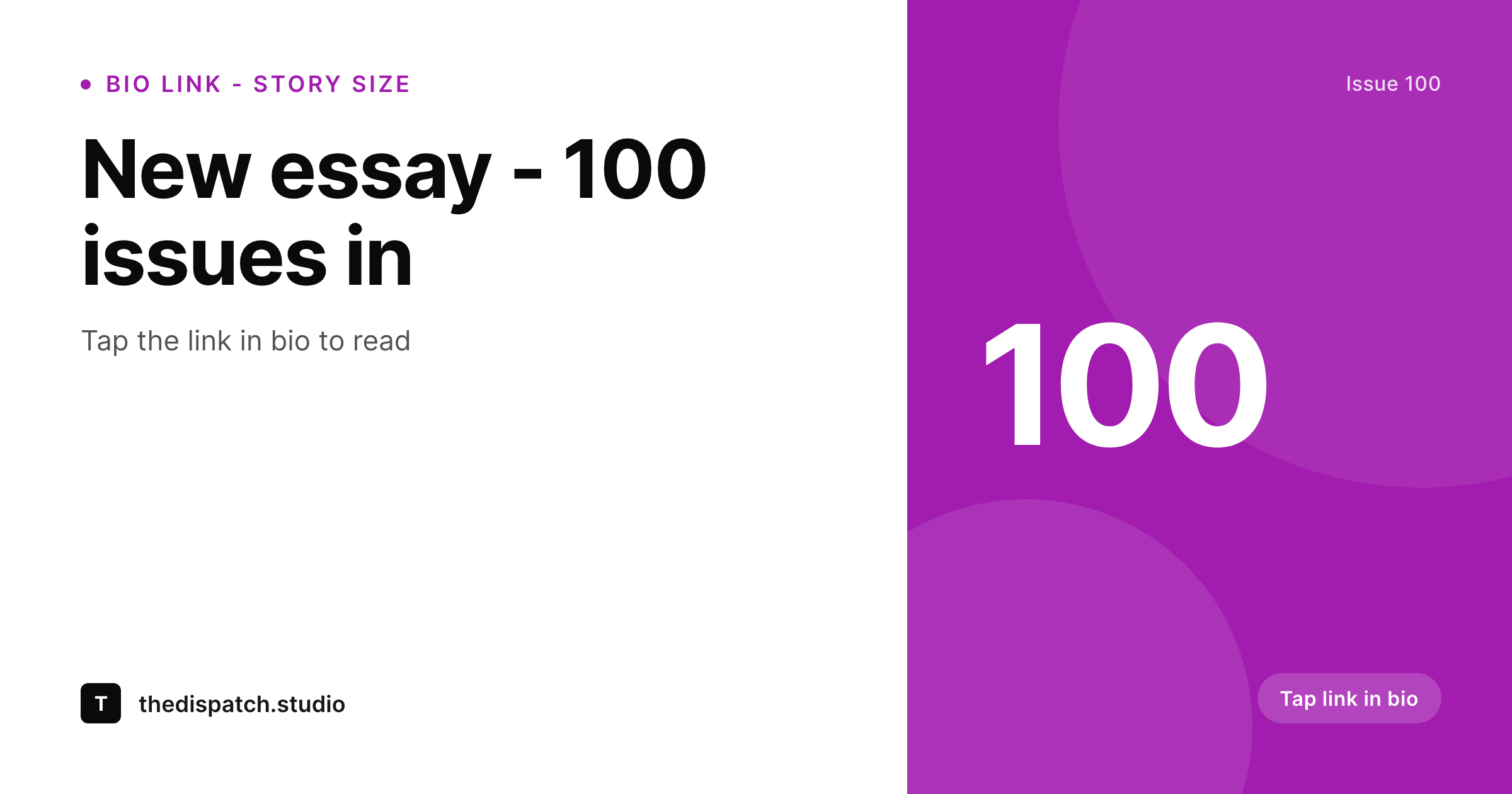
Bio link pages are where Instagram traffic actually converts
Instagram only allows one clickable link in the bio, so most accounts route the click to a bio link page hosting multiple destinations. The pages that convert have story-sized banners on top of each link, branded the same way the feed is branded. The pages that do not convert have raw URLs and a plain list. Building a custom 1080x1920 banner per link is exactly the kind of small repeated task that gets dropped after the first month of running the bio link page.
SleekPixel renders the banner from the WordPress post that backs the link. Headline, issue number, and CTA live as fields on the post. The 1080x1920 vertical template uses brand fonts and colors and renders to uploads on save. The editor downloads the PNG and uploads it as the link card on the bio link page.
New essays, episodes, and products all show up on the bio link page with branded banners because the banner is generated from the post that already documents them. The bio link page becomes a real surface that converts instead of a list of URLs.
Workflow
From WordPress post to bio link card
Design the banner
Map the post type
Save the post
Upload to the bio link platform
Output
What gets rendered per link
A 1080x1920 PNG with the headline, issue number, and CTA, sized for vertical bio link cards or story uploads.
Comparison
Manual bio link banners versus SleekPixel
Manual / Canva per link
- Canva file per link drifts off-brand within the first month
- Bio link page falls back to plain text URLs when design throughput stalls
- Headlines on banners go stale because re-rendering is manual
- Brand refreshes never reach the bio link page because the cost is too high
- Story-sized banners get cropped because they were exported at the wrong aspect
SleekPixel
- 1080x1920 PNG rendered per post on save
- Headline, issue number, and CTA pulled from real fields
- Sidebar download per post, ready for bio link page upload
- Brand refresh re-renders the bio link banners in batch
- Same render works for Instagram stories without rework
Features
What SleekPixel gives you for Instagram bio link banners
Bio-link-ready
1080x1920 vertical fits Linktree, Beacons, Stan Store, and other bio link platforms at full width without cropping.
Locked typography
Self-hosted brand fonts and exact colors render across every banner so the bio link page reads as a coherent destination.
Sidebar download
The editor opens the post, hits download, and uploads the PNG to the bio link platform as the link card.
Use cases
Where bio link banners earn their keep
New essays
Each essay post renders a banner with the headline and issue cue, ready to feature on the bio link page.
Product launches
New products render banners with title and price for the bio link card and the matching Instagram story.
Podcast episodes
New episode posts render bio link banners with episode number and title, mirrored to story uploads.
The bigger picture
Why bio link banners change Instagram conversion
Instagram's link-in-bio click is the single most valuable click an account earns, because it is the only click that leaves the platform with intent. The bio link page is where that click either converts or churns. Pages with branded banners on every link convert at a multiple of the rate of plain-text pages, because the banner gives the visitor visual confirmation that the link belongs to the same brand they were following on the feed.
The cost of building those banners by hand is what stops most accounts from running them. SleekPixel collapses the cost by treating the banner as a side effect of publishing the post. Every essay, episode, or product that backs a link on the bio link page ships with a 1080x1920 banner.
The same render uploads to Instagram stories. The bio link page stays current because keeping it current costs nothing.
Questions
Common questions about SleekPixel for Instagram bio link banners
No. SleekPixel renders the PNG inside WordPress. The editor downloads it from the sidebar and uploads it to the bio link platform manually.
1080x1920 by default, the vertical 9:16 format used by Instagram stories and most bio link card slots. Other ratios are configurable in the template.
Yes. The 1080x1920 size is identical to the Instagram story canvas. The same PNG works for both the bio link card and a matching story upload.
Yes. All of these accept image uploads for link cards. SleekPixel renders the PNG and the editor uploads via the platform's UI.
Yes. Templates are scoped per post type or category. Essays, episodes, and products can each use their own template variant.
Yes, if the template uses appropriate type sizes. SleekPixel auto-shrinks long headlines to fit the bounding box so they stay legible.
Edit the template and run batch regenerate. Every banner re-renders. Re-uploading to the bio link platform is manual since most platforms do not expose a bulk image API.
In the WordPress uploads directory as real PNGs, in the media library, and included in normal backups.
Pricing
More than 1000+
happy customers
Explore our flexible licensing options tailored to your needs. Upgrade your license anytime to access more features, or opt for a lifetime license for ongoing value, including lifetime updates and lifetime support. Our hassle-free upgrade process ensures that our platform can grow with you, starting from whichever plan you choose.
Lifetime ♾️
Most popular
EUR
once
- Unlimited websites
- Lifetime updates
- Lifetime support
...or get the Bundle Deal
and save €250 🎁
💎 Want everything forever? The All Access Pass is going away on 01.08.2026.
The Bundle (unlimited sites)
Pay once, own it forever
Elevate your WordPress site with our exclusive plugin bundle that includes all of our premium plugins in one package. Enjoy lifetime updates and lifetime support. Save significantly compared to buying plugins individually.
What’s included
-
SleekAI
-
SleekByte
-
SleekMotion
-
SleekPixel
-
SleekRank
-
SleekView
€749
Continue to checkoutBrowse more
- Snapchat Spotlight covers
- Threads social images
- SoundCloud banner
- Pinterest pins
- YouTube Shorts cover
- LinkedIn carousel slides
- YouTube community images
- Tumblr header
- podcast cover art
- Facebook post images
- TikTok profile banners
- Threads profile banner
- Threads story-style images
- Twitter card images
- LinkedIn banner images