






SleekPixel for Instagram highlight covers
Templated 1080x1920 highlight covers rendered from your WordPress post data, downloadable from the editor sidebar. Refresh the whole highlight reel without rebuilding each circle in Canva.
♾️ Lifetime License available
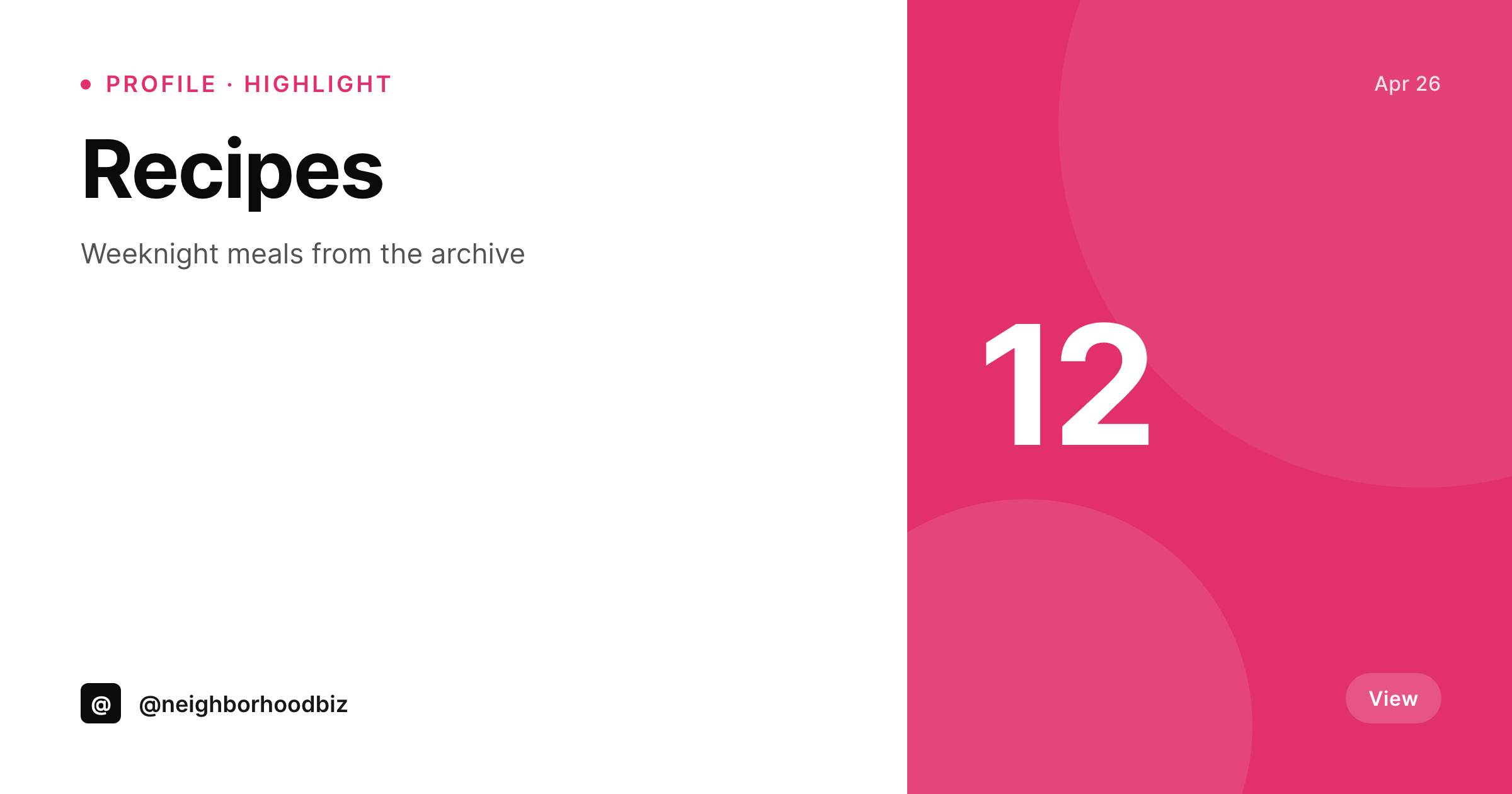
Highlight covers are the part of the profile nobody refreshes
Instagram highlight covers live in a tiny 161 by 161 visible circle on the profile, but the file Instagram wants is a full 1080 by 1920 portrait so the cover renders sharply on every device. The visible area sits in the center of that canvas. Most accounts end up with a mismatched stack of covers because each one was made by a different person, in a different tool, on a different day. Doing it consistently means a designer making twenty Stories-sized PNGs in Figma, exporting them, and DM-ing them to whoever owns the account. SleekPixel turns that into a template plus a list of categories or saved posts.
The template is HTML and CSS, so the icons, the type, and the centered safe area come from your real brand system instead of a Canva approximation. Each highlight cover is rendered with its own label, an icon, and any field bound into the template. Refreshing for a seasonal palette is a one-line template edit followed by a batch regenerate. The full set comes out in seconds, not in a week of design back-and-forth.
Because Instagram requires manual upload to the highlight reel, SleekPixel exposes a download button per post in the editor sidebar. The PNG is in uploads, named correctly, and ready to drop into the highlight cover dialog from a phone or a desktop browser.
Workflow
From category list to fresh highlight reel
Build the template
List the highlights
Render the reel
Download and upload
Output
What gets generated per highlight
A 1080x1920 PNG with a centered 161x161 safe area holding the icon and label, sized for the Instagram highlight cover dialog.
Comparison
Manual highlight covers versus SleekPixel
Manual / Canva / Figma
- Twenty highlight circles drawn one by one in Canva, each slightly off
- Brand refresh leaves three out of twenty highlights still in the old palette
- Designers send PNGs over DM and the social manager loses track of versions
- New highlight categories never get a cover that matches the existing reel
- The visible 161 by 161 safe area gets cropped wrong because the file was sized to 1080 square
SleekPixel
- 1080x1920 PNG with a centered safe area sized for the visible circle
- One template, every highlight rendered with its own label and icon
- Downloadable from the WordPress editor sidebar in one click
- Branding refresh re-renders the full set in a single batch
- Real PNGs in uploads, available for re-download from any device
Features
What SleekPixel gives you for Instagram highlight covers
Safe area handled
The template centers the icon and label inside a 161 by 161 safe zone on a 1080 by 1920 canvas, so the visible circle on the profile never crops awkwardly.
Sidebar download
Each highlight cover is one click from the WordPress editor sidebar. Grab the PNG on a phone for the upload dialog or on a desktop for archival.
Refresh on demand
Seasonal palettes or icon refreshes re-render the full set of covers without opening Canva. The reel updates in minutes, not a sprint.
Use cases
Where highlight covers shape the profile impression
Category reels
Render a cover per category or content pillar from a custom post type, with the icon and label drawn from post fields.
Seasonal refresh
Quarterly palette swaps re-render the full reel in one batch instead of a one-by-one Canva session.
Multi-account brands
Sister accounts share the template and bind their own labels, so every regional account gets a reel that matches the parent brand.
The bigger picture
Why highlight covers carry the profile
The highlight reel is the second thing a visitor sees on Instagram, right under the bio. A messy reel with mismatched icons and palette drift signals that nobody is paying attention to the profile, and that reads as the brand not paying attention to its own audience. Doing this manually does not scale because every new content pillar needs a new cover, every palette refresh needs the full set redrawn, and every regional account multiplies the work.
SleekPixel makes the reel a render of a list. New pillars get a cover the same day they exist. Palette swaps refresh the entire reel in one batch.
The icons sit in the same safe area on every cover because the template controls the geometry, not a designer eyeballing each circle. Multi-account brands keep visual consistency across regional handles because every account renders from the same template family. The reel reads like the brand intended, on every profile, on every device.
Questions
Common questions about SleekPixel for Instagram highlight covers
No. Instagram does not allow third-party uploads to highlight covers via API. SleekPixel renders the PNG and exposes a download button in the WordPress editor sidebar. The social manager uploads the file in the Instagram highlight cover dialog from a phone or a desktop browser.
1080 by 1920, the Stories-sized canvas Instagram expects for highlight covers. The visible circle is 161 by 161 in the center, and the template keeps the icon and label inside that safe area.
Yes. Bind an icon field, an SVG, or a glyph into the template and it appears in the centered safe area. The same template handles every highlight in the reel.
Update the palette or icon set on the template, then run batch regenerate from the SleekPixel admin. Every cover is rebuilt in one pass.
Yes. The template is shared and each account binds its own labels and icons. Every regional account renders a reel that matches the parent brand without redesign work.
Yes, including self-hosted custom fonts. The template is HTML and CSS, so any font you can serve from your server works.
In the WordPress uploads directory as real PNGs. They are in the media library, included in normal backups, and downloadable any time.
Delete or unpublish the entry and its cover stops being regenerated. The file stays in uploads if archival is needed, or it can be removed manually.
Pricing
More than 1000+
happy customers
Explore our flexible licensing options tailored to your needs. Upgrade your license anytime to access more features, or opt for a lifetime license for ongoing value, including lifetime updates and lifetime support. Our hassle-free upgrade process ensures that our platform can grow with you, starting from whichever plan you choose.
Lifetime ♾️
Most popular
EUR
once
- Unlimited websites
- Lifetime updates
- Lifetime support
...or get the Bundle Deal
and save €250 🎁
💎 Want everything forever? The All Access Pass is going away on 01.08.2026.
The Bundle (unlimited sites)
Pay once, own it forever
Elevate your WordPress site with our exclusive plugin bundle that includes all of our premium plugins in one package. Enjoy lifetime updates and lifetime support. Save significantly compared to buying plugins individually.
What’s included
-
SleekAI
-
SleekByte
-
SleekMotion
-
SleekPixel
-
SleekRank
-
SleekView
€749
Continue to checkoutBrowse more
- LinkedIn carousel slides
- Bandcamp release cover
- Snapchat ad images
- X list banners
- Telegram channel images
- Ghost feature images
- YouTube Shorts thumbnails
- Pinterest video pin covers
- LinkedIn post images
- Instagram Reels covers
- Snapchat Spotlight covers
- Discord server banners
- YouTube community images
- Pinterest board covers
- Pinterest pins