






SleekPixel for Lemmy post images
Lemmy is a federated link aggregator that reads standard og:image tags. SleekPixel writes per-post images into og:image, so every link shared into a community shows up with a proper preview.
♾️ Lifetime License available
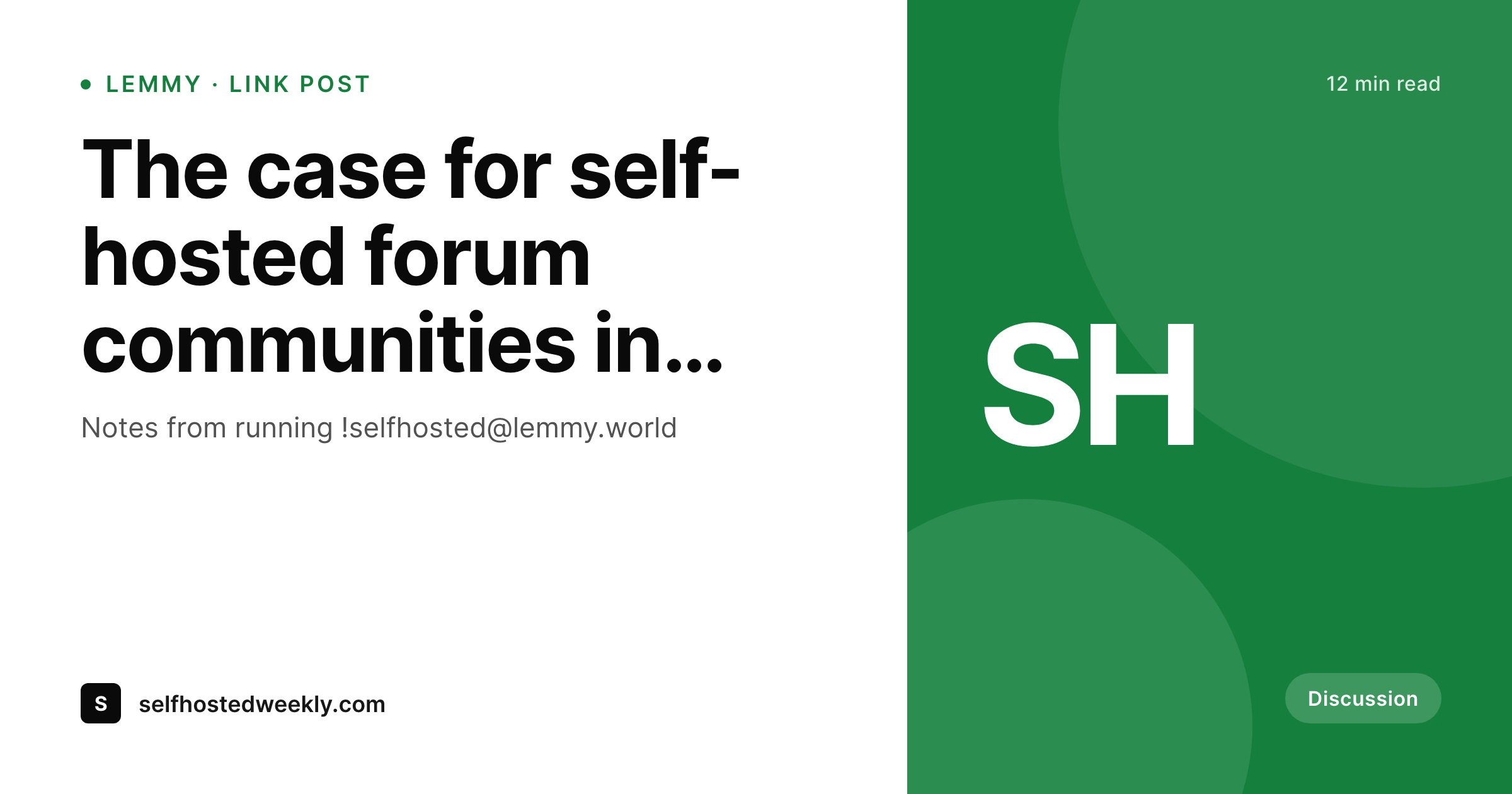
Lemmy is a forum that respects og:image
Lemmy is a federated alternative to Reddit-style link aggregators. Communities live on instances, instances federate, and posts can be link posts or text posts. When a link post is created, Lemmy fetches the URL and reads the og:image meta tag to build the preview thumbnail in the feed.
If the source site does not write og:image, Lemmy falls back to no thumbnail at all, which means the post collapses into a plain link in the community feed. Posts without thumbnails get fewer clicks; this is true on Reddit, Hacker News, and every other Lemmy-style aggregator.
SleekPixel writes the og:image tag on every post page, with a per-post 1200x630 image rendered into the WordPress uploads directory. Every link shared to a Lemmy community pulls the right preview, with the right title, in the right size. The visual identity of the source site travels into the federated feed without any per-platform work.
Workflow
From WordPress post to Lemmy-ready preview
Design the 1200x630 template
Apply to post types
Save the post
Share into a Lemmy community
Output
What Lemmy displays for a link post
A 1200x630 PNG that Lemmy renders as the thumbnail next to the post title in the community feed. Bound to the WordPress post.
Comparison
Default site OG vs SleekPixel for Lemmy
Generic theme OG image
- Every link from the domain shows the same site logo on Lemmy
- Theme defaults rarely fit the 1200x630 ratio that link aggregators expect
- Community moderators have no incentive to approve un-thumbnailed posts
- Link aggregator feeds skim past posts without visual differentiation
- Manually exporting per-post images for federated forums is impossible at scale
SleekPixel
- Per-post 1200x630 PNG written into og:image on every save
- Same meta tags Lemmy, Reddit, Hacker News, and Discord all read
- Title, author, category, and accent bind to the WordPress post
- Real PNG in uploads, served on the page's head section
- Template change re-renders the catalog for fresh federation
Features
What SleekPixel gives you for Lemmy post images
Standard OG, no Lemmy-specific work
Lemmy reads the same Open Graph spec every other aggregator reads. SleekPixel writes og:image once, and it works on Lemmy, kbin, Reddit, and any other client that follows the spec.
Aggregator-friendly ratio
Lemmy clients render thumbnails best at the standard 1200x630 ratio. SleekPixel produces that ratio so nothing is cropped at the post-list scale.
Title clarity in dense feeds
Community feeds list dozens of posts at once. The template balances the post title and accent stripe so the thumbnail reads at small sizes.
Use cases
Where Lemmy posts need solid previews
Independent publishers
Writers sharing essays into Lemmy communities get a recognizable thumbnail per post instead of a missing image and a lower click-through.
Open source projects
Project announcements posted to !selfhosted, !programming, or !linux communities surface with version numbers in the preview.
Newsletter authors
Issue summaries shared by readers into relevant Lemmy communities carry the issue number and brand mark in the thumbnail.
The bigger picture
Why Lemmy previews matter for federated discovery
Link aggregators live on density. A community feed surfaces twenty or more posts at a time, and the eye picks the ones worth clicking based on the thumbnail more than the title. A post without a thumbnail is a post that loses click-through to the ones next to it on the same page.
Lemmy's federation amplifies this effect because every instance that federates with the community sees the same feed, which means a single post that lands well can drive thousands of visits across instances the source site has never heard of. Writing og:image per post is the lowest-cost intervention to capture that traffic. SleekPixel does the rendering once at publish time and lets Lemmy do what link aggregators have always done: index the URL, cache the preview, surface it in the feed.
The brand of the source site travels with the link into the federated Threadiverse with no additional work per platform.
Questions
Common questions about SleekPixel for Lemmy post images
Yes. Lemmy fetches the URL for any link post and parses standard Open Graph meta tags. The og:image is used as the thumbnail in the community feed and on the post page.
Yes. Once Lemmy caches the preview on the originating instance, federated instances pull the same cached image when the post is replicated. The thumbnail is consistent across the Threadiverse.
Some communities require specific aspect ratios or content warnings. The 1200x630 ratio is the standard most communities accept. Content warning policies are about the post topic, not the file.
Lemmy caches the preview on the first fetch. Re-submitting the URL or contacting an instance admin can refresh the cache, but most instances refresh periodically on their own.
Yes. kbin reads the same Open Graph spec. SleekPixel's og:image renders correctly on Lemmy, kbin, and any other ActivityPub-based aggregator that respects the OG standard.
Lemmy renders the thumbnail and the post title in the feed; it does not let third-party sources inject community-specific context into the image itself. The SleekPixel template can include a category badge that surfaces in the thumbnail.
Text posts in Lemmy do not pull external og:image because there is no URL to fetch. SleekPixel applies to link posts. For text posts, users can attach the image manually if they want a thumbnail.
Lemmy resizes the thumbnail on its own infrastructure for display. The source file size does not affect feed performance because Lemmy serves its own resized version. A standard PNG render is fine.
Pricing
More than 1000+
happy customers
Explore our flexible licensing options tailored to your needs. Upgrade your license anytime to access more features, or opt for a lifetime license for ongoing value, including lifetime updates and lifetime support. Our hassle-free upgrade process ensures that our platform can grow with you, starting from whichever plan you choose.
Lifetime ♾️
Most popular
EUR
once
- Unlimited websites
- Lifetime updates
- Lifetime support
...or get the Bundle Deal
and save €250 🎁
💎 Want everything forever? The All Access Pass is going away on 01.08.2026.
The Bundle (unlimited sites)
Pay once, own it forever
Elevate your WordPress site with our exclusive plugin bundle that includes all of our premium plugins in one package. Enjoy lifetime updates and lifetime support. Save significantly compared to buying plugins individually.
What’s included
-
SleekAI
-
SleekByte
-
SleekMotion
-
SleekPixel
-
SleekRank
-
SleekView
€749
Continue to checkoutBrowse more
- LinkedIn carousel slides
- Substack podcast cover
- Bandcamp release cover
- YouTube Shorts thumbnails
- Behance banner
- Threads post cover
- Etsy shop banners
- Patreon cover images
- Depop listing images
- Klaviyo email headers
- WeChat Moments images
- Twitch stream overlay images
- TikTok shop images
- Vimeo thumbnails
- KakaoTalk channel banners