






SleekPixel for pricing comparison cards
SleekPixel reads each pricing post's title, plan names, headline price, and last-updated date and renders a custom OG image on save. When pricing changes, the card changes with the post.
♾️ Lifetime License available
Pricing posts age fast. Cards should keep up
Pricing comparison posts are unusually high-stakes content. They convert evaluators directly, they get linked from sales decks, and they have to stay accurate as plans change. The trouble is that every pricing change creates a new round of design work: update the page, update the comparison card, update every legacy URL that still gets traffic. Most teams update the page and let the social card drift, so the OG image still shows last year's pricing tiers.
SleekPixel keeps the social card in sync with the post. You build one template in the WordPress admin using fields like {post_title}, {plan_a}, {plan_b}, {plan_c}, {headline_price}, and {updated_date}. Every time a pricing post saves, SleekPixel renders that template with the post's actual data and writes the result into the og:image meta tag. Change the headline price in the post, save, and the card reflects it on the next share.
Edit the template once and every past pricing post regenerates. Add a new field, like a regional currency or a billing-cycle note, and every post inherits it. The full plan tables stay in the post body. The card summarising them is generated.
Workflow
From pricing post to social-ready in one save
Design the template
Connect to post type
Save the post
Share anywhere
Output
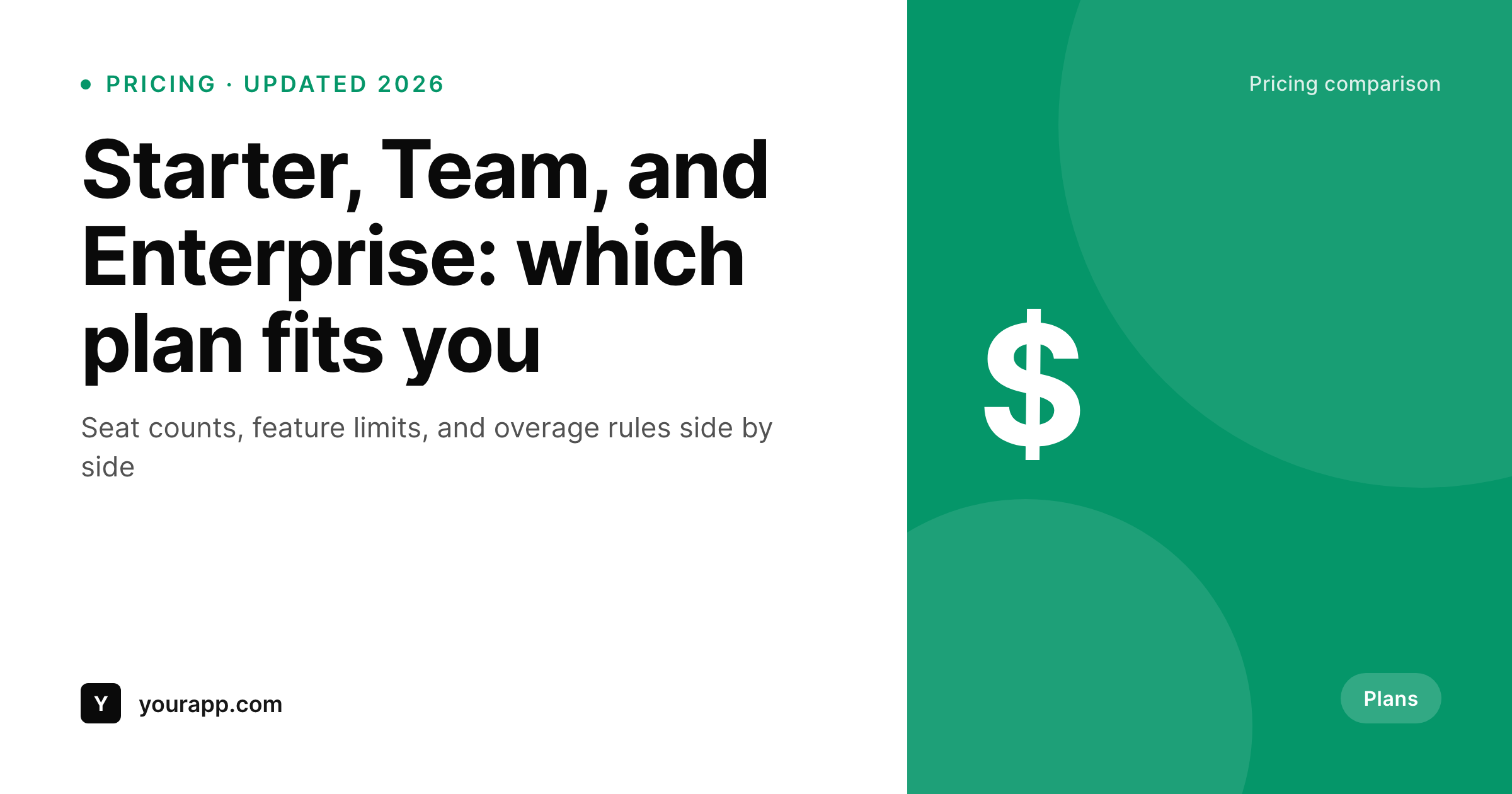
Sample social card from a pricing comparison
This card was rendered from a pricing post's title, plans, and headline price. Same template, every pricing post.
Comparison
Hand-made pricing graphics vs SleekPixel
Designer-made graphic per pricing post
- Pricing changes mean re-exporting every comparison card by hand
- Old social cards keep showing outdated prices long after the post updates
- Designers and finance disagree on which price format to use on the card
- Three-plan layouts are easy to misalign when each card is one-off
- No automation: depends on someone remembering to redo the card
SleekPixel
- Auto-generated OG image per pricing post on save, every time
- Per-post variables: title, plan names, headline price, updated date, custom fields
- Multi-plan layouts (3-column, 4-column) baked into the template
- Edit the template once and bulk-regenerate every past pricing post
- Falls back gracefully if a plan field is missing
Features
What SleekPixel gives you for pricing comparison cards
Plan-aware layouts
Templates render two, three, or four plans from dynamic fields, so multi-plan cards stay balanced as your pricing structure changes.
OG + Twitter meta
SleekPixel writes the og:image, twitter:image, and twitter:image:alt tags directly on each pricing post. No theme code required.
Regenerate on demand
Pricing changed? Bulk-regenerate every past pricing card from the admin in one pass and clear the social card cache.
Use cases
Where this fits best
SaaS pricing pages
Every pricing change updates the social card alongside the post body, so old shares do not stay accurate cousins of new prices.
Plan comparison content
Multi-plan side-by-side cards make 'Starter vs Team vs Enterprise' content recognisable in the share feed.
Buyer guides
Pricing-focused buyer guides share one card style across every entry, signalling they belong to the same resource.
The bigger picture
Why pricing cards have to stay current
Pricing posts get linked everywhere: sales emails, evaluation docs, public discussions. The social card travels with the URL, and an outdated card is worse than no card because it actively misinforms. Hand-designing pricing graphics is fine when pricing is stable.
The moment a plan name changes, a price moves, or a new tier launches, every existing pricing post becomes a small design ticket. The middle path, a template that pulls from the same fields the post body uses, keeps the card and the page in sync automatically. SleekPixel adds bulk regeneration so a price change is one save plus one click, not a sprint of re-exports.
Questions
Common questions about SleekPixel for pricing comparison cards
Yes. SleekPixel supports any custom post type. Point it at your pricing CPT and the template applies to every post saved under it.
Yes. Templates support multiple repeated slots. Bind each slot to a plan field and the layout renders all plans consistently.
The template renders without it, or you can set a default. Design the layout so missing slots collapse cleanly. Nothing breaks if data is incomplete.
Yes. The admin has a one-click bulk regeneration that re-renders all images for posts using the template. Useful when prices or plan names change.
No. The image is rendered once at save time and stored as a static PNG. Visitors load a regular image URL, no rendering happens at view time.
Yes. SleekPixel supports per-category, per-tag, and per-CPT templates. Different products or regions can each have their own.
Twitter, LinkedIn, and Slack cache aggressively. Run their card debuggers after a pricing change and bulk-regenerate to refresh the underlying image.
Yes. Each generated image is a real PNG saved to the uploads folder. Page loads stay fast and images survive even if the plugin is later disabled.
Pricing
More than 1000+
happy customers
Explore our flexible licensing options tailored to your needs. Upgrade your license anytime to access more features, or opt for a lifetime license for ongoing value, including lifetime updates and lifetime support. Our hassle-free upgrade process ensures that our platform can grow with you, starting from whichever plan you choose.
Lifetime ♾️
Most popular
EUR
once
- Unlimited websites
- Lifetime updates
- Lifetime support
...or get the Bundle Deal
and save €250 🎁
💎 Want everything forever? The All Access Pass is going away on 01.08.2026.
The Bundle (unlimited sites)
Pay once, own it forever
Elevate your WordPress site with our exclusive plugin bundle that includes all of our premium plugins in one package. Enjoy lifetime updates and lifetime support. Save significantly compared to buying plugins individually.
What’s included
-
SleekAI
-
SleekByte
-
SleekMotion
-
SleekPixel
-
SleekRank
-
SleekView
€749
Continue to checkoutBrowse more
- Mailchimp email headers
- Pinterest pins
- YouTube ad thumbnails
- WeChat Moments images
- SoundCloud track art
- Patreon tier images
- Snapchat ad images
- Facebook event covers
- Amazon Storefront banners
- Facebook Shop product images
- Discord server banners
- Mastodon profile header
- YouTube podcast thumbnails
- Rednote (Xiaohongshu) post
- Notion page covers