






SleekPixel for EMDR therapists
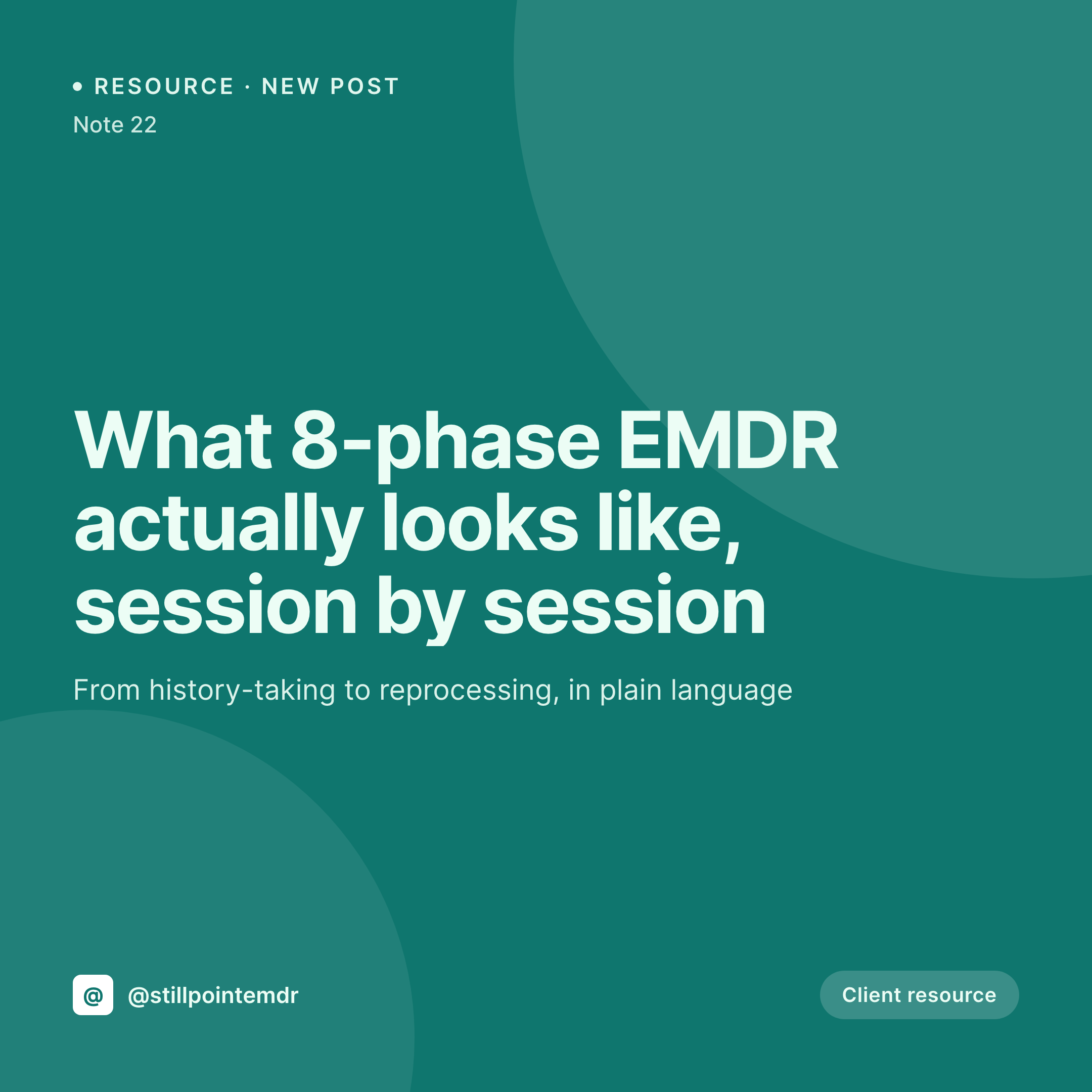
Phase explainers, history-taking primers, and intake walk-throughs each become a 1080x1080 card on save. Title, clinician, and EMDR phase pulled from the post, posted from the Gutenberg sidebar.
♾️ Lifetime License available
Posting EMDR resources to a feed without redrawing them
An EMDR-focused practice tends to publish in clusters. A primer on the 8 phases, a separate post per phase, a piece on resourcing and safe-place work, a note on what a typical reprocessing session feels like, and a few pages on fee, insurance, and intake. Each piece is supposed to feel like the practice, calm and procedural, but each also needs an Instagram square so prospective clients who find the practice on Instagram first see the same care that lives on the blog.
The data is already inside WordPress. The phase number, the clinician, the post title, and the publish date are all there once the post is saved. The gap is the 1080x1080 square that would otherwise be rebuilt in Canva or skipped entirely on the busier weeks.
SleekPixel closes the gap. Build one square template in the admin with the practice mark, a phase slot, a clinician slot, and a calm color system. Save a post, and a fresh 1080x1080 PNG lands in uploads, ready to be pulled into the Instagram app while the next client is in the waiting room. The feed stays consistent because the template never moves, even when the publishing schedule slips.
Workflow
From draft to Instagram-ready square in one save
Design the square
Connect to post type
Save the post
Post from the sidebar
Output
What gets generated per resource post
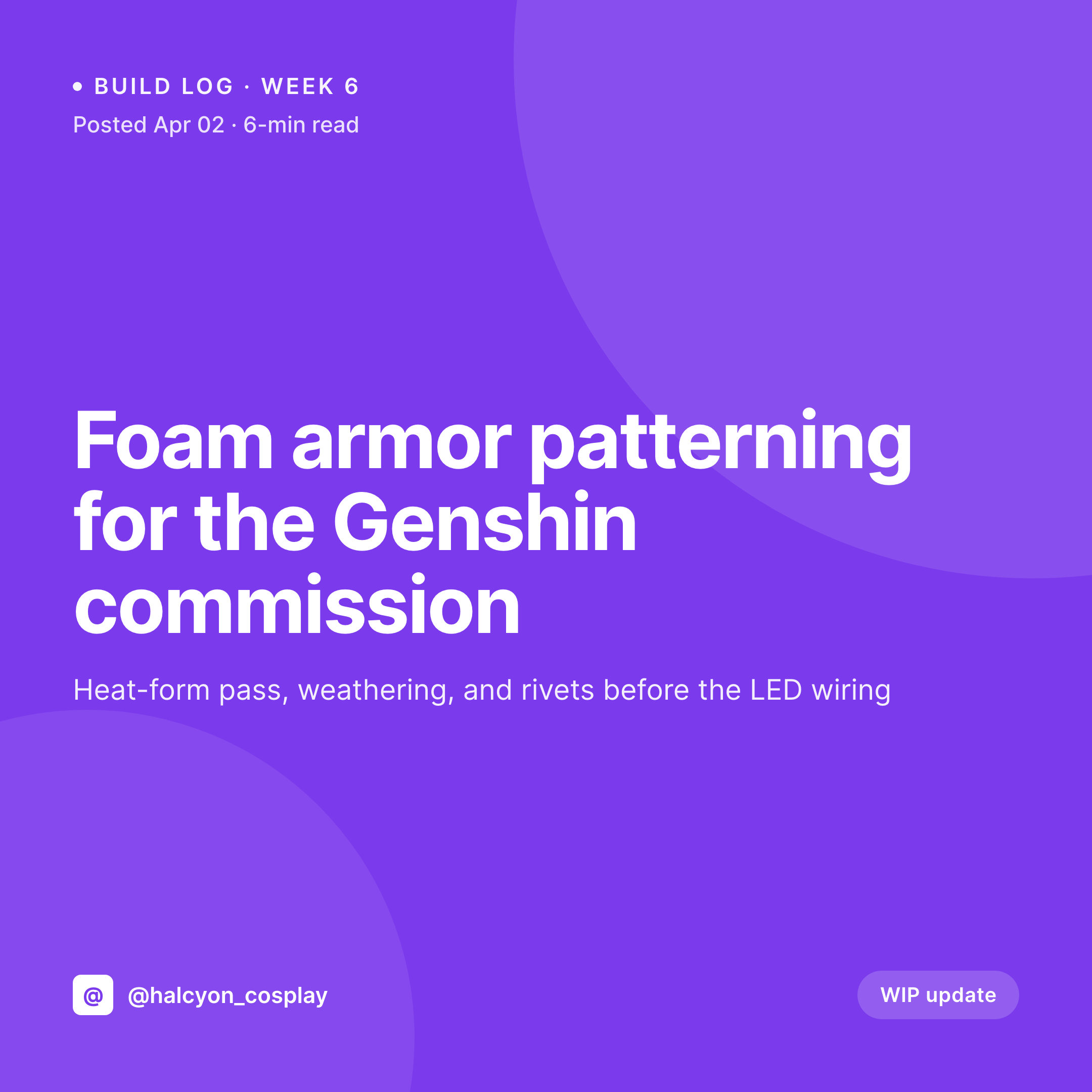
A 1080x1080 Instagram card with the post title, the clinician, the EMDR phase, and the practice mark. Pulled from the post fields.

Comparison
Default EMDR therapists image vs SleekPixel
Default EMDR therapists image
- Each phase primer needs a fresh Canva square built from a duplicated file
- Phase numbers and clinician names slip out of date in the file names
- The feed reads as inconsistent because no two squares share a real template
- Headshots, when used, are sized differently in every post
- Posts ship without an Instagram square on the busiest weeks
SleekPixel
- Auto-generated 1080x1080 PNG per post on save
- Phase number, clinician, and date pulled from the post fields
- One template, every EMDR resource post stays on-brand
- Edit the template once and every legacy post's card refreshes
- Falls back gracefully if the phase or clinician field is missing
Features
What SleekPixel gives you for EMDR therapists
Template-driven
Design the 1080x1080 layout once with the practice mark, a phase slot, and a clinician slot. Every EMDR post inherits it on save.
Square aspect
Rendered at 1080x1080 so the card drops straight into Instagram feed posts and carousel slides without re-cropping.
Regenerate on demand
Refreshed the practice colors or added a clinician? Bulk-regenerate every post's square from the admin in one click.
Use cases
Where this fits best for EMDR therapists
Phase explainers
Each of the 8 EMDR phases gets its own card tied to the phase number and the clinician who wrote it.
Group practices
Clinician headshot and name pulled per post, so an IFS-trained EMDR clinician and a child-EMDR clinician each get attribution.
Intake and consent pages
Each intake, consent, and history-taking page gets its own square so a referral DM shows something specific to the page.
The bigger picture
Why a consistent feed card matters for EMDR therapists
Many prospective EMDR clients find a practice on Instagram before they ever visit the site. The feed acts as the first read on whether the work feels procedural and safe or hand-wavy and improvised. A primer on Phase 2 resourcing that sits next to a primer on Phase 4 reprocessing should clearly look like part of the same eight-phase model, written by clinicians at the same practice.
When each square is redrawn from scratch in Canva, the visual rhythm breaks and the feed reads as marketing instead of clinical work. A template that pulls the phase number, the clinician, and the post title automatically holds the feed together while leaving the writing free. SleekPixel does that inside WordPress, with no client data leaving the server.
Questions
Common questions about SleekPixel for EMDR therapists
No. It renders a 1080x1080 PNG and stores it in uploads. The post still has to be made from the Instagram app or a scheduling tool, but the square is ready the moment the WordPress post is saved.
Yes. SleekPixel supports multiple templates per post type. One can be the 1200x630 OG card, another the 1080x1080 Instagram square, both produced on save.
The template falls back gracefully. The phase slot disappears or shows a default label, and the rest of the card still renders cleanly.
No. Rendering happens in a background pass on save. The post saves immediately and the image lands a moment later.
Yes. SleekPixel exposes the image URL on the post and on a small Gutenberg sidebar block. A VA with editor access can grab it without touching settings.
Yes. The PNG is stored in the regular WordPress uploads folder, not inside the theme. Switching themes does not affect it.
Each post gets one rendered card per template. To build a carousel, save a template per slide and assign different post types or categories so each slide renders consistently.
Yes. The admin has a one-click bulk regeneration that re-renders every post's image so the entire archive lines up with the new design.
Pricing
More than 1000+
happy customers
Explore our flexible licensing options tailored to your needs. Upgrade your license anytime to access more features, or opt for a lifetime license for ongoing value, including lifetime updates and lifetime support. Our hassle-free upgrade process ensures that our platform can grow with you, starting from whichever plan you choose.
Lifetime ♾️
Most popular
EUR
once
- Unlimited websites
- Lifetime updates
- Lifetime support
...or get the Bundle Deal
and save €250 🎁
💎 Want everything forever? The All Access Pass is going away on 01.08.2026.
The Bundle (unlimited sites)
Pay once, own it forever
Elevate your WordPress site with our exclusive plugin bundle that includes all of our premium plugins in one package. Enjoy lifetime updates and lifetime support. Save significantly compared to buying plugins individually.
What’s included
-
SleekAI
-
SleekByte
-
SleekMotion
-
SleekPixel
-
SleekRank
-
SleekView
€749
Continue to checkoutBrowse more
- Apple Music cover art
- Warpcast frame images
- Ko-fi banners
- Audible audiobook cover
- Reddit subreddit banners
- Telegram channel banner
- Instagram Reels covers
- Substack podcast cover
- Bluesky link cards
- Lens Protocol posts
- Discord event cover
- Mastodon link previews
- Facebook group banners
- Twitch panel images
- Snapchat ad images