






SleekPixel for Dynamic Content for Elementor
Elementor and DCE compose the page from custom fields and templates. SleekPixel reads the same post fields on save and renders a share card, so dynamic landing pages unfurl with branded previews instead of a global site logo.
♾️ Lifetime License available
DCE-driven pages need a share layer that reads the same fields
Dynamic Content for Elementor (DCE) is the most-used add-on for Elementor when teams need dynamic widgets - data tables driven by ACF, conditional sections that read post meta, custom queries, advanced repeaters, calculator widgets, and dozens of integrations with form plugins, ecommerce and membership systems. Sites that ship on Elementor + DCE tend to be field-driven: the body of the page is composed at render time from ACF or Meta Box fields, and the page templates are reusable across many similar posts.
The share preview on those pages is rarely field-aware. WordPress and most SEO plugins fall back to a global og:image, which means every DCE-powered landing page on a site shares with the same site-wide image. The custom fields that drive the page body never reach the social card. Recipients see a stretched site logo on a link that is otherwise highly personalized to the post's data, which is the opposite of what the rest of the stack is doing.
SleekPixel reads the same post fields DCE reads. Title, custom post type, ACF and Meta Box fields - all available in the SleekPixel template picker. The card renders on save from the same data DCE renders the body from, so the share preview stays consistent with the in-page presentation. Elementor and DCE keep doing their work in the page body; SleekPixel writes the og:image meta tag in the head. Two layers, one source of truth.
Workflow
From DCE-driven page to share-ready
Pick the post types
Map ACF and Meta Box fields
Save the page
Share anywhere
Output
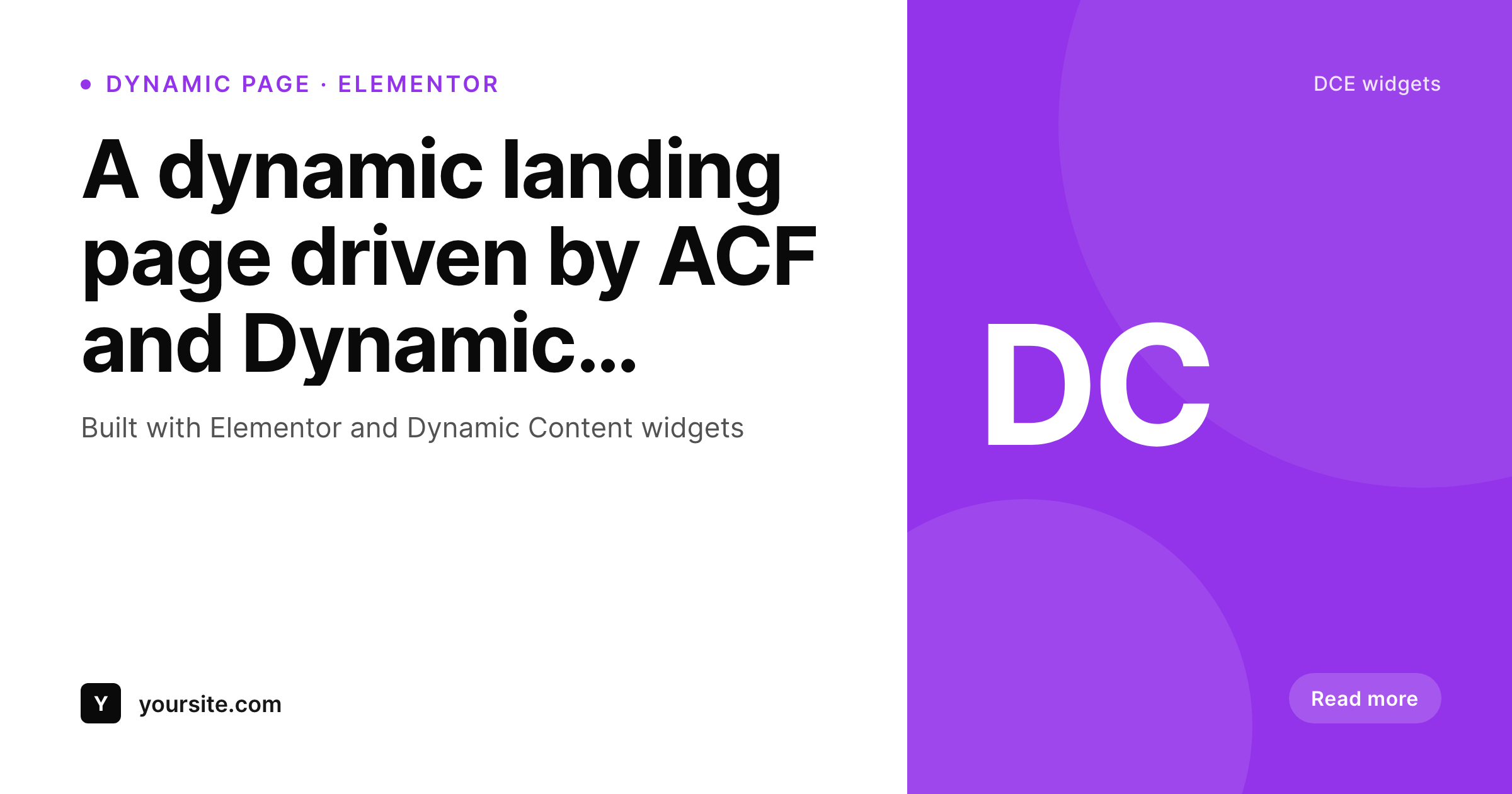
Sample share card for a DCE-driven page
A 1200 by 630 PNG rendered from the post title and ACF fields used by DCE widgets. Same template across every dynamic landing page.
Comparison
SEO plugin fallback vs SleekPixel
SEO plugin global fallback
- Every DCE-driven page shares with the same global fallback image
- ACF and Meta Box fields surfaced via DCE widgets stay invisible to the OG image
- Featured-image fallback crops poorly at 1200 by 630 from a portrait shot
- Brand refreshes leave dynamic landing pages with stale share cards
- Per-post Canva exports do not scale across template-driven content
SleekPixel
- Reads the same ACF, Meta Box and native fields DCE widgets read
- Hooks save_post on any post type DCE templates apply to
- Self-hosted render with no per-image fees
- Bulk regenerate covers every dynamic landing page in one pass
- Lives next to Elementor + DCE without modifying their template tree
Features
What SleekPixel gives you for Dynamic Content for Elementor
Field-driven, like DCE
Both layers read the same post fields. The body comes from DCE widgets, the share card comes from SleekPixel - same source data.
ACF and Meta Box aware
Drop ACF and Meta Box field names into the SleekPixel template, the same way you drop them into DCE widgets.
Bulk regenerate
After a template or brand change, walk every post the template applies to and re-render share cards from current field data.
Use cases
Where DCE-driven pages benefit most
Template-driven landing pages
DCE-powered landing pages that share a template across many posts get matching share cards across all of them, automatically.
Portfolio and case studies
Per-project posts using DCE widgets to compose case studies share with project name and category from the same fields.
Resource and library pages
Resource libraries and CPT-driven content surfaces share with topic and category, surfacing the data DCE already uses.
The bigger picture
Why field-driven pages need field-driven share cards
Sites that pick Dynamic Content for Elementor are usually doing so because their content is not editorially handcrafted post by post - it is composed at render time from structured data. A real-estate site, a recipe library, a podcast archive, a course catalog: each post type has tens or hundreds of entries that share a template. Hand-making a share card for each entry would defeat the entire reason DCE was adopted.
SleekPixel keeps the share layer in the same posture as the page layer: rendered automatically from the data already on the post. Editors stay inside their normal workflow of filling in ACF or Meta Box fields, and the share previews keep up because they read the same fields. The second reason is consistency between the in-page experience and the share preview.
A page that loads with a personalized title, hero image and details pulled from the post's data should not unfurl with a generic site logo when shared. SleekPixel makes the share card as personalized as the page itself, which keeps the brand presentation consistent from the social preview through the click and into the page body.
Questions
Common questions about SleekPixel for Dynamic Content for Elementor
No. DCE keeps rendering its widgets on the page exactly as configured. SleekPixel writes the og:image and twitter:image meta tags for the post that hosts the page - the two plugins do not overlap.
Yes. SleekPixel's field picker shows ACF, Meta Box and native fields. Drop the same field name DCE references in a widget into the SleekPixel template and it renders onto the share card.
DCE Pro adds extra widgets and dynamic options that run in the page body. SleekPixel reads post-level fields and writes the OG meta tag, so DCE Pro's widget surface does not affect the share card.
Yes. SleekPixel supports per-post-type, per-category and per-tag templates. Match SleekPixel templates to the same conditions DCE templates use, and each template family gets matching share cards.
No. SleekPixel never touches the Elementor or DCE template tree. It writes meta tags to the document head and stores PNGs in uploads. The page body is untouched.
Yes. The bulk regenerate command walks every post in the enabled post types and renders fresh share cards using the current template and current field data.
SleekPixel works at the post level regardless of which Elementor add-on composes the page. Whether the page uses native Elementor dynamic tags, DCE widgets or both, SleekPixel reads the underlying post fields directly.
No. The render runs once at save time, not on page load. Visitors hit a static PNG. Even sites with thousands of dynamic posts stay fast because each post only re-renders when its data changes.
Pricing
More than 1000+
happy customers
Explore our flexible licensing options tailored to your needs. Upgrade your license anytime to access more features, or opt for a lifetime license for ongoing value, including lifetime updates and lifetime support. Our hassle-free upgrade process ensures that our platform can grow with you, starting from whichever plan you choose.
Lifetime ♾️
Most popular
EUR
once
- Unlimited websites
- Lifetime updates
- Lifetime support
...or get the Bundle Deal
and save €250 🎁
💎 Want everything forever? The All Access Pass is going away on 01.08.2026.
The Bundle (unlimited sites)
Pay once, own it forever
Elevate your WordPress site with our exclusive plugin bundle that includes all of our premium plugins in one package. Enjoy lifetime updates and lifetime support. Save significantly compared to buying plugins individually.
What’s included
-
SleekAI
-
SleekByte
-
SleekMotion
-
SleekPixel
-
SleekRank
-
SleekView
€749
Continue to checkoutBrowse more
- YouTube end screens
- TikTok ad images
- Flickr cover photo
- eBay listing images
- Lemon Squeezy product covers
- Threads post images
- Etsy shop banners
- Mastodon profile banners
- Snapchat ad images
- Instagram carousel slides
- Weibo post images
- Threads story-style images
- Snapchat Spotlight covers
- Facebook ad images
- Kick channel banners