






SleekPixel for Ultimate Member
SleekPixel reads the WordPress user behind each Ultimate Member profile and renders a custom OG image from name, role, and Ultimate Member fields. Member profiles get share previews that match the community.
♾️ Lifetime License available
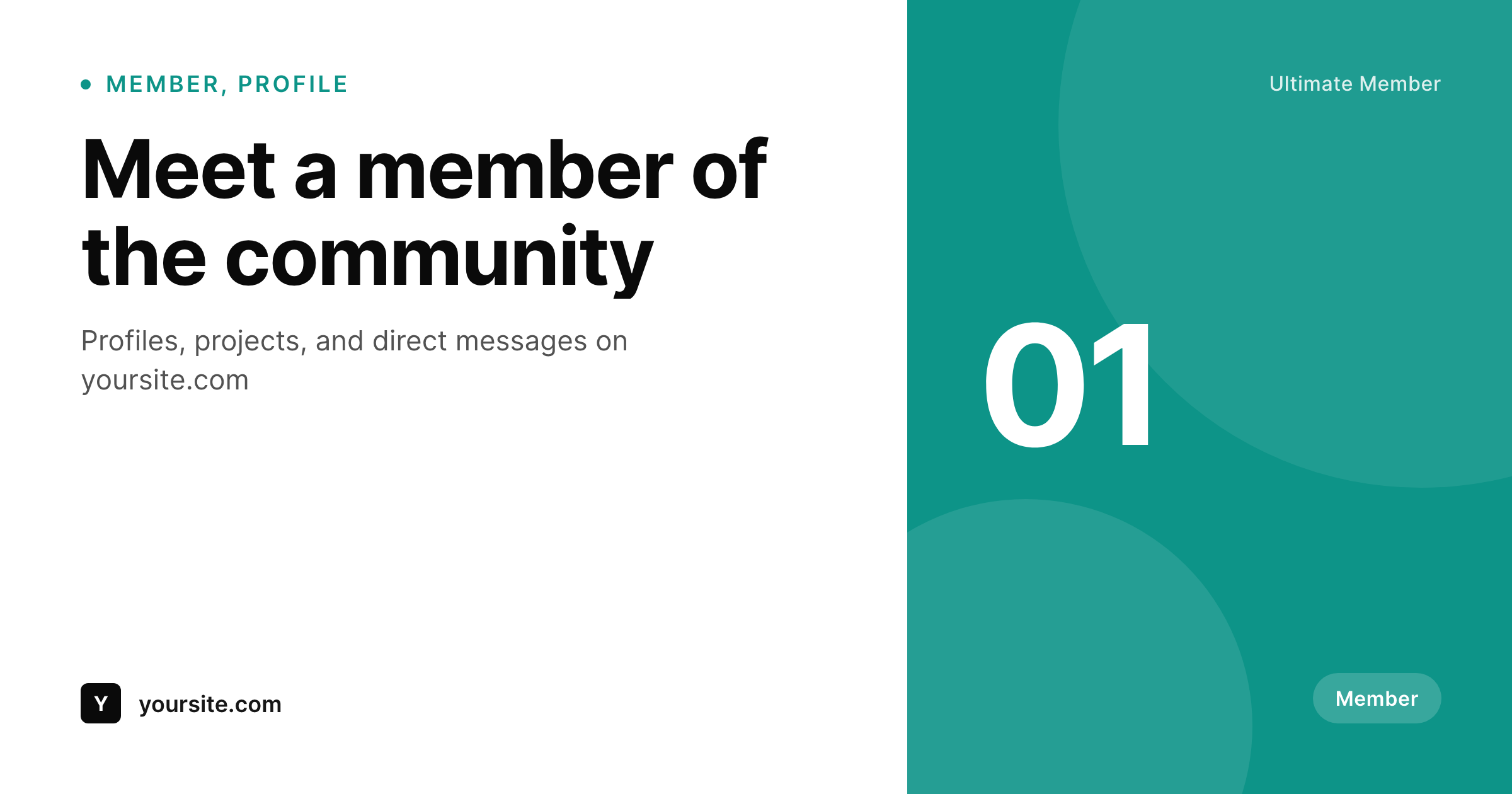
Member profiles deserve more than a generic site logo
Ultimate Member turns a WordPress site into a community: profile pages, member directories, role-based access, custom fields per user. Every member has a public profile URL, and that URL gets shared, linked, dropped into Slack, posted on social. The profile itself is rich, with avatar, role, bio, and custom fields, but the social-share preview is whatever the theme outputs by default. The community grows on shared profile links, and each one shares the same way.
SleekPixel handles the metadata layer Ultimate Member does not try to touch. You build one template in the WordPress admin with dynamic fields like {display_name}, {member_role}, {bio}, and any Ultimate Member custom field. Every profile save regenerates the OG image. The member updates their bio, role, or avatar, the share card updates with it.
SleekPixel does not modify Ultimate Member itself, it works at the user and post level. Ultimate Member keeps doing what it does: profile pages, directories, role gates, registration forms, account settings. SleekPixel handles the metadata around the profile so a shared member URL looks like part of the community wherever it lands.
Workflow
From profile save to share-ready in one step
Design the template
Connect to profiles
Save the profile
Share anywhere
Output
Sample social card for an Ultimate Member profile
This card was rendered from the member's display name, role, and accent color. Same template, every profile.
Comparison
Generic site logo vs SleekPixel
Default site logo on every member profile
- Every member profile shares with the same generic site logo
- No member name or role appears in the share preview
- Updating a profile bio or avatar does not update any social card
- Profile URLs in Slack and DMs all look identical regardless of who they point to
- No automation, card creation per member is not feasible by hand
SleekPixel
- Auto-generated OG image per profile on save, every time
- Pulls from any Ultimate Member field (name, role, bio, custom fields)
- Works on the profile post type or the user object
- Edit the template once and every existing profile regenerates
- Does not touch Ultimate Member itself, profiles and roles stay as configured
Features
What SleekPixel gives you for Ultimate Member
Template-driven
Design the profile card layout once with dynamic fields. Every Ultimate Member profile inherits it on save.
OG + Twitter meta
SleekPixel writes og:image, twitter:image, and twitter:image:alt on each profile, no theme code to touch.
Regenerate on demand
Updated the template? Bulk-regenerate every existing member profile card from the admin in one pass.
Use cases
Where this fits best
Public member profiles
Each member profile gets a card with display name, role, and tagline pulled from Ultimate Member fields.
Directory and role-specific listings
Directory views and role-filtered pages get cards that match the role, not a site-wide logo.
Member-shared profile links
When members share their own profile in DMs, social, or signatures, the preview shows them, not the storefront.
The bigger picture
Why member-profile share cards matter
Communities grow on shared profile links. A member updates their bio, posts a project, gets quoted somewhere, and a profile URL gets dropped into a Slack message, a tweet, an email signature. The thumbnail attached to that URL is the moment the community either looks like a real network of people or looks like a generic WordPress site.
A site-logo preview on every profile erases the member behind the link. A per-profile card that pulls display name, role, and bio directly from Ultimate Member's fields keeps each member visible in the share preview, which makes the community feel real every time a profile gets shared. Ultimate Member handles profiles, roles, and registration.
SleekPixel handles the metadata around the profile so members are recognizable wherever their URL lands.
Questions
Common questions about SleekPixel for Ultimate Member
No. SleekPixel works at the user and post level by writing the og:image meta tag for the profile URL. Ultimate Member continues to handle profiles, fields, and roles exactly as configured.
Yes. SleekPixel reads any user meta field by key. Reference the field key in the template to pull custom Ultimate Member fields into the card.
If the avatar is stored as a user meta or attachment, the template can reference it. Layout the avatar as an image element and point at the meta key Ultimate Member uses.
Yes. SleekPixel supports routing by role or by category, so admins, contributors, and standard members can each have their own card layout.
The template renders without it. Set defaults per field or design the layout so missing fields collapse gracefully.
Yes, on the next profile save the image regenerates. Or trigger a bulk regenerate from the admin.
No. The image is rendered once at save time and stored as a static PNG. Visitors load a regular image URL, no rendering happens at view time.
Generated images stay in the uploads folder. The og:image meta tag stops being written, so new shares fall back to whatever your theme outputs.
Pricing
More than 1000+
happy customers
Explore our flexible licensing options tailored to your needs. Upgrade your license anytime to access more features, or opt for a lifetime license for ongoing value, including lifetime updates and lifetime support. Our hassle-free upgrade process ensures that our platform can grow with you, starting from whichever plan you choose.
Lifetime ♾️
Most popular
EUR
once
- Unlimited websites
- Lifetime updates
- Lifetime support
...or get the Bundle Deal
and save €250 🎁
💎 Want everything forever? The All Access Pass is going away on 01.08.2026.
The Bundle (unlimited sites)
Pay once, own it forever
Elevate your WordPress site with our exclusive plugin bundle that includes all of our premium plugins in one package. Enjoy lifetime updates and lifetime support. Save significantly compared to buying plugins individually.
What’s included
-
SleekAI
-
SleekByte
-
SleekMotion
-
SleekPixel
-
SleekRank
-
SleekView
€749
Continue to checkoutBrowse more
- Yelp review cards
- uptime report card
- longform article card
- company milestone card
- quote graphic
- podcast episode
- trick of the day cards
- acquisition announcement cards
- Hacker News launch card
- award announcement images
- how-to guide cards
- expectation vs reality cards
- poll result card
- year-end recap card
- code snippet card
- Odnoklassniki banners
- Threads profile banners
- Instagram grid tiles
- Mastodon profile banners
- KDP hardcover cover
- Vimeo channel banners
- podcast cover art
- Reddit subreddit banners
- Twitch schedule banners
- Facebook post images
- WeChat Moments images
- YouTube Shorts cover
- VK community cover photos
- Snapchat Spotlight covers
- Amazon Storefront banners