






SleekPixel for PeepSo
PeepSo turns WordPress into a community with profiles, groups, and activity streams. SleekPixel reads that profile and group data on save and renders a branded share image, so a forwarded link to a member profile or a group thread previews with name, group, and avatar instead of a generic site banner.
♾️ Lifetime License available
Community pages share badly by default
PeepSo gives WordPress a real community layer: member profiles, groups, activity walls, forum-style discussions, friendships. Each of those surfaces is a public URL on most setups, and each URL carries unique signal: who the member is, which group they posted into, which thread is on fire today. The signal is in the database and on the page, but it almost never makes it into the share preview.
The default behavior on a PeepSo profile or group page is to fall back to whatever the theme or SEO plugin configured as the site OG image. A member sharing their own profile to invite a friend gets a generic site banner. A moderator pinning a hot thread to Slack gets the same banner. New visitors see nothing about the person, the group, or the discussion before they decide whether to click. The community looks impersonal precisely at the moment that personality matters.
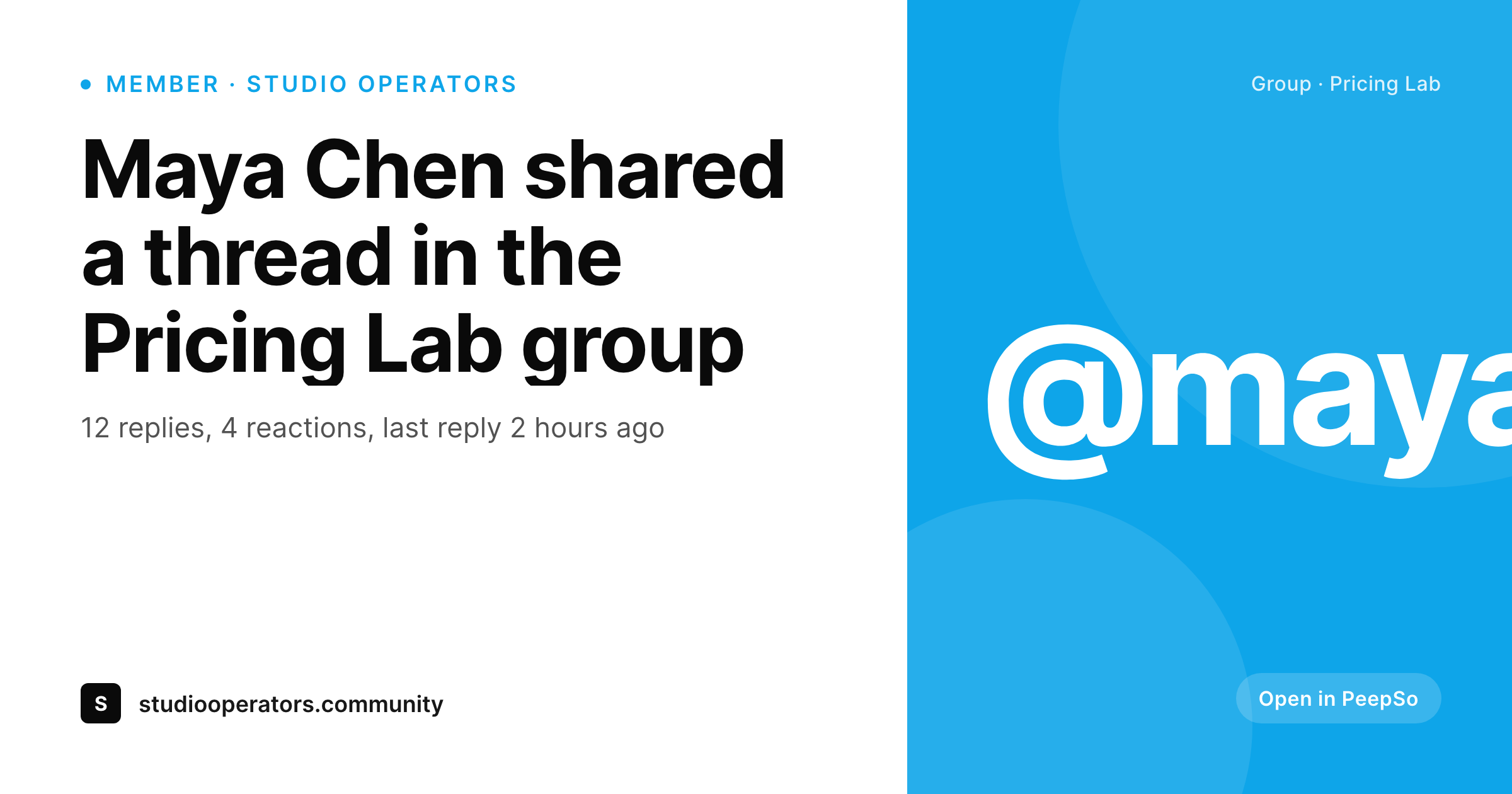
SleekPixel reads PeepSo's profile fields, group taxonomy, and post titles directly. Profile pages render a card with display name, avatar, role, and primary group. Group pages show group name, member count, and a banner mark. Threads render with title, author handle, and group context. Each save writes a fresh PNG to uploads and points og:image at it, so every shared link from inside the community lands with a card that reads like the community itself rather than the homepage.
Workflow
From PeepSo profile to branded card
Build profile, group, and thread templates
Bind PeepSo fields
Save inside PeepSo
Community shares carry context
Output
What gets generated per PeepSo surface
A 1200 by 630 OG card with member name or group title, avatar or banner mark, role or member count, and brand mark, rendered on save and saved to uploads as a real PNG.
Comparison
Generic site banner versus SleekPixel
Default theme OG image
- Profile share previews show the same site banner for every member
- Group page shares give no hint of group name, topic, or member count
- Forum thread links unfurl as if every thread were the homepage
- Avatars and group banners stay locked inside the community, never in previews
- Brand updates leave hundreds of community URLs sharing with stale art
SleekPixel
- Reads PeepSo profile fields, groups taxonomy, and forum post types
- Profile cards include avatar, display name, role, and primary group
- Group cards show group name, member count, and banner mark
- Thread cards carry title, author handle, and group context
- Bulk regenerate covers every profile, group, and thread after a refresh
Features
What SleekPixel gives you for PeepSo
Profile-aware
Reads PeepSo's user profile post type, displays avatar, name, role, and primary group on the card. A friend invite forwards as a real introduction.
Group cards
Group landing pages render a card with group name, member count, and group banner art. Pinned shares to Slack or Discord lead with the group identity.
Thread previews
Forum and activity threads compose a card from title, author handle, and group context, so hot discussions arrive as discussions, not as a homepage banner.
Use cases
Where PeepSo communities benefit from share cards
Member-led invites
Members sharing their own profile to invite friends preview as a real card with name, role, and group. The invite reads like a person rather than a website.
Group recruitment
Public groups recruiting new members from outside the community surface group name, member count, and topic in the share preview. Joining is a click decision, not a guess.
Thread amplification
Moderators sharing a hot thread to Slack or Twitter open with the thread title and author. Discussions move outside the community without losing their context.
The bigger picture
Why community URLs deserve real previews
Community products grow primarily through member-led invites and through public group discoverability. Both pathways live or die at the share preview. A PeepSo member who shares their own profile to invite a friend is implicitly saying, here is a place where I am known and where I have peers.
A generic site banner flattens that signal into something that looks like a brochure, and the friend on the other end sees a marketing site rather than a person. A profile card with avatar, role, and group restores the personal layer at the exact moment that personal layer is doing the work. Group recruitment runs on the same logic.
A public group inviting new members from outside the community needs the share preview to communicate what the group actually is, who is in it, and how active it is. Member count and group name on the card answer those questions in three seconds, before the click. PeepSo already collects this data in its standard tables.
SleekPixel just renders the data into a visible card on save, which means the share-preview layer of the community matches the in-app experience without any per-share design work.
Questions
Common questions about SleekPixel for PeepSo
No. SleekPixel only renders fields that are already public on the profile page itself. Private email, private custom fields, and friends-only data stay private. The card uses display name, public avatar, and public group membership, which are visible to anyone with the profile URL anyway.
Yes. PeepSo's group post type stores member count on a meta key that updates when members join or leave. The template can read that value and render '1,247 members' on the group card. The card refreshes when the group post is saved.
Closed groups have a public landing page that non-members can see, so SleekPixel renders a card showing name and member count without exposing the wall. Secret groups are not publicly indexed, so the share preview rarely matters. The template can be configured to skip rendering for secret groups.
The activity stream itself is a feed view, not a per-post URL. Individual activity posts that have a permalink can render their own card with the author handle and a short title. Most setups focus on profiles, groups, and forum threads, where dedicated URLs benefit most from share previews.
Yes. The template can branch on PeepSo user roles or custom badges. Founders, moderators, and verified members can render with a role pill or a different accent color. Default members render the standard layout.
Renders happen on save, not on page load. A member browsing the community hits cached PNGs. Even communities with tens of thousands of members run smoothly because each profile only re-renders when its post is updated. The bulk regenerate command is the heaviest operation and runs once per template change.
The mobile app uses the same WordPress backend, so any data that powers the website renders the same card. Links shared from the app to external networks unfurl with the same branded image as links shared from the web.
Yes. The bulk regenerate command walks every profile, group, and thread post and rebuilds each card. After a logo change or a color update, one command refreshes the whole community archive without manual edits.
Pricing
More than 1000+
happy customers
Explore our flexible licensing options tailored to your needs. Upgrade your license anytime to access more features, or opt for a lifetime license for ongoing value, including lifetime updates and lifetime support. Our hassle-free upgrade process ensures that our platform can grow with you, starting from whichever plan you choose.
Lifetime ♾️
Most popular
EUR
once
- Unlimited websites
- Lifetime updates
- Lifetime support
...or get the Bundle Deal
and save €250 🎁
💎 Want everything forever? The All Access Pass is going away on 01.08.2026.
The Bundle (unlimited sites)
Pay once, own it forever
Elevate your WordPress site with our exclusive plugin bundle that includes all of our premium plugins in one package. Enjoy lifetime updates and lifetime support. Save significantly compared to buying plugins individually.
What’s included
-
SleekAI
-
SleekByte
-
SleekMotion
-
SleekPixel
-
SleekRank
-
SleekView
€749
Continue to checkoutBrowse more
- Instagram collab post images
- Warpcast frame images
- eBay listing images
- Buy Me a Coffee banners
- Mastodon profile banners
- LinkedIn carousel slides
- GitHub social preview images
- Snapchat Spotlight covers
- Spotify playlist cover
- Amazon Storefront banners
- Dribbble shot covers
- Shopify collection banners
- X list banners
- Bandcamp release cover
- kbin post images