






SleekPixel for BBQ restaurants
Today's smoke list, sold-out updates, and pickup windows live in WordPress already. SleekPixel renders an OG image and a feed square so customers know what's left before they drive over.
♾️ Lifetime License available
BBQ runs on what is left, not what is on the menu
A BBQ joint does not have a menu the way a diner has a menu. The day starts with a smoke list, brisket sells out by four, ribs go an hour later, and the only way a regular knows whether to drive over is a same-day update on Instagram or the website. Most pitmasters end up texting a story to a friend who runs the social account, who then opens Canva, types out 'brisket sold out', and ships it half an hour after the line stopped forming. The signal is real, the delivery is too slow to matter.
SleekPixel reads from a simple daily-cuts post in WordPress. The pitmaster updates one post with checkboxes for what is still available and the projected sold-out times, hits save, and the OG image plus an Instagram square render from those fields. The square is in the editor sidebar within seconds, ready to post from the phone. The OG image goes out anywhere the daily-cuts URL is shared, including the link in the Instagram bio and the Google Business profile.
The art does not replace standing in line, but it stops the trips where someone drives twenty minutes for brisket that ran out at lunch.
Workflow
From a smoke list to a sold-out tracker
Build the cut-board template
Make a daily-cuts post type
Update at open
Share the link
Output
What renders for today's cut board
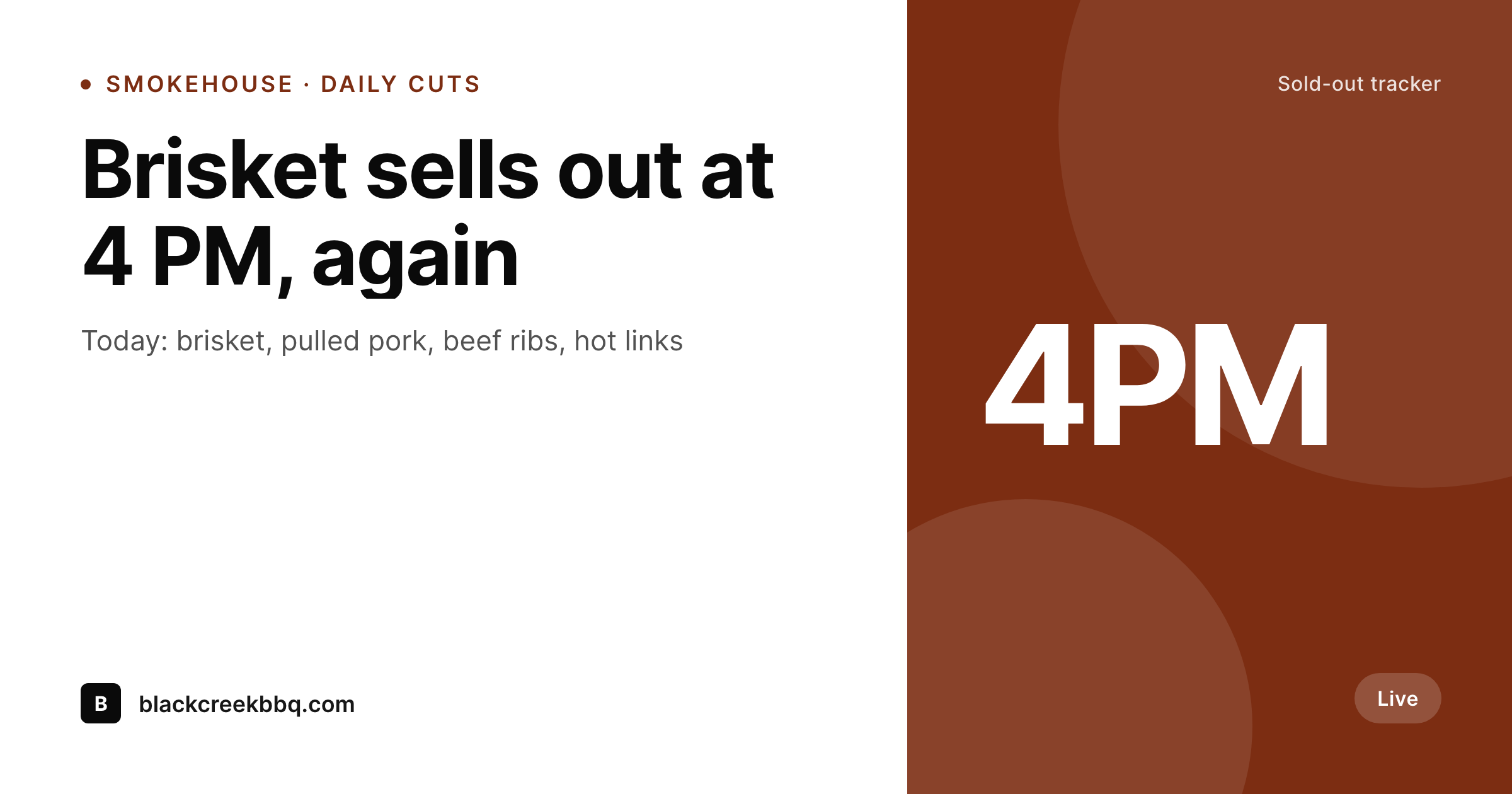
A 1200 by 630 OG image built from the daily-cuts post: today's available smokes, projected sold-out times, and a pickup window.
Comparison
Default BBQ restaurant image vs SleekPixel
Default BBQ restaurant image
- Sold-out updates posted as a screenshotted text message, no brand at all
- Daily cut board is a Canva file that loses its layout when copy gets longer
- OG image is the cafe logo, so a sold-out link shares as a logo
- No projected times on the image, so customers still call to check
- Different fonts on every update because each one is built from scratch
SleekPixel
- Today's available smokes pulled from a checkbox field on one daily post
- Projected sold-out times render next to each cut as small timestamps
- OG image refreshes the moment the pitmaster updates the post
- Instagram square downloads from the sidebar, ready to post from the phone
- Pickup window and call-ahead phone bake into the corner of every image
Features
What SleekPixel gives you for BBQ restaurants
Daily cuts as fields
Brisket, pulled pork, ribs, hot links, turkey, sausage render as a checklist on the image, so customers see exactly what is still on the board.
Sold-out projections
A small timestamp next to each cut shows when it is expected to run out, so a customer can decide whether to drive over now.
Call-ahead built in
The pickup window and the call-ahead phone number bake into a fixed corner, so every share carries the way to confirm before driving.
Use cases
Who uses SleekPixel for BBQ restaurants
Smokehouse daily updates
One post per day, one render per day, no Canva session at lunch.
Pop-up BBQ stands
Pop-ups at breweries and markets render their daily board for the host venue's audience as well as their own.
Catering and trays
Whole-tray pricing and pickup days render from a separate template, so catering customers get a different card than walk-up regulars.
The bigger picture
Why daily-cut art changes how a BBQ joint runs the day
A BBQ kitchen sells what it smokes, not what is on a menu, and the trips that hurt are the ones where a customer drives twenty minutes for brisket that ran out at noon. A daily-cuts post solves the data problem, but the data still has to reach the customer where they look, which is Instagram and Google. Manual social updates lag the kitchen by twenty minutes on a good day and ninety on a bad one.
Auto-rendered art from the same post the pitmaster updates closes the gap to seconds, which is the difference between a regular driving over for ribs and the same regular finding out three hours later. The art also signals trust on its own. A smokehouse that ships a clean daily board reads as a smokehouse that runs its kitchen carefully, and that signal pulls in the food writers and the out-of-town visitors who would otherwise default to whatever shows up first in Google Maps.
Questions
Common questions about SleekPixel for BBQ restaurants
Yes. The image is bound to the post, so saving the post re-renders the image. If brisket goes from available to sold out, the next save updates the OG image and the Instagram square together.
WordPress schedules posts natively, and SleekPixel renders when the scheduled save fires. Most pitmasters prefer manual saves because availability shifts during the day, but a daily 11 AM open render is a reasonable default.
Build a second template bound to a separate catering-tray post type. The two templates render at different sizes and with different fields, so walk-up customers and catering leads see different cards from the same site.
Not directly. SleekPixel renders images, not order flows. If the site uses WooCommerce or a third-party ordering plugin for takeout, the order link and the daily-cuts URL are still separate. The image points customers to the order link as a regular hyperlink.
Yes. A checkbox field for sold-out renders a strike-through or a red badge over the cut in the template. The customer reads the board at a glance and skips a phone call.
Add the guest cut as a one-off field on the daily post. The template has a flex region for guest items, so a brisket flat or a smoked half chicken slots in for one day without restructuring the design.
Yes. Social platforms cache OG images aggressively, so a daily update has a short window where the previous image still shows in DMs. The Facebook sharing debugger and Twitter card validator force a refresh, and the SleekPixel admin links to both.
Not natively. POS systems usually expose inventory through their own dashboards, not through WordPress. The daily-cuts post is a manual write from the pitmaster, which is the workflow most BBQ joints prefer because supply is judged by eye, not by ticket count.
Pricing
More than 1000+
happy customers
Explore our flexible licensing options tailored to your needs. Upgrade your license anytime to access more features, or opt for a lifetime license for ongoing value, including lifetime updates and lifetime support. Our hassle-free upgrade process ensures that our platform can grow with you, starting from whichever plan you choose.
Lifetime ♾️
Most popular
EUR
once
- Unlimited websites
- Lifetime updates
- Lifetime support
...or get the Bundle Deal
and save €250 🎁
💎 Want everything forever? The All Access Pass is going away on 01.08.2026.
The Bundle (unlimited sites)
Pay once, own it forever
Elevate your WordPress site with our exclusive plugin bundle that includes all of our premium plugins in one package. Enjoy lifetime updates and lifetime support. Save significantly compared to buying plugins individually.
What’s included
-
SleekAI
-
SleekByte
-
SleekMotion
-
SleekPixel
-
SleekRank
-
SleekView
€749
Continue to checkoutBrowse more
- Bluesky link cards
- Instagram Shop product images
- Telegram channel images
- Snapchat Discover tiles
- Threads profile banner
- Shopify product images
- Bluesky profile banner
- Instagram Reels covers
- Facebook post images
- YouTube thumbnails
- Instagram feed posts
- LinkedIn document post covers
- Rednote (Xiaohongshu) post
- Apple Podcasts covers
- LinkedIn showcase page banners